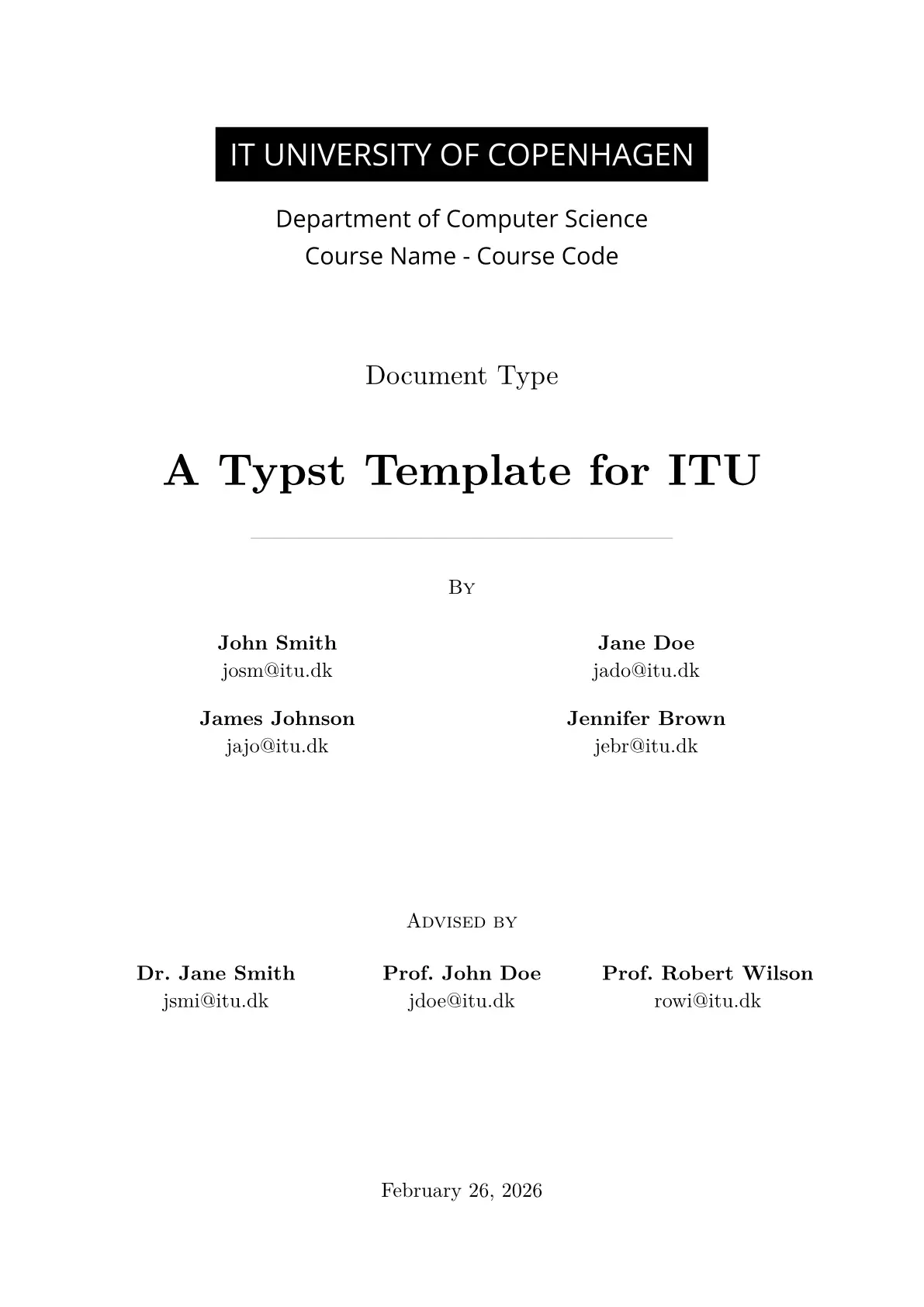


An unofficial Typst template for IT University of Copenhagen.
Disclaimer: This template is NOT affiliated with the IT University of Copenhagen. The ITU logo included in this repository is the property of the IT University of Copenhagen and is provided for use by ITU students, staff, and researchers only. Use by others requires prior written approval: ITU logo policy.


Features
- Title page with department, course, document type, authors, and advisers
- Abstract page with Roman numeral page numbering
- Table of contents (up to 3 levels deep)
- Dynamic page headers that reflect the current section and subsection
- Footer with total-page count (e.g.
1 / 12) and ITU logo - Bibliography via
bib.yaml— IEEE style, supports articles, books, proceedings, and more - Glossary via
glossary.yaml— automatic first-use expansion with short/long forms - PDF metadata — author names and title embedded in the output PDF
- Automatic section page breaks
- Dark mode
Getting Started
-
Font Installation (optional)
- The template uses Open Sans (ITU’s logo font) for the title page
- The template will fall back to system fonts if Open Sans isn’t installed
- Download from Google Fonts if needed
-
Configure your document
- Edit the project parameters in
main.typto set your details:#show: academic-document.with( department: "Department of Computer Science", course-name: "Course Name", course-code: "Course Code", document-type: "Document Type", title: "Your Document Title", authors: ( (name: "Jane Doe", email: "jado@itu.dk"), (name: "John Smith", email: "josm@itu.dk"), ), author-columns: 2, advisers: ( (name: "Dr. John Smith", email: "jsmi@itu.dk"), ), adviser-columns: 3, )
- Edit the project parameters in
-
Write your content
- The sections are split into files for organization (see the
sectionsfolder) - you can include new sections by adding them to the
main.typfile
- The sections are split into files for organization (see the
-
Compile your document
typst compile main.typ- Or watch for changes and recompile automatically:
typst watch main.typ
- Or watch for changes and recompile automatically:
Note: You can enable dark mode in
main.typif you prefer while you’re working.
Get Started with Typst
Resources
Installation
Note: There is also an online editor for Typst at typst.app
-
Install Typst
-
Editor Integration
- TinyMist Extension for VSCode, NeoVim, etc.
Working with References
Bibliography
- Add references to
bib.yaml - Reference in text using
@citation_keyor#ref(<citation_key>) - Bibliography generated automatically at document end
- Supports articles, books, proceedings, web resources, and more
Glossary
- Define terms in
glossary.yamlwith short/long forms and descriptions - Reference terms using
@term_keysyntax - First usage shows full form, subsequent uses show short form
- Force full form with
#gls("term_key", long: true) - Use plural forms with
@term_key:plor#glspl("term_key")
Credits
This template is built on the foundation provided by Simple Typst Thesis by Zagoli. The original work has been expanded with additional features, and ITU-specific styling.