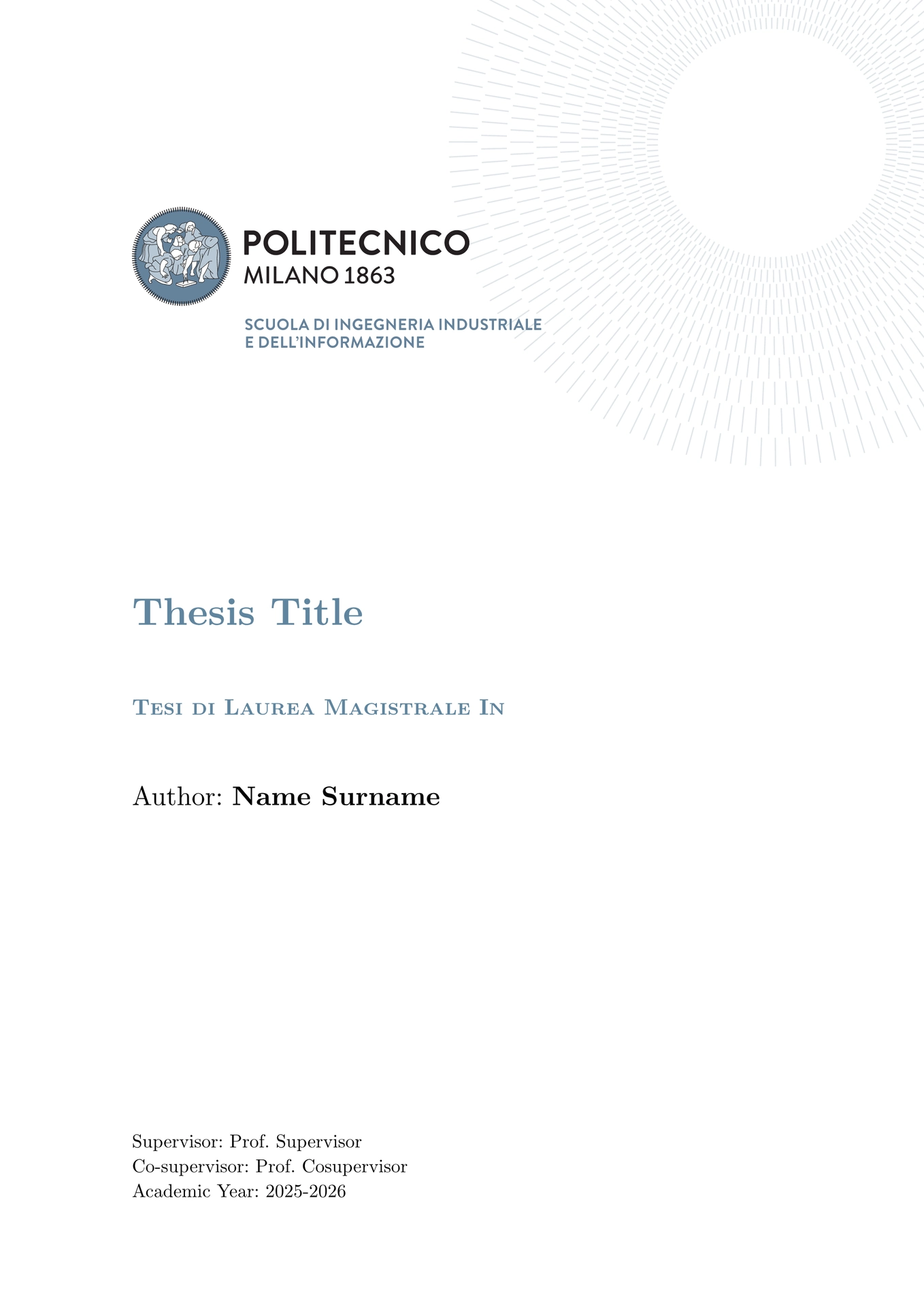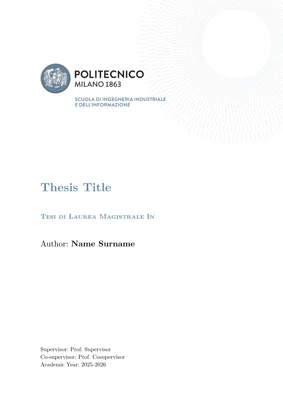




Typst theses and summaries templates for the Polytechnic University of Milan. The package supports all the templates that can be found on this page.
It also supports the presentation. It is loosely based on the templates that can be found here while also taking into account the Digital Brand Manual.
See the examples directory and documentation for more information.
Preview ✨

PhD
|

DEIB PhD
|

Computer Science and Engineering
|

Classical Master
|

Executive Summary
|

Article Format
|
|
Title page of presentation
|
|

Usage 🖋
You can either use this template in the webapp by clicking on “Create project in webapp” or, from the CLI, run:
typst init @preview/elegant-polimi-thesis:0.2.1
I’d also recommend to export with the a-3u PDF standard flag (see more).
To get started:
#import "@preview/elegant-polimi-thesis:0.2.1": *

#show: polimi-thesis.with(
  title: "Thesis Title",
  author: "Vittorio Robecchi",
  supervisor: "Prof. Donatella Sciuto",
  cosupervisor: "Prof. Antonio Capone",
  tutor: "Prof. Marco Bramanti",
  academic-year: [2026 --- 2027],
  frontispiece: "phd",
)

#show: frontmatter

// abstract in English

// sommario in Italian

#show: acknowledgements

// acknowledgements

#toc
#list-of-figures
#list-of-tables

#let _nomenclature = (
  "key" : "value"
)
#nomenclature(
  _nomenclature,
  indented: true
)

#show: mainmatter

// main section of the thesis

#show: backmatter

// backmatter

#show: appendix

// appendix

#show: backmatter

// bibliography

#show: acknowledgements

// acknowledgements
Depending on the thesis template you need change the frontispiece argument accordingly:
phdfor “PhD Thesis Template”deib-phdfor “DEIB PhD Thesis”classical-masterfor “Classical Format Thesis”cs-eng-masterfor “Computer Science and Engineering”
The template also offers the Executive Summary and the Article Format; in order to use them show the respective functions:
#import "@preview/elegant-polimi-thesis:0.2.1": *

// For the article format
#show: polimi-article-format.with(
  title: "Thesis Title",
  author: "Vittorio Robecchi",
  supervisor: "Prof. Donatella Sciuto",
  cosupervisor: "Prof. Antonio Capone",
  academic-year: [2026 --- 2027],
  abstract: include "../sections/abstract.typ"
)

// For the executive summary
#show: polimi-executive-summary.with(
  title: "Thesis Title",
  author: "Vittorio Robecchi",
  supervisor: "Prof. Donatella Sciuto",
  cosupervisor: "Prof. Antonio Capone",
  academic-year: [2026 --- 2027],
)
The templates are three distinct documents, however they share most of the arguments:
title: title of the documentauthor: name and surname of the authorsupervisor: name and surname of the supervisorcosupervisor: name and surname of the cosupervisor(s) (can be empty)course: the course you are graduating inacademic-year: the corresponding academic yearcustom-logo: logo of the thesis (the logos provided by the template are distributed with NC-BY 4.0 license)
I recommend to import all the library anyway in order to access all the functions (*matter, theorems-related among others).
The following are exclusive to polimi-thesis:
tutor: name and surname of the tutorcycle: the cycle of the thesischair: the chair of the thesisstudent-id: your student IDfrontispiece: the specific type of frontispiece to be used (default:phd; supported:deib-phd,cs-eng-master,classical-master)
Depending on the selected frontispiece, not all these attributes may be needed.
The following are exclusive to polimi-article-format-thesis:
abstract: the abstractkeywords: keywords (that will also appear in the document metadata)
Presentation
In regards to the presentation, you’ll have to download on your own the Manrope font.
Built on Touying, the structure is quite standard:
#import "@preview/elegant-polimi-thesis:0.2.1": *

#show: polimi-digital-presentation.with(
  config-info(
    title: "Title of the Presentation",
    author: "Name Surname",
    subtitle: "Subtitle",
    theme: "Theme",
    date: datetime.today(),
  ),
  ..args
)

#title-slide()

#make-outline()

= First Section

== Slide in first section

#lorem(50)

#lorem(40)

== Split slide

#split-slide(
  left: [
    #lorem(30)

    #lorem(30)
  ],
  right: [
    === Paragraph title
    #lorem(120)

    === Paragraph title
    #lorem(120)
  ],
)

= Second Section

== Slide in second section

#lorem(20)

#lorem(20)

#lorem(20)

#focus-slide[Thanks for listening]
Do note ..args are all valid Touying arguments, as can be seen in all Touying-based presentation templates.
Recommended packages
Useful packages for a thesis include:
- equate, physica for mathematical expressions
- unify, zero to correctly format numbers
- cetz, fletcher for drawing diagrams, lilaq to plot data
- zebraw, codly for syntax highlighting in code blocks
- frame-it, showybox to display formatted blocks
- meander to wrap text around images and such
The smartaref and hallon packages have been integrated to provide subfigures (currently unsupported), while great-theorems and headcount to handle theorems implementations.
| Typst package | LaTeX equivalent |
|---|---|
| equate | ams*, mathtools |
| phisica | ams*, mathtools |
| unify | siunitx |
| zero | siunitx |
| cetz | TikZ |
| fletcher | TikZ |
| lilaq | TikZ |
| zebraw | listings |
| codly | listings |
| frame-it | mdframed |
| showybox | mdframed |
| lovelace | pseudo |
| algo | pseudo |
| meander | wrapfig |
The complete list of packages can be found on the Typst Universe.
Contributing 🚀
If you happen to have suggestions, ideas or anything else feel free to open issues and pull requests or contact me.