




中文 | English
Academic presentation templates built on touying. The package covers slide decks, handouts, speaker notes, and pdfpc metadata. The visual theme is derived from Carlos-Mero/may under MIT.
Features
- Universe template support:
typst init @preview/xwysyy:0.5.0creates a ready-to-compile deck. - Six built-in themes:
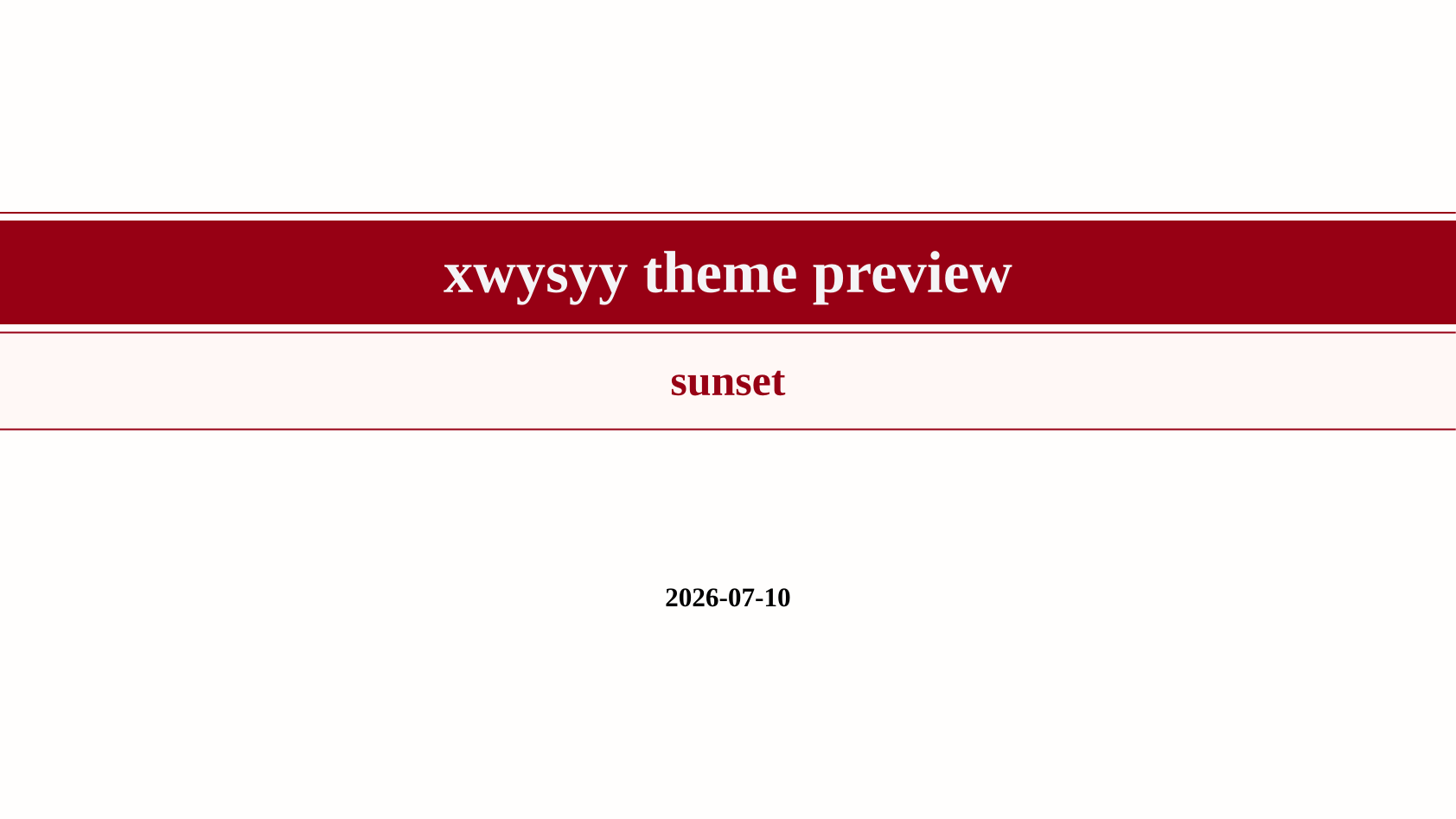
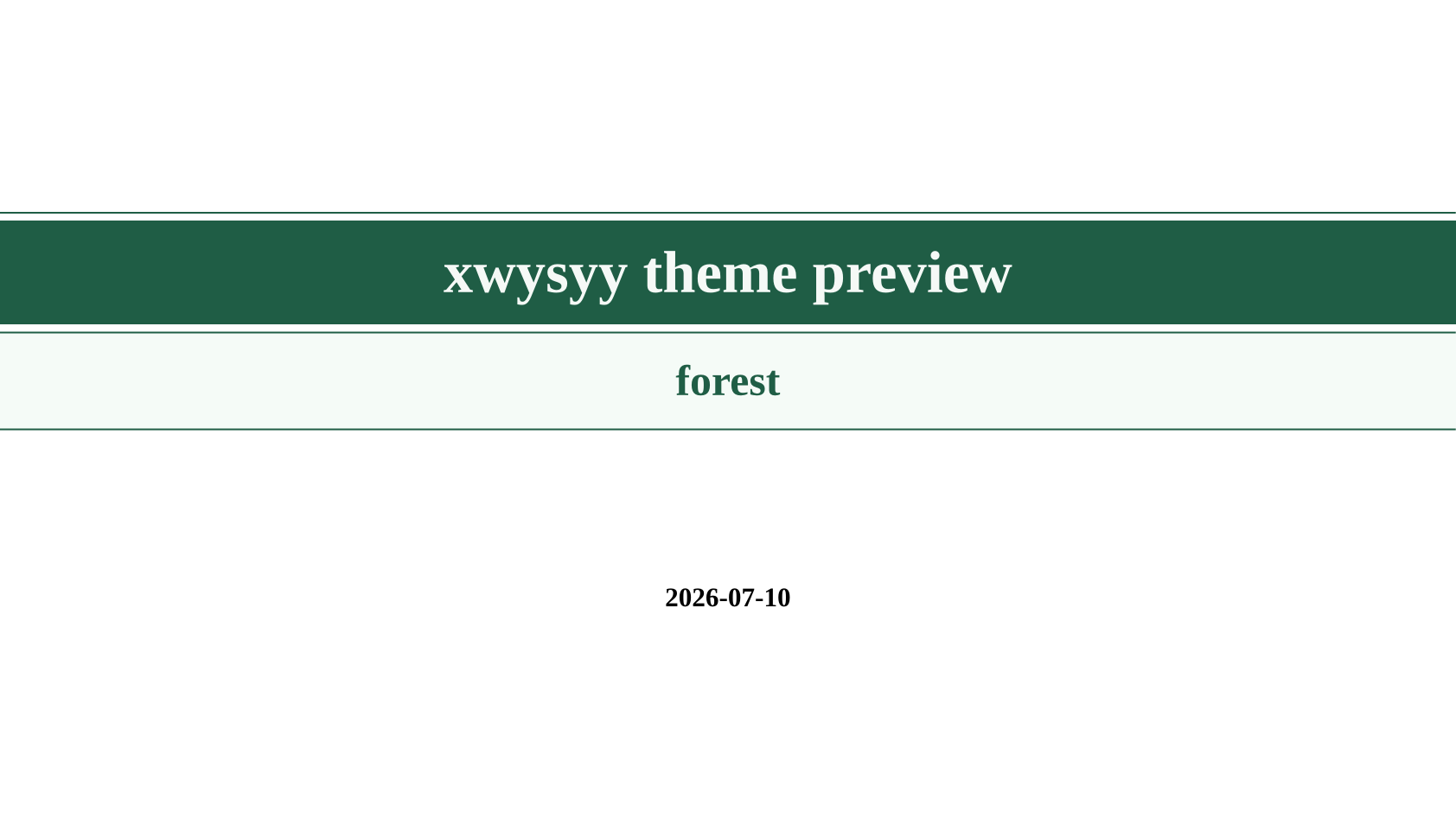
sky,sunset,forest,midnight,violet, andgraphite. - Custom theme dictionaries can be passed directly to
theme, so users can customize colors without forking the package. xwysyy-pretakesfont,code-font, andlang, plusheading-fontfor the header title.- Touying handout mode,
#speaker-note, and pdfpc export are documented with tagged source examples. - Eight semantic layout components (
duo-slide,grid-slide,figure-slide,stat-slide, …) measure every block at compile time, distribute space fill-first, and export layout telemetry without hand-written#v()spacing.
Preview
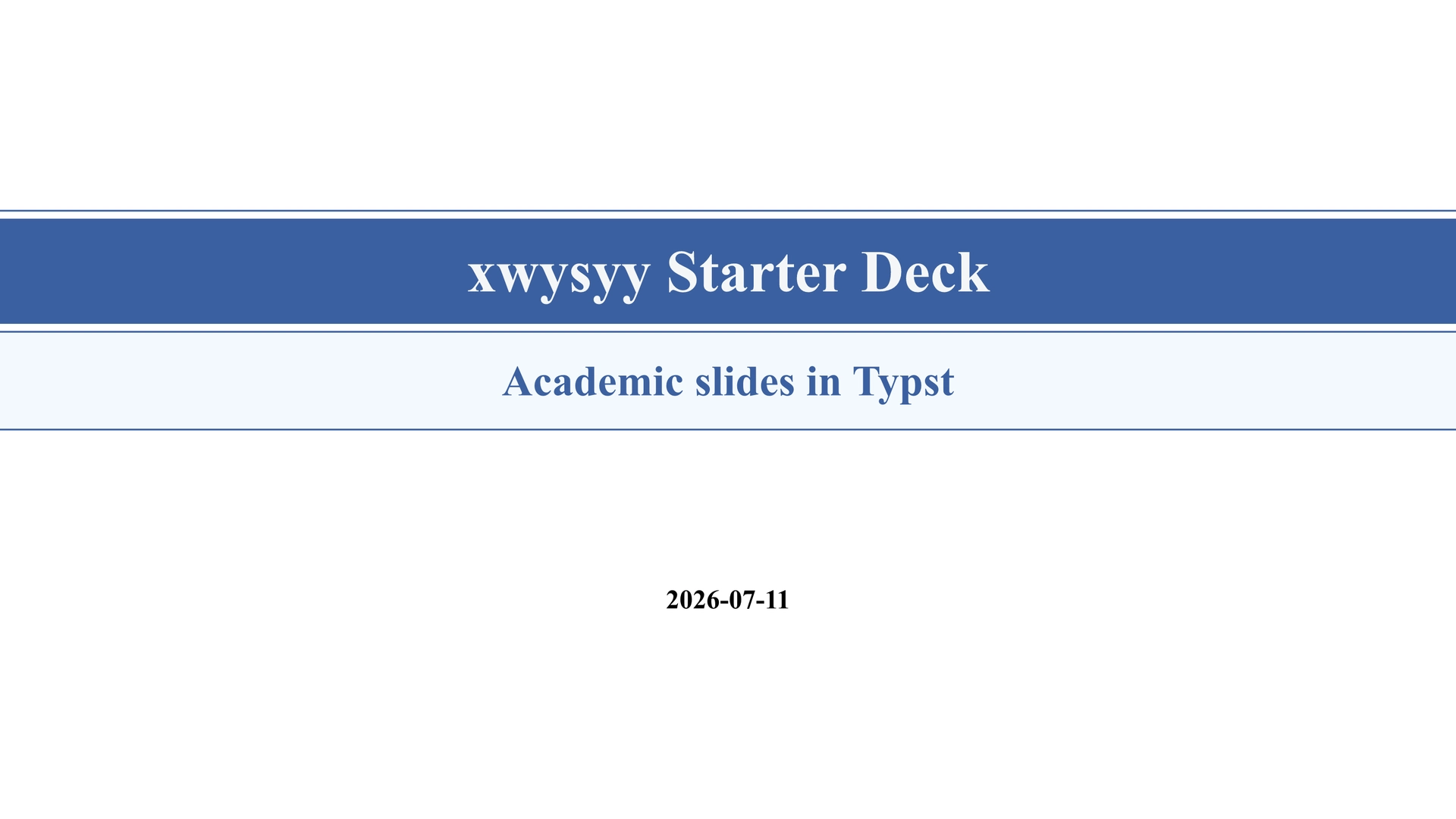
Rendered previews are generated from the tagged source examples.
Slide Themes
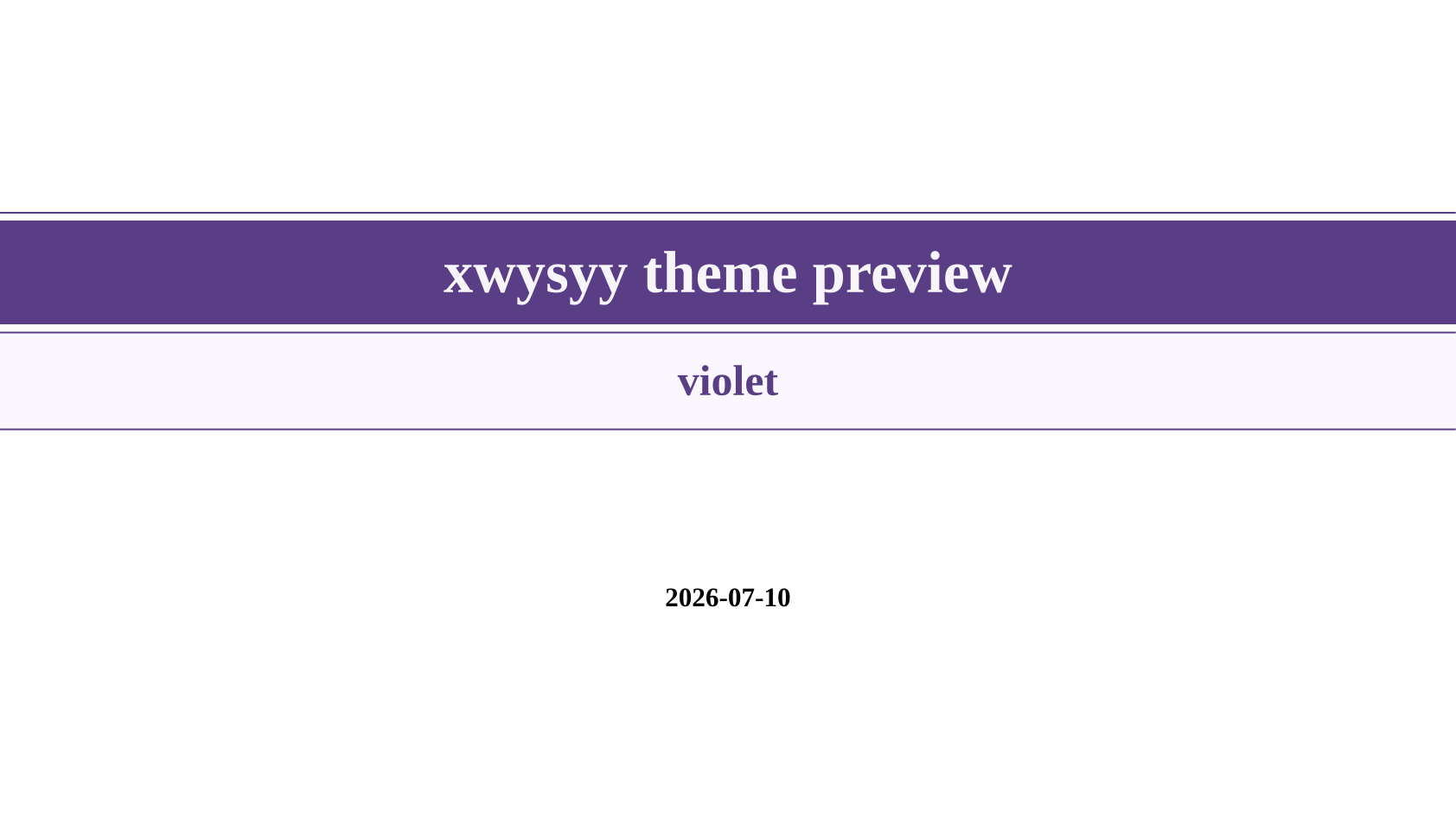
| sky | sunset | forest |
|---|---|---|
 |
 |
 |
| midnight | violet | graphite |
|---|---|---|
 |
 |
 |
Component Pages
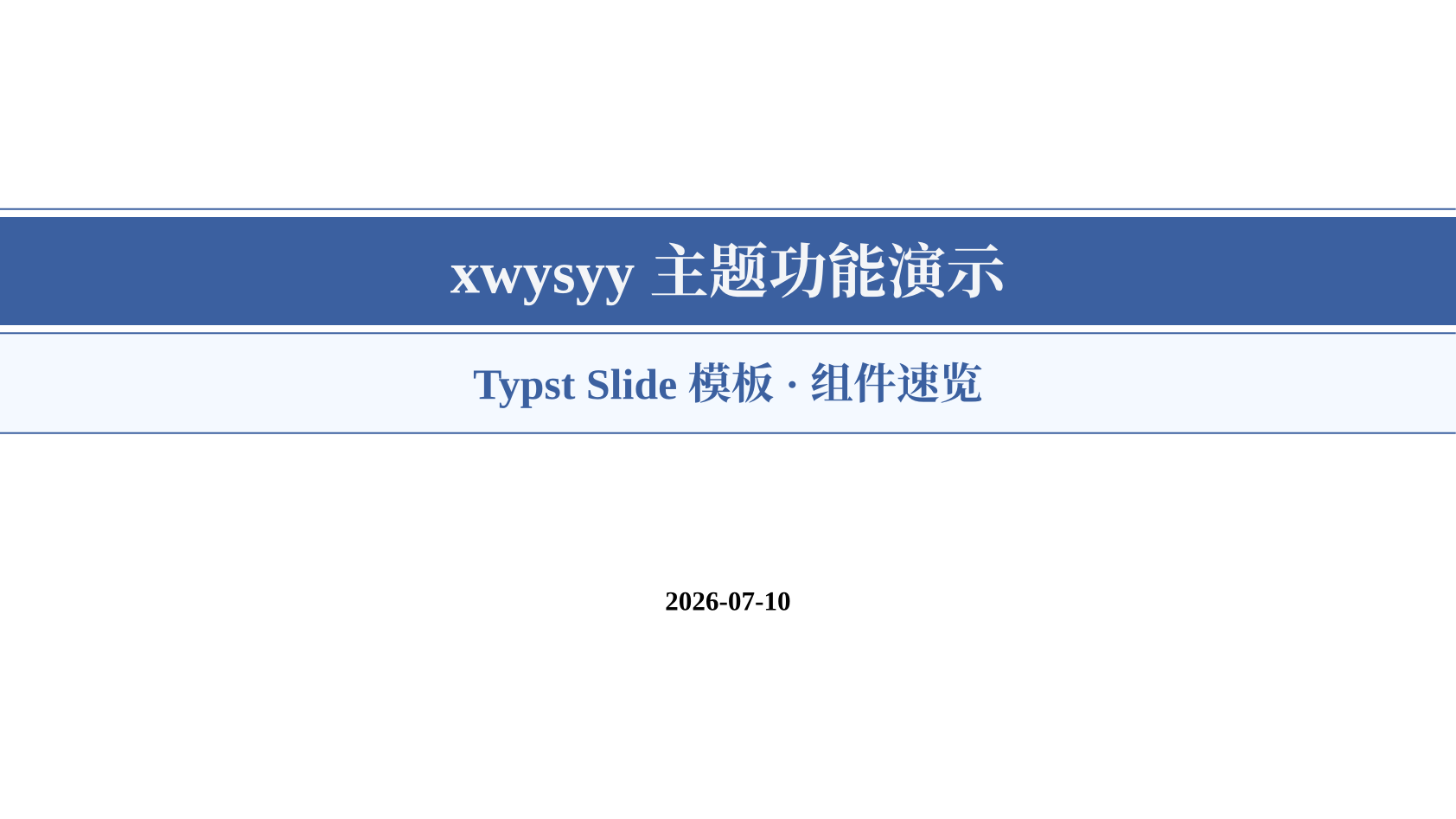
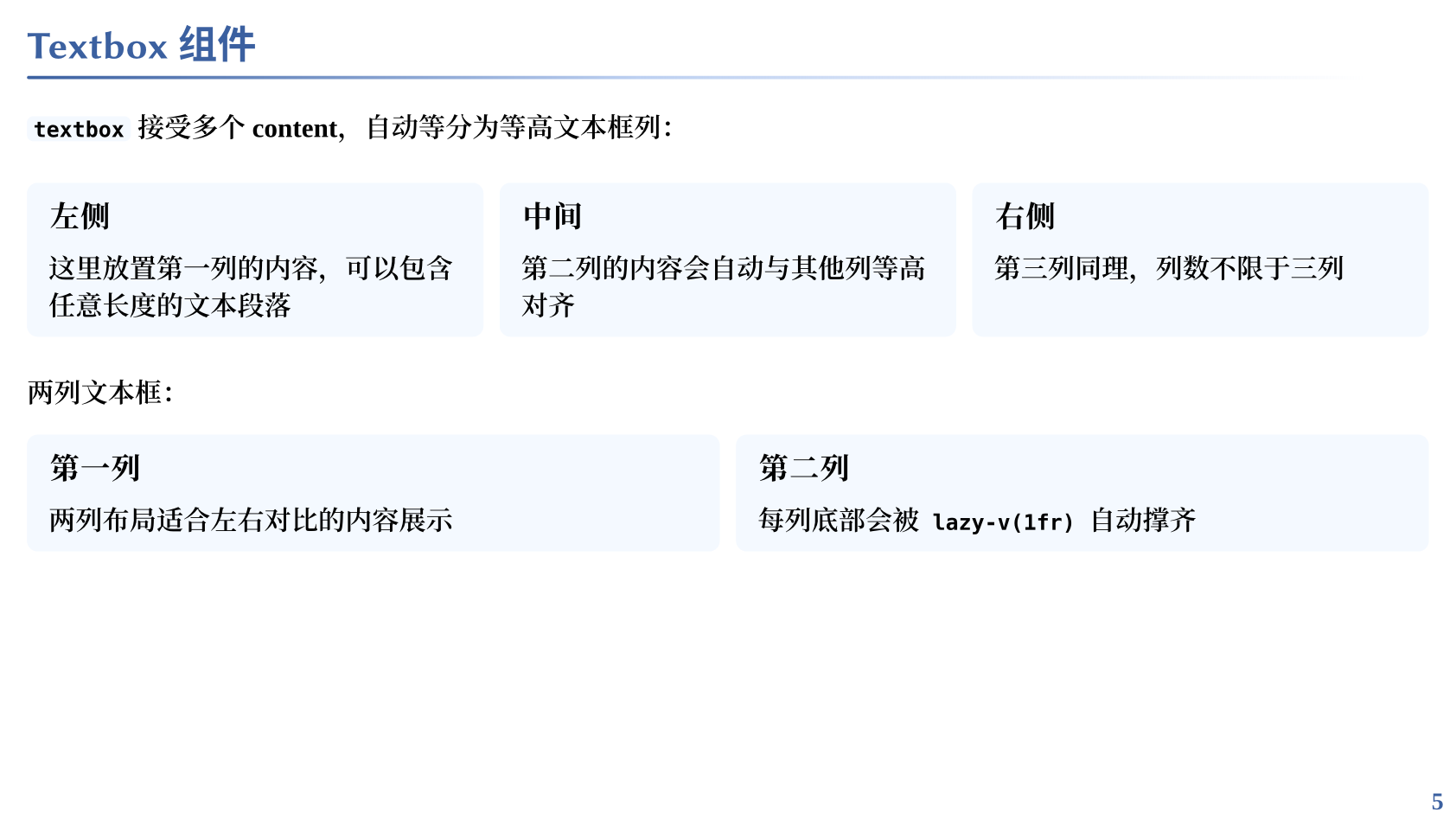
| Sky cover | Sky components |
|---|---|
 |
 |
| Sunset cover | Sunset components |
|---|---|
 |
 |
Quick Start
Create a new project from the Universe template:
typst init @preview/xwysyy:0.5.0 my-talk
cd my-talk
typst compile main.typ
Use the package in an existing Typst project:
#import "@preview/xwysyy:0.5.0": *

#show: xwysyy-pre.with(
  theme: "sunset",
  config-info(
    title: [My Presentation Title],
    subtitle: [Subtitle],
    author: " ",
    date: datetime.today(),
    institution: " ",
  ),
)

#title-slide()
#outline-slide()

= Section Title

== Slide Title

Body text with *bold* and #red[red highlight].

#textbox(
  [*Module A*

  First column],

  [*Module B*

  Second column],
)

#end-slide(title: [Thank You!], body: [Questions?])
Themes
Select a built-in theme by name:
#show: xwysyy-pre.with(
  theme: "forest",
  config-info(title: [My Presentation]),
)
Pass a custom dictionary directly:
#let my-theme = (
  sea: rgb("#1f5d45"),
  sky: rgb("#a8d5ba"),
  skyll: rgb("#f5fbf7"),
  paper: rgb("#f7faf8"),
  page-fill: white,
)

#show: xwysyy-pre.with(
  theme: my-theme,
  config-info(title: [My Presentation]),
)
All five fields are required:
| Field | Purpose |
|---|---|
sea |
Primary dark color for the header title, links, table heads, and badges |
sky |
Accent color, also the fade-out end of the header rule |
skyll |
Code block, table row, and textbox fill |
paper |
Text on dark backgrounds |
page-fill |
Slide page background |
Component Reference
| Category | API | Usage |
|---|---|---|
| Slide entry | xwysyy-pre |
#show: xwysyy-pre.with(theme: "sky", ...) |
| Title slide | title-slide |
#title-slide() |
| Outline | outline-slide |
#outline-slide() auto-collects section headings |
| Content slide | xwysyy-slide |
== Title auto-triggers |
| Section transition | new-section-slide |
= Title auto-triggers |
| Full-screen image | image-slide |
#image-slide(img: image("bg.png")) |
| End slide | end-slide |
#end-slide(title: [...]) |
| Layout · pair | duo-slide |
figure over text, measured spacing + telemetry |
| Layout · single | focus-slide |
one centered block for sparse pages |
| Layout · columns | grid-slide |
N equal-height peer columns |
| Layout · stack | stack-slide |
N vertical blocks, the visual grows dominant or cards grow tall |
| Layout · compare | compare-slide |
two top-aligned blocks read as a contrast |
| Layout · stats | stat-slide |
a row of big-number metric tiles |
| Layout · figure | figure-slide |
figure, tight caption, optional takeaway |
| Layout · sidebar | sidebar-slide |
a label tab beside a content card |
| Text box | textbox |
#textbox[Content] or #textbox([Col 1], [Col 2]) |
| Highlight | red / bred |
#red[text] / #bred[bold red] |
| Highlight | yellow / byellow |
#yellow[text] / #byellow[bold yellow] |
The layout components (duo-slide, focus-slide, grid-slide, stack-slide, compare-slide, stat-slide, figure-slide, sidebar-slide) take typed content items (visual / card / takeaway / plain, with metric entries for stat-slide; sidebar-slide takes plain content) with declared sizing, measure every block, distribute space fill-first, and export <xwysyy-slide-layout> v4 telemetry (allocated frame, natural preferred size, 2-D payload bbox with a measured/declared source, and paint box + fill per object). For stepwise reveal use the reveal: true parameter of the multi-block components (all but focus-slide and sidebar-slide) instead of #pause, which cannot appear inside the components (touying panics). See the layout guide.
Handouts And Speaker Notes
Pass touying’s handout setting through xwysyy-pre. A command-line switch can be wired as follows:
#let handout = sys.inputs.at("handout", default: "false") == "true"

#show: xwysyy-pre.with(
  config-common(handout: handout),
  config-info(title: [My Presentation]),
)
typst compile main.typ slides.pdf
typst compile --input handout=true main.typ slides-handout.pdf
Speaker notes are available because xwysyy.typ re-exports touying:
#speaker-note[
  Mention the ablation table before moving to the next section.
]
Export pdfpc metadata:
typst eval --in main.typ --format json 'query(<pdfpc-file>).first().value' > slides.pdfpc
Requirements
- Typst >= 0.15.0
- touying 0.8.0, downloaded on first compile
- physica 0.9.8, downloaded on first compile
- Default local fonts: Times New Roman, Noto Serif CJK SC, Libertinus Sans, Noto Sans CJK SC, Maple Mono, and Noto Sans Mono CJK SC
- Typst web app users can pass web-available fonts with
font:,heading-font:, andcode-font:
Full API reference: docs/USAGE.md. Customization guide: docs/CUSTOMIZATION.md. Theme generator: docs/THEME-GENERATOR.md.
Acknowledgements
- Theme derived from Carlos-Mero/may under MIT
- Built on touying