




中文 | English
Academic presentation and note-taking templates built on touying. The package covers slide decks, handouts, speaker notes, and A4 notes from one Typst source. The visual theme is derived from Carlos-Mero/may under MIT.
Features
- Universe template support:
typst init @preview/xwysyy:0.3.0creates a ready-to-compile deck. - Six built-in themes:
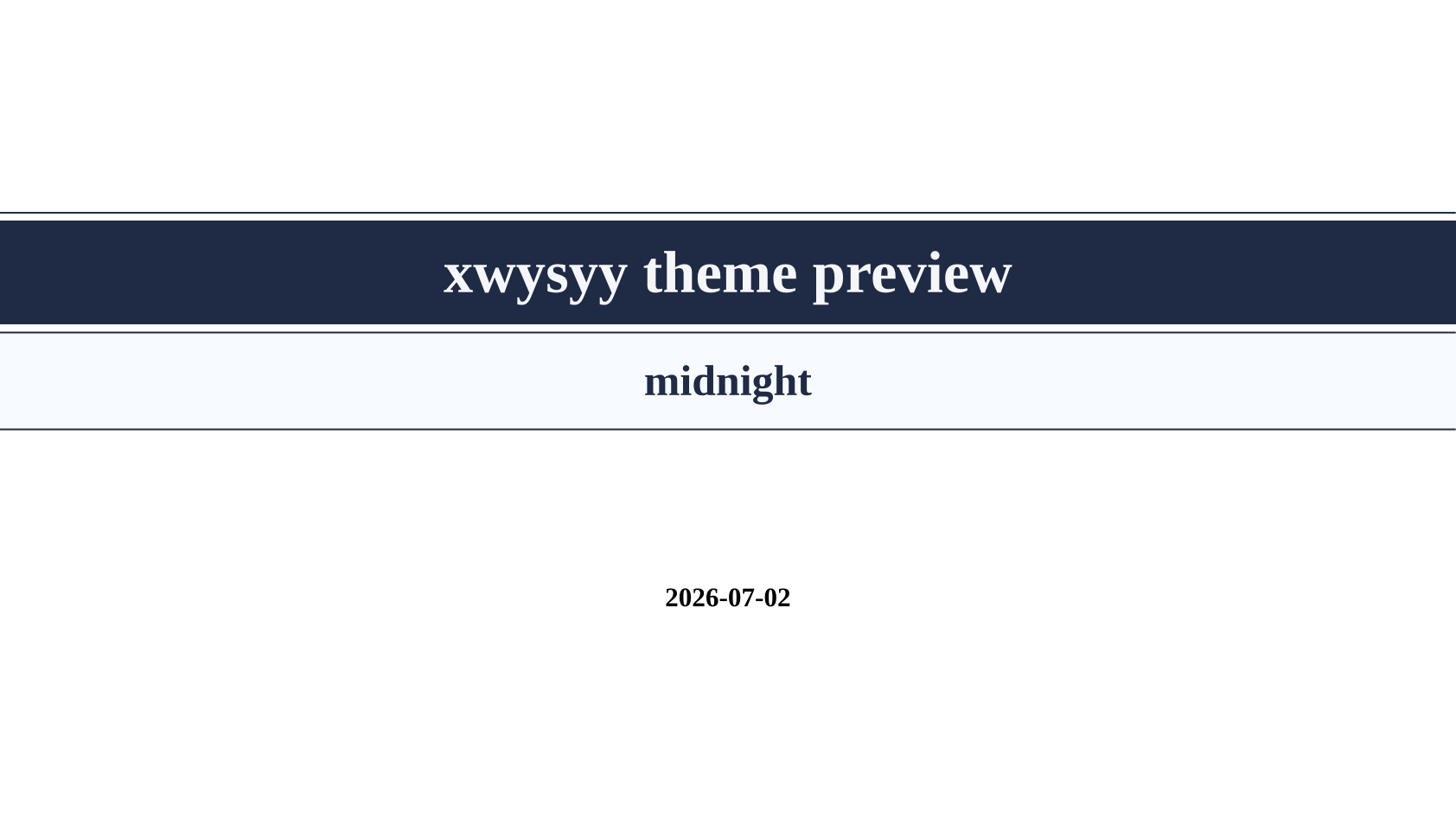
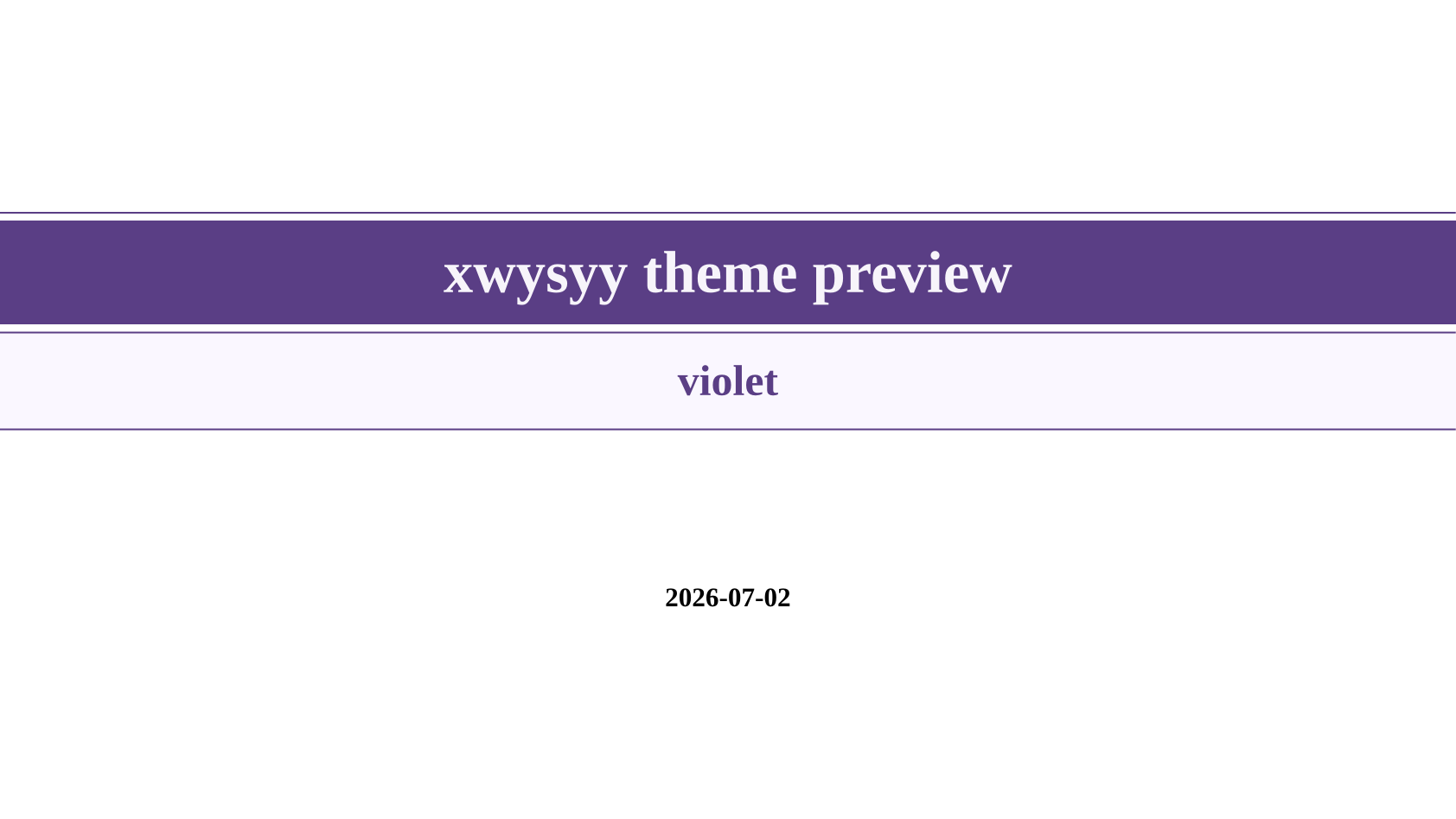
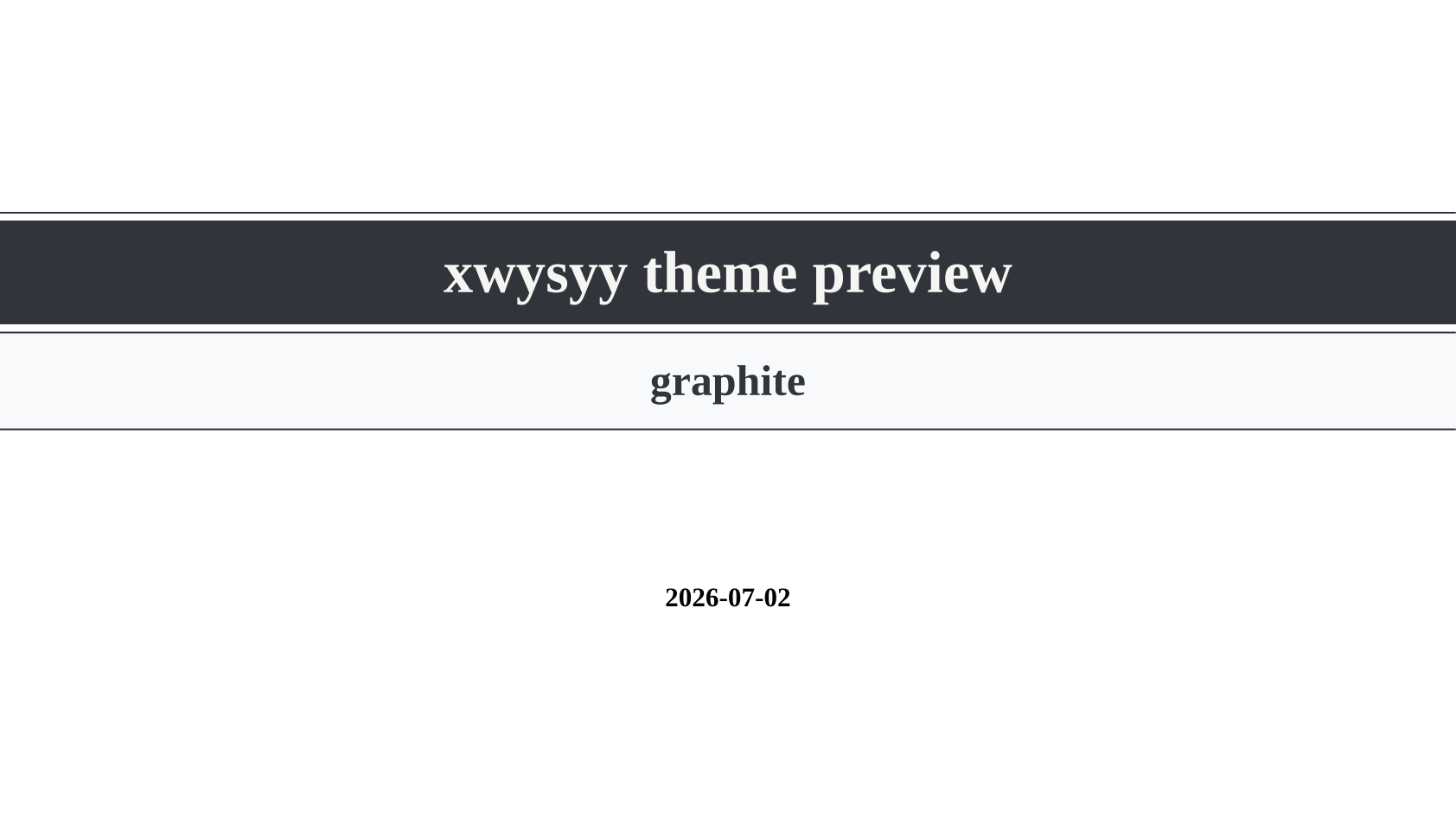
sky,sunset,forest,midnight,violet, andgraphite. - Custom theme dictionaries can be passed directly to
theme, so users can customize colors without forking the package. - Slide font parameters match note mode:
font,code-font, andlang. - Touying handout mode,
#speaker-note, and pdfpc export are documented with source examples. xwysyy-doccompiles one source as a 16:9 deck by default and as A4 notes with--input mode=note.
Preview
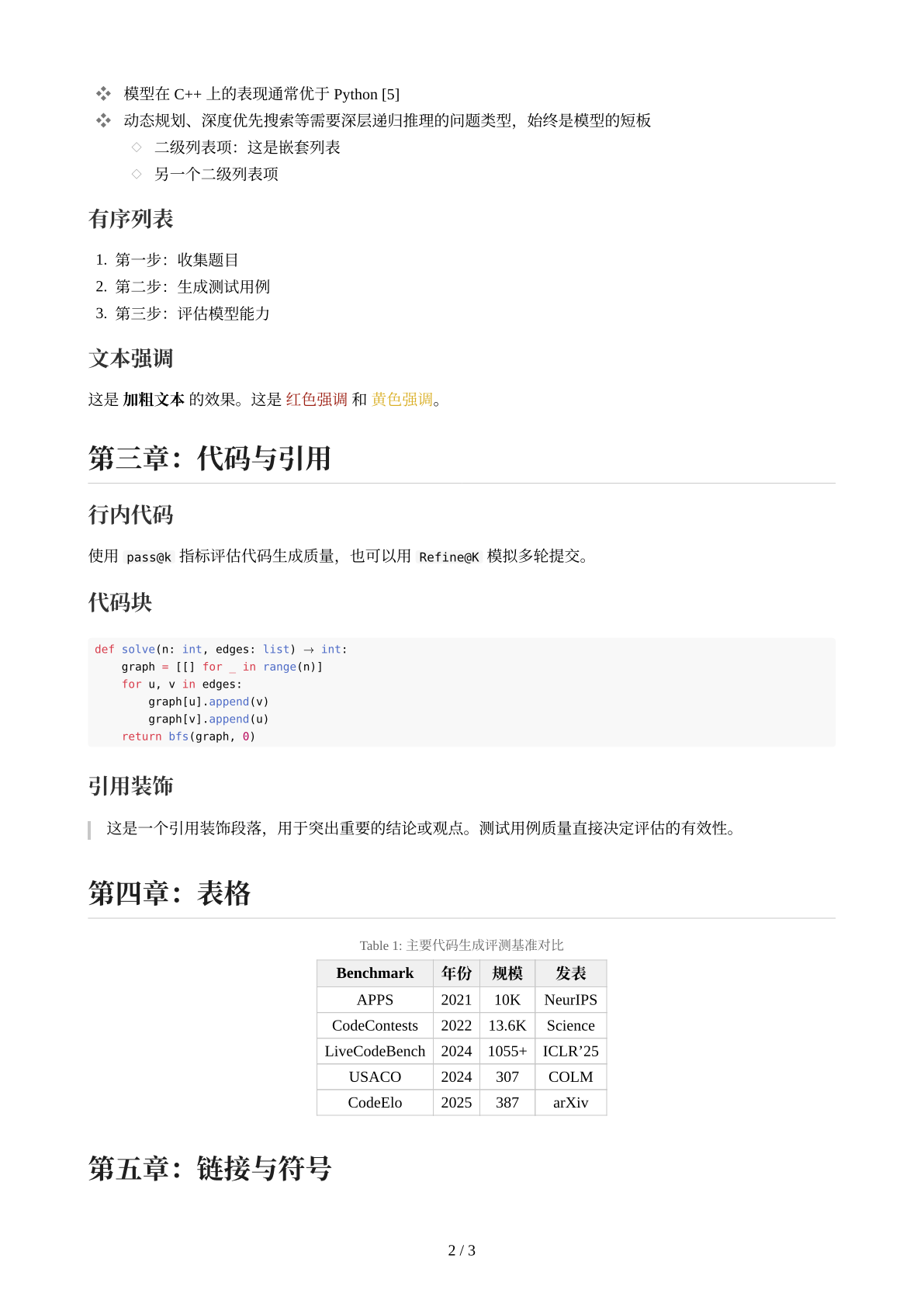
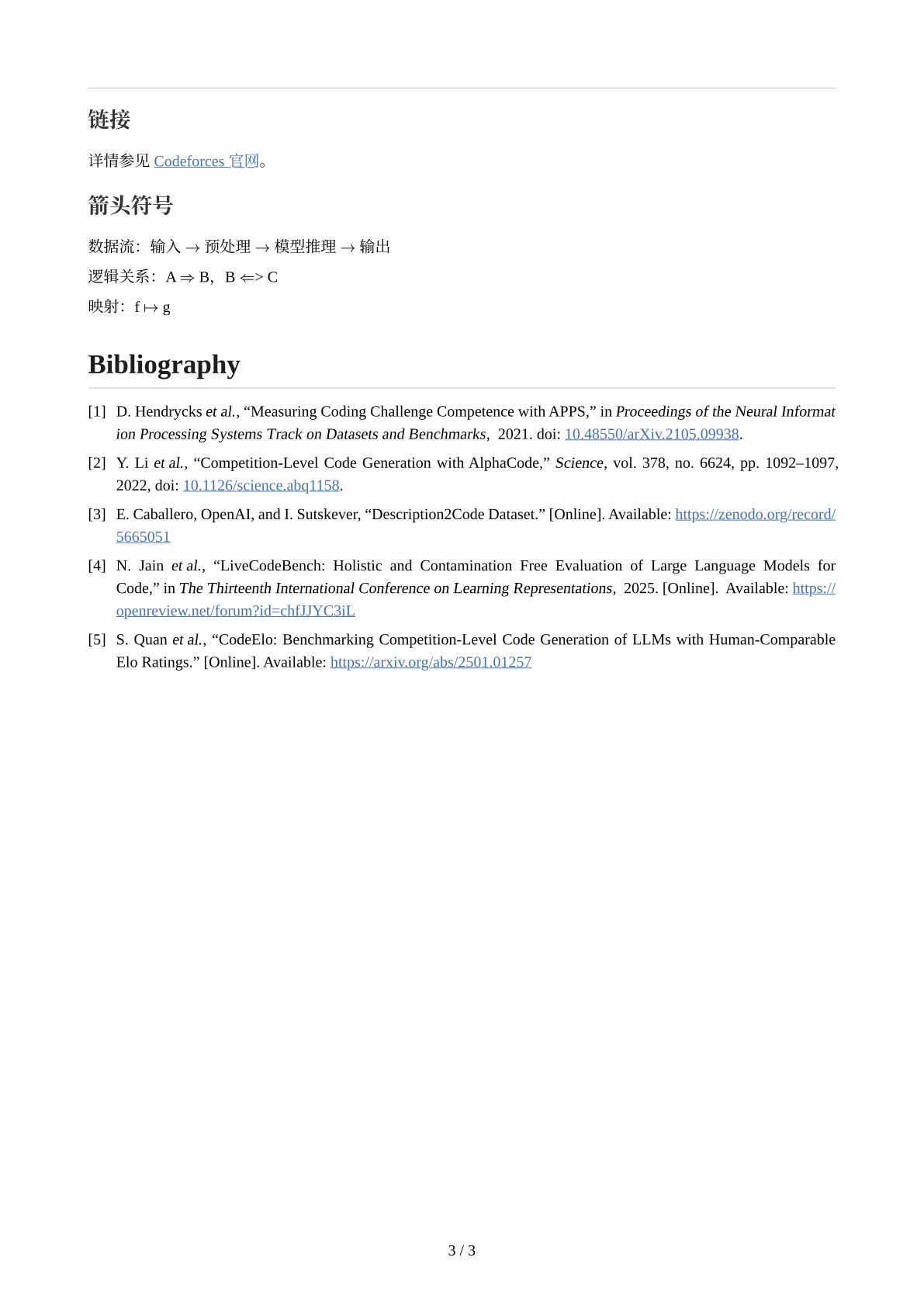
Rendered previews are generated from the source repository. The source examples are available at https://github.com/xwysyy/xwysyy-typst/tree/v0.3.0/examples.
Slide Themes
| sky | sunset | forest |
|---|---|---|
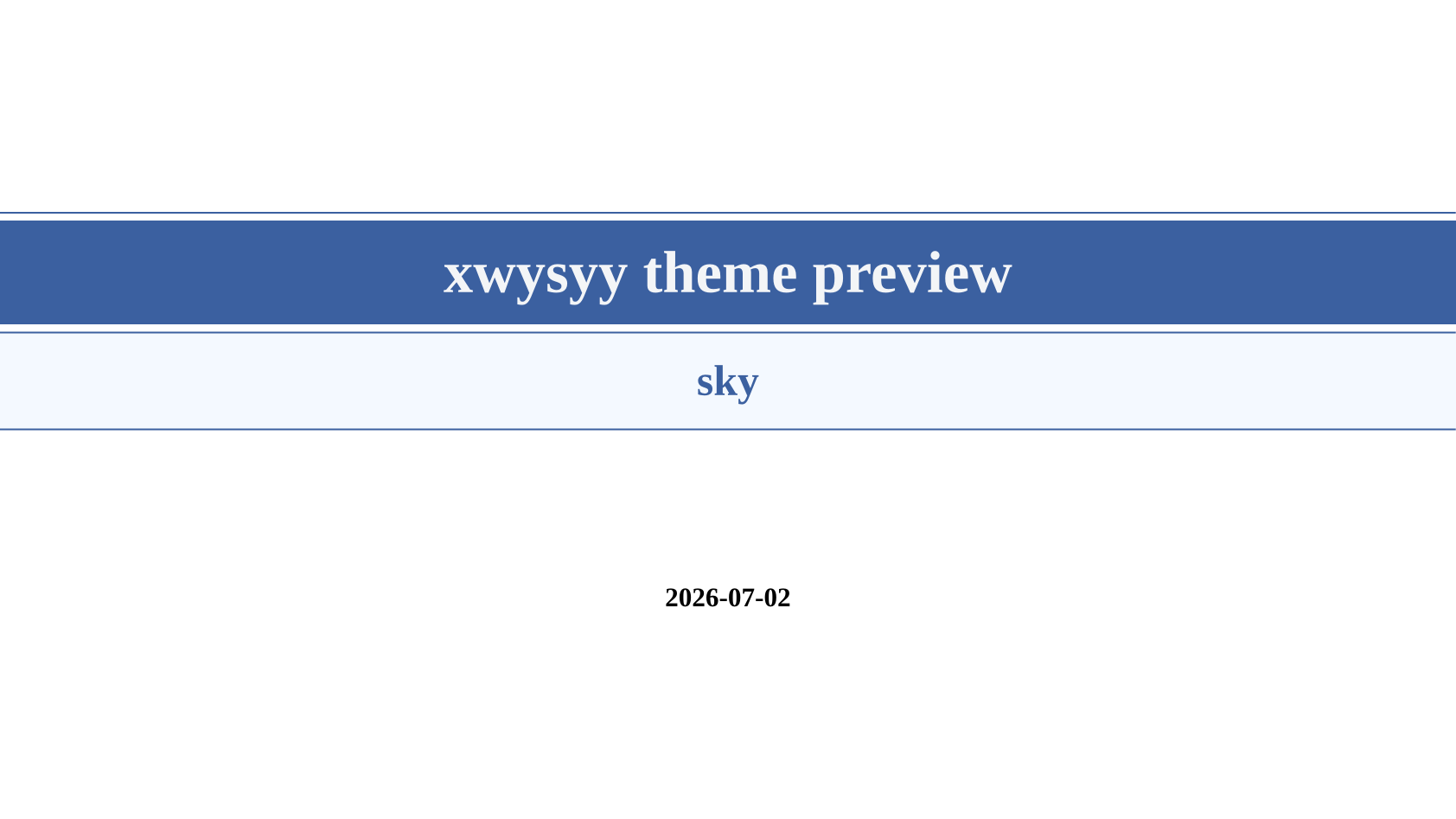 |
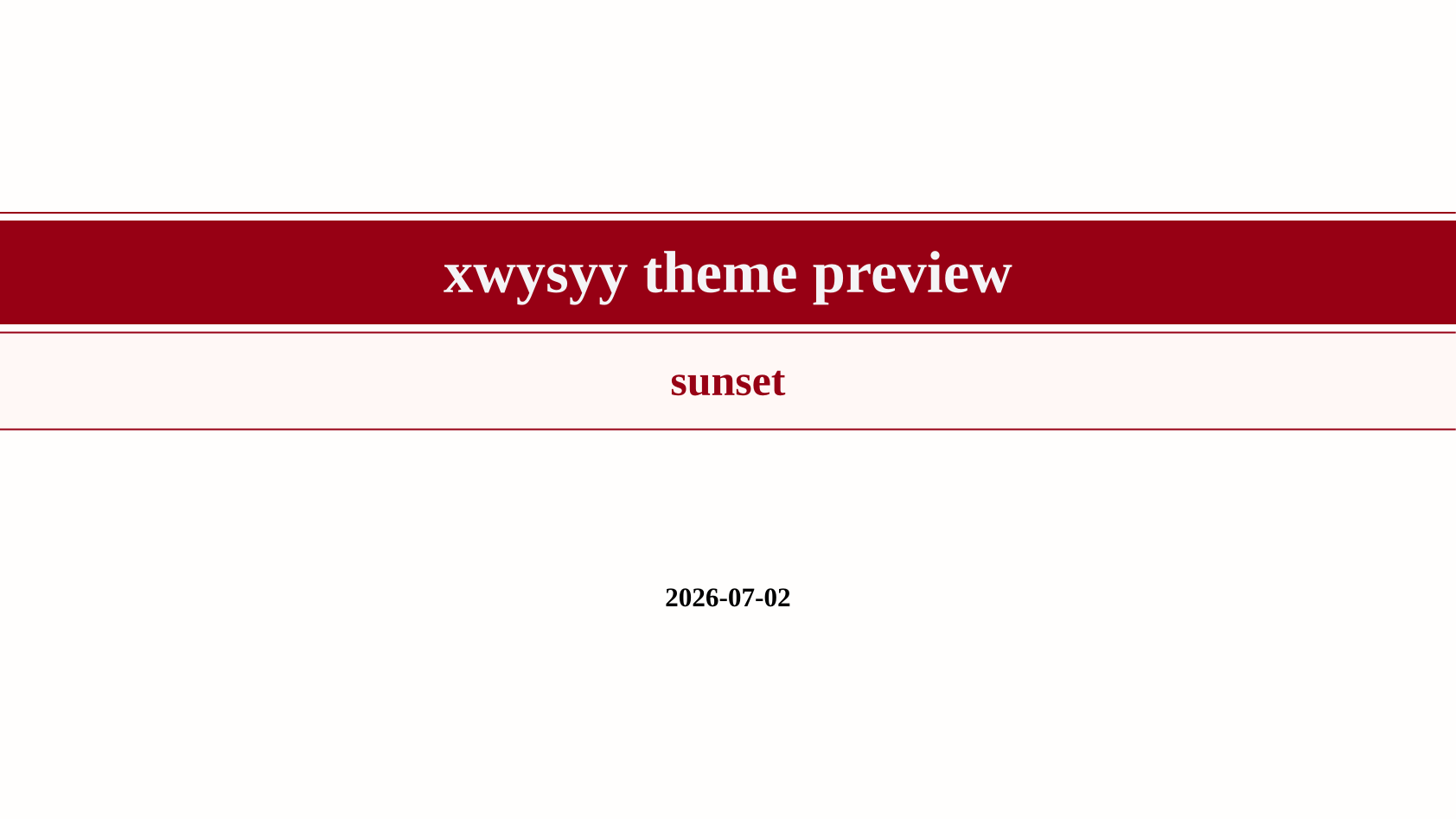 |
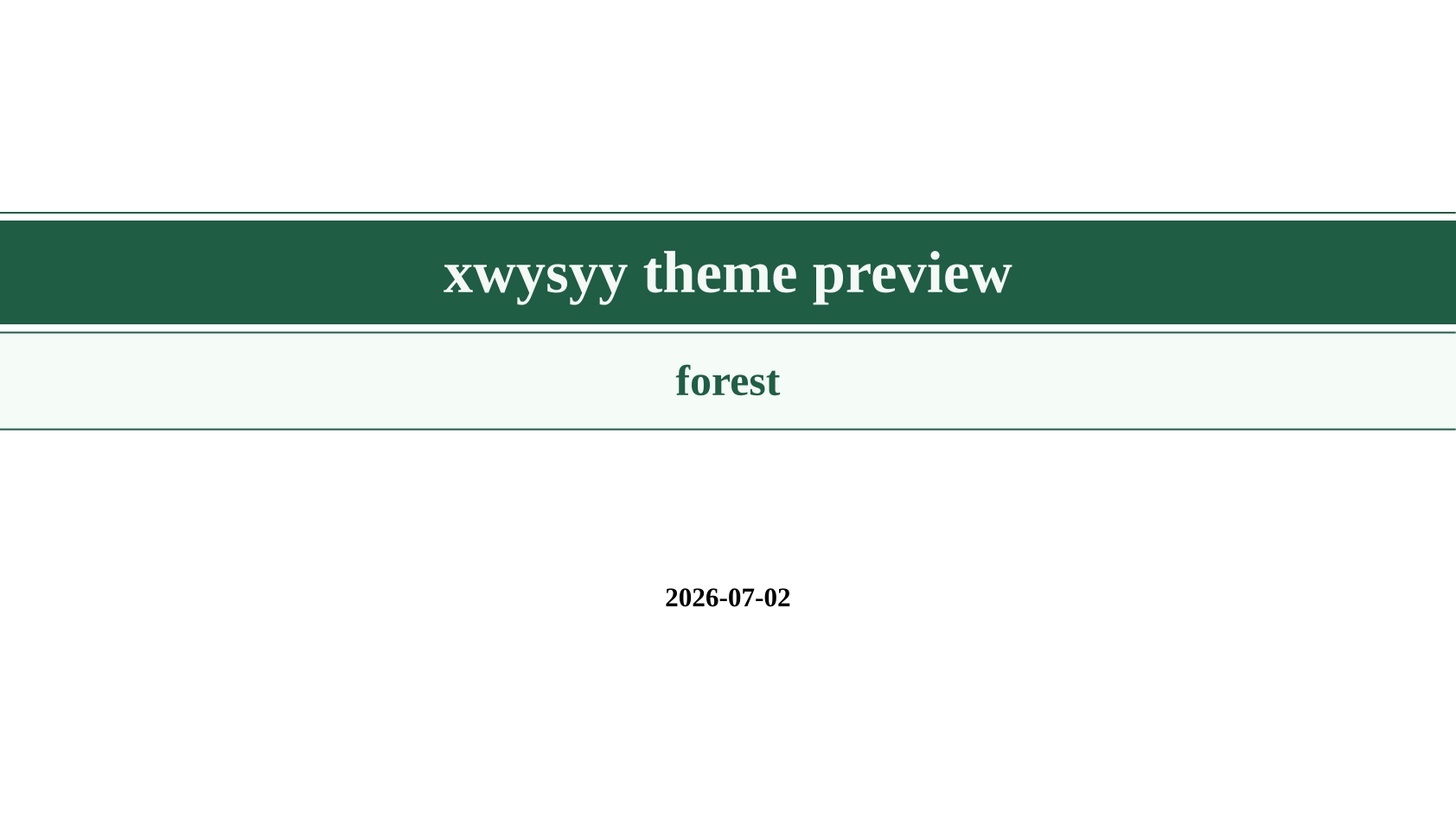 |
| midnight | violet | graphite |
|---|---|---|
 |
 |
 |
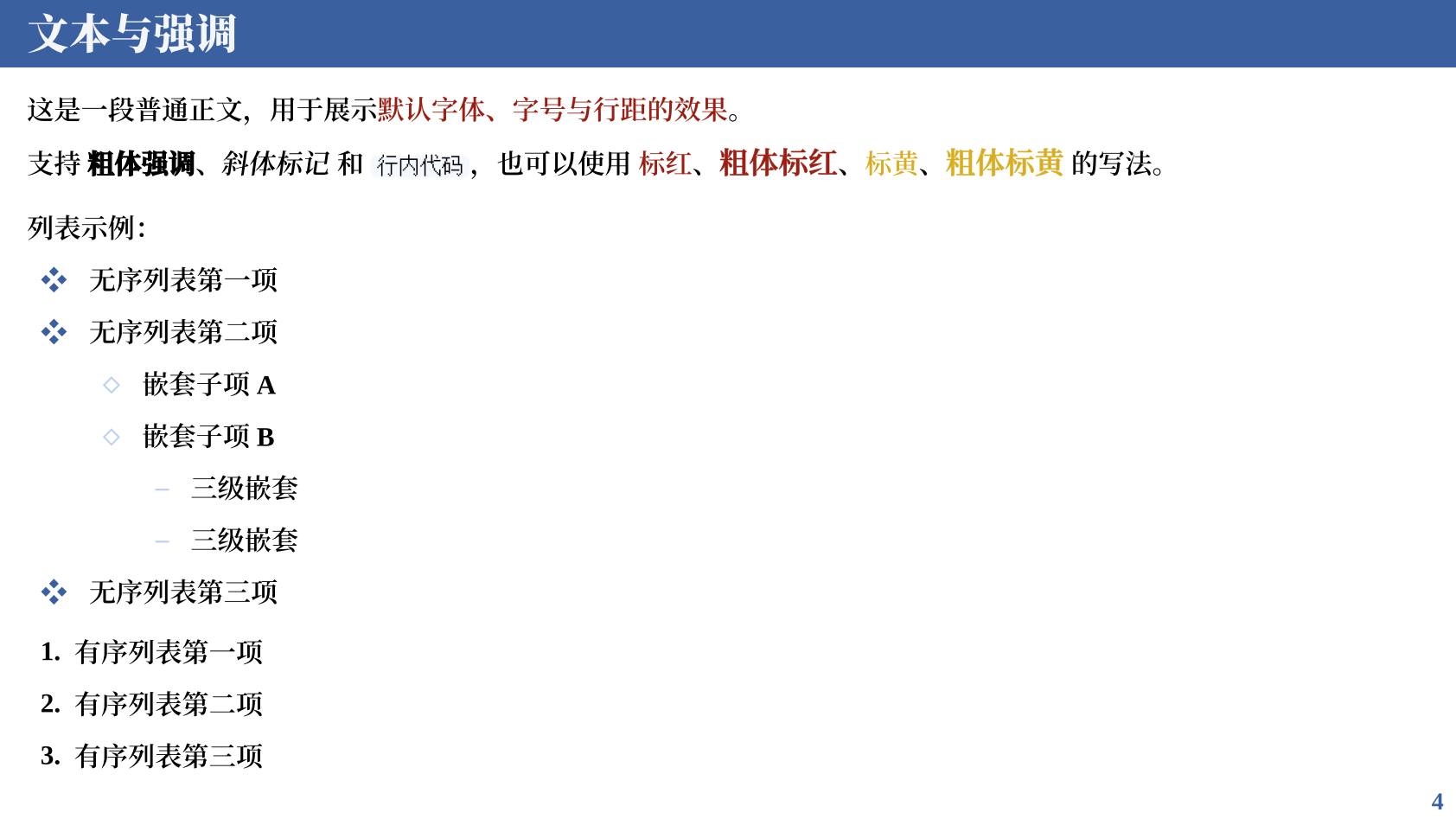
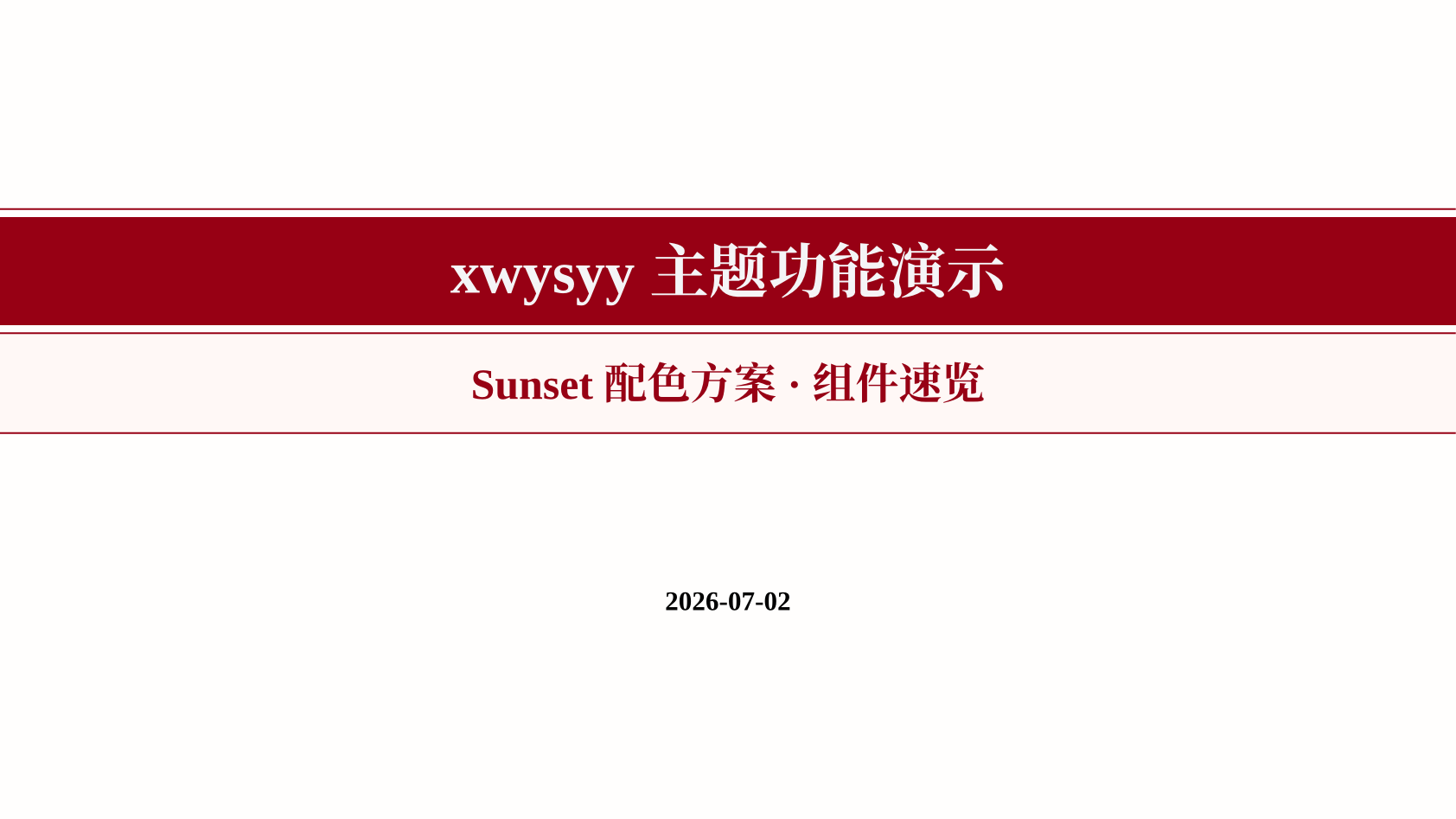
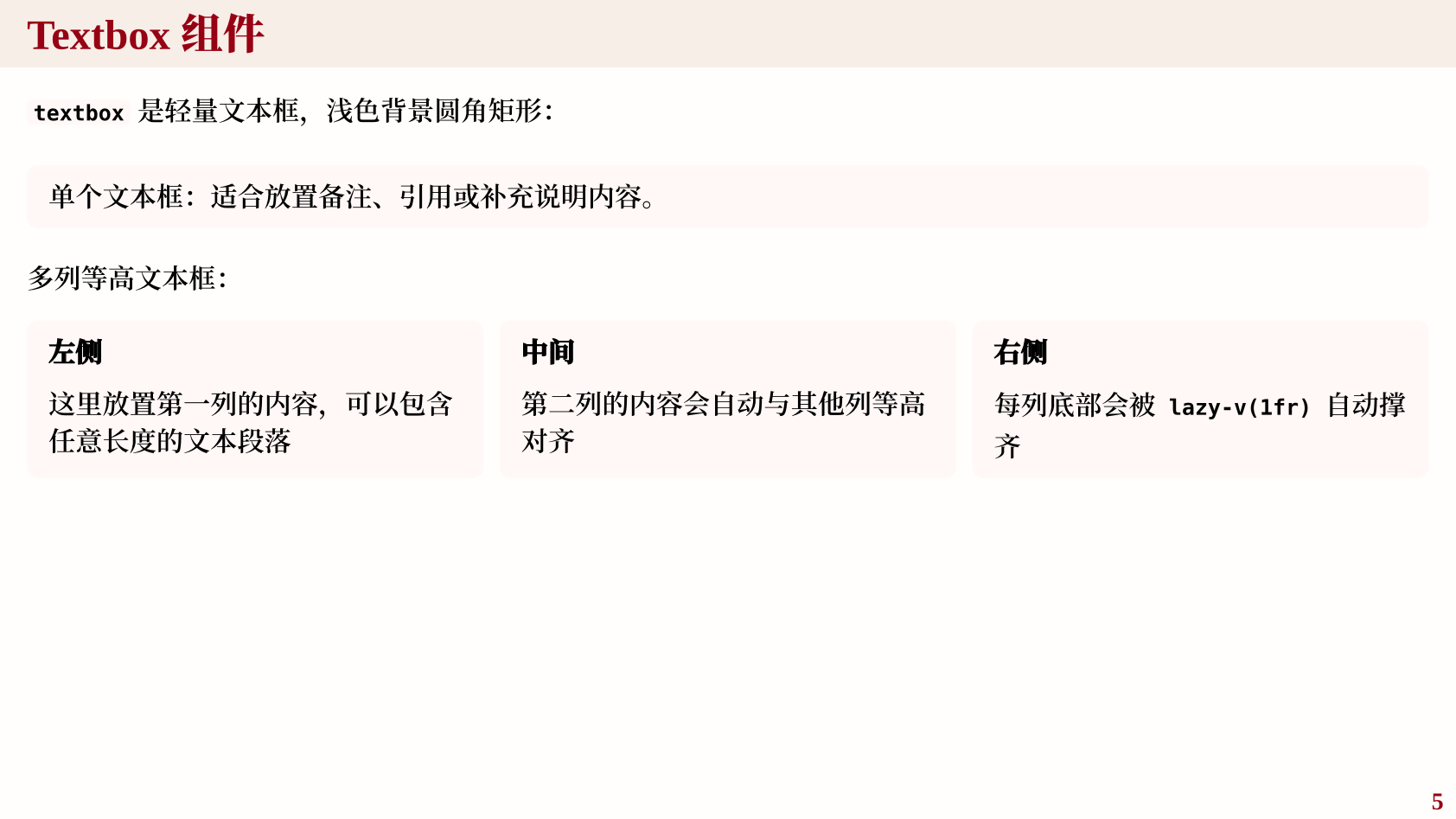
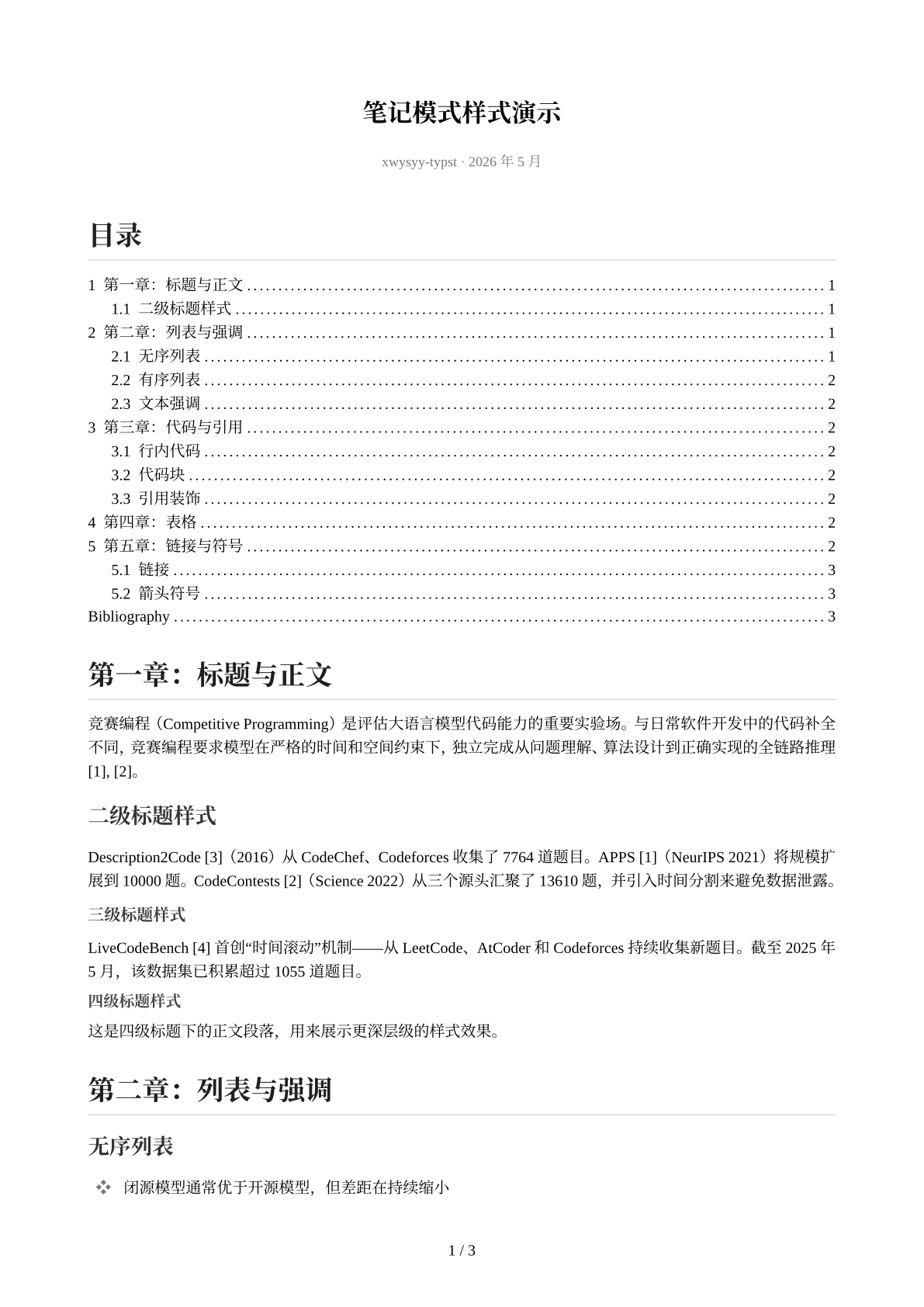
Component Pages
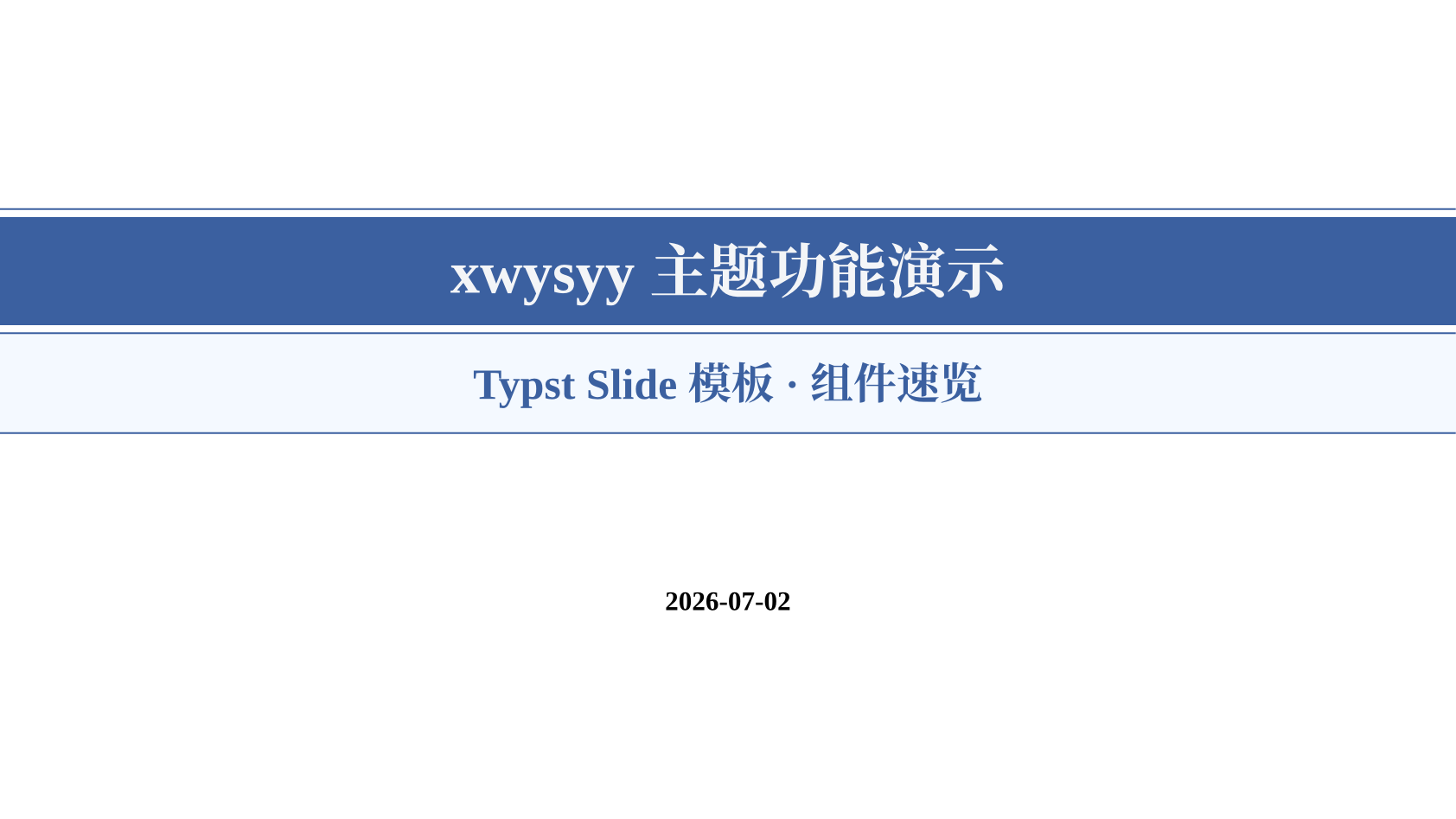
| Sky cover | Sky components |
|---|---|
 |
 |
| Sunset cover | Sunset components |
|---|---|
 |
 |
| Note title | Note code | Note table |
|---|---|---|
 |
 |
 |
Quick Start
Create a new project from the Universe template:
typst init @preview/xwysyy:0.3.0 my-talk
cd my-talk
typst compile main.typ
Use the package in an existing Typst project:
#import "@preview/xwysyy:0.3.0": *

#show: xwysyy-pre.with(
  theme: "sunset",
  config-info(
    title: [My Presentation Title],
    subtitle: [Subtitle],
    author: " ",
    date: datetime.today(),
    institution: " ",
  ),
)

#title-slide()
#outline-slide()

= Section Title

== Slide Title

Body text with *bold* and #red[red highlight].

#textbox(
  [*Module A*

  First column],

  [*Module B*

  Second column],
)

#end-slide(title: [Thank You!], body: [Questions?])
Themes
Select a built-in theme by name:
#show: xwysyy-pre.with(
  theme: "forest",
  config-info(title: [My Presentation]),
)
Pass a custom dictionary directly:
#let my-theme = (
  sea: rgb("#1f5d45"),
  sky: rgb("#a8d5ba"),
  skyl: rgb("#e9f5ee"),
  skyll: rgb("#f5fbf7"),
  paper: rgb("#f7faf8"),
  header-fill: none,
  header-text: none,
  page-fill: white,
)

#show: xwysyy-pre.with(
  theme: my-theme,
  config-info(title: [My Presentation]),
)
Each theme has the same eight fields:
| Field | Purpose |
|---|---|
sea |
Primary dark color for headers, links, table heads, badges, and focus slides |
sky |
Accent color |
skyl |
Light background color |
skyll |
Code block, table row, and textbox fill |
paper |
Text on dark backgrounds |
header-fill |
Header bar fill, none falls back to sea |
header-text |
Header bar text, none falls back to paper |
page-fill |
Slide page background |
Component Reference
| Category | API | Usage |
|---|---|---|
| Slide entry | xwysyy-pre |
#show: xwysyy-pre.with(theme: "sky", ...) |
| Dual-output entry | xwysyy-doc |
default deck, --input mode=note for A4 notes |
| Title slide | title-slide |
#title-slide() |
| Outline | outline-slide |
#outline-slide() auto-collects section headings |
| Content slide | xwysyy-slide |
== Title auto-triggers |
| Section transition | new-section-slide |
= Title auto-triggers |
| Focus slide | focus-slide |
#focus-slide[Large text] |
| Full-screen image | image-slide |
#image-slide(img: image("bg.png")) |
| End slide | end-slide |
#end-slide(title: [...]) |
| Text box | textbox |
#textbox[Content] or #textbox([Col 1], [Col 2]) |
| Highlight | red / bred |
#red[text] / #bred[bold red] |
| Highlight | yellow / byellow |
#yellow[text] / #byellow[bold yellow] |
| Note entry | xwysyy-note |
#show: xwysyy-note.with(title: [...]) |
| Extensions | cetz-canvas / fletcher-diagram |
cetz, fletcher, and theorion integrations |
Handouts And Speaker Notes
Enable touying handout mode by passing config-common(handout: true) through xwysyy-pre:
#show: xwysyy-pre.with(
  config-common(handout: true),
  config-info(title: [My Presentation]),
)
typst compile main.typ slides-handout.pdf
Speaker notes are available because xwysyy.typ re-exports touying:
#speaker-note[
  Mention the ablation table before moving to the next section.
]
Export pdfpc metadata:
typst query main.typ --field value --one "<pdfpc-file>" > slides.pdfpc
One Source, Two Outputs
Use xwysyy-doc when one source should produce both deck and notes:
#import "@preview/xwysyy:0.3.0": *

#show: xwysyy-doc.with(
  title: [One Source, Two Outputs],
  subtitle: [Deck and A4 notes],
  theme: "forest",
)
Compile the deck:
typst compile main.typ slides.pdf
Compile the A4 notes:
typst compile --input mode=note main.typ notes.pdf
Requirements
- Typst >= 0.14.0
- touying 0.7.4, downloaded on first compile
- physica 0.9.8, downloaded on first compile
- Default local fonts: Times New Roman, Noto Serif CJK SC, and Maple Mono
- Typst web app users can pass web-available fonts with
font:andcode-font:
Documentation
Full API reference: docs/USAGE.md. Customization guide: docs/CUSTOMIZATION.md. Theme generator: docs/THEME-GENERATOR.md.
Acknowledgements
- Theme derived from Carlos-Mero/may under MIT
- Built on touying
