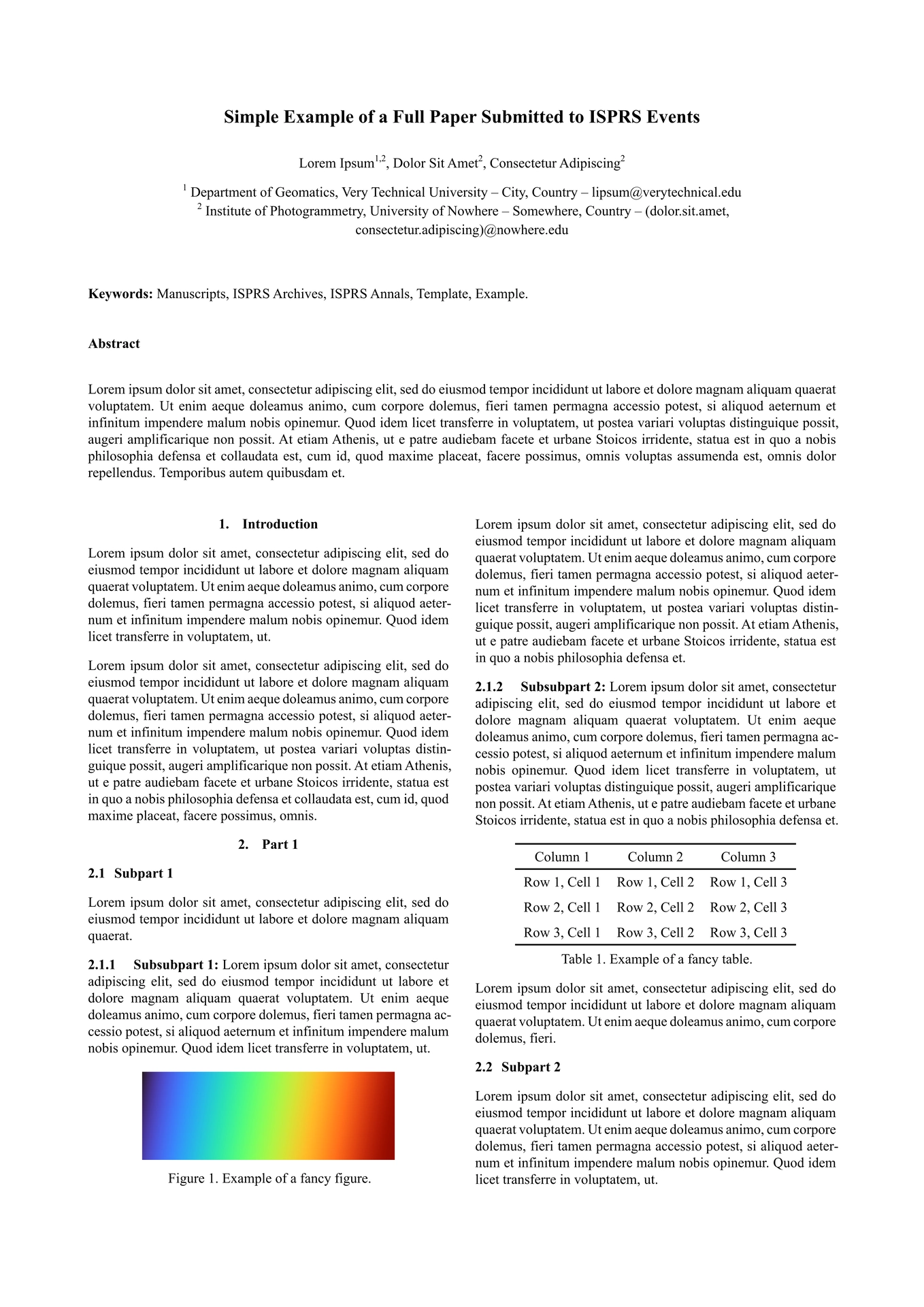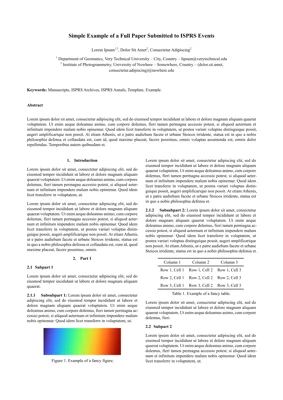
This is an unofficial template that tries to follow the guidelines of the official ISPRS templates in Word and LaTeX.
These official documents are available in the appendix 5 of the Orange book.
Local copies of the official templates and output of this Typst template are also available in pdf for comparison.
Usage
Setup
You can use this template in the Typst web app by clicking Start from template on the dashboard and searching for magic-isprs.
Alternatively, you can use the CLI to kick this project off using the command
typst init @preview/magic-isprs
Typst will create a new directory with all the files needed to get you started.
If you instead copy the files directly from the source repository, be aware that you will have to change the include paths in all files from @local/magic-isprs to @preview/magic-isprs, unless you set it up as a local package in your Typst configuration.
How to use
- See the configuration section below for more details on how to configure the template.
- Look at the known issues section below for some quirks of the template that you should be aware of when using it.
- Start writing your paper in
main.typand include any additional files you need for the different sections of your paper.
Configuration
The template exports the isprs function with the following arguments:
title: The title of the paper.authors: An array of authors, each author is a dictionary with the following keys:name: The name of the author.email: The email of the author.institutions: An array of institutions the author is affiliated with, each institution is a string that corresponds to a key in theinstitutionsdictionary.
institutions: A dictionary of institutions, where the key is the institution identifier and the value is a dictionary with the following keys:name: An array of lines for the name of the institution.location: An array of lines for the location of the institution.email-suffix: The email suffix for the institution, used to check that the author email is valid for at least one of their institutions.
abstract: The abstract of the paper.keywords: An array of keywords.acknowledgements: The acknowledgements, if any.bibliography: The result of the bibliography function, if any.appendix: The content of the appendix, if any.anonymous: A boolean indicating whether the paper should be anonymized for review. If true, the authors and acknowledgements will be hidden.
Known Issues
Level 3 headings
Level 3 headings (h3) are supposed to be inline in the ISPRS format. This template implements this, but the implementation is a bit hacky and sometimes does not work as expected. If the h3 heading is at an inner scope, it will not be inline (there will be a line break after the heading). This happens for example when including a file that contains an h3 heading.
To solve this issue, you can use #show: isprs-heading in the scope of this h3 heading, which will apply the inline style to the h3 heading.
So unless you create headings in specific scopes, you can just add this at the beginning of each file that contains h3 headings:
#import "@preview/magic-isprs:0.1.0": isprs-heading
#show: isprs-heading
This is not ideal, but it is the best solution I found for now.
Another solution is to never have a blank line after an h3 heading and start the paragraph in the next line. This will work but is prone to errors.
Font
The official ISPRS templates use the Times New Roman font, but this font is not available by default in Typst due to licensing issues. To actually use Times New Roman, you need to install it on your system, for example using this cask with brew. When Times New Roman is not installed, the template will use TeX Gyre Termes, which is a free font that is very similar to Times New Roman and is available by default in Typst.
Bibliography
- A custom bibliography style was implemented in the Citation Style Language (CSL) format to try to reproduce the one used in the official templates. However, it may contain some errors.
- At the time of writing this, there is a bug in Typst that loses the
volumefield in the BibTeX entries if it is not an integer. There is no workaround for this, so I recommend using the Hayagriva bibliography management format instead of BibTeX. It is very easy to translate a .bib file into a .yaml file with their CLI tool, and you can then add thevolumefield as a string in the .yaml file, which will prevent the bug from happening. - The
howpublishedfield in BibTeX is not supported by the bibliography implementation in Typst, so it is recommended to use the other fields instead:url,urldate,publisher,location, etc.
Template differences
There are differences between the LaTeX template and the Word template, so it is not always clear which one to follow, since the Word is the reference but most people probably use the LaTeX template. So this template will not be perfectly coherent with both templates, but it should be reasonably close to both of them.
TODO
- Check whether the formatting of the bibliography entries is coherent with the LaTeX template.
- Publish the template on Typst Universe once it is reasonably complete.
- Add a better comparison between the output of this template and the official templates, to check for any formatting errors.
Inspiration
The structure and README of this template were inspired by these two templates: