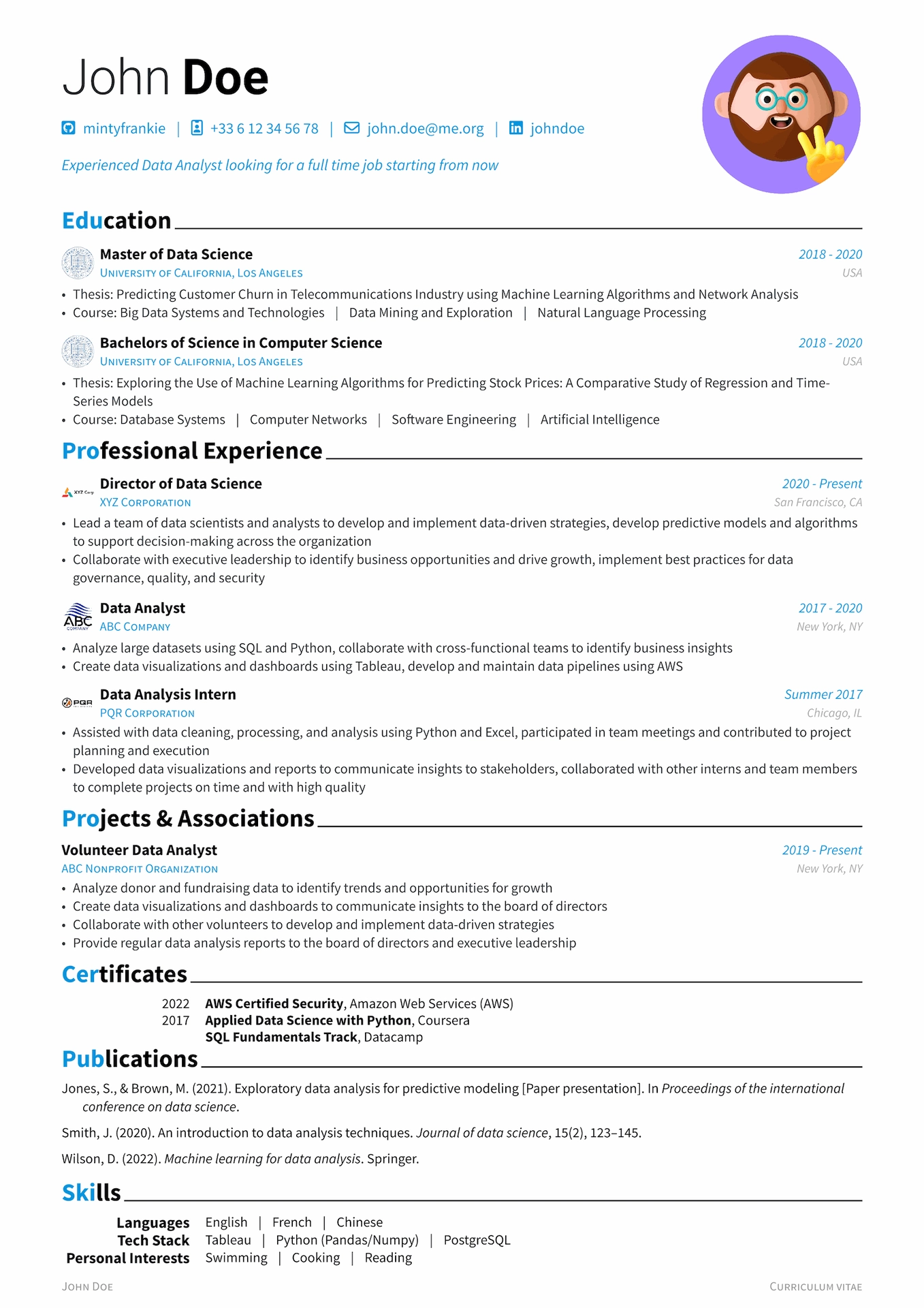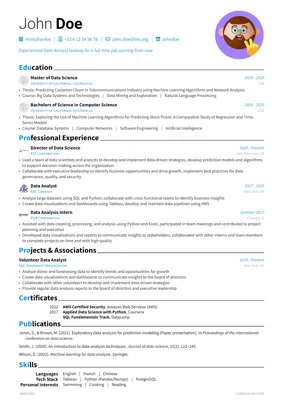
A modern, modular, and feature-rich CV template for Typst.




v4 is a breaking change. Coming from v3? See the Migration Guide for the v3 fields that now panic with a migration message (
language,non_latin_font,[lang.<code>],inject_ai_prompt, …) and their v4 replacements.
✨ Key Features
- One profile, one complete CV — bind it to anything — Each
profile_<name>/is a self-contained variant you can target at a specific job, audience, or language, switched with--input profile=<name>at compile time. Profiles are fully decoupled from language: any script (CJK, Arabic, Hebrew, …) works via[layout.fonts]. - Compose from modular content — Build each CV from reusable blocks (experience, education, projects, publications, skills), and keep as many tailored variants as you need — a long academic version, a one-page industry cut, one per application — from the same building blocks.
- Polished by default — Clean, modern typography with Font Awesome icons and a matching cover letter, for a professional result without fighting the layout.
Quick Start
typst init @preview/brilliant-cv   # scaffolds a project directory with the template
cd brilliant-cv
Using Typst Web? Upload the Font Awesome 7 Free desktop OTF files (Regular, Solid, and Brands) to your project so the contact icons render correctly.
Edit profile_en/metadata.toml and the content modules in profile_en/*.typ — it’s the most heavily annotated profile. To add a new variant, copy the directory and tweak the fields that differ.
typst compile cv.typ                    # default profile
typst compile cv.typ --input profile=fr # switch profile at compile time
Optional: embed a hidden, ATS-friendly keyword layer for automated screeners — opt-in and off by default. Read the notes in
profile_en/metadata.tomlbefore enabling, and keep keywords truthful.
Full guide, component gallery, recipes, and configuration reference → brilliant-CV Documentation.
Gallery
The same design across scripts — one profile per language, all from the same building blocks:
| English | Français | 中文 |
|---|---|---|
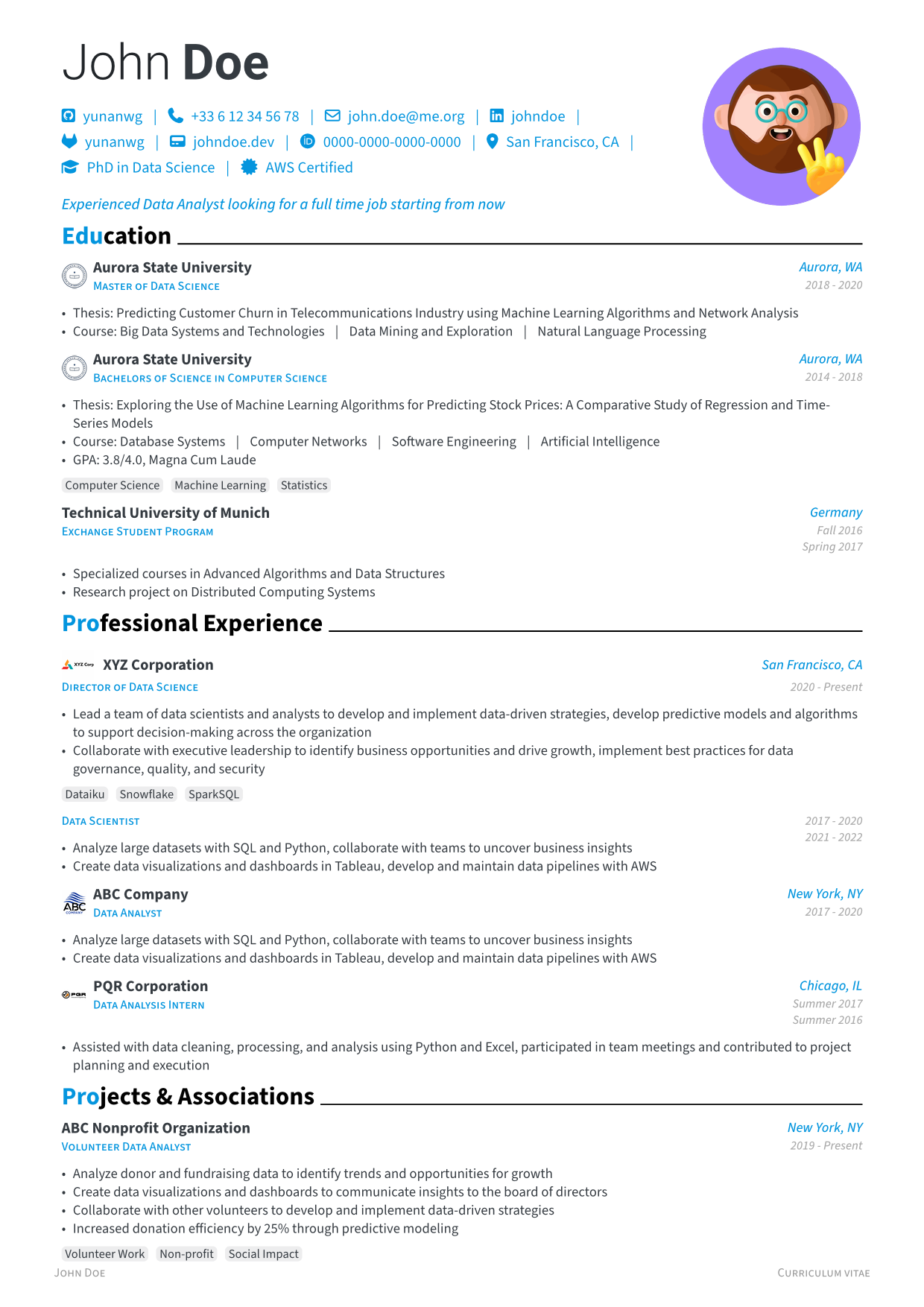 |
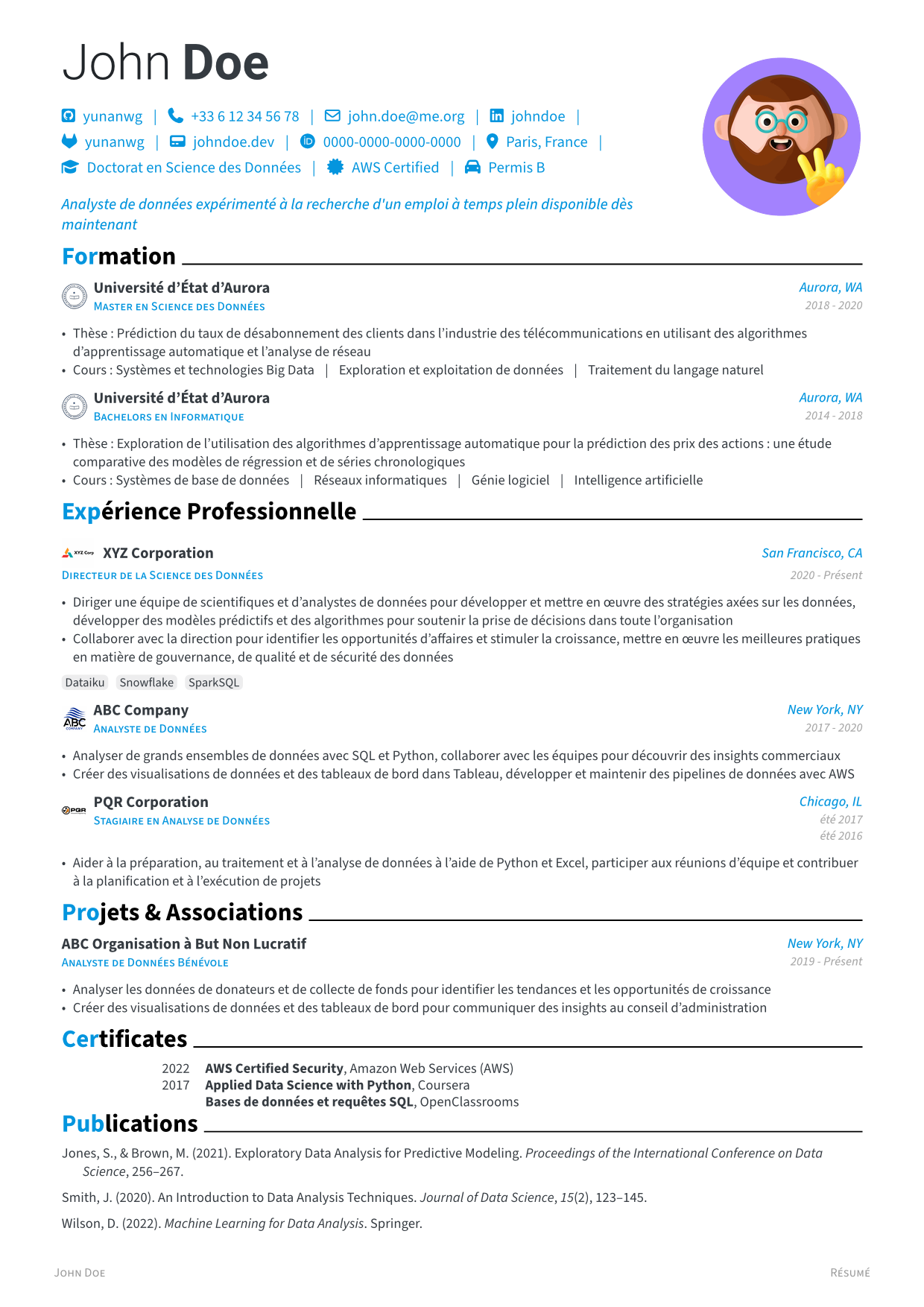 |
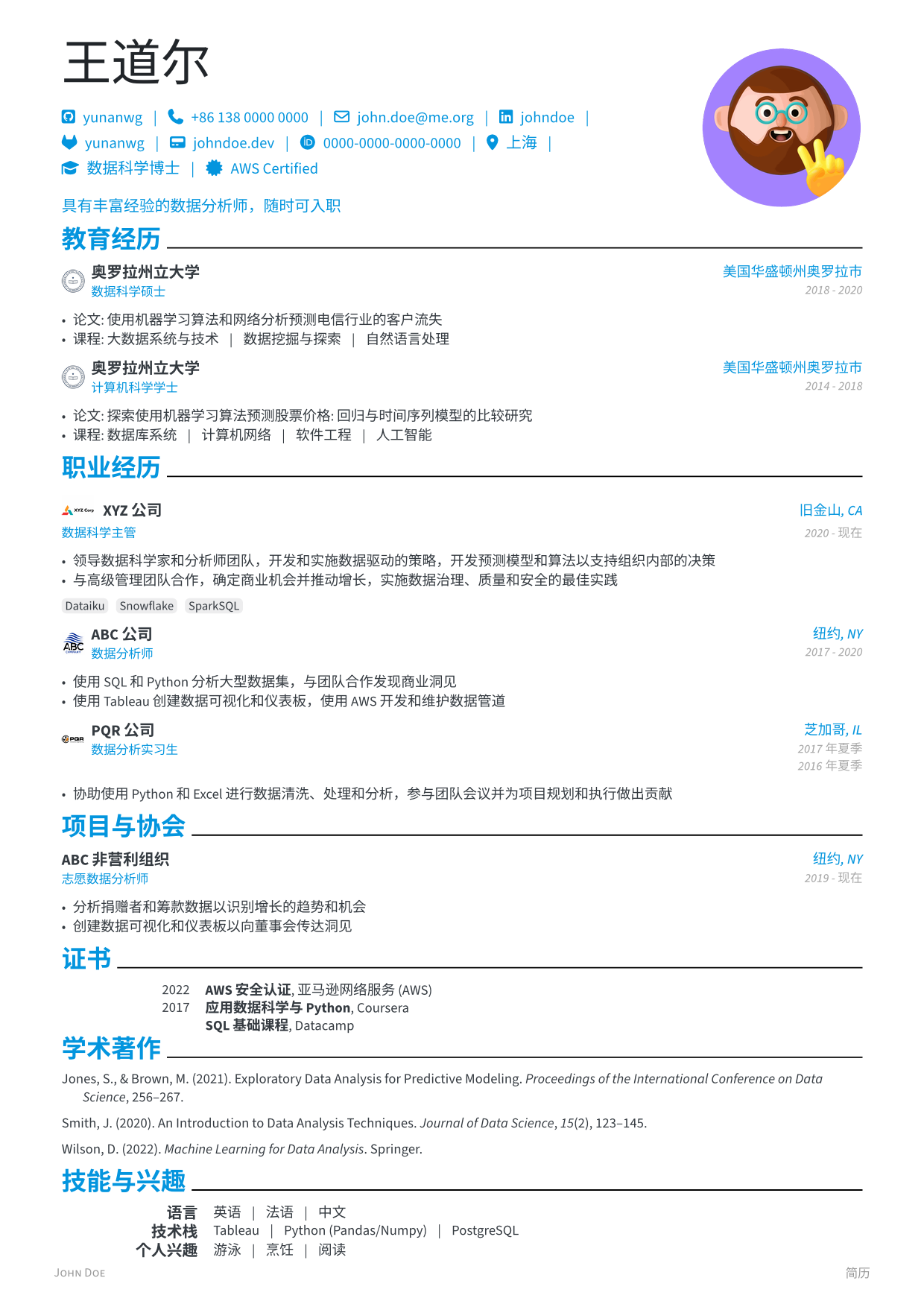 |
Previews are generated in CI from the live template (just previews).
Contributing
Contributions are welcome — see the project repository for the contribution guide.
Sponsors
If this template helps you land a job, consider buying me a coffee! ☕️