Create project in app
Usage Example (
Disclaimer: This is an independent, unofficial student-created template for Linnaeus University (Linnéuniversitetet). It is adapted from the official university Word template (
en-essay-template-v260219.docx) to provide a modern Typst alternative for students writing degree projects and academic essays. It is not officially maintained, endorsed, or certified by Linnaeus University.
Designed for both the Typst Online Web App (typst.app) and local Typst CLI / IDE writing.
Features
- Faithful Cover Page Layout:
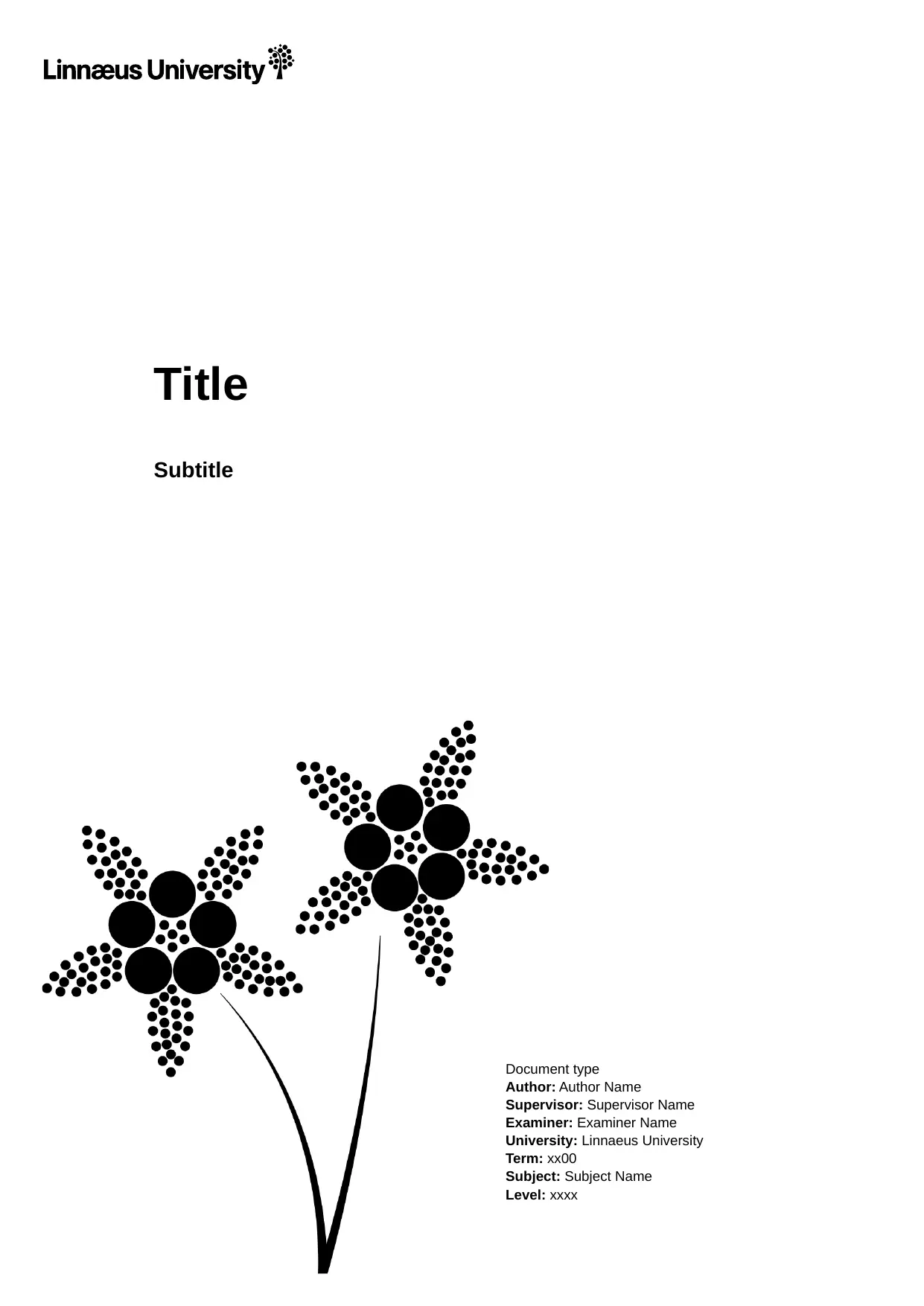
- Full-page Linnaeus University Sotakleja (twinflower) watermark illustration.
- Linnaeus University vector logotype positioned at (10 mm, 10 mm).
- Exact typography: Arial 30 pt bold title at 84 mm from top, 14 pt bold subtitle.
- Right-aligned metadata block at 115 mm from left margin (Arial 9 pt).
- Front Matter:
- Unnumbered Abstract, Keywords, and Acknowledgments sections.
- Automatic Table of Contents with manually listable Appendices section matching LNU formatting rules.
- Main Document Body:
- Standard LNU academic typography: Times New Roman 11 pt, 1.2 line spacing.
- Arial bold headings (Level 1: 18 pt, Level 2: 14 pt, Level 3: 12 pt).
- Automated hierarchical heading numbering (
1,1.1,1.1.1). - LNU blockquote styling (10 pt, indented 24 pt left and right).
- Right-aligned footer with section-aware pagination:
Page X (Y).
- Appendices:
- Independent page numbering restarting at
1(Page 1 (N)). - Unnumbered headings for appendices.
- Independent page numbering restarting at
- References & Bibliography:
- Native BibTeX (
.bib) support with APA, IEEE, Harvard, or custom styles.
- Native BibTeX (
Getting Started
1. In the Typst Online Editor (typst.app)
- Download or locate
en-essay-template.zip. - Go to typst.app and sign in.
- Click “New project” > “Upload project” and select the
.ziparchive. - Open
main.typand start writing!
2. From Typst Universe (once published)
Initialize a new project directly:
typst init @preview/unofficial-lnu-thesis:0.1.0 my-thesis
cd my-thesis
typst watch main.typ
3. Local CLI / VS Code
Compile main.typ directly using the Typst CLI:
typst compile main.typ output.pdf
Usage Example (main.typ)
#import "@preview/unofficial-lnu-thesis:0.1.0": essay, appendix-section

#show: essay.with(
  // Title & Subtitle
  title: [The Impact of Artificial Intelligence on Modern Software Engineering],
  subtitle: [A Case Study of Agentic Development Workflows],

  // Metadata block
  doc-type: [Degree Project (Master of Science)],
  author: [Jane Doe], // Or ("Jane Doe", "John Smith") for multiple authors
  supervisor: [Dr. Anna Svensson],
  examiner: [Prof. Erik Karlsson],
  university: [Linnaeus University],
  term: [Spring 2026],
  subject: [Computer Science],
  level: [Second cycle],

  // Front matter
  abstract: [
    This thesis explores the integration of autonomous agent workflows in software development...
  ],
  keywords: [Artificial intelligence, Software engineering, Autonomous agents, Typst],
  acknowledgments: [
    I would like to express my gratitude to my supervisor Dr. Anna Svensson...
  ],

  // Table of contents
  toc: true,

  // Appendices (optional)
  appendices: [
    = Appendix 1: Interview Transcripts
    Transcripts of developer interviews are included below.
  ],
)

= Introduction
Type your introduction here...

== Background
As shown by @shannon1948, information theory provides fundamental limits.
A classic reference is @knuth1984[p. 42].

// References section (supports "apa", "ieee", "harvard-cite-them-right", etc.)
#bibliography("refs.bib", title: "References", style: "apa")
Template Parameters
| Parameter | Type | Default | Description |
|---|---|---|---|
title |
content or str |
[Title] |
Thesis / essay title |
subtitle |
content or str or none |
none |
Optional subtitle |
doc-type |
content or str |
[Document type] |
Degree project, Master’s thesis, Bachelor’s thesis, etc. |
author |
content, str, or array |
[Author Name] |
Author name(s) |
supervisor |
content or str |
[Supervisor Name] |
Supervisor’s name |
examiner |
content or str |
[Examiner Name] |
Examiner’s name |
university |
content or str |
[Linnaeus University] |
Institution name |
term |
content or str |
[xx00] |
Semester / academic term (e.g. Spring 2026) |
subject |
content or str |
[Subject Name] |
Academic subject / major |
level |
content or str |
[xxxx] |
Study level (e.g. First cycle, Second cycle) |
abstract |
content or none |
none |
Abstract content |
keywords |
content, array, or none |
none |
Keywords |
acknowledgments |
content or none |
none |
Acknowledgments content |
toc |
bool |
true |
Whether to display the Table of Contents |
appendices |
content or none |
none |
Optional appendix content with independent pagination |
justify |
bool |
false |
Whether body text is justified (default matches LNU Word template) |
font-sans |
array or str |
("Arial", "Liberation Sans") |
Sans-serif font family for headings and cover |
font-serif |
array or str |
("Times New Roman", "Liberation Serif") |
Serif font family for body text |
License & Trademarks
- Template Code: Released under the MIT No Attribution (MIT-0) license. You are free to use, modify, and distribute documents created with this template without restriction or required attribution.
- University Trademarks: The Linnaeus University name, logotype (
assets/lnu-logo.svg), and flower artwork (assets/lnu-bg.png) remain the intellectual property and registered trademarks of Linnaeus University. They are included solely for academic use by students formatting their essays according to university guidelines.