
An unofficial Typst template for Enseirb-Matmeca
Disclaimer: This template is not affiliated with Enseirb-Matmeca.
Assets and trademarks
This package includes official branding assets from Enseirb-Matmeca / Bordeaux INP.
These assets are not covered by the package license and remain the property of their respective copyright holders.
- Enseirb-Matmeca branding guidelines and assets: https://enseirb-matmeca.bordeaux-inp.fr/fr/outils-de-communication-inp
Use of these assets is subject to the terms provided by the copyright holder.
Getting Started
-
Font Installation (optional, but recommended)
- The template uses Linux Libertine for the main text
- The template also uses JetBrains Mono for code blocks and raw text
- There is a fallback system that will use “New Computer Modern”, the default Typst font
-
Configure the template
- Edit the template parameters in
main.typto set your details:
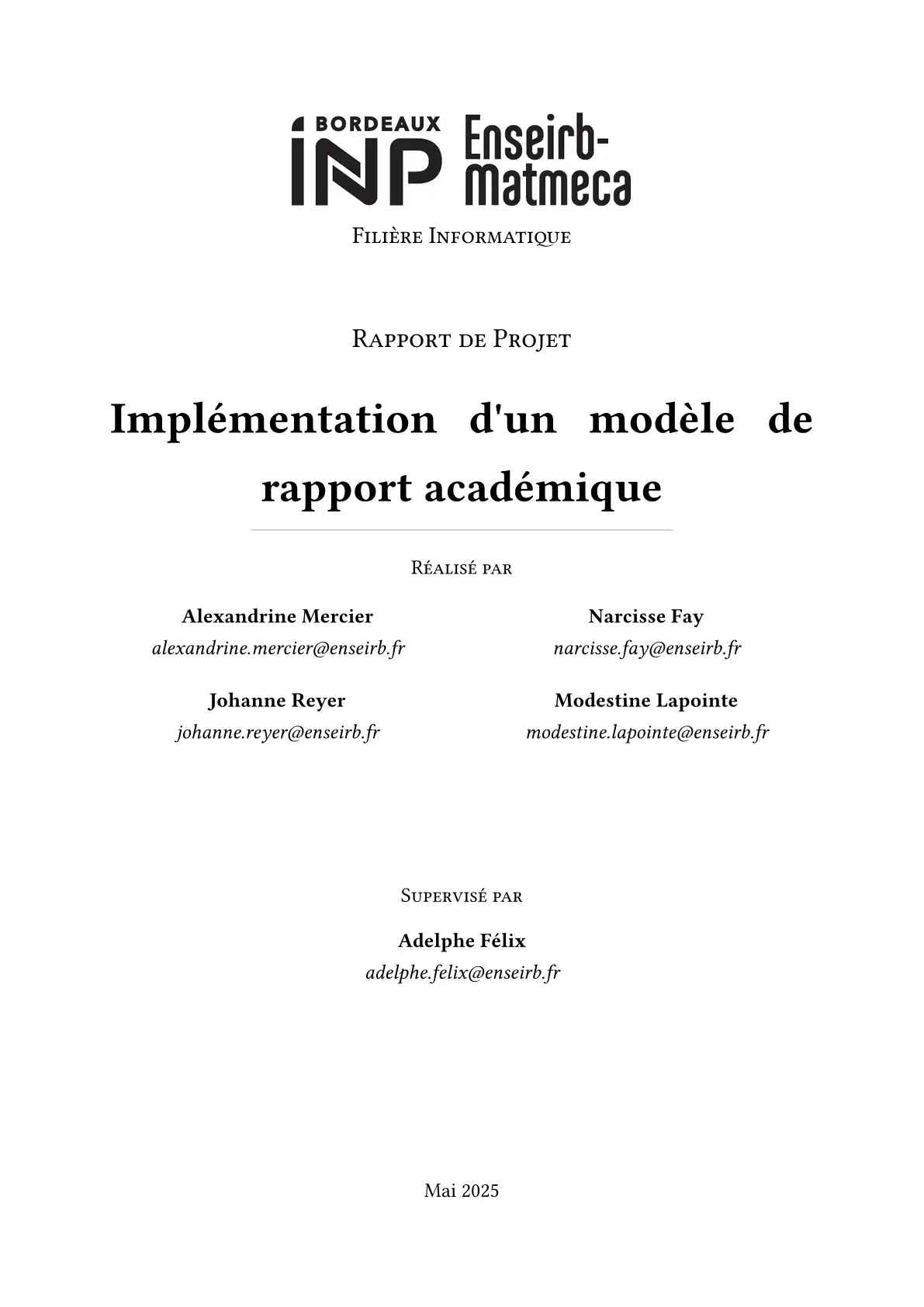
#show: template.with( sector: "Filière Informatique", document-type: "Rapport de Projet", title: "Implémentation d'un modèle de rapport académique", authors: ( (name: "Alexandrine Mercier", email: "alexandrine.mercier@enseirb.fr"), (name: "Narcisse Fay", email: "narcisse.fay@enseirb.fr"), (name: "Johanne Reyer", email: "johanne.reyer@enseirb.fr"), (name: "Modestine Lapointe", email: "modestine.lapointe@enseirb.fr"), ), author-columns: 2, advisers: ( (name: "Adelphe Félix", email: "adelphe.felix@enseirb.fr"), ), adviser-columns: 1, date: "Mai 2025", abstract: include "sections/0-abstract.typ", ) - Edit the template parameters in
-
Write your content
- The sections are split into files for organisation (see the
sectionsfolder) - If you add sections, don’t forget to add them in the
main.typfile
- The sections are split into files for organisation (see the
-
Compile your document
typst compile main.typ- Or watch for changes and recompile automatically:
typst watch main.typ
Getting Started with Typst
Resources
Installation
Note: Typst also provides an online editor at typst.app
-
Install Typst
-
Editor Integration
- TinyMist Extension for VSCode, NeoVim, etc.
For Internship reports
You can add the company logo of your internship, which will be placed next to the school logo in the title page and the footer, like that:
#show: template.with(
  company-logo: image("path_to_company_logo.png", width: 50%),
)
You can also override the school logo if you want to by using school-logo.
Finally, you can also disable the abstract by setting it to none.
Working with References
Subfigures
This template includes the package subpar, which allows you to easily create and reference subfigures, a feature that is not natively supported in Typst.
You can create subfigures and label them like this:
#import "@preview/unofficial-eirb-report:0.1.1": subfig

#subfig(
  figure(image("./assets/figure.png"), caption: [Première sous-figure]),
  <fig-a>,
  figure(image("./assets/figure.png"), caption: [Seconde sous-figure]),
  <fig-b>,
  columns: (1fr, 1fr),
  caption: [Une figure contenant deux sous-figures.],
  label: <fig-full>,
)
Bibliography
- Add references to
bib.yaml - Reference in text using
@citation_keyor#ref(<citation_key>) - The bibliography is generated automatically at the end fo the document
- Supports articles, books, proceedings, web resources, and more
Credits
This template is built on the foundation provided by onyx-itu-unofficial by FrederikBertelsen. The original work has been expanded with additional features, French language support, and Enseirb-Matmeca styling.