Create project in app
Create a new project with


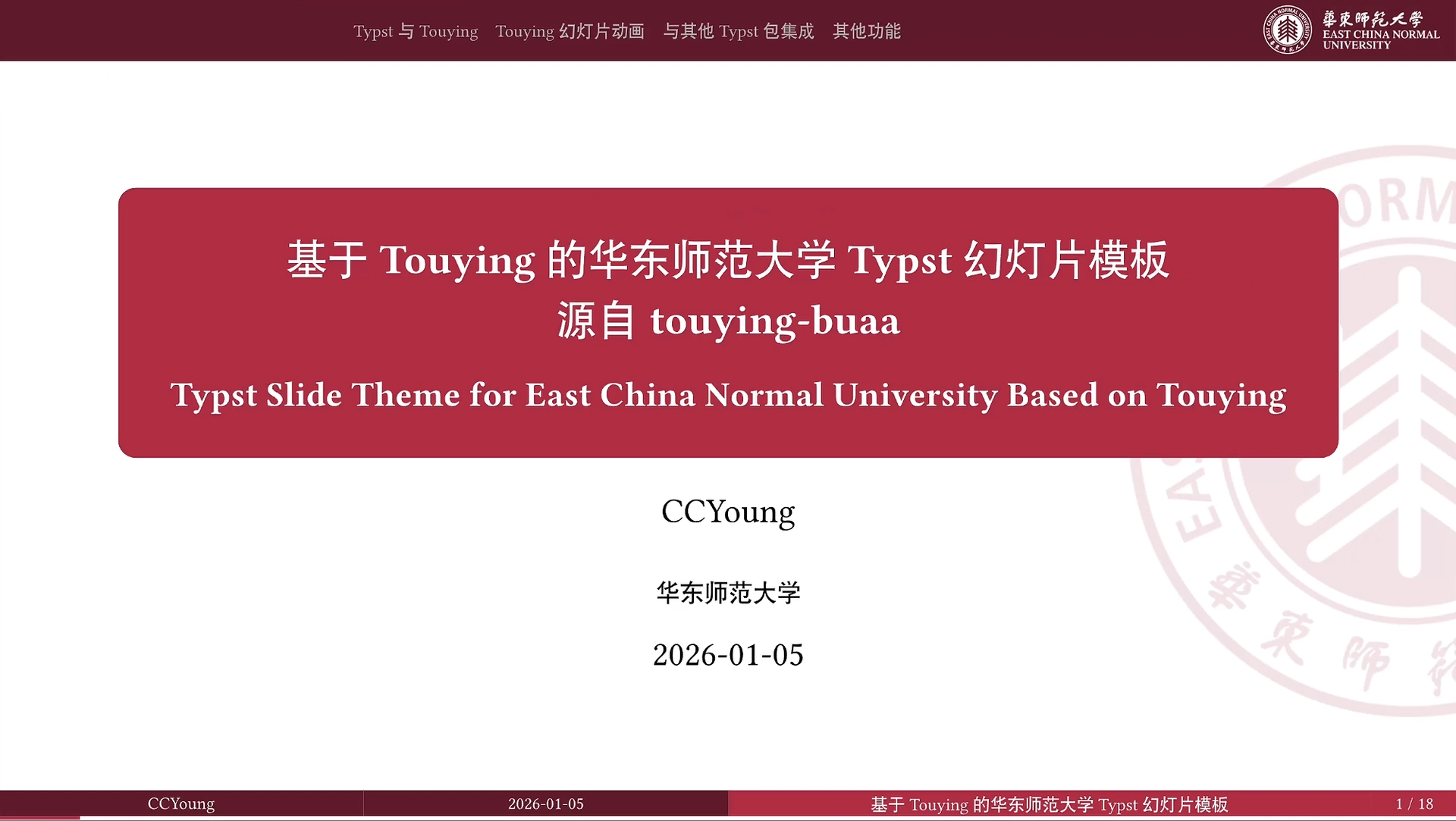
A slide theme for East China Normal University based on the Touying presentation framework.
Modified from the Touying slide theme for China Agricultural University; originally created for Beihang University.
Usage
Import the theme in existing projects
#import "@preview/touying:0.6.1": *
#import "@preview/touying-simpl-ecnu:0.0.1": *

#show: ecnu-theme.with(
    config-info(
        title: [Touying for ECNU: Customize Your Slide Title Here],
        subtitle: [Customize Your Slide Subtitle Here],
        author: [Authors],
        date: datetime.today(),
        institution: [East China Normal University],
    ),
    // use-background: false, // Uncomment to disable background image
)

#title-slide() // Create a title slide

#outline-slide() // Create an outline slide

// Add your content here
Create a new project with typst init
Quickly scaffold a new presentation with:
$ typst init @preview/touying-simpl-ecnu
Successfully created new project from @preview/touying-simpl-ecnu:<latest>
To start writing, run:
> cd touying-simpl-ecnu
> typst watch main.typ
Examples
See examples for more details.
Compile the examples yourself:
$ typst compile ./examples/main.typ --root .
The compiled presentation will be available at ./examples/main.pdf.
Development
This package is maintained using:
- Typship - for publishing to the Typst package registry.
- Typst Upgrade - for upgrading Typst packages.
License
Licensed under the MIT License.