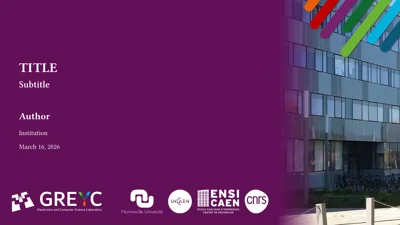
touying-greyc-ambrosia 

touying-greyc-ambrosia is a Touying theme for creating presentation slides in Typst.
It is an unofficial template intended for members of the GREYC lab, and is designed (by default) to mimic the official LaTeX & PPT templates provided in https://www.greyc.fr/intranet. However, the theme comes with a lot of modifications and a range of different variants. You are free to use or modify it for your own academic presentations, regardless of your affiliation.
✨ Fun Fact
Ambrosia 🍲 is a food or drink of the Greek gods, often described as having every flavor imaginable.
Features
Flavors
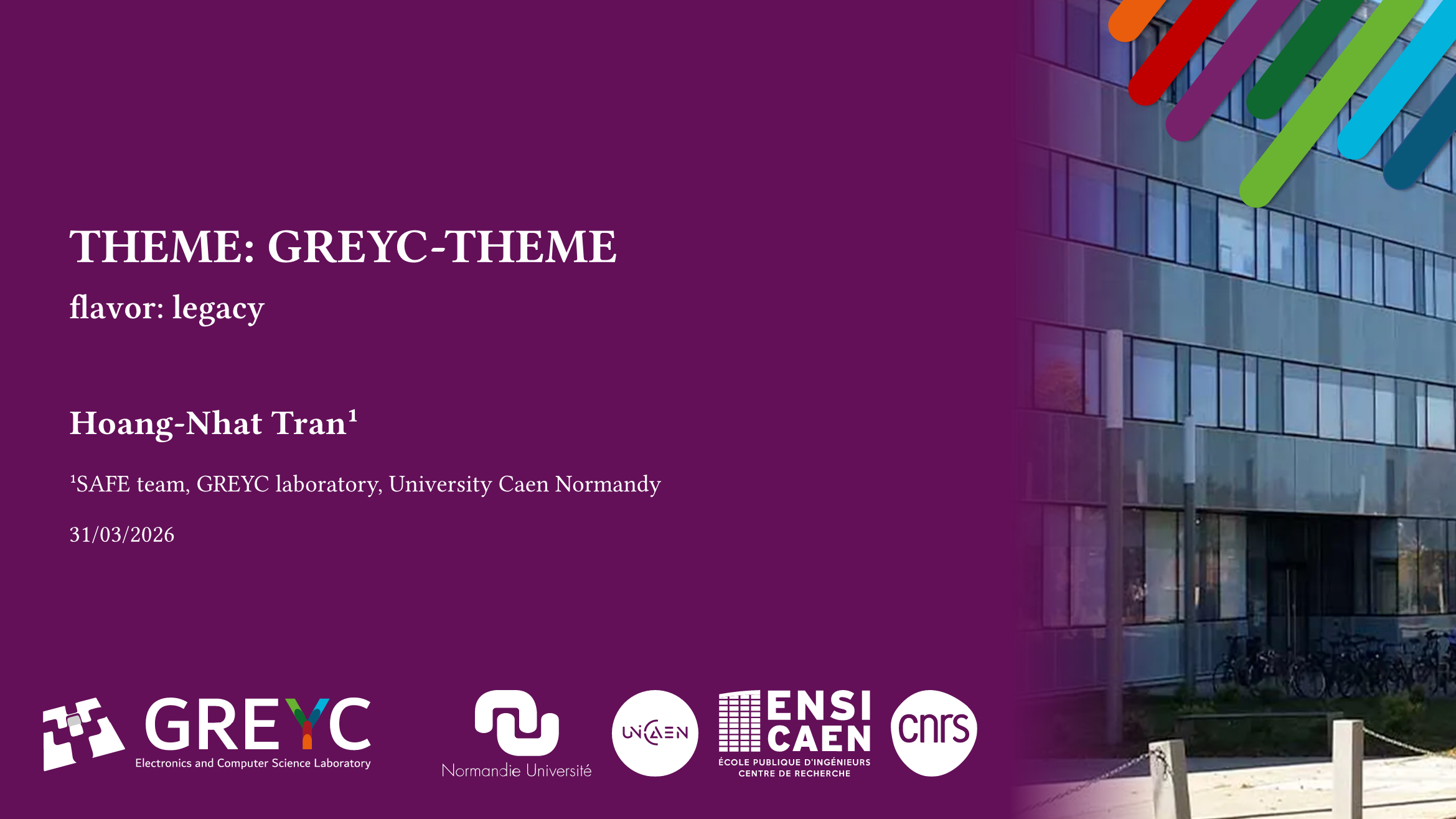
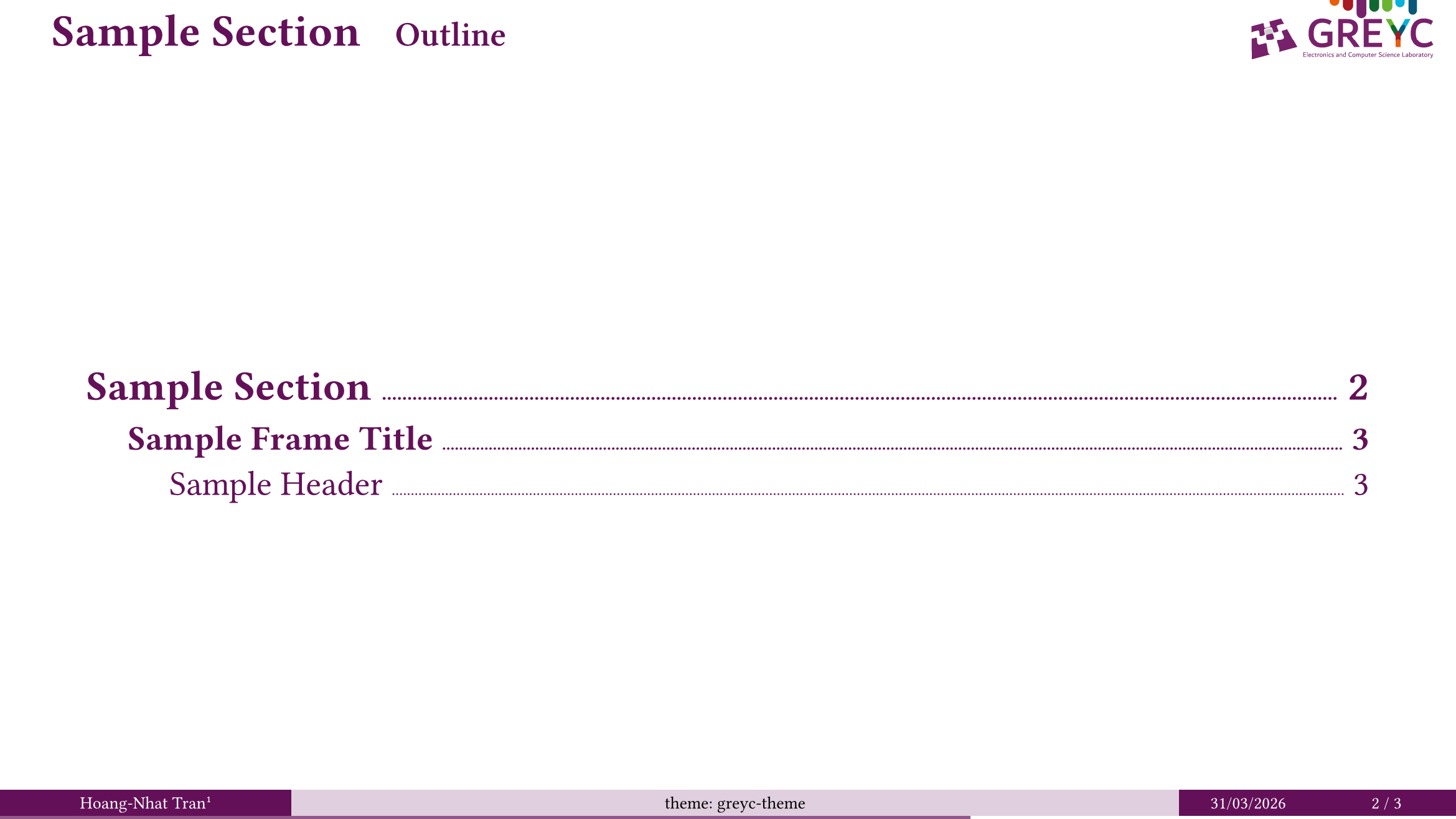
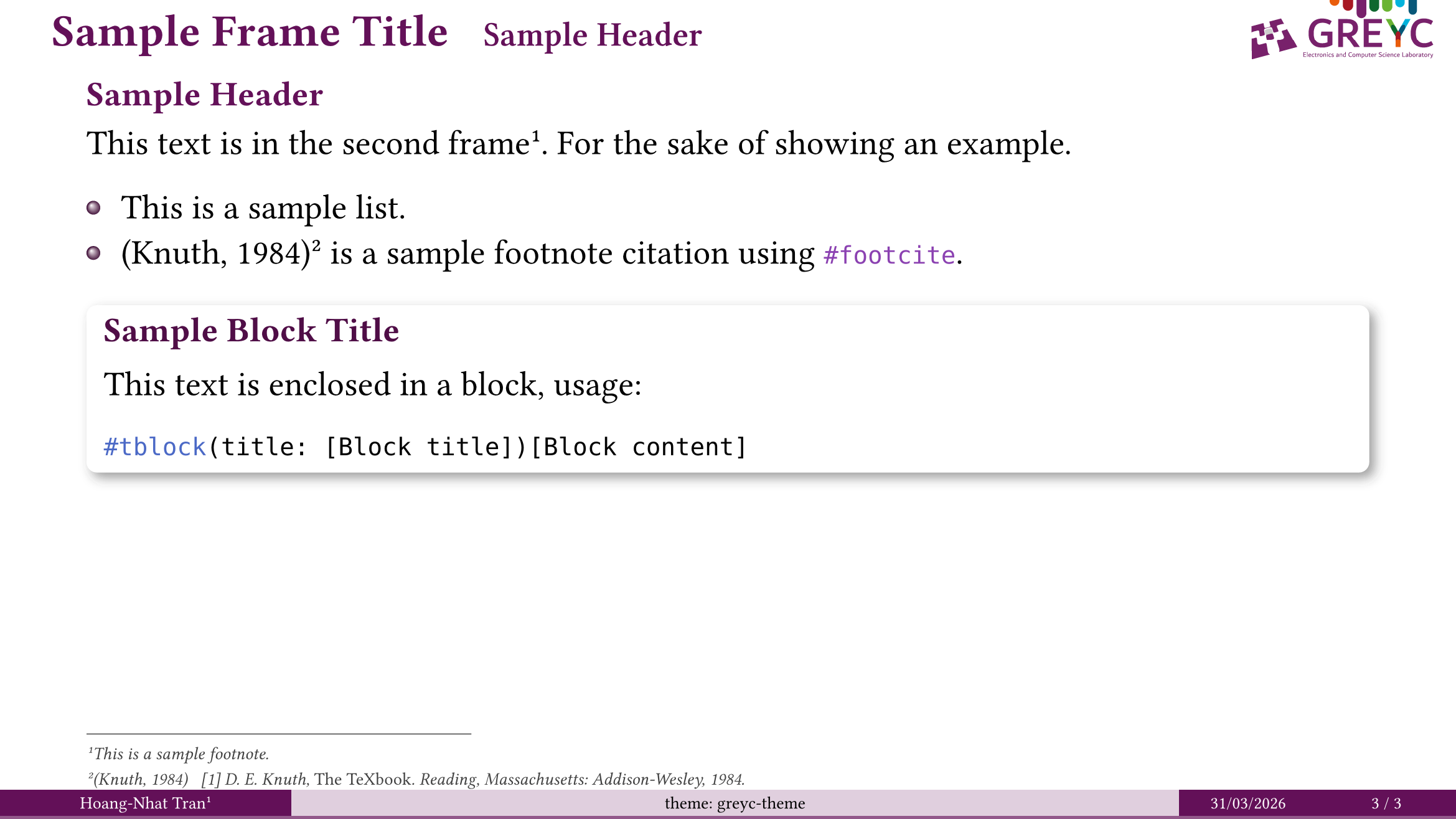
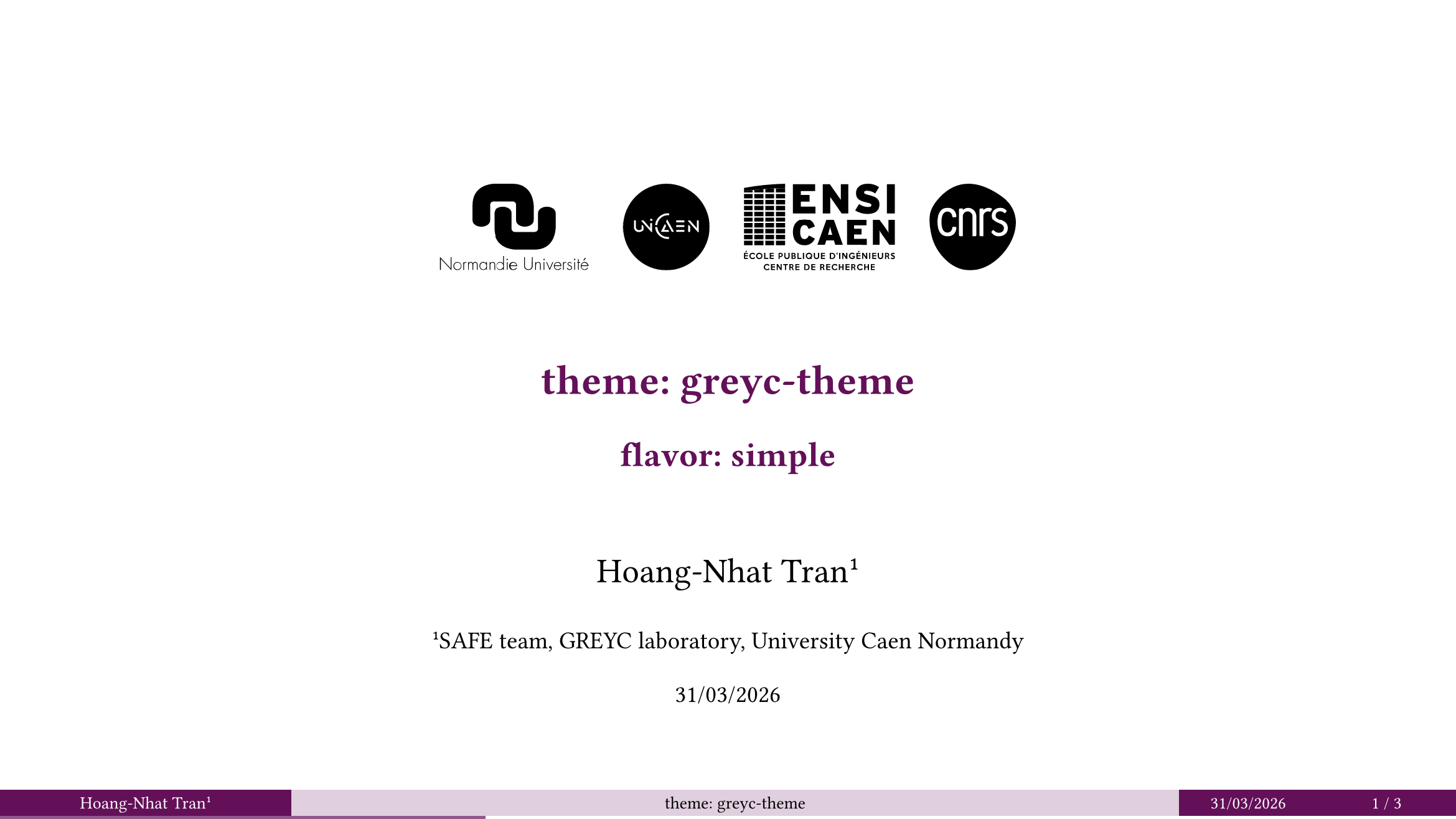
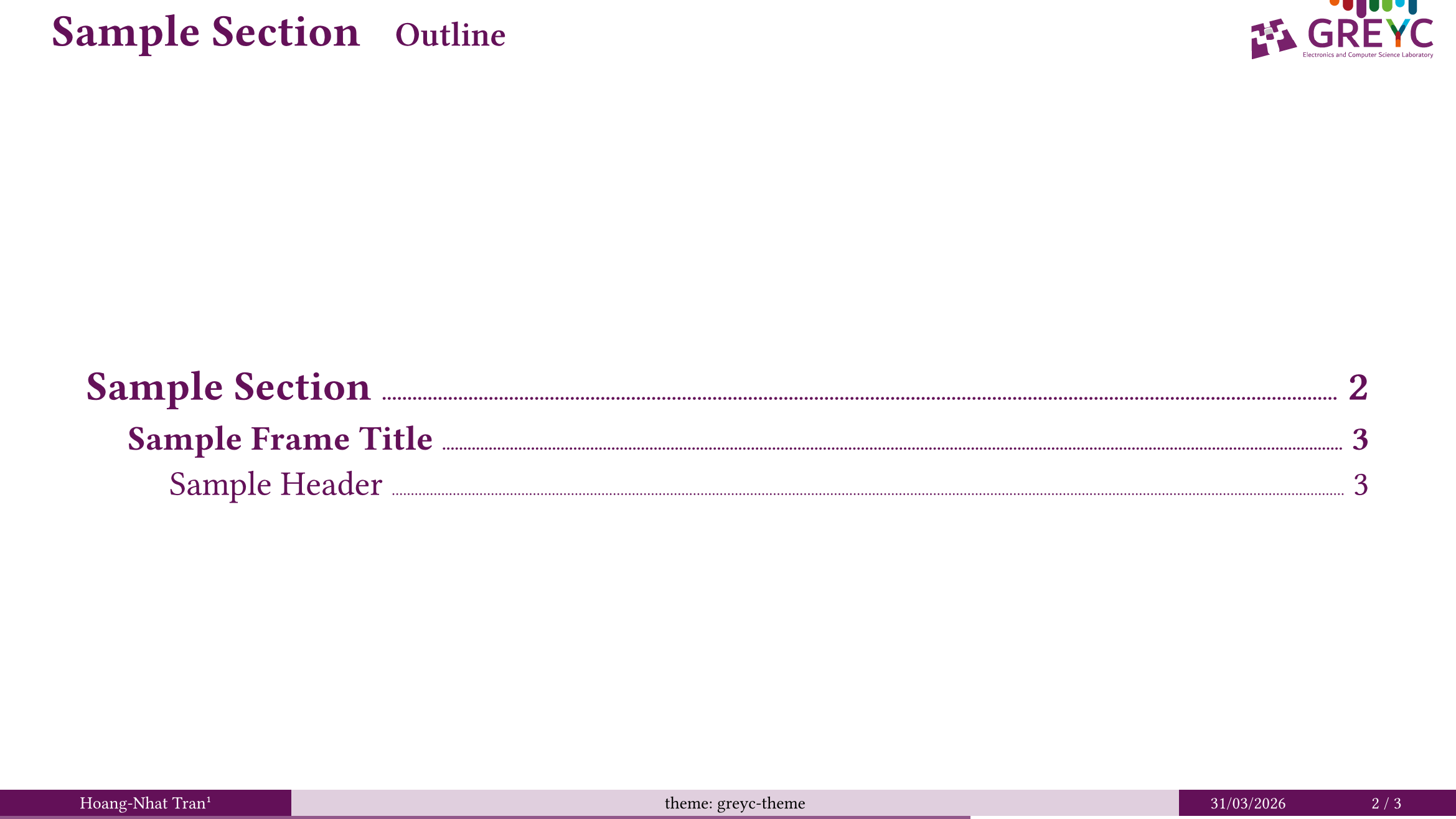
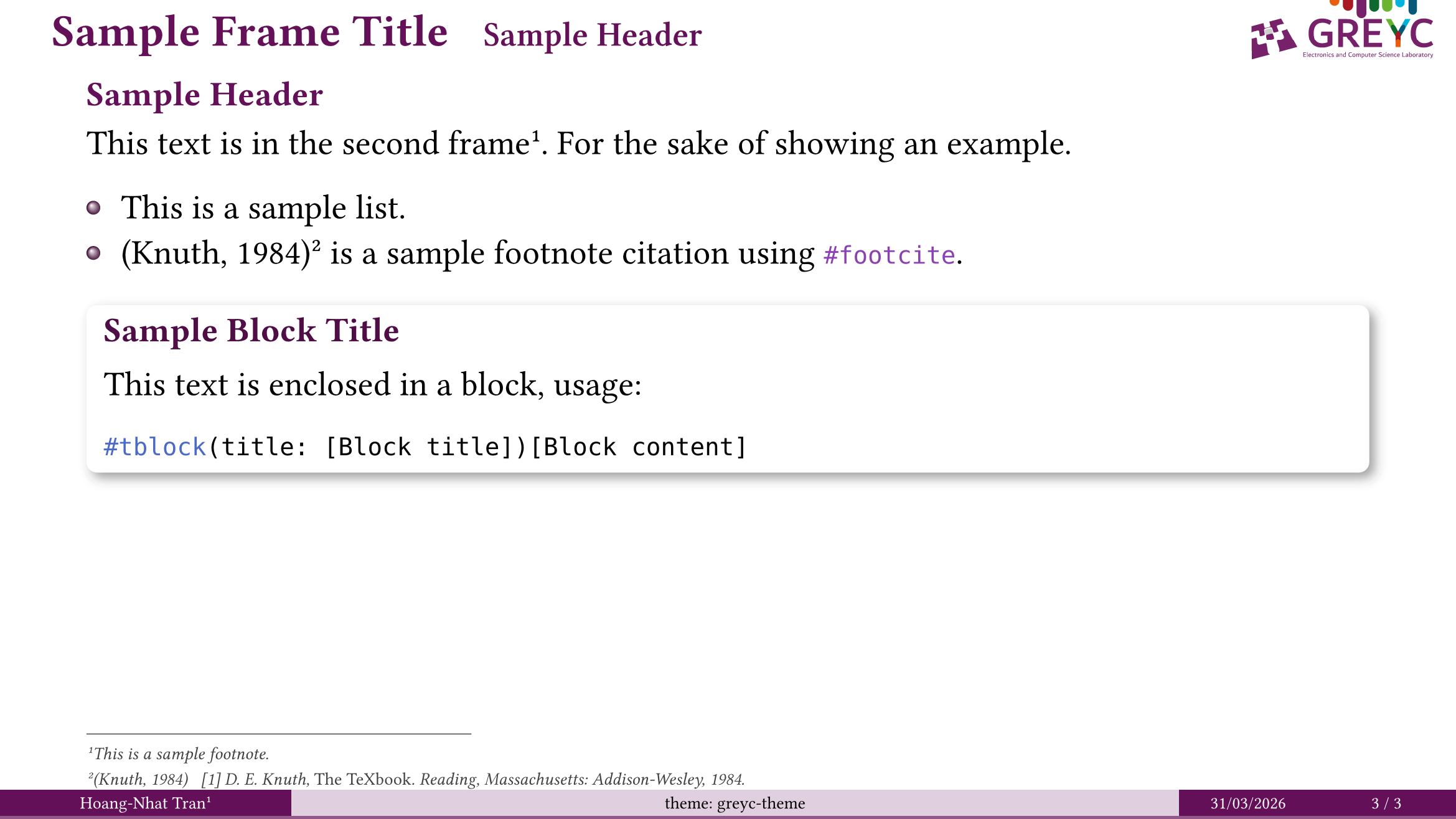
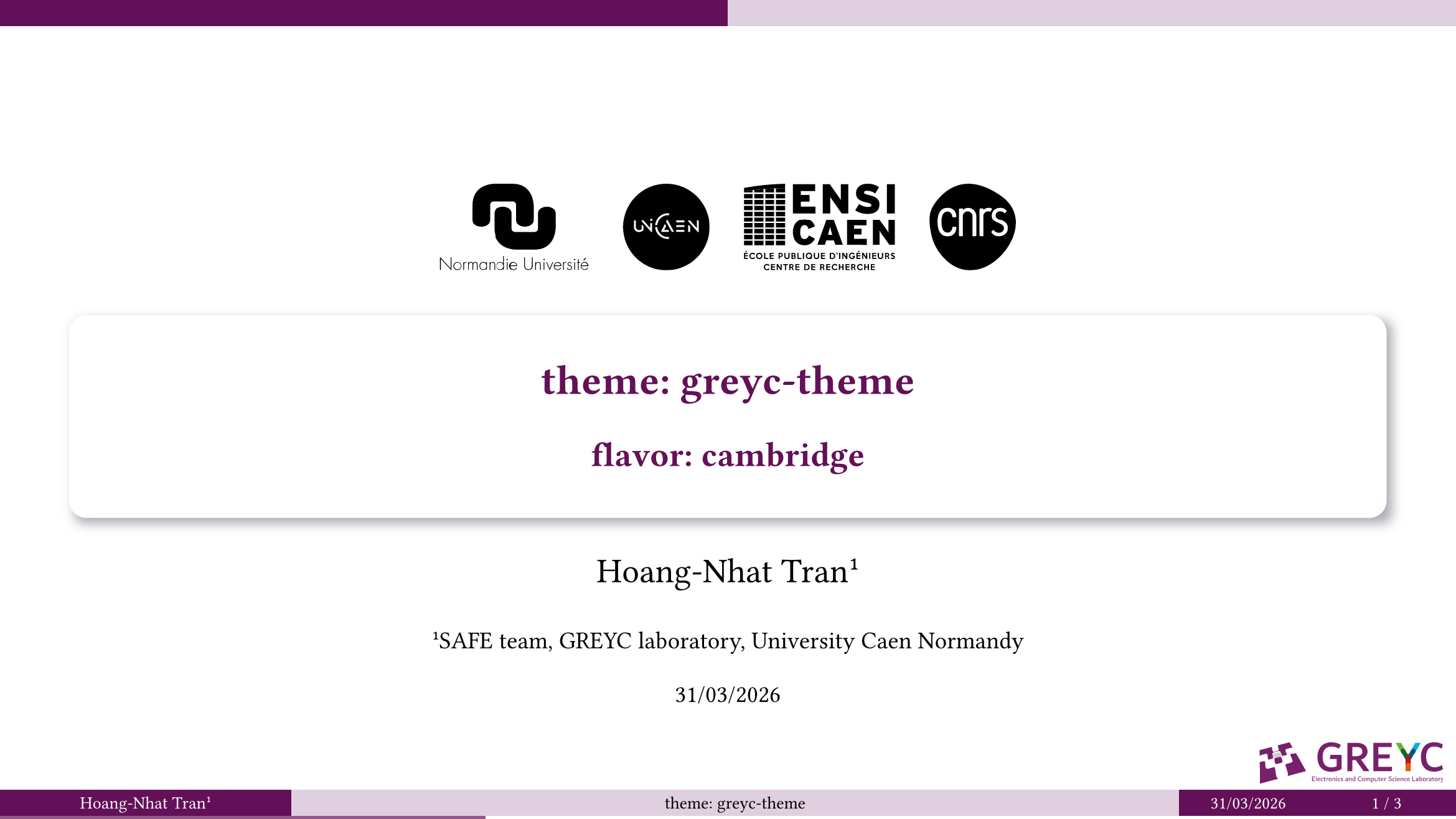
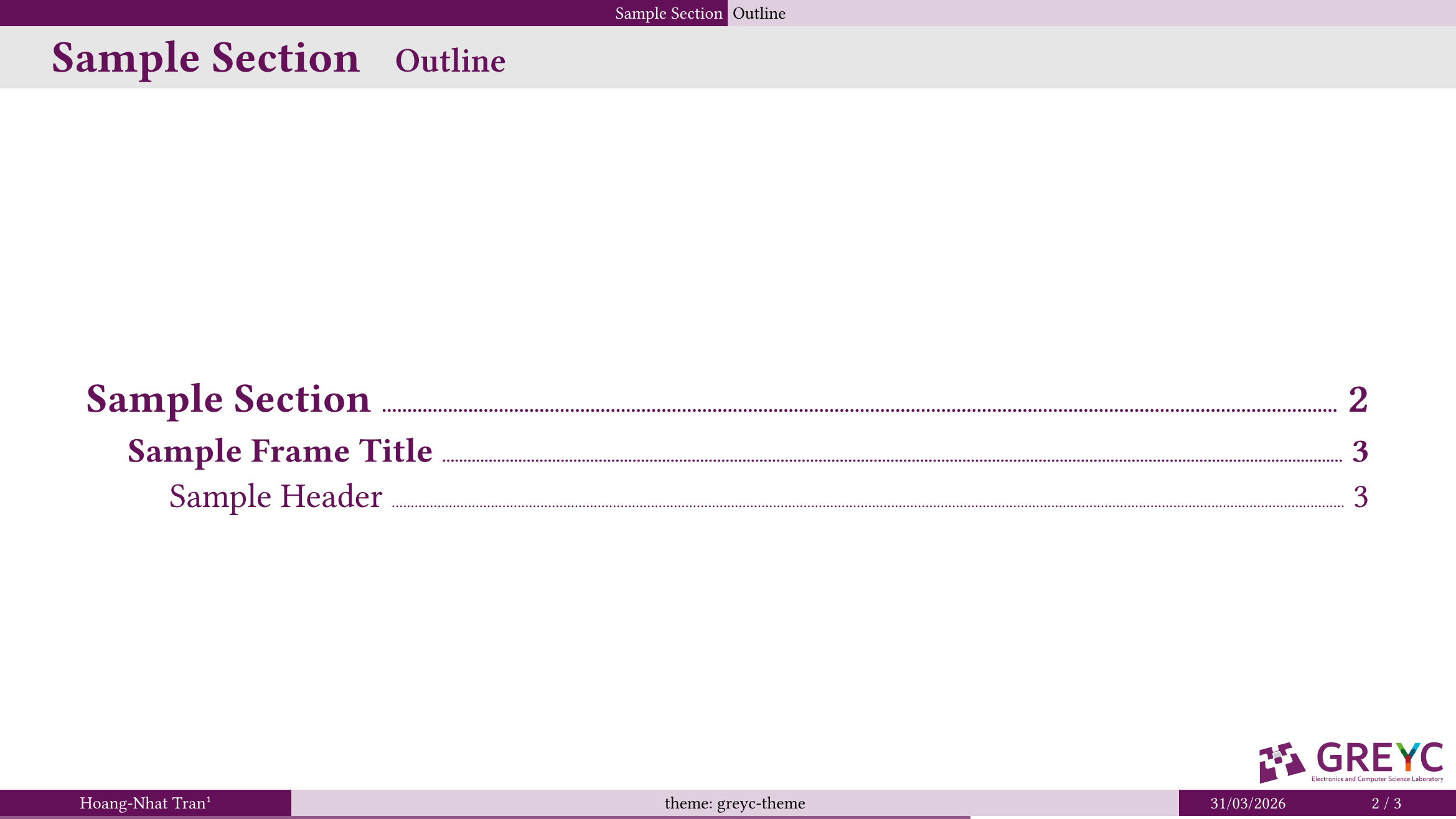
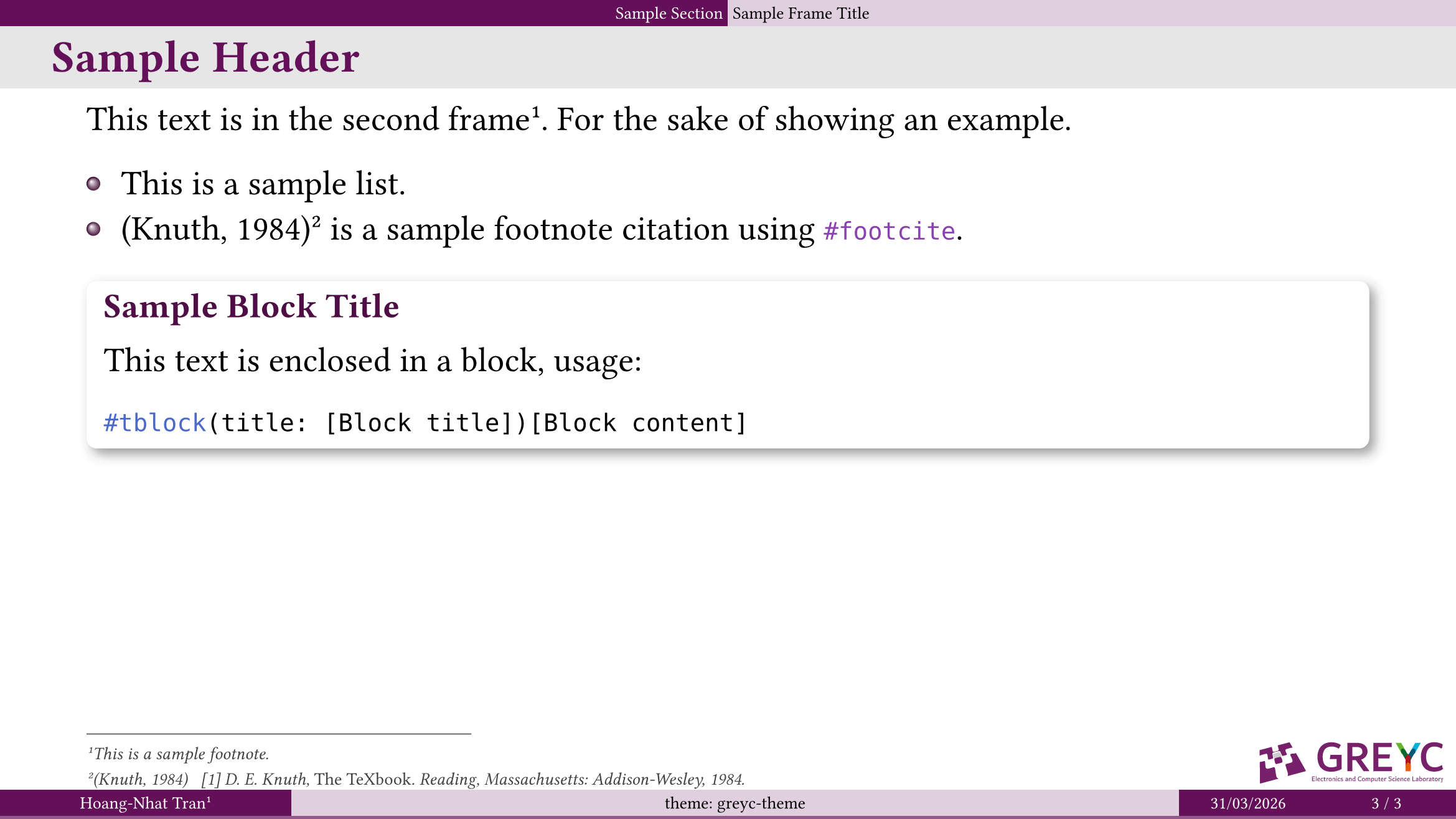
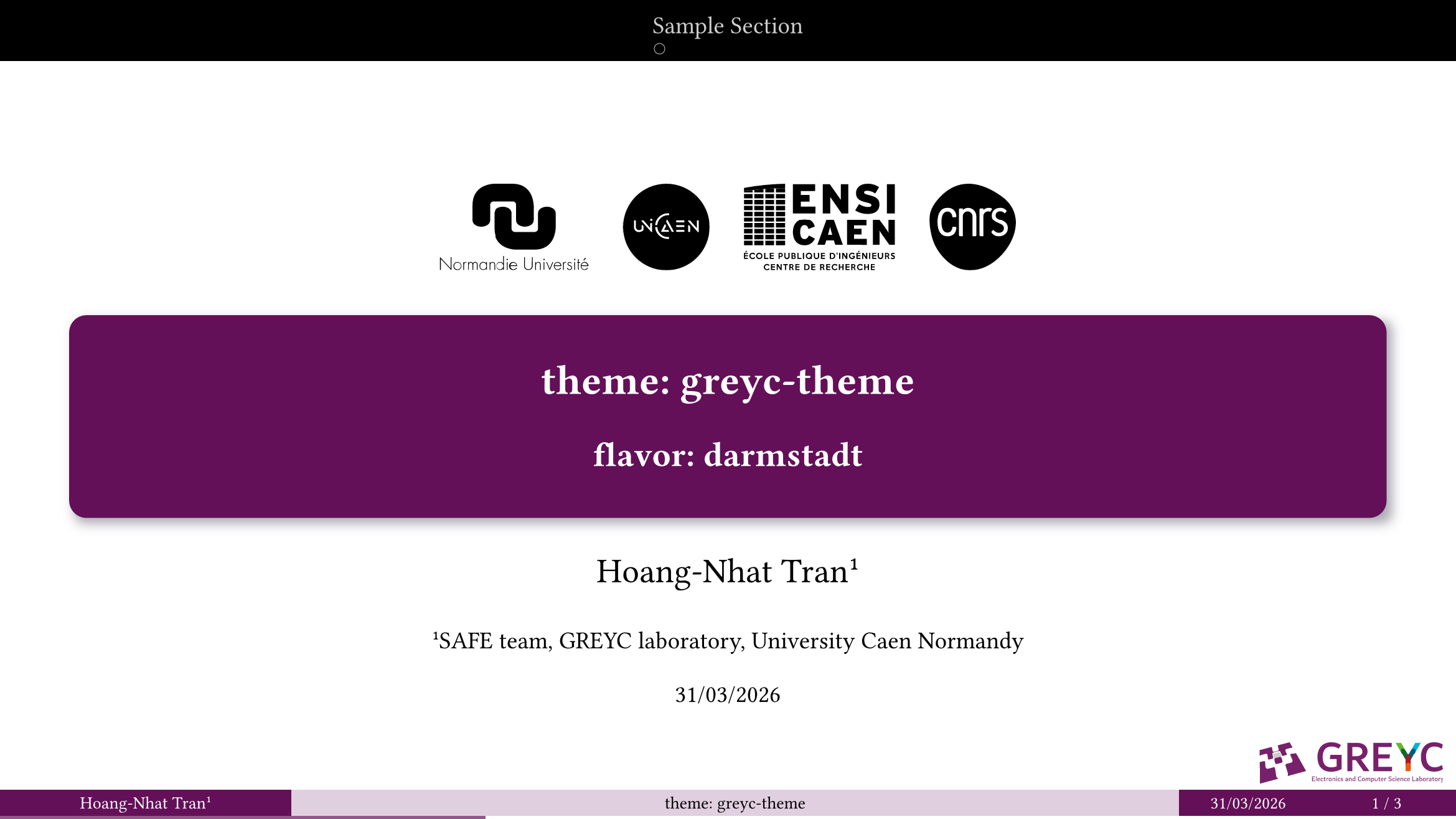
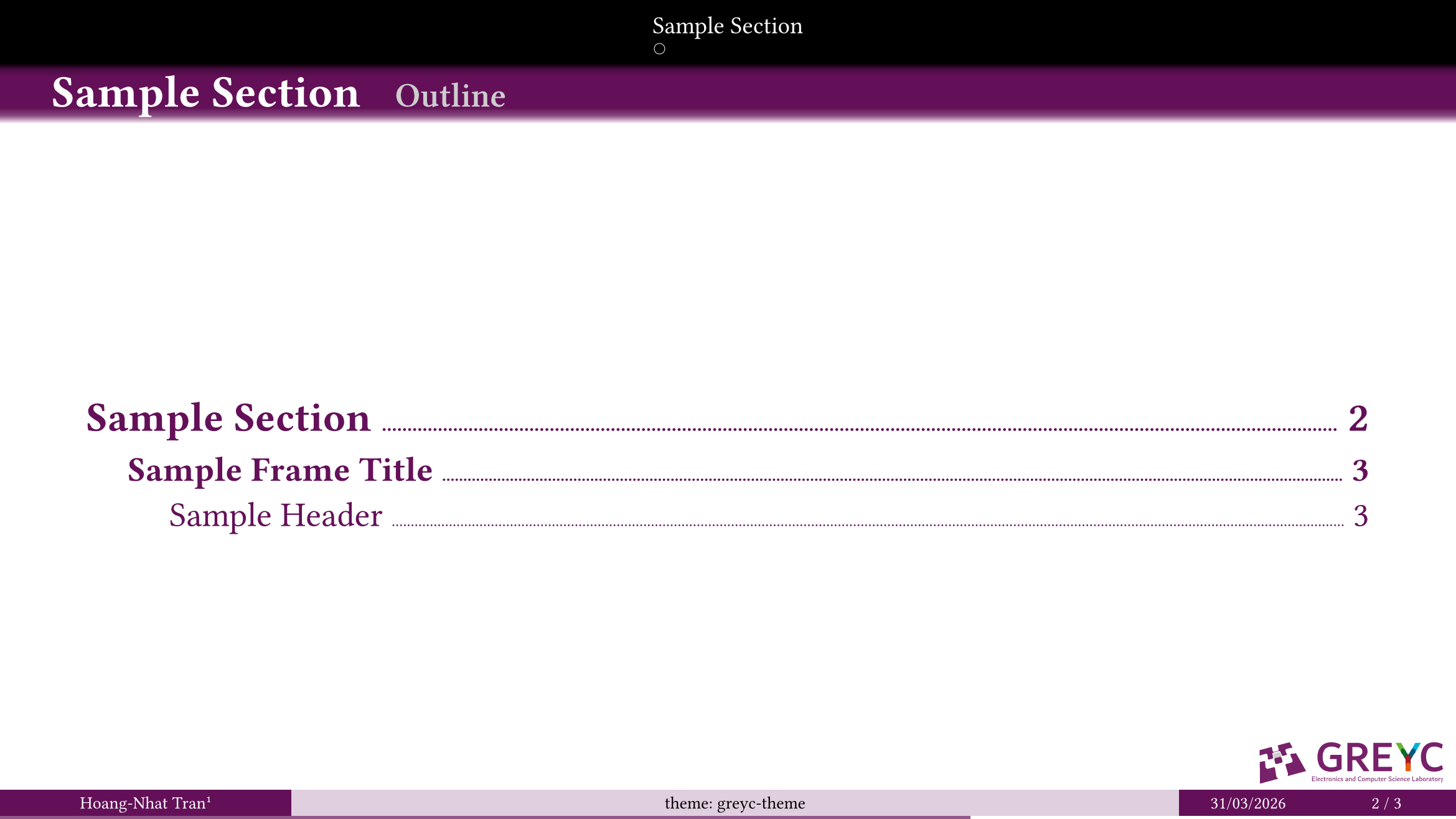
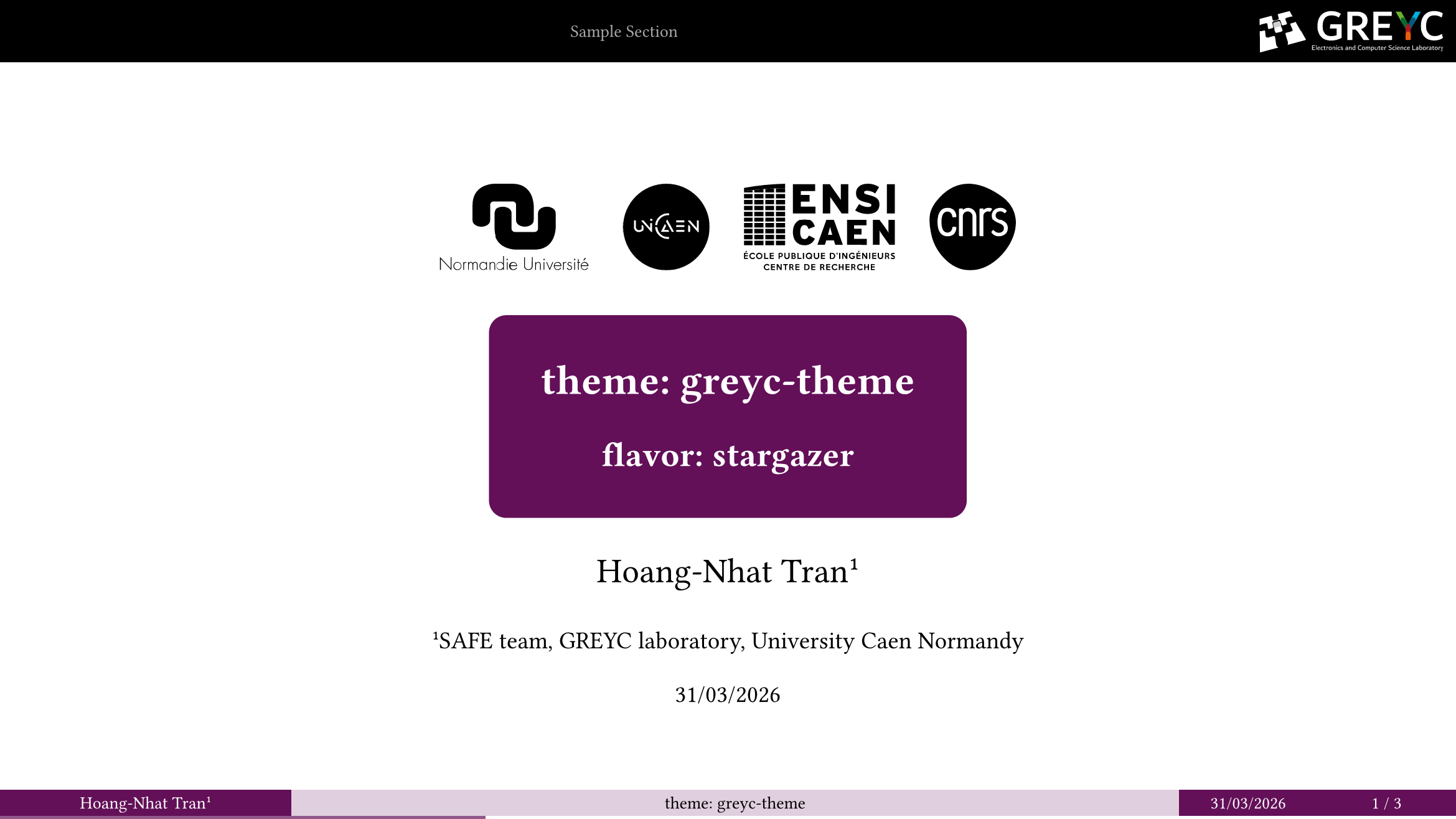
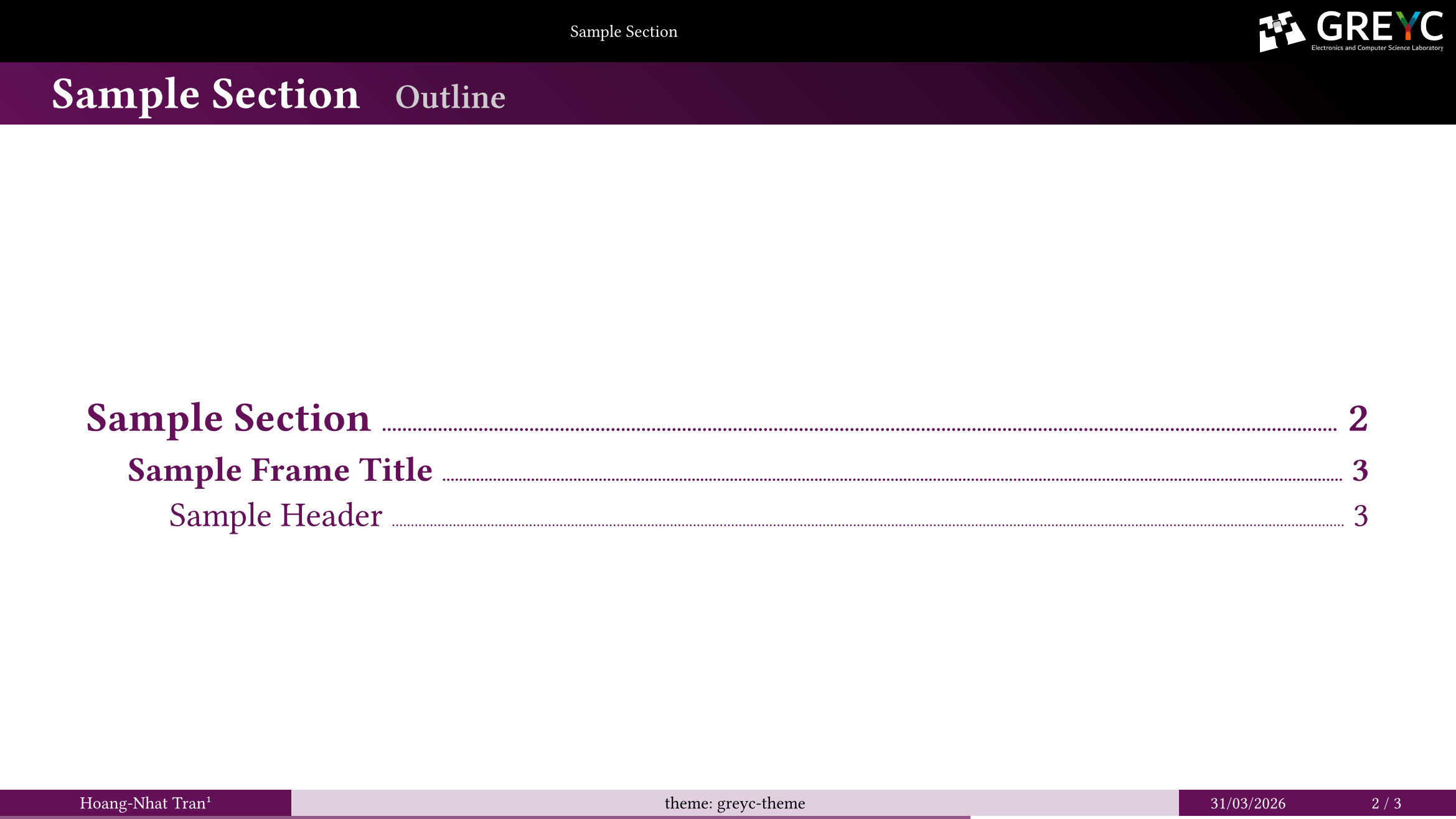
The greyc-theme offers six different flavors, inspired by existing touying and beamer themes.
| flavor | 1 | 2 | 3 |
|---|---|---|---|
legacy |
 |
 |
 |
simple |
 |
 |
 |
cambridge |
 |
 |
 |
darmstadt |
 |
 |
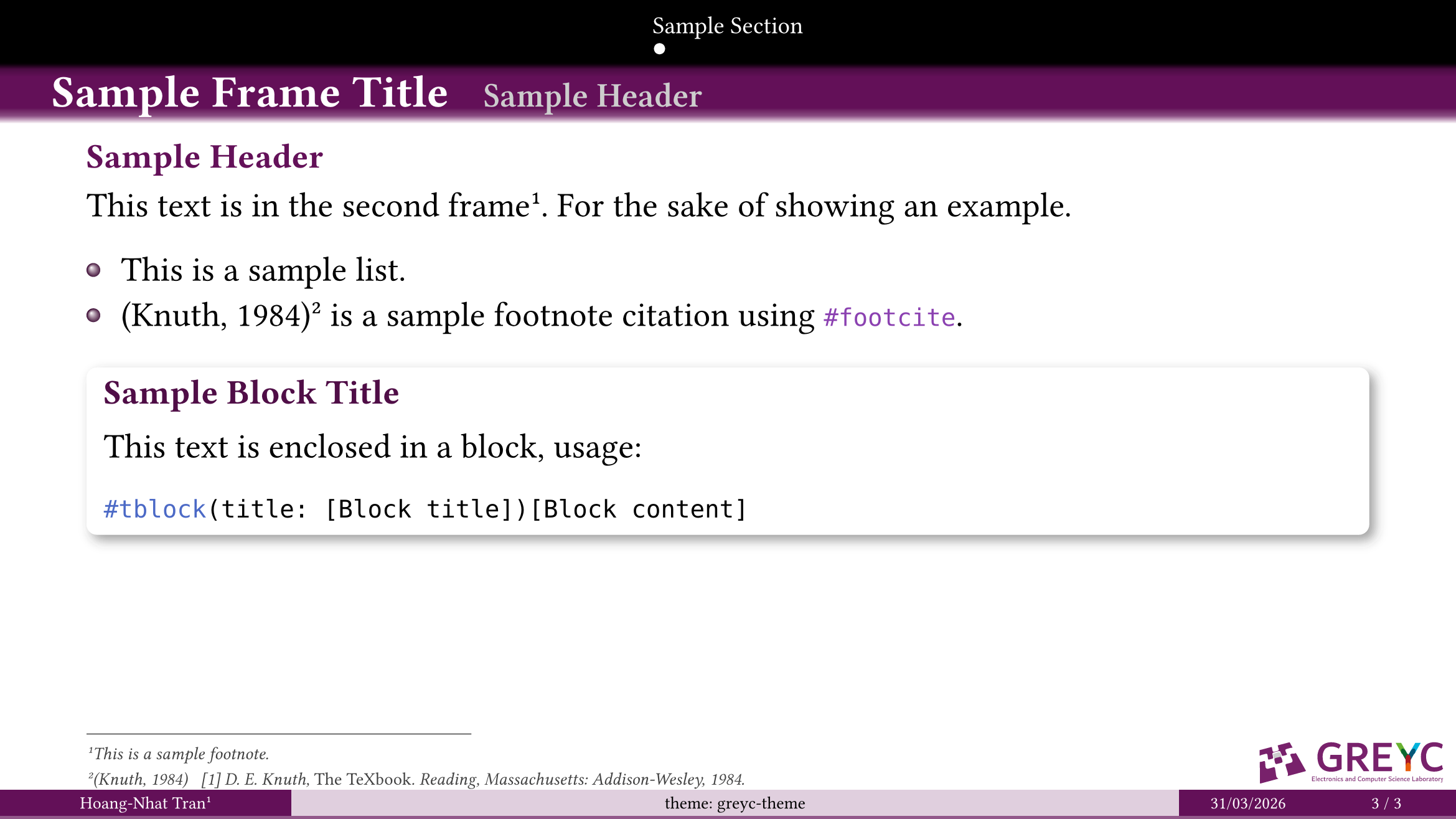 |
dewdrop |
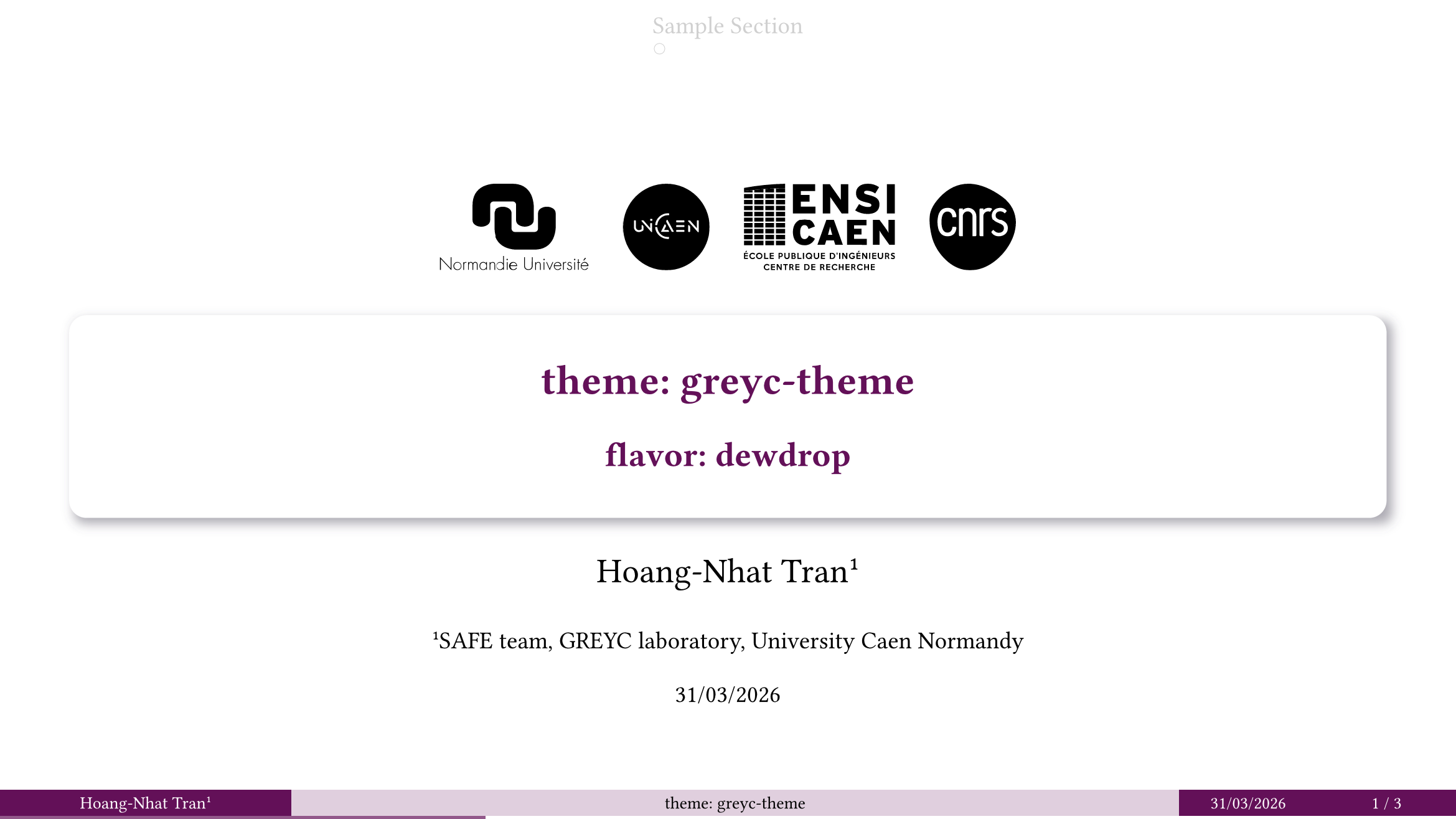 |
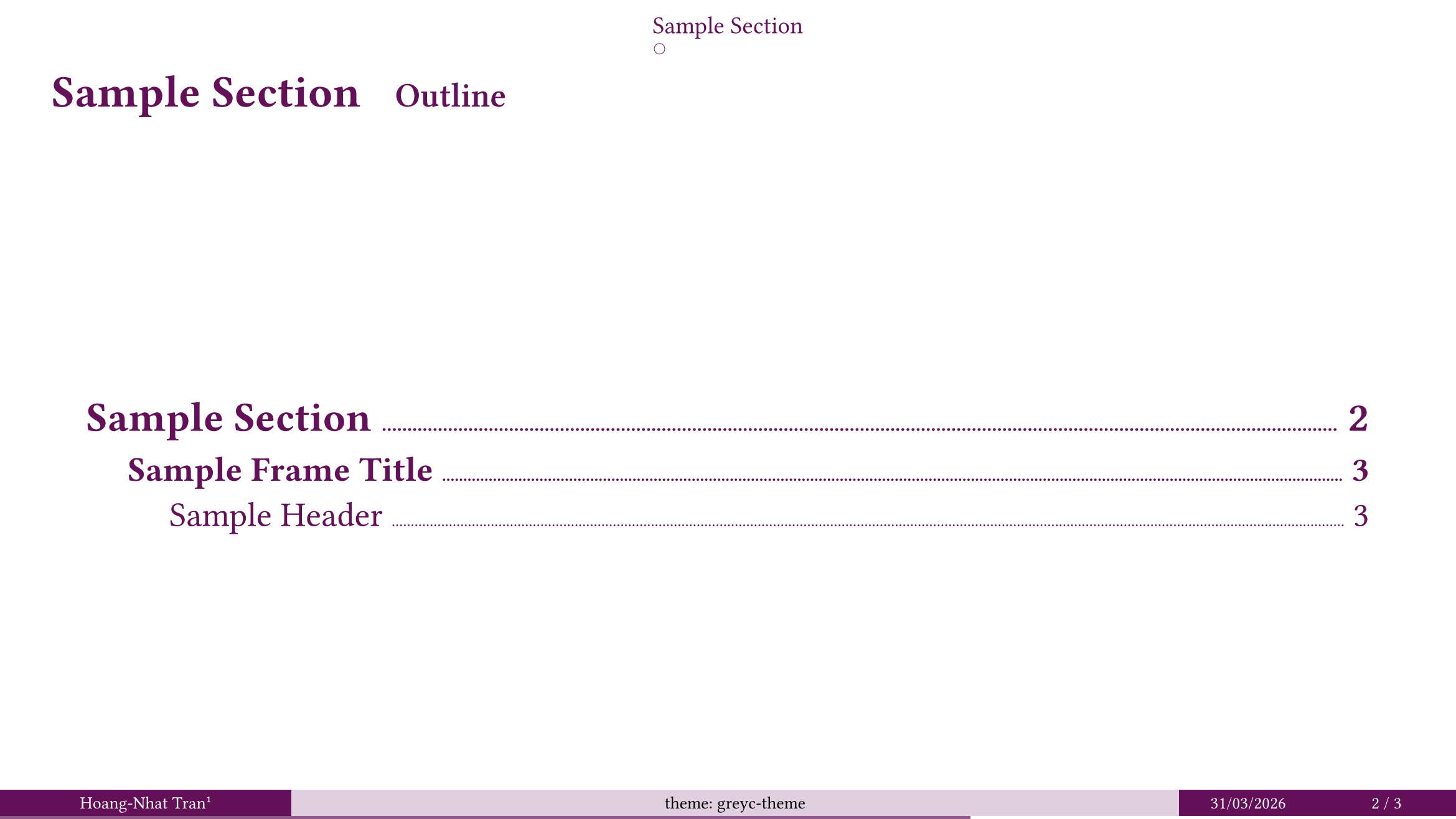 |
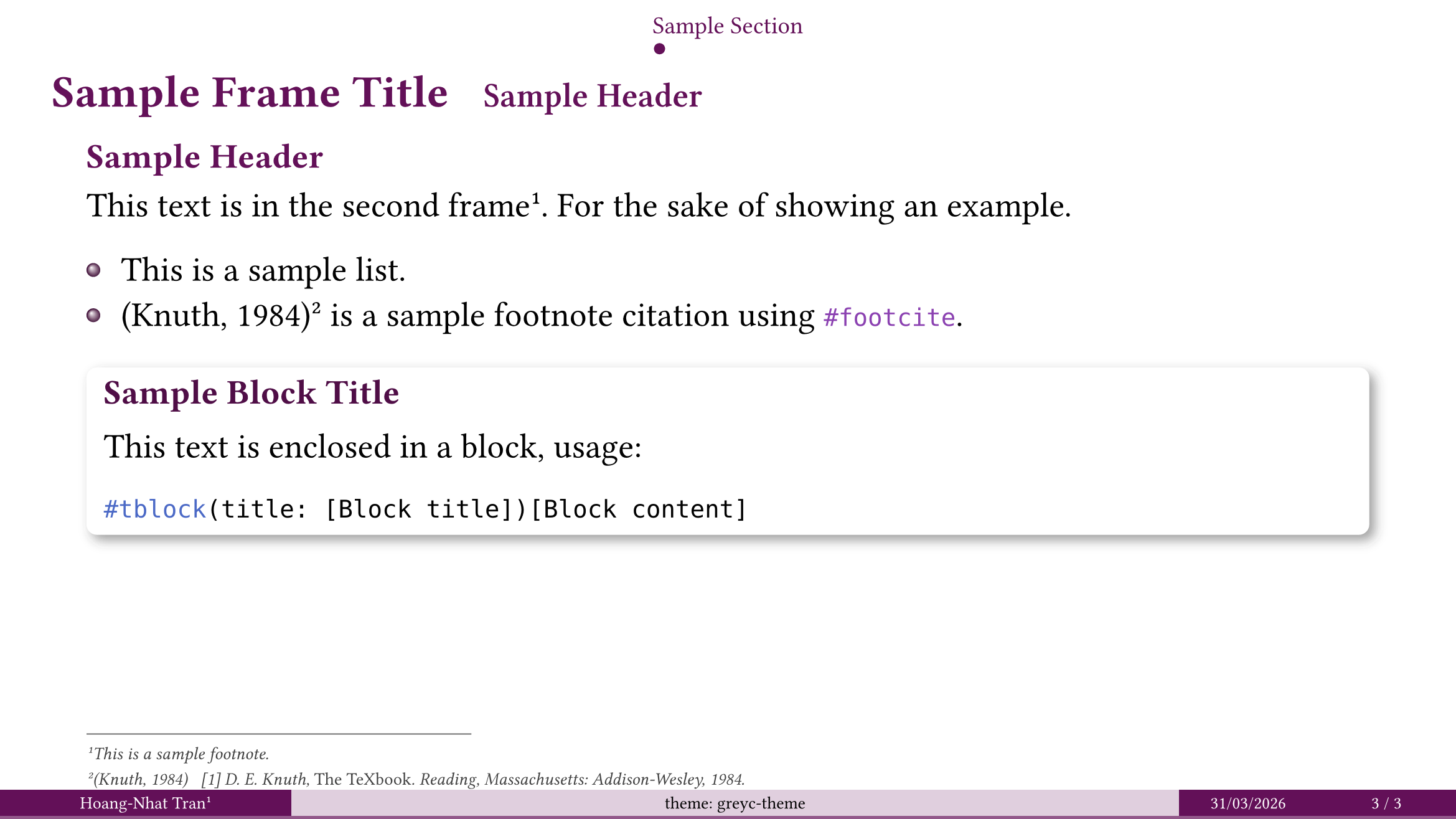 |
stargazer |
 |
 |
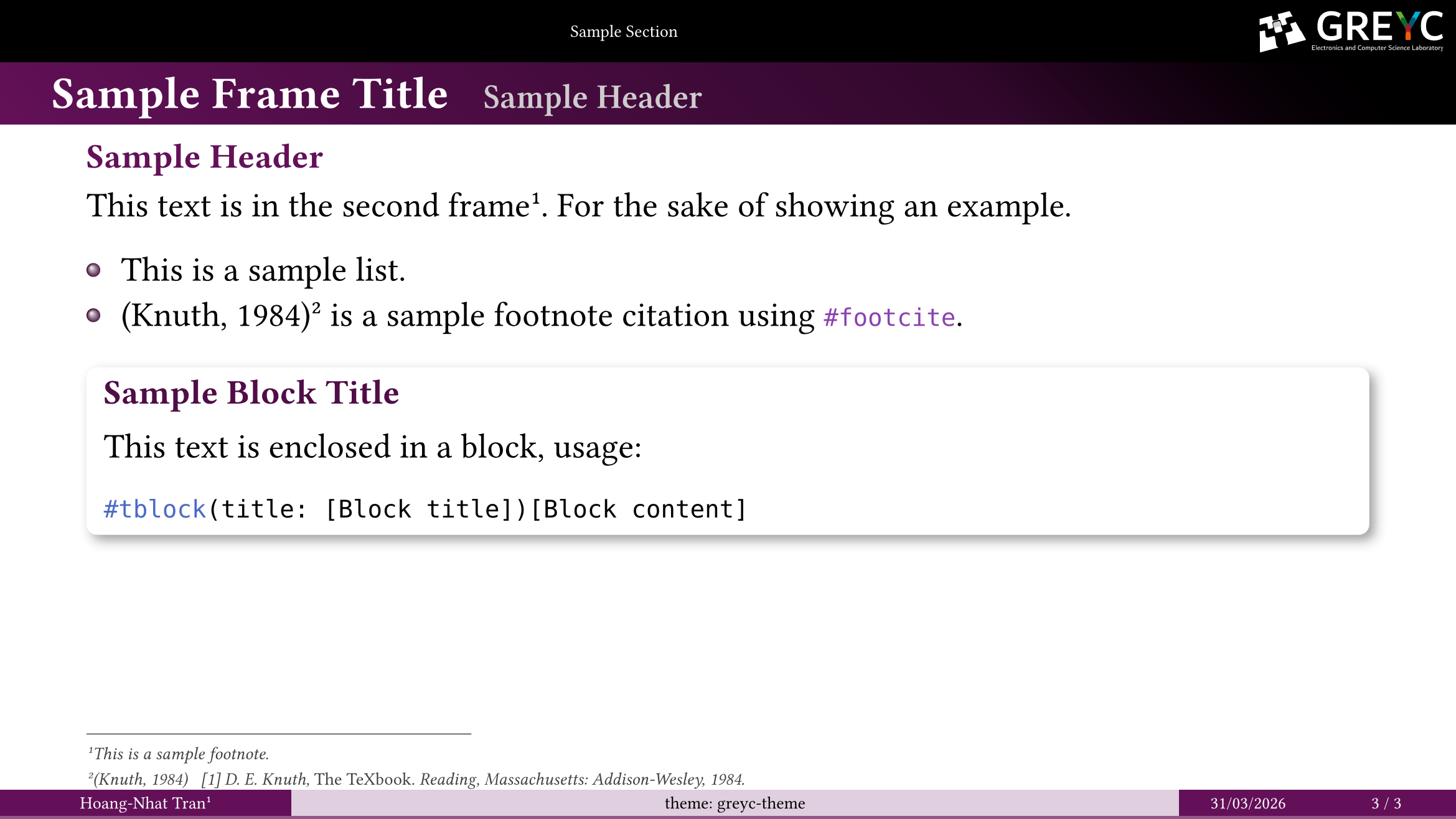 |
To select a flavor, you pass its name to the show rule of the theme.
#import "@preview/touying-greyc-ambrosia:0.1.0": *

#show: greyc-theme.with(
  flavor: "[flavor-name]"
)
Other Functionalities
Footnote Citation
- Instead of using the prose citation
@key, we can use the#footcite(<key>)function, which further includes a full citation to the footnote of the same slide. - At the end of the presentation, you must add your bibliography either by:
- A separate bibliography slide.
#bibliography-slide("bibliography.bib", style: "ieee")- A hidden bibliography.
#hidden-bibliography("bibliography.bib", style: "ieee")
💡 Tip
Footnote citation, by default, is inserted only in the first slide an article was cited. To make it appear on all slides they are mentioned, modify the
footcite-onceparameter.#show: greyc-theme.with( footcite-once: false )
Usage
This package is available in the Typst universe. To use it, simply add the following code to your document.
#import "@preview/touying-greyc-ambrosia:0.1.0": *

#show: greyc-theme.with(
  // legacy | stargazer | dewdrop | cambridge | darmstadt
  flavor: "legacy",
  aspect-ratio: "16-9",
  config-info(
    title: [Title],
    subtitle: [Subtitle],
    author: [Author],
    date: datetime.today(),
    institution: [Institution],
  ),
)

#title-slide()

= Section Title

== Slide

#lorem(30)
ℹ️ Note
touying-greyc-ambrosiashould always be imported aftertouying(which is not necessary and can be removed) in order for the functions and components it overrides to work correctly (e.g.#alert,#show: appendix, …).#import "@preview/touying:0.6.2": * #import "@preview/touying-greyc-ambrosia:0.1.0": *
Otherwise, you can download it for local use:
git clone https://github.com/inspiros/touying-greyc-ambrosia
python scripts/install.py
This Python script stores the package files in the right location following the instructions here. After that, you can import the package with:
#import "@local/touying-greyc-ambrosia:0.1.0": *
Examples
For more sophisticated use cases, please check examples/demo.typ and examples/demo.pdf.
License
MIT licensed, see LICENSE.