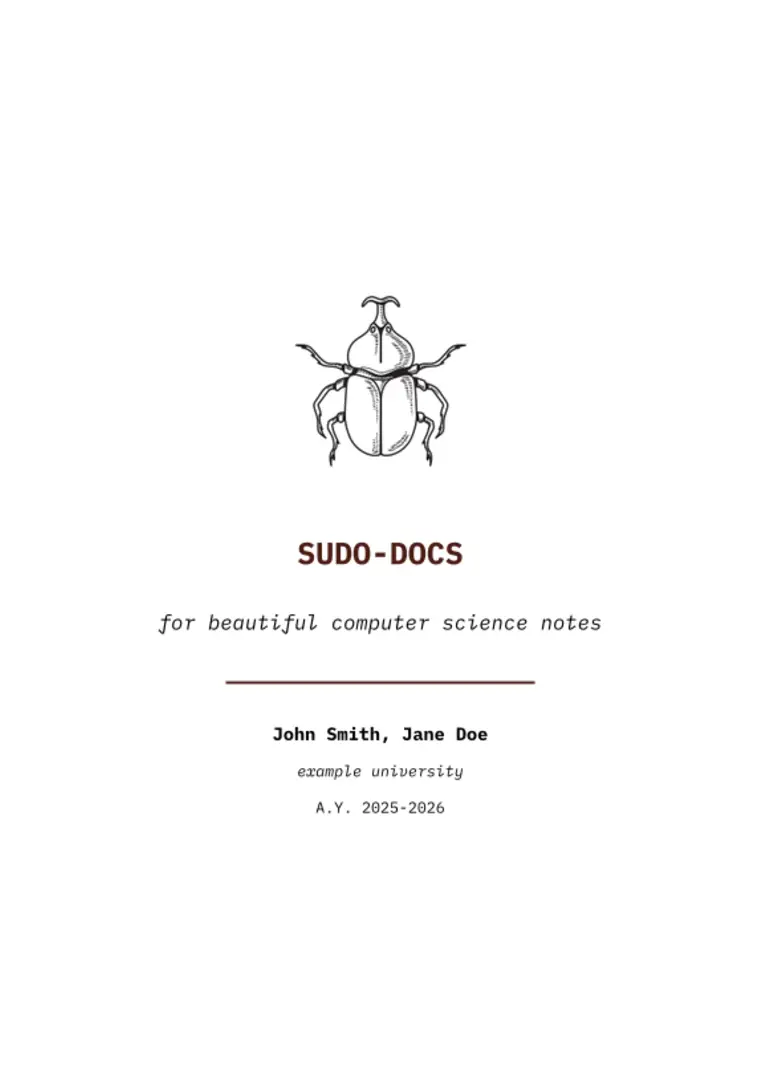
Welcome to sudo_docs, a minimalist, cs-centric Typst template designed for Computer Science students who also happen to like having clean, colorful notes.
This document demonstrates the visual style and capabilities of the template. The font used for the text is IBM Plex Mono, giving it a distinctive “terminal” look, while the code blocks use Fira Code (or Cascadia Code) for better readability.
(Note: If you are compiling locally, ensure these fonts are installed on your system. They are available by default on the Typst web app).
How to use this template
If you are using the Typst Universe, you can import the template directly from the Typst Universe package registry:
#import "@preview/sudo-docs:0.1.0": *

#show: project.with(
  title: "My Project",
  author: "My Name",
  toc: true,
  is-appendix: false, // set to true to reset counters for appendices
  main-color: rgb("#4d1d14"), // optional custom color
  lang: "en" // "en" for English, "it" for Italian
)
The template natively supports multiple languages (currently English “en” and Italian “it”). By changing the lang parameter in the project setup, Typst will automatically adjust hyphenation rules, translate default elements (such as turning “Table of Contents” into “Indice”), and seamlessly translate all the internal labels of the CS “Identity Cards” (#adt-card and #algo-card).
Table of Contents & Sections
If you have a large document and want your Table of Contents to stop before a certain section (like an Appendix), simply write the <new-section> label anywhere in your file where the main content ends. The TOC will automatically stop tracking headings past that point.
If you want to create a dedicated appendix document with its own TOC and reset page numbers, you can just set is-appendix: true in the project configuration.
Lists & Code
The lists are styled according to the main color of the template, which is customizable through an RGB code.
The code blocks have a stroke that matches the main color of the template that you can also modify.
Image alignment
This is a short tutorial on how to use the img function:
The image automatically centers if you don’t specify any parameters:
#img("logo.png", width: 4cm, alt:"alt text here", desc:"centered image")
You can align an image to the left or right using the pos (position) and width parameters. You can define size and position easily instead of using standard Typst functions.
#img("logo.png", width: 4cm, pos: left)
#img("logo.png", width: 4cm, pos: right)
Description for images is only available for centered images due to space requirements.
This is an easy way to add images of graphs, data, or specific smaller images such as icons or small doodles from your classes.
CS “Id Cards” (ADT & Algorithms)
This template includes two special functions designed specifically for Computer Science notes: #adt-card and #algo-card. They create beautiful, structured summary boxes that automatically match your main-color for data structures and algorithms.
You can create your own by forking this template’s repository, modifying the lib.typ file, and changing the function’s name and parameters.
Abstract Data Type Card
All parameters except name are optional. You can easily embed visuals using the image parameter alongside the custom img function.
#adt-card(
  name: "Dictionary (Map / Hash Table)",
  desc: [A collection of *key-value* pairs, where each key is unique.],
  image: img("logo.png", width: 6cm), // Adds a nice picture inside the card!
  impl: [
    - Hash Tables
    - Balanced Binary Search Trees
  ],
  funcs: [
    - `insert(k, v)`: Inserts a pair.
    - `search(k)`: Returns the value.
  ]
)
Algorithm Card
Use this for Algorithms. It automatically creates a 2-column grid for complexity and use-cases to save vertical space, and beautifully formats your pseudo-code blocks.
#algo-card(
  name: "Merge Sort",
  image: img("logo.png", width: 4cm), // Adds a nice picture inside the card!
  desc: [A stable sorting algorithm based on the *Divide and Conquer* paradigm.],
  working: [
    1. *Divide:* Split the array in half.
    2. *Conquer:* Solve sub-problems.
    3. *Combine:* Merge sub-arrays.
  ],
  complexity: [
    - *Time:* $O(n log n)$
    - *Space:* $O(n)$
  ],
  use-cases: [
    - Sorting Linked Lists
    - External Sorting
  ],
  pseudo: [
    ```python
    function MergeSort(A):
      if length(A) <= 1:
        return A
      // ... recursive logic here
    ```
  ]
)