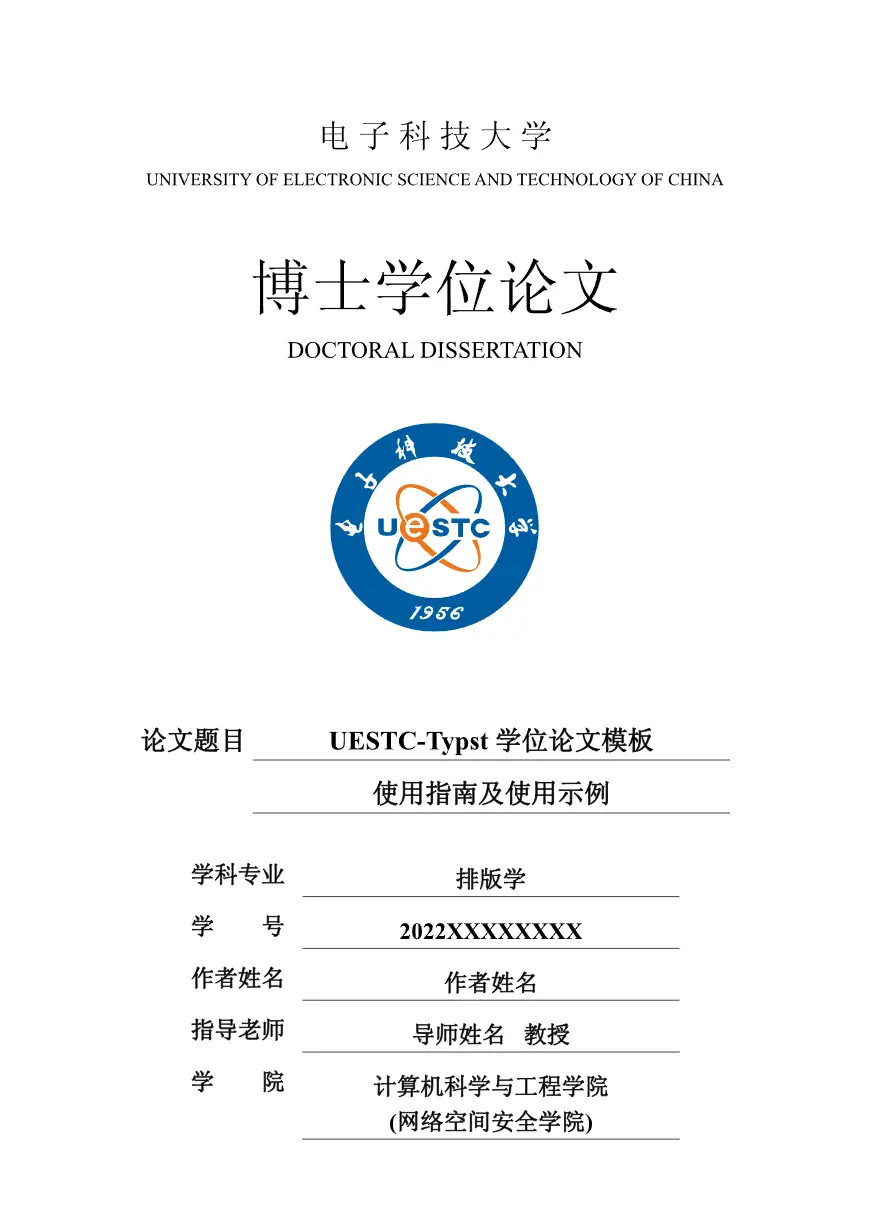





[!NOTE] ⚠️ 非官方模板:本模板由社区开发,并非电子科技大学官方发布。作者已尽力与学位管理 - 电子科技大学研究生院的格式要求保持同步。
由于 Word 与 Typst 在排版机制上存在细微差异,不能保证所有细节与学校模板完全一致。
作者已使用本模板完成学术博士学位论文的撰写并提交学校,其他学位(本科、硕士)的格式应当只有扉页有所区别,本模板已经实现对应扉页,如果发现格式问题,欢迎在模板仓库提 issue。
[!NOTE] ⚠️ Unofficial template: This template is developed by the community and is not an official release of the University of Electronic Science and Technology of China. The author has tried to keep it in sync with the format requirements from Degree Management - UESTC Graduate School.
Due to subtle differences between Word and Typst in typesetting mechanisms, it cannot be guaranteed that all details are completely identical to the official school template.
The author has used this template to complete an academic doctoral thesis and submitted it to the university. For other degrees (bachelor’s, master’s), the format should only differ on the title page; this template already provides the corresponding title pages. If you find any formatting issues, feel free to open an issue in the template repository.
方式一:通过 Typst Universe 初始化(推荐)
模板已发布到 Typst Universe,可直接用 typst 命令拉取并生成示例项目:
# 在你想存放论文的目录下执行,会自动创建一个子目录
typst init @preview/strict-modern-uestc-thesis:2.0.0 my-thesis
cd my-thesis
[!NOTE] 字体说明:本模板依赖 Windows 系统自带的 SimHei(黑体)、SimSun(宋体)等字体。如果你是通过 Typst Universe 初始化的项目,并且不在 Windows 系统上使用(如 macOS、Linux),可能会因为缺少这些字体而无法正常编译。
解决方法:从 uestc-typst/uestc-fonts 下载所需字体,放入
template/fonts/目录下即可(template/fonts/下的字体会被 Typst 自动加载)。
方式二:通过 Git 克隆
如果需要获取仓库的 CI、.vscode 配置等,或想 Fork 后修改,可以克隆本仓库:
# 如果想尝试一下就下载这个
git clone https://github.com/uestc-typst/thesis-template.git thesis
# 如果想使用Fork的仓库
git clone https://github.com/{YOUR-NAME}/thesis-template.git thesis

cd thesis
# 也可以先点击右上角的use this template创建自己的repo,然后git clone自己的repo
🪶 使用 VS Code(推荐)
本仓库已预配置 Tinymist Typst 扩展,直接用 VS Code 打开项目根目录即可获得实时预览和 PDF 导出,无需手动配置。
-
安装扩展:在 VS Code 扩展市场搜索并安装 Tinymist Typst。
-
打开项目:用 VS Code 直接打开项目根目录,仓库自带的
.vscode/settings.json会自动生效,配置好字体路径、根目录、输出路径等。 -
打开 tinymist 的预览即可,同时此扩展可以直接输出 pdf。
如果是通过 Typst Universe 初始化(方式一)的项目,通过typst universe初始化的仓库中不包含 .vscode 配置,可手动创建 .vscode/settings.json,输入下面的内容:
{
    // 预览功能
    "tinymist.previewFeature": "enable",
    // 从不自动导出pdf文件
    "tinymist.exportPdf": "never",
    // "tinymist.exportPdf": "onSave",
    // 输出路径 以pdf结尾!
    "tinymist.outputPath": "${fileWorkspaceFolder}/学位论文写作指南及例子",
    "tinymist.rootPath": "${fileWorkspaceFolder}",
    // 字体地址, 修改为模板下的fonts目录
    "tinymist.fontPaths": [
        "${fileWorkspaceFolder}/fonts"
    ],
}
使用 make 编译
进入 template/ 目录后,可以使用 make 编译或实时预览:
cd thesis/template

# 生成一个名为 学位论文写作指南及例子.pdf 的文件
# 可以在 makefile 中修改生成的文件名
make build

# 生成一个名为 学位论文写作指南及例子.pdf 的文件, 并且随着写作实时预览
make watch
不使用 make(直接用 typst 命令)
进入 template/ 目录后,可直接使用 typst 命令编译或实时预览(参数与 makefile 中一致):
cd thesis/template

# 编译生成 学位论文写作指南及例子.pdf
typst c main.typ 学位论文写作指南及例子.pdf --font-path ./fonts --root ..

# 实时预览(文件名可省略,仅监视变化)
typst w main.typ 学位论文写作指南及例子.pdf --font-path ./fonts --root ..
参数说明:
--font-path ./fonts:指定字体目录(template/fonts),相对当前所在目录template/解析--root ..:将项目根目录设为template/的上一级(即仓库根目录),这样模板内/component、/utils等绝对路径才能正确解析
本仓库生成的 学位论文写作指南及例子.pdf 是一份完整的论文写作指南,涵盖模板的使用方法和排版示例。
PDF 文件不纳入 git 主分支管理(避免仓库体积膨胀),通过 CI 自动构建并推送到
output分支。
在线预览:点击预览 PDF
下载到本地:
git clone https://github.com/uestc-typst/thesis-template.git thesis
cd thesis
# 从 output-2.0.0 分支检出 PDF(不会切换分支)
git restore --source=origin/output-2.0.0 --worktree "学位论文写作指南及例子.pdf"
建议修改
- 修改
.vscode/settings.json文件- 将
学位论文写作指南及例子.pdf修改为需要的名字(务必以.pdf结尾) - 修改
tinymist.exportPdf参数(我不需要自动构建, 因为会卡, 你可以通过需求修改)
- 将
🏔️ 流水线构建(如果只想本地写可以忽略)
可以在 .github/workflows/ci.yml 文件中修改流水线构建的配置. 比如流水线的名称, 触发条件, 构建命令等
默认操作是:向任意分支push代码后, 会将所有pdf文件强制推送到output分支(之前生成的文件会被覆盖)