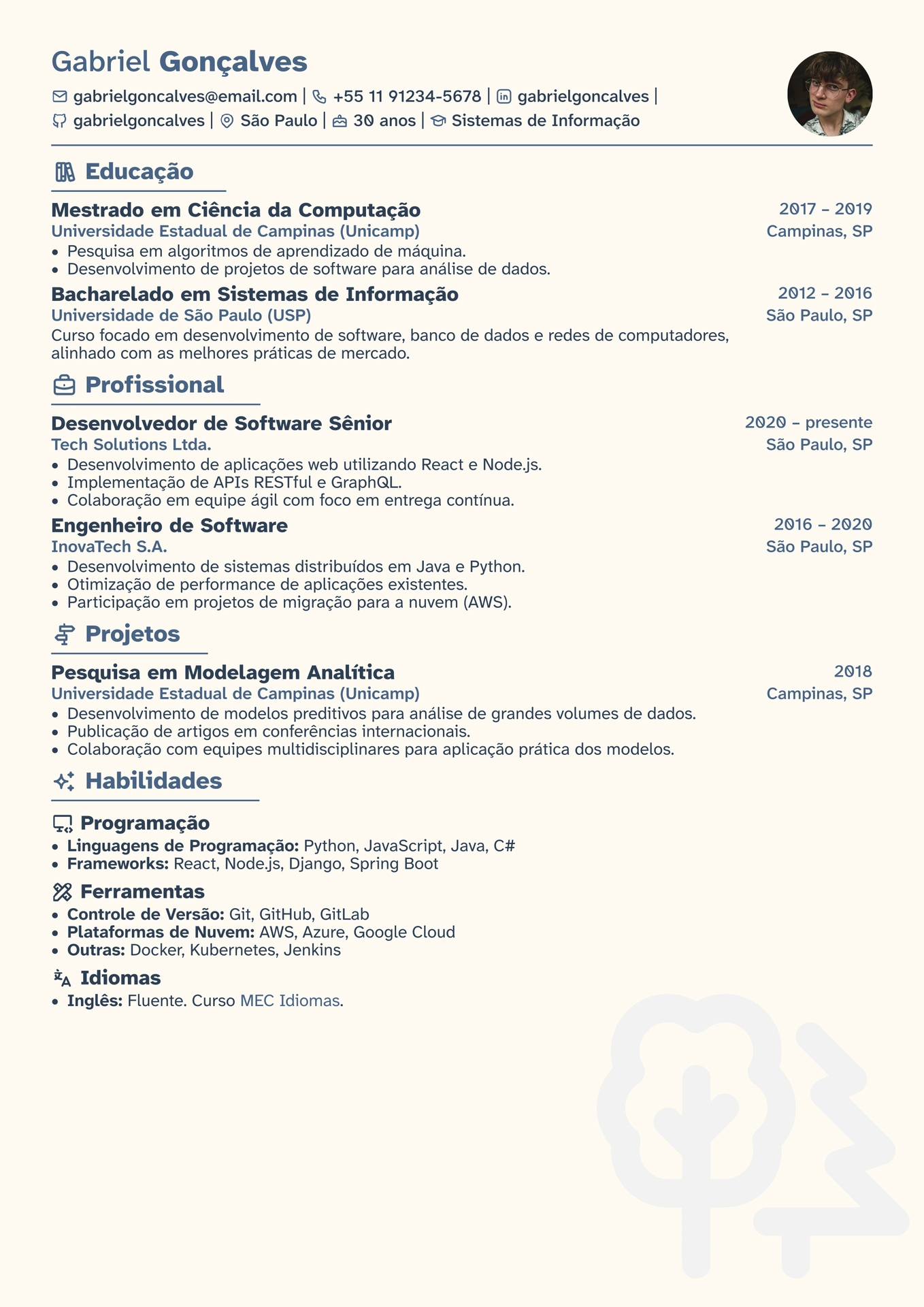
Modern and colorful Curriculum Vitae, with icons!
Initialization
In order to create a new project using this template, you can either:
-
select this template on the Typst web app;
-
or use the following command when running typst locally.
typst init @preview/quati-curriculum:0.1.0
After that, select the main.typ file to render the document.
On this file, you will find the importing of the quati-curriculum package.
#import "@preview/quati-curriculum:0.1.0" as quati-curriculum
Configuration
In order to render icons properly, you must download the most recent set of Tabler Icons from the project Iconify.
Access the downloads page from Iconify Typst project, and download the Tabler set.
It will download a JSON file named tabler.json.
Then, replace this file for the one with the same name in the /assets folder in this project.
.
├── assets
│   ├── person.jpg
│   └── tabler.json
└── main.typ
Customization
If you want to display a picture of yours, replace the file person.jpg inside the /assets folder.
Then, on the main.typ file, modify the #header component to use your uploaded file.
#header(
  first_name: "Gabriel",
  last_name: "Gonçalves",
  picture: image("assets/person.jpg"), // Modify this line.
  // ...
)