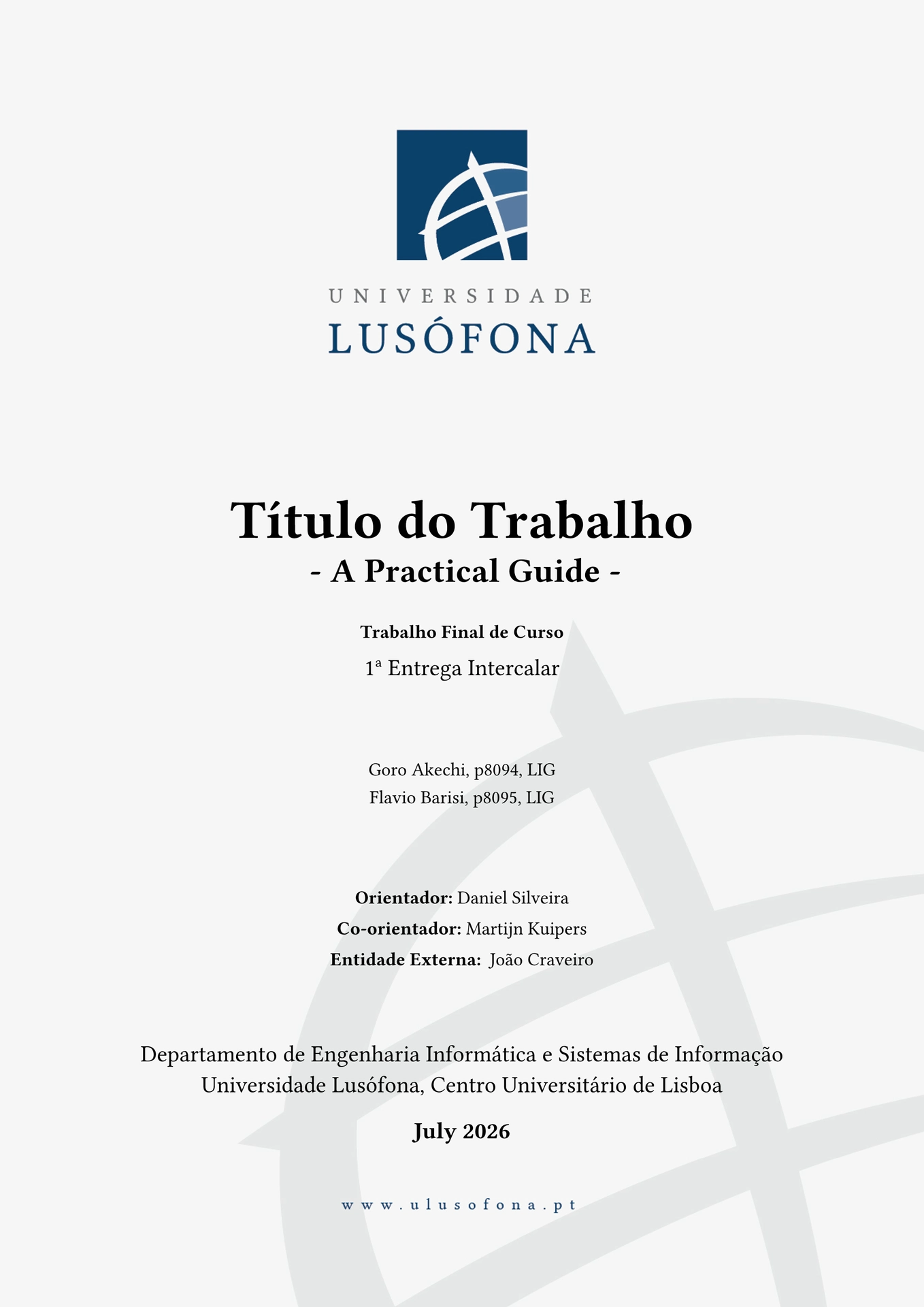
An unofficial Typst template for academic documents at Universidade Lusófona, based on the university’s official Word template and adapted from the excellent orange-book template.
This is not an official Universidade Lusófona package; it’s a personal project that reproduces the university’s cover-page style so students can write their documents in Typst instead of Word. It provides two functions that share the same underlying engine (page layout, header/footer, theorem environments, outline/glossary machinery), so fixes and styling improvements apply to both automatically:
ulthesis— for theses and dissertations.ulreport— for lab and course reports.
Which one should I use?
ulthesis |
ulreport |
|
|---|---|---|
| Use for | Theses, dissertations, final projects | Lab reports, course reports, lab notebooks |
| Cover fields | Supervisors (“Orientador”/“Co-orientador”), external entity | Unidade Curricular, Grupo, “Professor de UC” |
| Front matter | Acknowledgements, abstracts (PT/EN), lists of figures/tables | None of these — minimal front matter |
| Glossary position | Front matter, before chapter 1 | Back matter, after the bibliography and appendices |
| Default language | English (lang: "en") |
Portuguese (lang: "pt") |
If you’re not sure: a document with a defended, examined final deliverable
(dissertation, thesis, final project report evaluated by a jury) is
ulthesis; a shorter, recurring piece of coursework for a specific
Unidade Curricular is ulreport.
Image rights
The cover-page background (cover_image.jpg) reproduces Universidade
Lusófona’s own branding and is © Universidade Lusófona. It is included here
so the template can be used freely to write documents for the university;
it is not licensed for other uses. The Lisbon illustration used in the
example chapters (chapters/images/lisbon.jpg and examples/report/chapters/images/lisbon.jpg) is an AI-generated,
royalty-free placeholder image used only to demonstrate figure/image
inclusion.
Getting started
typst init @preview/mkuipers-ulusofona:0.3.3 my-document
This creates a new folder my-document with:
main.typ— the main document: a TFC (Trabalho Final de Curso) report, anulthesispre-filled with the official DEISI guidance text.chapters/capitulo_0*.typ,bibliography.yaml,glossary.yaml— its chapters and sample data. Placeholder text is shown on a grey background (#guidance[...]); replace it with your own content.chapters/anexo_exemplos.typ— an annex with examples of lists, figures, tables and references; delete it before submitting.examples/report/— aulreportlab/course report example. Chapters 1–4 demonstrate the template’s features (sectioning, in-text elements, mathematics, tables and figures) and chapter 5 is a worked results section with formulas, images, tables and a block diagram.
The example folder is self-contained. To start a report instead of the TFC,
copy its contents over the template root (replacing main.typ, chapters/
and the YAML files), then delete examples/ if you no longer need it.
Compile right away:
cd my-document
typst compile main.typ
Or start from the template directly on Typst Universe using the “Start from template” button.
Usage: ulthesis
#import "@preview/mkuipers-ulusofona:0.3.3": *

#show: ulthesis.with(
  title: "My Thesis Title",
  subtitle: "Optional Subtitle",
  type: "Dissertação de Mestrado",
  subtype: "Engenharia Informática",
  date: "2025",
  authors: (
    (name: "João Silva", number: "20201234", course: "Engenharia Informática"),
  ),
  supervisors: (
    "Prof. Doutor Nome do Orientador",
    "Prof. Doutor Nome do Co-orientador",
  ),
  external: "Empresa XYZ", // Optional
  acknowledgements: [Acknowledgement text here],
  abstract-pt: [Resumo em Português],
  abstract-en: [Abstract in English],
  glossary-data: yaml("glossary.yaml"), // Optional — set to none to omit
  list-of-figures: true,
  list-of-tables: true,
  list-of-acronyms: true,
  lowercase-references: false,
  lang: "pt",
)

= My First Chapter
| Parameter | Description |
|---|---|
title |
Main title of the thesis |
subtitle |
Optional subtitle |
type |
Thesis type, e.g. “Dissertação de Mestrado” |
subtype |
Field of study or course name |
date |
Date to be displayed on the cover page |
authors |
List of authors: name, number, course |
supervisors |
List of supervisors and co-supervisors |
external |
Optional external entity (e.g., company) |
department |
The department, default: “Departamento de Engenharia Informática e Sistemas de Informação” |
acknowledgements |
Acknowledgements content |
abstract-en |
Abstract (English) |
abstract-pt |
Resumo (Portuguese) |
keywords-en |
Optional array of English keywords, shown below the abstract |
keywords-pt |
Optional array of Portuguese keywords, shown below the resumo |
glossary-data |
Loaded glossary data, e.g. yaml("glossary.yaml"); set to none to omit |
list-of-figures |
Show list of figures (default: true) |
list-of-tables |
Show list of tables (default: true) |
list-of-acronyms |
Show glossary/acronyms section |
lang |
Document language: "pt" or "en" (default: "en") |
Usage: ulreport
#import "@preview/mkuipers-ulusofona:0.3.3": *

#show: ulreport.with(
  title: "Relatório de Laboratório 3",
  subtitle: "Optional Subtitle",
  date: "2025",
  authors: (
    (name: "João Silva", number: "20201234", course: "Engenharia Informática"),
  ),
  course-unit: "Sistemas Operativos",
  group: "3",
  professors: ("Prof. Doutor Nome do Professor",),
  glossary-data: yaml("glossary.yaml"), // Optional — set to none to omit
  lang: "pt",
)

= My First Chapter
| Parameter | Description |
|---|---|
title |
Main title of the report |
subtitle |
Optional subtitle |
type |
Report type, default: “Relatório de Laboratório” |
date |
Date to be displayed on the cover page |
authors |
List of authors: name, number, course |
course-unit |
Unidade Curricular name, shown on the cover page |
group |
Group name/number, shown on the cover page |
professors |
List of course-unit professors (labeled “Professor de UC”) |
supervisor-label |
Label for professors, default: “Professor de UC” |
cosupervisor-label |
Label for co-supervisors, default: “Professor de UC” |
external |
Optional external entity (e.g., company) |
department |
The department, default: “Departamento de Engenharia Informática e Sistemas de Informação” |
page-margin |
Page margins, default: (x: 3cm, bottom: 2.5cm, top: 3cm) |
font-size |
Base document font size, default: 10pt |
heading-spacing |
Extra space added after every heading, on top of the current spacing; default: 0em |
figure-spacing |
Extra space added above/below figures and tables, on top of the current spacing; default: 0em |
equation-spacing |
Extra space added above/below block equations; default: 0em |
university-line |
Line under the department on the cover, default: “Universidade Lusófona, Centro Universitário de Lisboa” |
copyright-title |
Heading of the copyright page, default: “Direitos de cópia” |
copyright-holder-prefix |
Text between “Copyright ©” and the author names, default: " de " |
copyright-text |
Full override of the copyright page body text; none uses the default UL wording |
copyright-phrase |
Phrase inserted into the default copyright text (e.g., “este relatório”); ignored if copyright-text is set |
glossary-data |
Loaded glossary data, e.g. yaml("glossary.yaml"); printed at the end of the document, after the bibliography and appendices; set to none to omit |
list-of-acronyms |
Show glossary/acronyms section |
lang |
Document language: "pt" or "en" (default: "pt") |
Chapters, theorems, and cross-references
Shared by both ulthesis and ulreport:
#chapter("Title")— start a new chapter (equivalent to a level-1 heading, with the numbering and page-break behavior this template expects).#theorem,#definition,#corollary,#proposition,#notation,#exercise,#example,#problem,#vocabulary,#remark— theorem-like environments; e.g.#theorem(name: "My theorem")[...].#thmref(<label>)— cross-reference a theorem-like environment by label.#part("Part title")— start a new part, grouping several chapters.#appendices("Appendices")shown as a show rule, followed by#chapter(...), switches to appendix numbering (A, B, …) for what follows.#my-bibliography(bibliography("refs.yaml"))— print the bibliography with this template’s styling.- Acronyms: define them in a YAML file (see the bundled
glossary.yamlfor the format) and reference them in text with#acr("KEY").
License
Code: MIT. See “Image rights” above for the cover image.