Officially affiliated
A Typst template for IEEE VGTC (Visualization and Graphics Technical Community) conferences and TVCG (Transactions on Visualization and Computer Graphics) journal papers. This includes IEEE VIS, IEEE VR, and ISMAR conferences. We aim to closely mirror the LaTeX templates: journal template and conference template. We appreciate feedback and contributions to improve the template.
While the template is work in progress, you are encouraged to use it. Please ensure that the results adhere to the journal and conference publications guidelines.
Usage
You can use this template in the Typst web app by clicking “Start from template” on the dashboard and searching for ieee-vgtc. You can also create a project from the package from the Typst Universe.
Alternatively, you can use the CLI to kick this project off using the command
typst init @preview/ieee-vgtc
Typst will create a new directory with all the files needed to get you started.
The template will be imported like this:
#import "@preview/ieee-vgtc:0.0.4": journal, conference
Configuration
The template exports two functions: journal for TVCG journal papers and conference for conference papers that are not published in a special issue of TVCG.
Journal Template
The journal function has the following named arguments:
title: The paper’s title.authors: An array of authors. For each author you can specifyname(required),department,organization,location,email, andorcid. Theorcidfield should contain just the ORCID identifier of the author.abstract: The content of a brief summary of the paper.teaser: A dictionary withimageandcaptionkeys for a teaser figure that appears before the abstract. Your image should have an alt text.index-terms: An array of index terms to display after the abstract.paper-size: The article’s paper size. Also affects the margins. Defaults to"us-letter".bibliography: The result of a call to thebibliographyfunction ornone. When provided, the references will be displayed with IEEE style formatting.review: Review mode flag. When set totrue, hides author information and displays submission details instead. Defaults tofalse.submission-id: Submission ID number displayed in the header whenreviewistrue.category: Category displayed in place of authors whenreviewistrue.manuscript-note: Custom manuscript note that appears in the footer of the first page. Ifnone, a standard IEEE manuscript template note is shown.body: The paper’s content.
Conference Template
The conference function has the following named arguments:
title: The paper’s title.authors: An array of authors. For each author you can specifyname(required),organization,email, andorcid. Theorcidfield should contain just the ORCID identifier of the author.abstract: The content of a brief summary of the paper.teaser: A dictionary withimageandcaptionkeys for a teaser figure that appears before the abstract. Your image should have an alt text.index-terms: An array of index terms to display after the abstract.paper-size: The article’s paper size. Also affects the margins. Defaults to"us-letter".bibliography: The result of a call to thebibliographyfunction ornone. When provided, the references will be displayed with IEEE style formatting.review: Review mode flag. When set totrue, hides author information and displays submission details instead. Defaults tofalse.submission-id: Submission ID number displayed in the header whenreviewistrue.category: Category displayed in place of authors whenreviewistrue.manuscript-note: Custom manuscript note (not typically used for conference papers).body: The paper’s content.
Previews

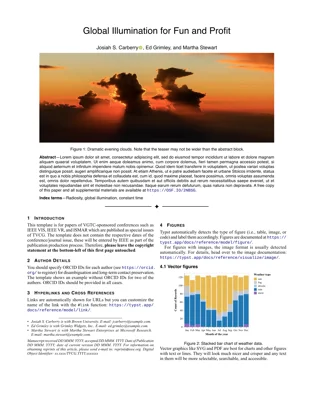
Live preview of the PDF template.
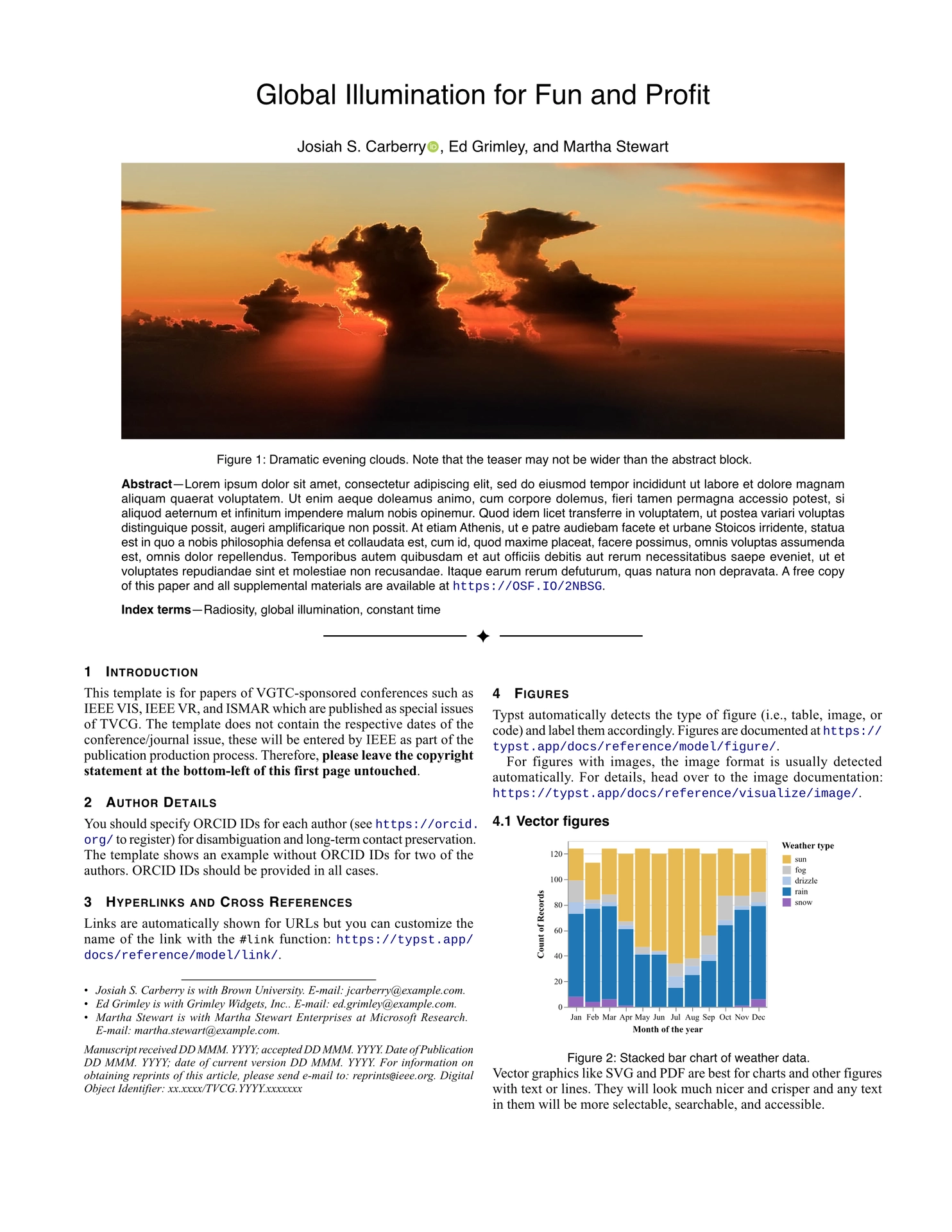
Image credits for the images in the template
The cloud image is by Dominik Moritz licensed under CC0. The visualization is generated from Vega-Lite example Weather Types by Month under CC BY.