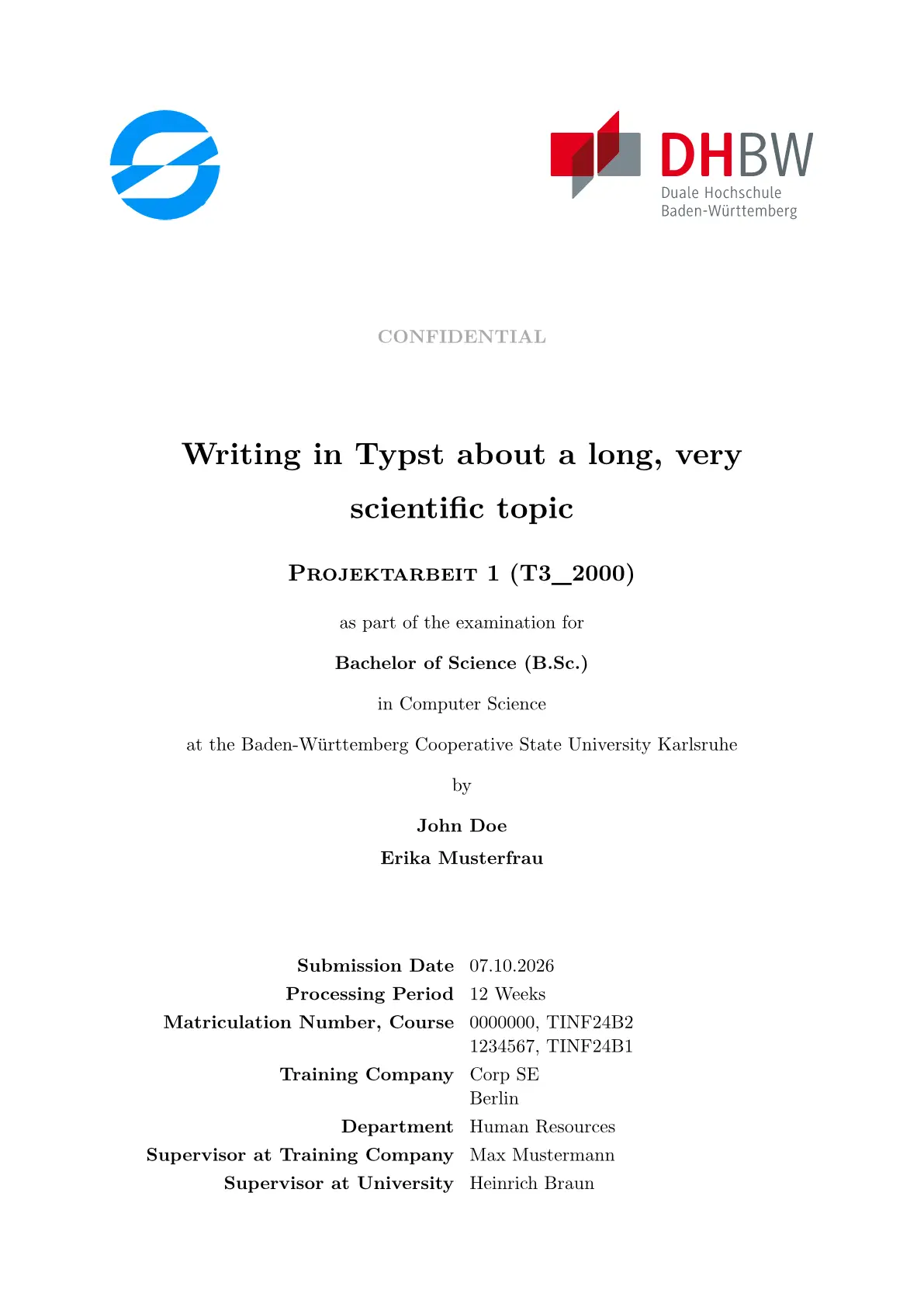
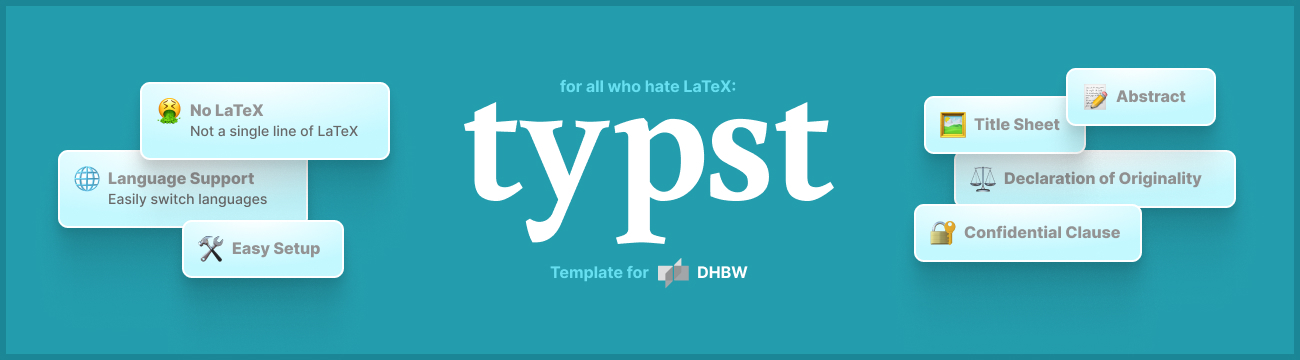
This is a university report template written in Typst, based on the “LaTeX-Vorlage für diverse Ausarbeitungen oder so ähnlich” by Prof. Dr. Jürgen Vollmer for LaTeX. Why should you use Typst over LaTeX?
The template was built for DHBW Karlsruhe, but also has adapters for DHBW Mannheim and IHK.
Tip: Want to see how the template looks? Download a preview PDF for DHBW Karlsruhe, DHBW Mannheim or IHK to inspect the final result.
A description of all functions and properties can be found in the package documentation.
🏃♂️ Getting Started
Tip: If you run into any issues, check out the troubleshooting guide.
For the following setup guides, make sure you have installed Visual Studio Code.
Or if you don’t want to edit your document locally you can use the Typst web editor. Go to typst.app to find out more.
Caution: If writing a thesis at your company, make sure you are allowed to use the online editor, as this might violate a confidentiality clause you signed.
Initialize from Typst Universe
- Open an empty folder in VSCode and open the command palette (CMD+Shift+P).
- Install the recommended extensions
- Tinymist (provides completions, preview and PDF-generation for your template)
- LTeX+ (spell checker)
- Select
Typst: Initialize a New Typst Project based on a Template - Enter
@preview/dhbw-oderso - Open the correct main file (e.g.
main-dhbw-ka.typfor DHBW Karlsruhe). To toggle the live-preview:- Press the
Typst Preview: Preview Opened Filebutton in the top right of your file
OR - Open the command palette (CMD+Shift+P) and select
Typst Preview: Preview Opened File
- Press the
- The initial document will guide you through the rest of the setup process and show you all the different features of the template
- To generate a PDF document:
- Press the
Show the exported PDFbutton in the top right of your file
OR - Open the command palette (CMD+Shift+P) and select
Typst: Show exported PDF
- Press the
Look at the preview PDF (DHBW Karlsruhe, DHBW Mannheim, IHK) or the package documentation to learn how to use the package.
Initialize from Template Repository
- Click on
and give your repository a telling name (e.g.
pa-1) - Clone your repository to your local machine:
git clone https://github.com/<you>/pa-1.git - Open this directory using VSCode and install the recommended extensions
- Tinymist (provides completions, preview and PDF-generation for your template)
- LTeX+ (spell checker)
- Open the correct main file (e.g.
main-dhbw-ka.typfor DHBW Karlsruhe). To toggle the live-preview:- Press the
Typst Preview: Preview Opened Filebutton in the top right of your file
OR - Open the command palette (CMD+Shift+P) and select
Typst Preview: Preview Opened File
- Press the
- The initial document will guide you through the rest of the setup process and show you all the different features of the template
- To generate a PDF document:
- Press the
Show the exported PDFbutton in the top right of your file
OR - Open the command palette (CMD+Shift+P) and select
Typst: Show exported PDF
- Press the
Look at the preview PDF (DHBW Karlsruhe, DHBW Mannheim, IHK) or the package documentation to learn how to use the package.
💡 Feedback
If you have any ideas or suggestions to improve the template, please check out the development repository.
😵💫 Troubleshooting
Tip: Don’t hesitate to open an issue if you are puzzled on what is going on.
Sometimes, Tinymist makes it a bit hard to diagnose the root cause of an issue.
Then, it can be helpful to use the typst program directly!
To achieve this, open the terminal inside your VSCode project and:
- Download and install Typst:
brew install typst(if you don’t havehomebrew, install it as shown here) - Open a new terminal window and run
typst compile main.typ - Most of the time, the original error is at the top of the program’s output
- If this doesn’t help you to figure out the issue, please open an issue
❓ Why Typst?
Typst was born out of our frustration with LaTeX. Not knowing what we were in for, we decided to take matters into our own hands and started building. -Typst
Typst is a replacement for LaTeX which was designed to be as powerful as LaTeX while being much easier to learn and use.
It has a much simpler syntax (similar to Markdown), actual good error messages (looking at you, LaTeX)
and out-of-the-box bibliography features using .bib or .yaml files (see refs.bib) (again, looking at you, LaTeX).
History and Future of this Template
This template was created by students at SAP in 2023. Since then, Typst has gained significant traction as a scientific writing tool among students at SAP.
Over the years, the template has grown to include many features and now supports institutions beyond DHBW Karlsruhe.
This template thrives on contributions from its users. Whether it’s reporting bugs, adapting to new dependency versions, or starting a discussion about potential changes, there are many ways to get involved. Don’t hesitate to start your contribution now :)
The goal of this template is to make writing your thesis at DHBW as easy as possible! That said, there are some alternatives worth knowing about:
- clean-dhbw: A template written by a professor of the DHBW Karlsruhe. We found it to be fairly opinionated and limited in customization. It also lacks many features this template provides.
- supercharged-dhbw: Another template for DHBW Karlsruhe students. As of May 2026, the last commit was over a year old, so outdated package versions may cause issues with the latest version of Typst. We do not recommend using an unmaintained template, especially for users less familiar with Typst.
Assets Included in this Template
This template includes some assets that fall under different licenses than the rest of the template:
placeholder-comany-logo.svg: Source · Fair Use Licenseplaceholder-signature.png: Source · Public DomainIHK-Logo.svg: Source · Public Domain · ⚠️ Trademark of the DIHKDHBW-Logo.svg: Source · ⚠️ Trademark of the DHBW