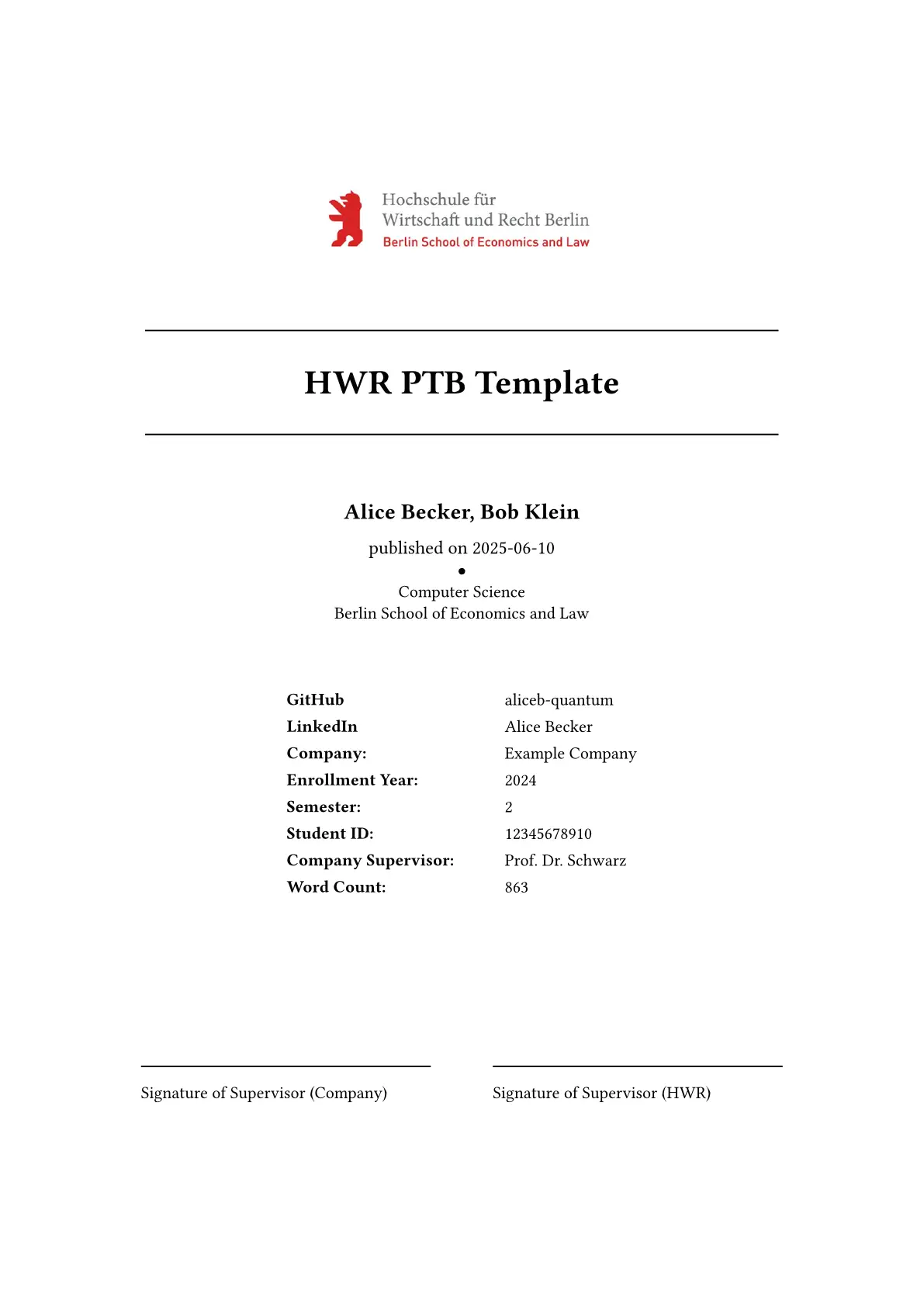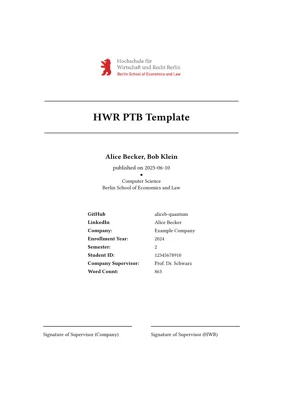
This repository provides a Typst template for writing academic papers following the style guidelines of the Berlin School of Economics and Law (Hochschule für Wirtschaft und Recht Berlin).
It includes support for English and German papers only. The template handles the full structure of a paper, including title page, abstract, declaration of authorship, glossary, indices, bibliography, and appendix.
[!CAUTION]
The included logo is property of the Berlin School of Economics and Law and may only be used under their licensing terms.
Features
- Full HWR-style paper layout with minimal setup.
- Automatic handling of:
- Acronyms
- Glossary
- Figure, table, and listing indices
- Bibliography formatting with CSL
- Optional features: confidentiality notice, appendix, word count, gender-inclusive language note.
- Two public functions:
hwr(...)- main template renderer.render-confidentiality-notice(...)- standalone confidentiality notice page.
Usage
Web App
- Open Typst Web.
- Click Start from Template and search for
clean-hwr.
CLI
typst init @preview/clean-hwr:0.2.0
This creates a new project folder with all necessary files.
Main Functions
hwr(...) – Render a full HWR paper
This is the primary entry point. It sets up your paper with all front matter, main body, bibliography, and appendix.
Basic Example:
#hwr(
  language: "en",
  main-font: "TeX Gyre Termes",
  metadata: (
    title: [My Thesis],
    authors: ["Max Mustermann"],
    student-id: "123456",
    enrollment-year: "2024",
    semester: "2",
    company: "Example Corp",
    company-supervisor: "Jane Doe",
    company-logo: image("images/logo.png", width: 46%)
  ),
  abstract: [
    This thesis explores the impact of digital marketing on consumer behavior...
  ],
)[
  = Introduction
  The main content of your paper goes here.

  = Methodology
  Explain your research methods.

  = Results
  Present findings and analysis.
]
Highlights:
metadatacontains all title-page information. Required fields:title,authors,student-id.abstractappears before the table of contents.bodyis the main content, written inside the square brackets.- Optional features: glossary, acronyms, appendix, word count, confidentiality notice.
render-confidentiality-notice(...) – Standalone Notice Page
Use this if you want a separate confidentiality notice page outside the main template flow.
Example:
#render-confidentiality-notice((
  title: [Confidentiality Notice],
  content: [
    This document contains confidential information and may not be distributed without permission.
  ]
))
This renders:
- An unnumbered heading with your title.
- The content text.
- A page break after the notice.
Configuration Overview
Some important fields for students:
| Field | Description | Required |
|---|---|---|
language |
Document language ("en" or "de") |
no |
main-font |
Font used throughout the document | no |
metadata.paper-type |
Type of paper (e.g., Thesis, Report) | no |
metadata.title |
Paper title | yes |
metadata.student-id |
Student ID | yes |
metadata.authors |
List of authors | yes |
metadata.company |
Company / institution | no |
metadata.enrollment-year |
Year of enrollment | no |
metadata.semester |
Semester number | no |
metadata.company-supervisor |
Name of company supervisor | no |
metadata.authors-per-line |
How many authors per line on title page | no |
metadata.field-of-study |
Field of study | no |
metadata.university |
University name | no |
metadata.date-of-publication |
Date of publication | no |
metadata.uni-logo |
University logo image | no |
metadata.company-logo |
Company logo image | no |
custom-entries |
Additional metadata entries for title page | no |
label-signature-left |
Label below the left signature line | no |
label-signature-right |
Label below the right signature line | no |
word-count |
Optional word count displayed on title page | no |
custom-declaration-of-authorship |
Overrides default authorship declaration | no |
confidentiality-notice.title |
Title of confidentiality notice | no |
confidentiality-notice.content |
Content of confidentiality notice | no |
confidentiality-notice.page-idx |
Placement index for notice (0–8) | no |
abstract |
Abstract content of the document | yes |
note-gender-inclusive-language.enabled |
Enable gender-inclusive note (German only) | no |
note-gender-inclusive-language.title |
Title for the gender-inclusive note | no |
glossary.title |
Title of glossary section | no |
glossary.entries |
Terms and definitions | no |
glossary.disable-back-references |
Disable back-references in glossary | no |
acronyms.title |
Title of acronyms section | no |
acronyms.entries |
Acronyms used in the paper | no |
figure-index.enabled |
Include list of figures | no |
figure-index.title |
Title of list of figures | no |
table-index.enabled |
Include list of tables | no |
table-index.title |
Title of list of tables | no |
listing-index.enabled |
Include list of listings | no |
listing-index.title |
Title of list of listings | no |
bibliography-object |
Bibliography data source | no |
citation-style |
CSL file for citations | no |
appendix.enabled |
Enable appendix section | no |
appendix.title |
Title of appendix section | no |
appendix.content |
Content of appendix section | no |
Optional fields can be omitted if not needed.
Generating a PDF
Once your paper is ready, compile it locally with:
typst compile main.typ
This produces main.pdf in your project folder.
Note: Make sure all required fonts are installed locally.
Dependencies
This template relies on the following Typst packages:
wordometer- automatic word countglossarium- glossary managementacrostiche- acronym managementlinguify- localizatoin setup
These are fetched automatically during compilation.
Quick Shoutout
Big thanks to Patrick O’Brien for creating the citation style file used in this template. You can find it at:
Citation Style
The template uses a CSL file for HWR-style citations, originally provided by Patrick O’Brien:
hwr_citation.csl
Original source: Berlin School of Economics and Law CSL Style
Contributing & Help
If you encounter issues or want to improve the template:
- Open an issue
- Submit a pull request
Your feedback is always welcome!