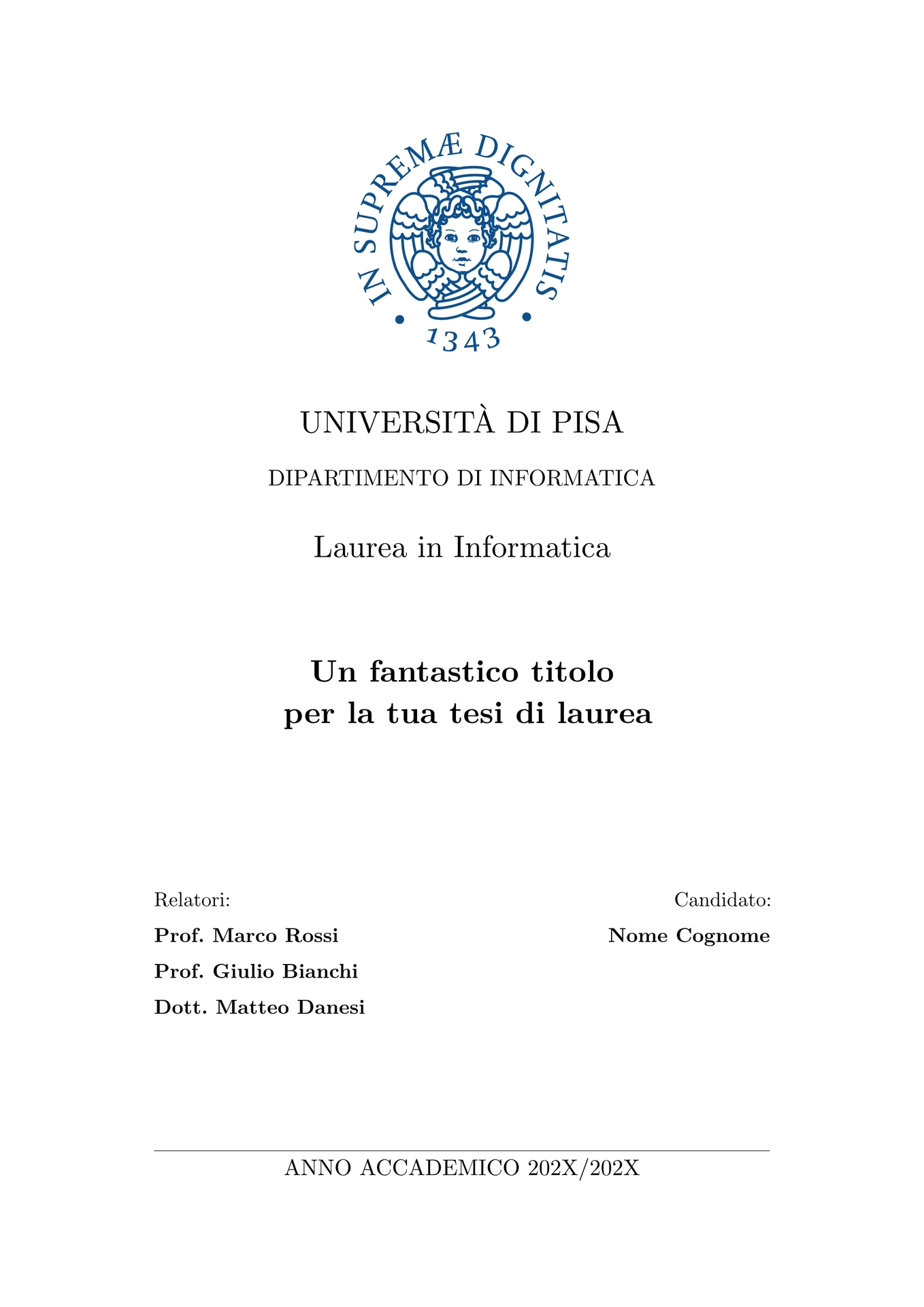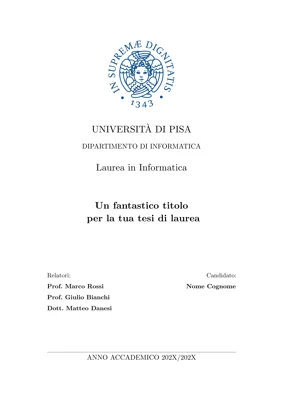
Unofficial template for bachelor’s and master’s theses at the
University of Pisa (Università di Pisa). It follows the
layout of the University’s LaTeX thesis template: A4 paper, New Computer Modern
at 13 pt, 3 cm margins, report-style chapter openings and running headers with
the current section.

In breve (italiano)
Template non ufficiale per tesi di laurea triennale e magistrale all’Università
di Pisa. Crea un nuovo progetto con Start from template nella web app di Typst
oppure da terminale con typst init @preview/classic-unipi-thesis:0.1.0, inserisci
i dati del frontespizio in main.typ e scrivi i capitoli nella cartella
chapters/. I capitoli d’esempio mostrano come inserire figure, tabelle, codice,
grafici, formule e citazioni. La lingua predefinita è l’italiano (lang: "it"),
ma il template supporta anche l’inglese (lang: "en"). Il frontespizio usa il
logo dell’Università (il Cherubino), che non rientra nella licenza del pacchetto:
vedi la sezione Logo.
Getting started
In the Typst web app, click Start from template and search
for classic-unipi-thesis. On the command line, run:
typst init @preview/classic-unipi-thesis:0.1.0 my-thesis
cd my-thesis
typst watch main.typ
The new project contains:
main.typ                 cover page data, options and list of chapters
chapters/                one file per chapter, plus the acknowledgements
utils/AppendiceA.typ     an example appendix
utils/Bibliografia.bib   the bibliography (BibTeX)
assets/images/           images used in the chapters
The example chapters (in Italian) show how to write text, lists, citations, figures, tables, code listings, plots and equations. Replace their content with your own. The template uses New Computer Modern, which ships with Typst, so there is no font to install.
Usage
#import "@preview/classic-unipi-thesis:0.1.0": *

#show: thesis.with(
  title: "Titolo della tesi",
  author: "Nome Cognome",
  department: "Dipartimento di Informatica",
  degree: "Laurea in Informatica",
  supervisors: ("Prof. Nome Cognome", "Dott. Nome Cognome"),
  academic-year: "2025/2026",
  lang: "it",
  tableofcontents: true,
  lof: true,
)

#include "chapters/01-introduzione.typ"
#include "chapters/Ringraziamenti.typ"

#show: appendix
#include "utils/AppendiceA.typ"

#bibliography("utils/Bibliografia.bib", style: "ieee")
thesis
Applies the page layout and typography, then generates the cover page and, optionally, the dedication, the table of contents and the list of figures.
| Parameter | Description | Default |
|---|---|---|
title |
Thesis title. A \n in the string breaks the line. |
placeholder |
author |
Candidate. An array of names for more than one candidate. | placeholder |
department |
Department, printed in upper case. | placeholder |
degree |
Degree programme, e.g. "Laurea Magistrale in Informatica". |
placeholder |
supervisors |
A supervisor or an array of supervisors. | placeholder |
academic-year |
Academic year, printed as ANNO ACCADEMICO 2025/2026. |
"202X/202Y" |
lang |
"it" or "en": language of the text and of the generated titles (Capitolo/Chapter, Indice/Table of Contents, …). |
"it" |
logo |
Logo at the top of the cover page: auto for the University’s logo, other content (e.g. image("logo.svg")) for a different one, none for no logo. See Logo. |
auto |
dedication |
Content of a dedication page placed after the cover page. | none |
tableofcontents |
Whether to print the table of contents. | false |
lof |
Whether to print the list of figures. | false |
toc-depth |
Deepest heading level shown in the table of contents. | 3 |
frontespizio-margin |
Margins of the cover page, independent of the rest of the thesis. | (top: 3cm, bottom: 3cm, left: 3.5cm, right: 3.5cm) |
The cover page parameters also accept Italian names, which take precedence over
the English ones: titolo, autore or candidato, dipartimento,
tipo-laurea or corso-di-laurea, relatori and anno-accademico. The cover
page labels (Relatori, Candidato, Anno accademico) are always in Italian.
appendix
#show: appendix turns the following chapters into appendices: they are
numbered with letters (Appendice A, sections A.1, figures A.1) and have no
running header.
acknowledgements
#acknowledgements[...] adds an unnumbered Ringraziamenti (or
Acknowledgements) chapter that is not listed in the table of contents.
frontespizio
The cover page on its own. It takes the same cover page parameters as thesis
(title, author, …, logo). thesis already calls it, so you only need it to
build a custom document.
Figures, tables and code listings
Figures, tables and listings are numbered by chapter (Figura 2.1) with
i-figured. Give a figure a label
such as <risultati> and reference it with the prefix for its kind:
@fig:risultati for images, @tbl:risultati for tables, @lst:risultati for
code. The list of figures includes images only and uses the first sentence of
each caption, shortened to 50 characters, so the full caption appears only below
the figure.
Logo
The cover page shows the logo of the University of Pisa, the Cherubino, stored
in src/cherubino.svg. This file is not covered by the MIT-0 license of the
package: the logo belongs to the University of Pisa, whose
logo usage rules allow its
students to use it on the cover of their thesis. Use it only for that purpose and
according to those rules.
To use a different logo, or no logo at all:
#show: thesis.with(
  logo: image("assets/images/my-logo.svg"), // or `none` to remove it
  // ...
)
The logo is 35% of the text width unless you set a width in image.
License
The package is released under the MIT-0 license, except for the
University of Pisa logo (src/cherubino.svg, see Logo): you can use,
modify and distribute the template, including the files copied into your
project, without attribution. This template is not affiliated with or endorsed
by the University of Pisa.