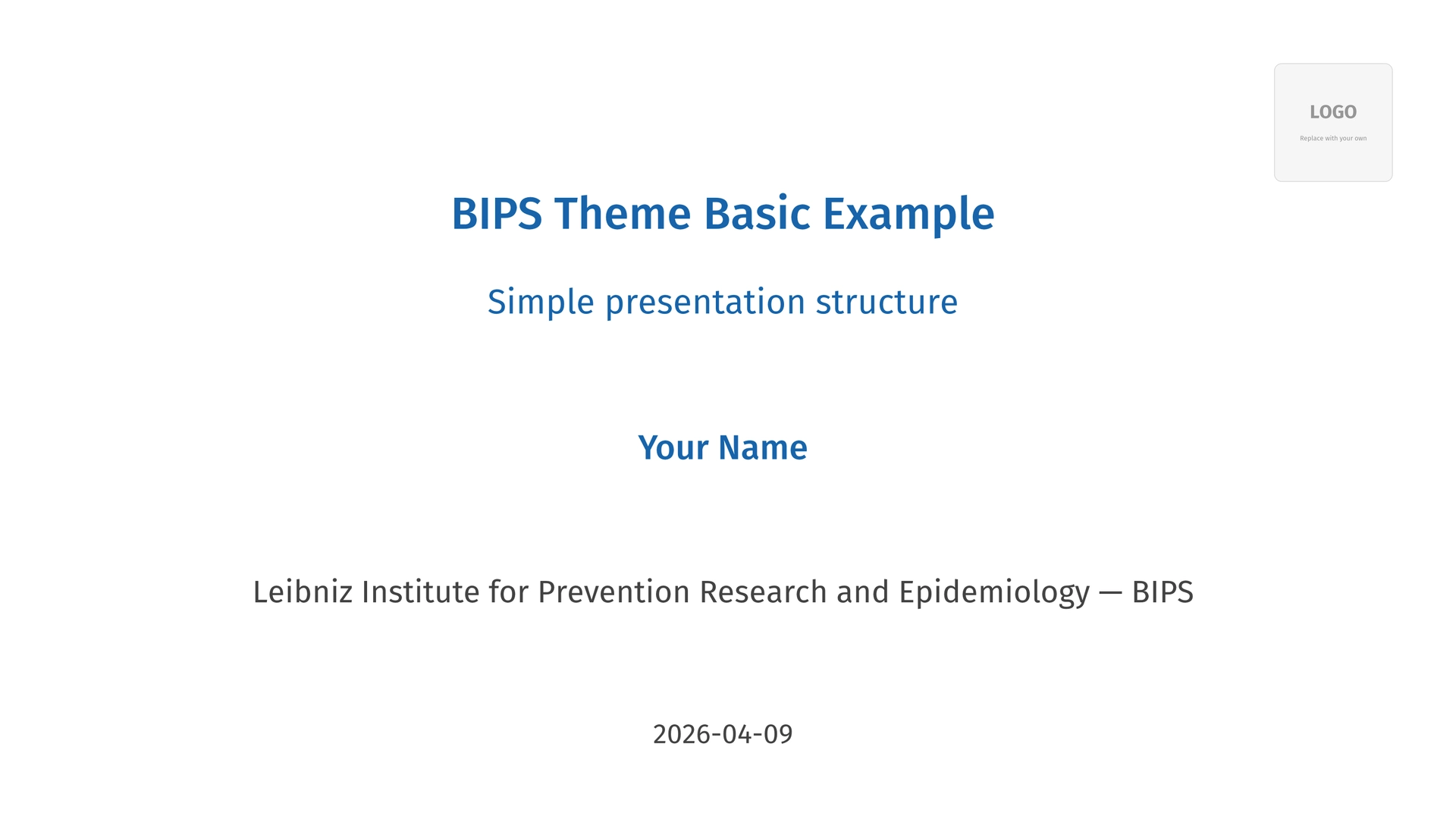
A 16:9 presentation template for BIPS using Typst and Touying. Based on the institutional style from bips-beamer.
Quick Start
#import "@preview/bypst:0.5.0": *

// Declare presentation info once: config-info() sets the PDF document metadata
// and title-slide() reads these fields, so they need not be repeated.
#show: bips-theme.with(
  config-info(
    title: "Your Presentation Title",
    author: "Your Name",
    institution: bips-en, // or bips-de
    date: datetime.today().display(),
  ),
  // logo: image("path/to/logo.png"),
)

#title-slide()

#bips-slide(title: "Introduction")[
  - Bullet points
  - *Bold* and _italic_ in BIPS blue
  - Math: $s^2 = 1/(n-1) sum_(i=1)^n (x_i - overline(x))^2$

  #pause

  - Revealed on click
]

#thanks-slide(
  contact-author: "Your Name",
  email: "your.email@leibniz-bips.de",
  qr-url: "https://link-to-slides.example.com",
)
Installation
The theme is available from the Typst package registry, just import it like any other package:
#import "@preview/bypst:0.5.0": *
Please note that the official BIPS logo is not bundled with the package to avoid licensing concerns. See below on how to include your local copy of the logo in the slides.
Local development
To work on the theme itself, clone and install locally:
git clone https://github.com/bips-hb/bips-typst.git
cd bips-typst
just install
Then use the local import instead:
#import "@local/bypst:0.5.0": *
Slide Types
| Function | Purpose |
|---|---|
#title-slide() |
Opening slide with author, institution, date |
#bips-slide() |
Content slide with optional title/subtitle (preset over base-slide) |
#section-slide() |
Section divider |
#thanks-slide() |
Closing slide with contact info and optional QR code |
#bibliography-slide[] |
References |
#empty-slide[] |
Minimal slide without branding (preset over base-slide) |
#base-slide() |
Flexible base slide with all chrome toggles; use when bips-slide/empty-slide presets don’t cover your layout |
Content slide options
#bips-slide(
  title: "Slide Title",
  subtitle: "Optional Subtitle",
  content-align: center + horizon, // center content vertically and horizontally
  text-size: 16pt,                 // override text size for this slide
)[
  Content here
]
content-align accepts any Typst alignment: center, horizon, center + horizon, etc.
Authors and affiliations
#title-slide() reads author: and institution: from config-info(), so a
single author at one institution needs nothing beyond the Quick
Start. institution: defaults to bips-en; set it only for
bips-de or an external affiliation.
For several authors, or one author with several affiliations, pass the plural
authors: and institutions: to #title-slide(). inst(n) renders the
superscript marker linking an author to the n-th entry of institutions::
#title-slide(
  title: "Collaborative Research",
  authors: (
    "Jane Doe" + inst(1,2),
    "John Smith" + inst(1),
  ),
  institutions: (
    "BIPS",
    "University of Bremen",
  ),
)
Unlike the singular forms, the plurals are not read from config-info().
Putting them there has no effect.
Section slides
#section-slide("Results")
#section-slide("Methods", show-logo: false)
Layout Helpers
// Two columns (equal by default)
#two-columns[Left][Right]
#two-columns(columns: (2fr, 1fr), gutter: 2em)[Wide][Narrow]

// Three columns
#three-columns[A][B][C]
Utilities
Color helpers
#blue[text] #orange[text] #green[text] #gray[text] #logo-blue[text]
Callout boxes
#callout[Plain shaded box]                  // no type: neutral default
#callout(type: "note")[Information]
#callout(type: "tip")[Helpful hint]
#callout(type: "warning")[Caution]
#callout(type: "important")[Critical]
#callout(type: "tip", title: "Custom Title")[With a title]
#callout(type: "note", icon: emoji.rocket)[Custom icon]
Per-type shorthands are available: #callout-note[…], #callout-tip[…],
#callout-warning[…], #callout-important[…] (each takes an optional title:).
Citations
natbib-style convenience wrappers over Typst’s cite(). They inherit the
document’s citation style and need a bibliography() somewhere in the document
(exactly like bare @label).
#citet(<label>)   // textual: "Author (Year)"   (natbib \citet)
#citep(<label>)   // parenthetical: "(Author, Year)"   (natbib \citep)
#sideref(<label>) // small citation pushed to the right edge (form: "prose" for textual)
text#footcite(<label>) // superscript marker + the citation in the footnote area
Compact list spacing
For dense layouts (e.g. multi-column slides), use #compact to tighten list spacing:
#compact[
  - Item A
  - Item B
  - Item C
]
Adjustable: #compact(spacing: 0.2em, leading: 0.2em)[...]
For lighter adjustments, #set list(spacing: 0.4em) works as a local override.
Vertical and horizontal fill
For when you want to fill space until the lower or rightmost end of the current slide (or slide column, grid cell, etc.).
#vfill  // shorthand for v(1fr)
#hfill  // shorthand for h(1fr)
Institutional names
#bips-en  // Leibniz Institute for Prevention Research and Epidemiology — BIPS
#bips-de  // Leibniz-Institut für Präventionsforschung und Epidemiologie — BIPS
Animations
The theme re-exports Touying’s animation functions:
#pause                              // reveal on click
#uncover(2)[On second click]        // show on specific subslide
#only(1)[First click only]          // only on specific subslide
#alternatives[Version A][Version B] // swap content
#pause works inside #two-columns and #three-columns; reveals follow document flow order across cells. #uncover() and #only() are useful for index-driven reveals without consuming a pause step.
Handout mode
Handout mode collapses every pause step to a single page per slide, producing one page per logical slide. Enable it from the command line without editing the source:
typst compile --input handout=true slides.typ
Or set it on the theme directly with bips-theme.with(handout: true).
Global Customization
Logo
The theme ships with a placeholder logo. Replace it with your own:
#show: bips-theme.with(
  logo: image("bips-logo.png"),
)
Set logo: none to hide the logo entirely.
The actual BIPS logo (bips-logo.png) is available in the GitHub repository but is not included in the Typst package due to unclear redistribution licensing. Download it and place it next to your .typ file, then use logo: image("bips-logo.png").
Progress bar
An optional progress bar spans the bottom edge of the slide, filling as the deck advances:
#show: bips-theme.with(
  progress-bar: true,
)
It is off by default. The bar appears only on counted content slides, so title, section, thanks, and uncounted empty-slides stay clean. Override it for an individual slide with bips-slide(progress-bar: false) or base-slide(progress-bar: false).
Fonts and sizes
#show: bips-theme.with(
  aspect-ratio: "16-9",       // default
  // Font families (string or array with fallbacks)
  font: "Fira Sans",
  code-font: "Fira Mono",
  math-font: "New Computer Modern Math",
  // Font sizes
  base-size: 20pt,            // scales headings, small/tiny proportionally
  slide-title-size: 28pt,     // explicit pt overrides take precedence
  slide-subtitle-size: 22pt,
  heading-1-size: 22pt,
  heading-2-size: 20pt,
  heading-3-size: 18pt,
  page-number-size: 16pt,
  code-block-scale: 0.9,
  code-inline-scale: 1,
  footnote-scale: 0.8,        // footnote text as a fraction of base size
)
Text size utilities
#huge[Largest text for emphasis]
#large[Larger text for subheadings]
#small[Smaller text for captions or notes]
#tiny[Even smaller text for fine print]
Examples
The gallery/ directory contains example presentations:
basic.typ— starter templatecomplete.typ— comprehensive feature showcasebibliography.typ— citations and referencesaspect-ratio.typ— 4:3 formatlecture-demo.typ— realistic 100-slide scale testspeaker-notes.typ— presenter notes (pdfpc export and inline preview)typst-basics.typ— native Typst features (quotes, term lists, tables, figures, footnotes, code, links, refs)diagrams.typ— drawing and diagrams with CeTZ and Fletcher (TikZ-style)dataviz.typ— ggplot2-style grammar-of-graphics plots with gribouille
Development
just install    # install package locally
just all        # compile all gallery demos
just test       # run test suite
just clean      # remove generated PDFs
After editing theme files, run just install before compiling.
Project Structure
bypst.typ        # package entrypoint (re-exports src/theme.typ)
src/
  theme.typ      # orchestrator (imports config/helpers/slides/extras)
  config.typ     # branding constants (colors, fonts, sizes)
  helpers.typ    # internal plumbing (title area, page number, background)
  slides.typ     # slide types
  extras.typ     # public layout/color utilities
logo.png         # bundled placeholder logo (override via bips-theme(logo: ...))
bips-logo.png    # the real BIPS logo (not shipped in the package)
typst.toml       # package metadata
template/        # Typst Universe templates
gallery/         # example presentations
tests/           # test suite
Fonts
The theme uses Fira Sans for body text and Fira Mono for code, with automatic fallbacks if they are not installed:
| Role | Preferred | Fallback |
|---|---|---|
| Body text | Fira Sans | Noto Sans |
| Code | Fira Mono | DejaVu Sans Mono (Typst built-in) |
| Math | New Computer Modern Math | (Typst built-in) |
For the best results, install the Fira fonts. Override with the font:, code-font:, and math-font: parameters on bips-theme().
Requirements
- Typst >= 0.15.0
- Dependencies: touying 0.7.4, codetastic 0.2.2 (resolved automatically)
License
The theme code itself is licensed under the MIT license.
The BIPS logo is owned by BIPS itself (Leibniz Institute for Prevention Research and Epidemiology - BIPS GmbH).
Related
The BIPS presentation theme zoo for “I don’t want to use PowerPoint” folks:
| Markup format | Intermediate format | Output format | Based on | Repo / Package | Status |
|---|---|---|---|---|---|
| LaTeX | — | bips-beamer | Stable | ||
| RMarkdown | LaTeX | bips-beamer | bipsdown | Stable | |
| RMarkdown | xaringan | HTML | bipsdown | Experimental | |
| Quarto | LaTeX | bips-beamer | bips-quarto | Stable | |
| Quarto | reveal.js | HTML | bips-quarto | Experimental | |
| typst | — | bips-typst / bypst | Stable |