Create project in app
A landscape-oriented Typst technical report template for pages containing many charts, diagrams, images, and wide tables.
Usage
#import "@preview/yuuko-report:0.1.0": *

#show: conf.with(
  title: [Visualization Report],
  authors: ("Author",),
  orientation: "landscape",
)

= Results

#chart-grid-3((
  chart-card(title: [Chart A])[
    #image("chart-a.png", width: 100%)
  ],
  chart-card(title: [Chart B])[
    #image("chart-b.png", width: 100%)
  ],
  chart-card(title: [Chart C])[
    #image("chart-c.png", width: 100%)
  ],
))
The same template also supports portrait pages:
#show: conf.with(
  title: [Portrait Report],
  orientation: "portrait",
)
orientation accepts "landscape" or "portrait". The default is "landscape".
Chart helpers
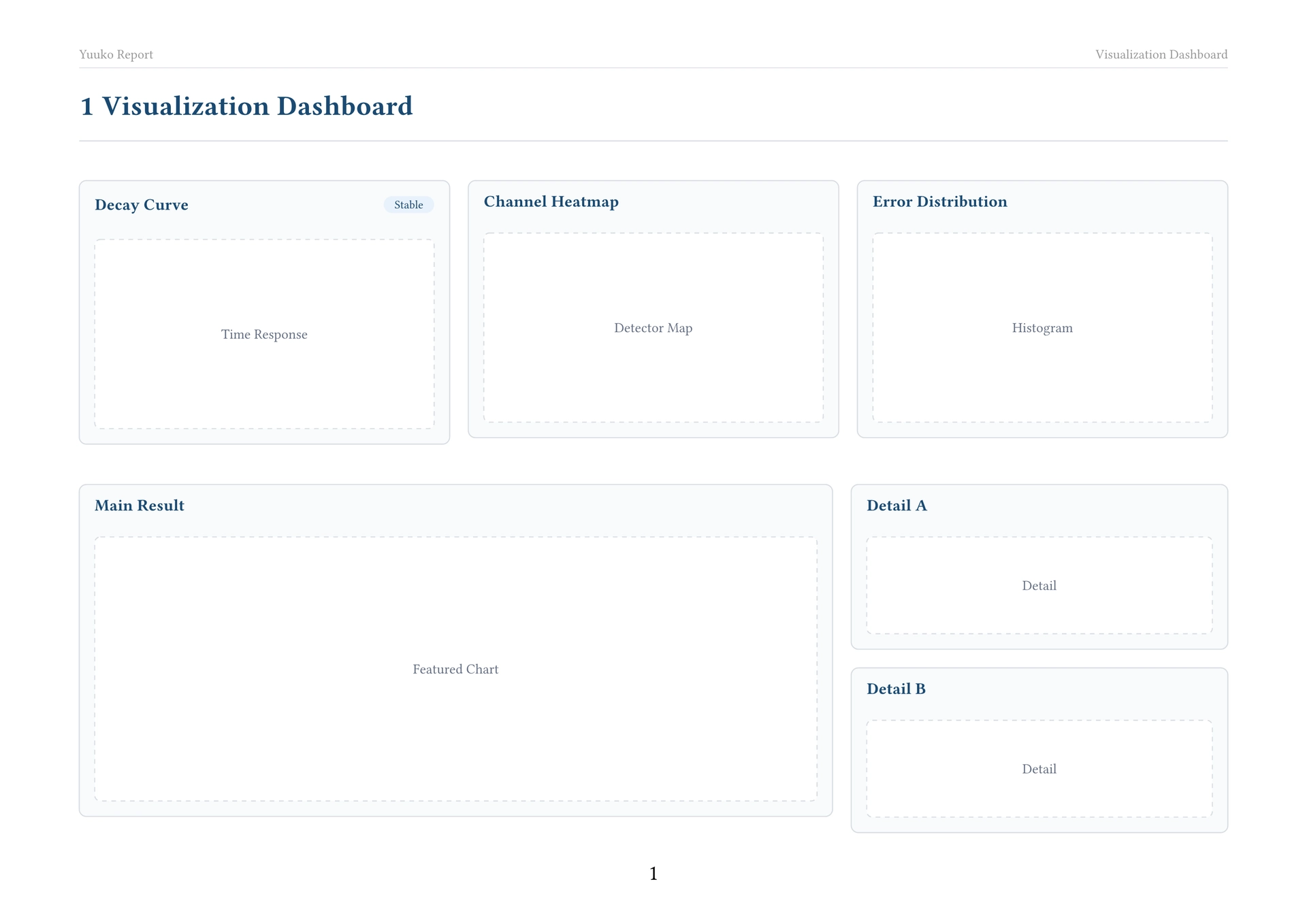
chart-card: consistent title, subtitle, badge, border, and padding.chart-placeholder: placeholder used while designing a report.chart-grid: configurable generic grid.chart-grid-2,chart-grid-3,chart-grid-4: equal-width shortcuts.chart-compare: two-column comparison with adjustable ratio.chart-featured: one large chart with two charts in a side column.chart-hero-row: one wide chart followed by a row of smaller charts.chart-with-notes: chart with an adjacent conclusions panel.
Examples
The repository contains independently compilable examples:
Local development
Copy this directory to the local Typst package location:
%APPDATA%\typst\packages\local\yuuko-report\0.1.0
Then replace @preview with @local while testing:
#import "@local/yuuko-report:0.1.0": *
License
The library source is licensed under the MIT License. Files in template/ are
licensed under MIT-0 so that initialized projects can be used and distributed
without an attribution requirement.