简体中文 English
| Cover | Contents | Main Body | Bibliography |
|---|---|---|---|
 |
 |
 |
 |
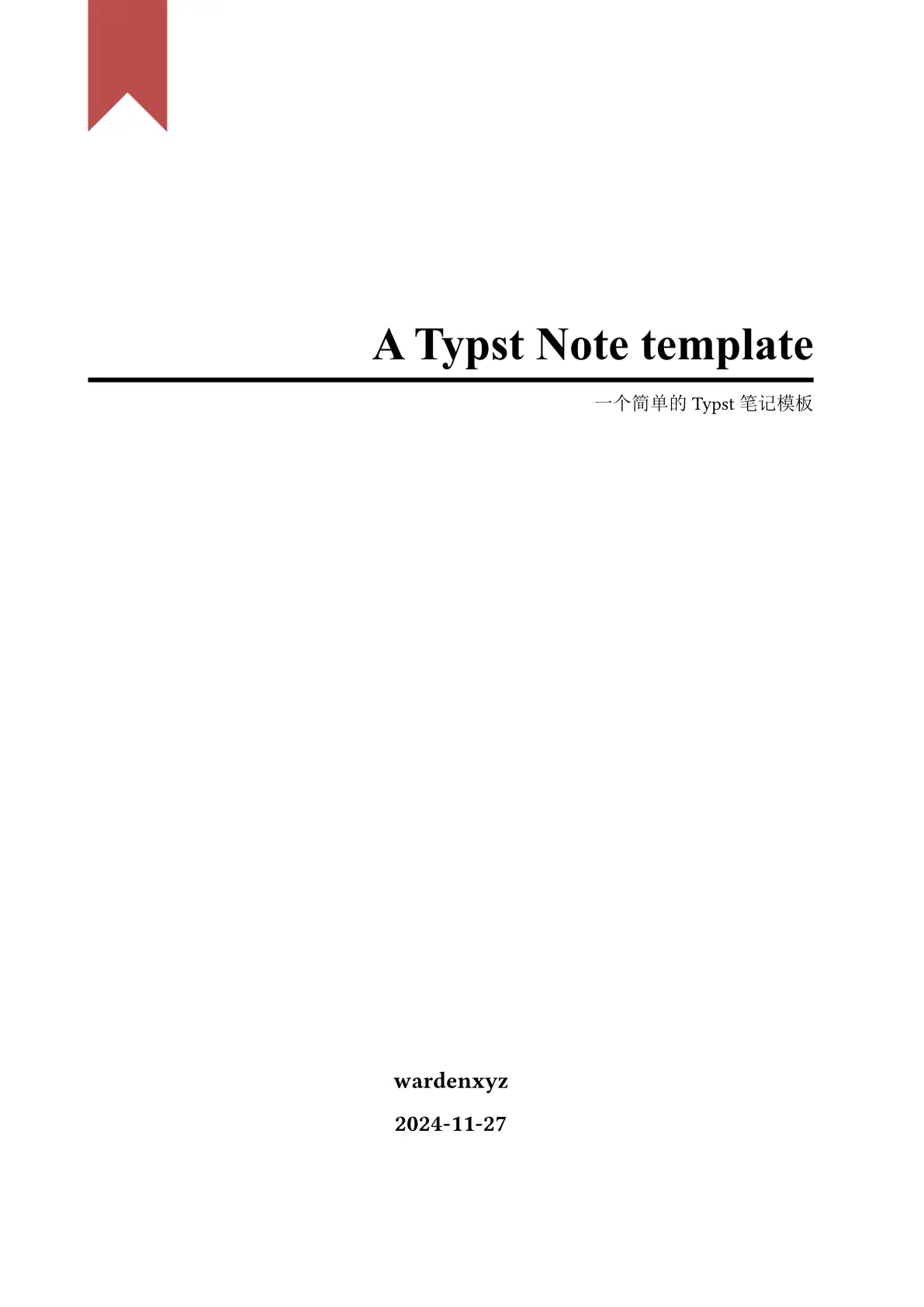
Simple and Functional Typst Note Template
This template is designed for efficient and organized note-taking with Typst. It provides a clean and straightforward structure, making it easy to capture and organize your thoughts without unnecessary complexity.
Usage
#import "@preview/xyznote:0.5.0": *

#show: xyznote.with(
  title: "xyznote",
  author: "wardenxyz",
  abstract: "A simple typst note template",
  createtime: "2024-11-27",
  lang: "zh",
  bibliography-style: "ieee",
  preface: [], //Annotate this line to delete the preface page.
  bibliography-file: bibliography("refs.bib"), //Annotate this line to delete the bibliography page.
)
Features
-
PDF Metadata: Includes fields for title, author and date.
-
Table of Contents: Automatically generated ToC for easy navigation through the document.
-
References (Optional): A dedicated section for citing sources and references. Include this only if you need it.
Admonition Directives
xyznote provides 19 admonition directives with default colors, emojis, and bilingual titles (English/Chinese).
Original Directives
#task[ A task. ]
#definition[ A definition. ]
#brainstorming[ A brainstorming. ]
#question[ A question. ]
Informational
#note[ Supplementary information. ]
#hint[ Gentle guidance. ]
#tip[ Best practices or shortcuts. ]
#seealso[ Related references. ]
Warning-Level
#attention[ Something easily overlooked. ]
#caution[ Potential pitfalls. ]
#warning[ Could cause problems. ]
#important[ Must not be missed. ]
Danger-Level
#danger[ Could cause data loss or damage. ]
#error[ Known error conditions. ]
Utility
#todo[ Future work items. ]
#generic-admonition[ Flexible custom callout. ]
#generic-admonition(title: "Custom Title")[ With a custom title. ]
Versioning
#versionadded("2.0")[ What was added. ]
#versionchanged("2.1")[ What changed. ]
#deprecated("1.0")[ What was deprecated. ]
Customization
Every directive accepts optional parameters for full visual control:
#note(
  title: "Custom Title",
  title-size: 1.3em,
  body-size: 1.0em,
  primary-color: rgb("#7c3aed"),
  secondary-color: rgb("#ede9fe"),
  tertiary-color: rgb("#5b21b6"),
  text-color: rgb("#333"),
  emoji: emoji.rocket,
  dotted: true,
  lang: "zh",
)[ Your content here. ]
| Parameter | Description | Default |
|---|---|---|
title |
Override the directive title | Auto from type + lang |
title-size |
Font size of the title | 1.1em |
body-size |
Font size of the body | 1.2em |
primary-color |
Left border color | Varies by type |
secondary-color |
Background fill color | Varies by type |
tertiary-color |
Title text color | Varies by type |
text-color |
Body text color | black |
emoji |
Icon before the title | Varies by type |
dotted |
Dotted border instead of solid | false |
lang |
"en" or "zh" |
"en" |
Global Size Defaults
Change the title and body font size for all directives at once:
#set-admonition-defaults(title-size: 0.95em, body-size: 1.0em)
Per-call title-size / body-size overrides still take priority.
Other Custom Styles
#tipbox[ contents ]
#markbox[ contents ]
#sectionline
This is #highlight(fill: blue.C)[highlighted in blue].
This is #highlight(fill: yellow.C)[highlighted in yellow].
This is #highlight(fill: green.C)[highlighted in green].
This is #highlight(fill: red.C)[highlighted in red].
Examples
See the examples/ directory for complete working documents:
all-directives.typ— Every directive with usage snippetscustomization.typ— Colors, font sizes, emojis, borders, global defaultsmixed-usage.typ— Directives in a realistic technical documentcolor-themes.typ— Creative themed color combinations
Edit in the vscode(Recommended)
-
Install the Tinymist Typst extension in VS Code, which provides syntax highlighting, error checking, and PDF preview
-
Start the project
typst init @preview/xyznote:0.5.0
cd xyznote
code .
-
Press
Ctrl+K Vto open the PDF preview -
Click
Export PDFat the top of the Typst file to export the PDF.
Edit in the Webapp
Click the Create project in app button on the right to edit within the Webapp.
Acknowledgments
The following projects have been instrumental in providing substantial inspiration and code for this project.
https://github.com/gRox167/typst-assignment-template
https://github.com/DVDTSB/dvdtyp