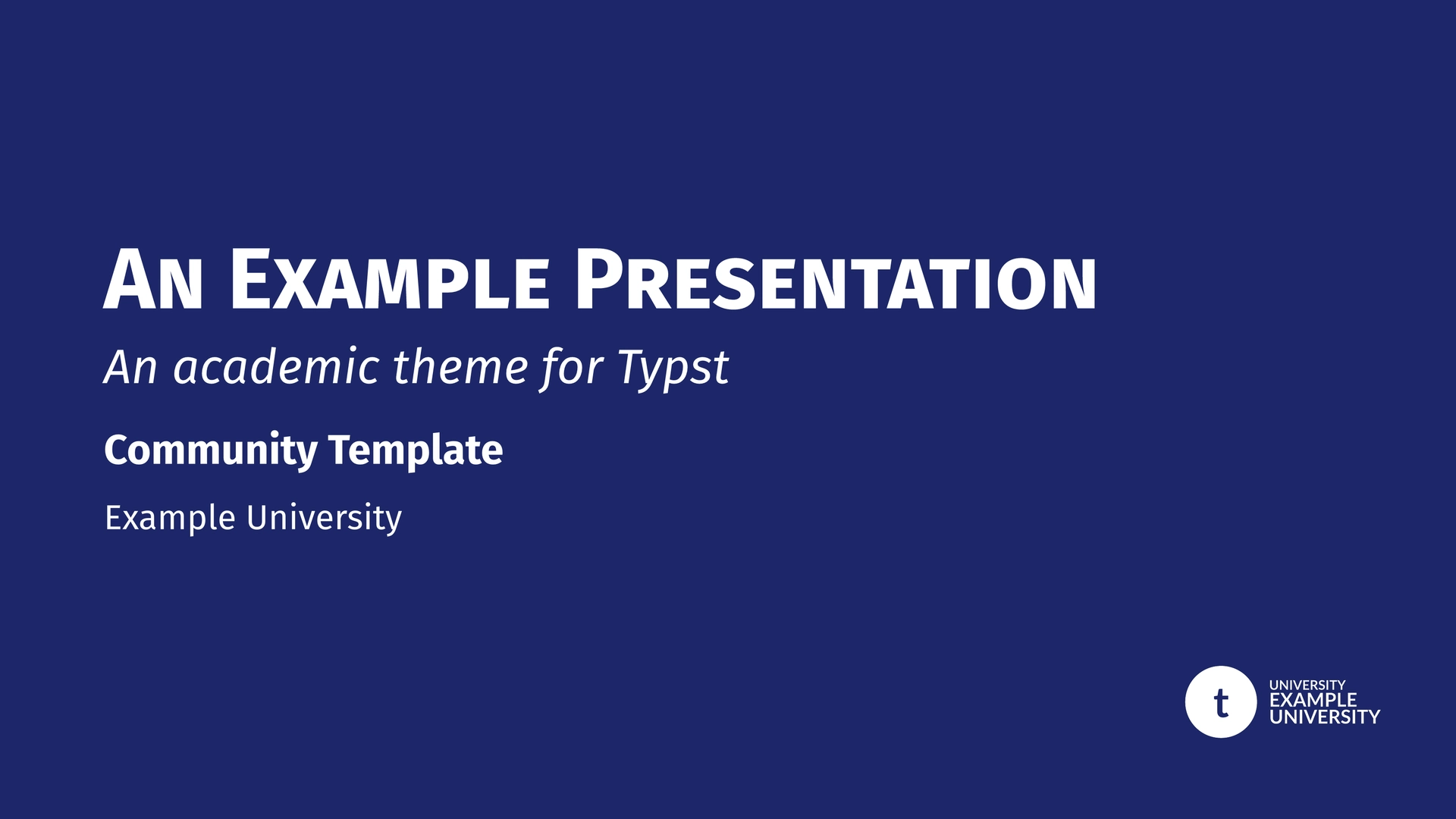
A non-official structured presentation template for Typst, providing two institutional themes: Sorbonne University and IPLESP. Built on top of the presentate and navigator packages.
Overview
This package offers customizable, academic-ready slide decks with a shared core engine. Whether you are presenting for a Sorbonne Faculty or the IPLESP institute, you benefit from the same powerful features:
- Institutional Identities: Pre-configured colors and logos for both institutions.
- Dark Mode: Full support for dark-themed slides via the
dark-modeparameter. - Smart Navigation: Automatic breadcrumbs, transition slides with roadmaps, and flexible hierarchy mapping.
- Dynamic Content: Seamless integration of
pause,uncover, andonlyfor step-by-step reveals.
Sorbonne Theme Presets
Switch between Sorbonne University faculties using the faculty and dark-mode parameters.
| Mode | Univ | Sante | Sciences | Lettres |
|---|---|---|---|---|
| Light |  |
 |
 |
 |
| Dark |  |
 |
 |
 |
univ: Sorbonne Blue (University-wide)sante: Sorbonne Red (Faculty of Health)sciences: Sorbonne Light Blue (Faculty of Science & Engineering)lettres: Sorbonne Yellow/Ocre (Faculty of Humanities)
IPLESP Theme Presets
The IPLESP theme provides multiple color variants via the theme parameter. It features a modern header with a logo bar (Inserm, IPLESP, Sorbonne Health).
| Mode | Blue | Red | Green | Purple |
|---|---|---|---|---|
| Light |  |
 |
 |
 |
| Dark |  |
 |
 |
 |
Other available colors: yellow, teal, orange, slate.
Quick Start
For Sorbonne University
#import "@preview/unofficial-sorbonne-presentation:0.2.0": sorbonne-template, slide

#show: sorbonne-template.with(
  title: [Academic Discovery],
  author: [John Doe],
  faculty: "sciences",
)

= Introduction
#slide[
  - High performance Typst engine
  #show: pause
  - Custom Sorbonne styling
]
For IPLESP
#import "@preview/unofficial-sorbonne-presentation:0.2.0": iplesp-template, slide

#show: iplesp-template.with(
  title: [Epidemiological Study],
  author: [Jane Smith],
  theme: "teal",
)

= Methodology
#slide[
  Research conducted at Laboratory...
]
Documentation & Demo
The examples/demo.typ file serves as both a comprehensive feature gallery and a technical manual. Since it supports multiple themes and dark mode, you must compile it using the --input flag:
# Compile for Sorbonne (Light)
typst compile examples/demo.typ --input theme=sorbonne

# Compile for IPLESP (Dark)
typst compile examples/demo.typ --input theme=iplesp --input dark=true
Available inputs:
theme:"sorbonne"(default) or"iplesp".dark:"true"or"false"(default).
Logo Customization
You can easily replace the institutional logos with your own by using the following parameters.
IPLESP Logo Slots
The IPLESP theme features a three-logo bar in the header. You can customize each slot individually:
logo-left/logo-left-transition: Replaces the Inserm logo.logo-center/logo-center-transition: Replaces the IPLESP logo.logo-right/logo-right-transition: Replaces the Sorbonne Health logo.
If you provide logo-slide, it will override the entire three-logo bar with a single centered logo.
logo-transition (Monochrome/White version)
Used on solid theme-colored backgrounds.
- Sorbonne: Title slide (bottom right), Transitions (top left), Focus & Ending slides.
- IPLESP: Title & Special slides (top right logo bar). Also used as fallback for
logo-left-transition, etc.
logo-slide (Color version)
Used on standard slides (white background).
- Sorbonne: Header next to title.
- IPLESP: Overrides the entire logo bar if provided. Otherwise, individual slots are used.
Configuration Reference
Common Parameters
| Parameter | Type | Default | Description |
|---|---|---|---|
title |
content | none |
Main presentation title |
short-title |
content | none |
Short version for footer |
subtitle |
content | none |
Optional subtitle |
author |
content | none |
Presenter’s name |
short-author |
content | none |
Short version for footer |
affiliation |
content | none |
Department or Laboratory |
date |
content | datetime... |
Custom date display |
dark-mode |
bool | false |
Enable dark theme for content slides |
aspect-ratio |
string | "16-9" |
"16-9" or "4-3" |
text-size |
length | 20pt |
Base text size |
show-outline |
bool | false |
Toggle summary slide |
mapping |
dict | (sec: 1, sub: 2) |
Logic mapping for headings |
progress-bar |
string | "none" |
Position: "none", "top", or "bottom" |
Theme-Specific Parameters
- Sorbonne (
sorbonne-template):faculty:"univ","sante","sciences","lettres".text-font: Default"Fira Sans".
- IPLESP (
iplesp-template):theme:"blue","red","yellow","green","teal","purple","orange","slate".text-font: Default"Lato".logo-left,logo-center,logo-right: Individual logo slots for the header bar.logo-left-transition,logo-center-transition,logo-right-transition: Monochrome versions for dark backgrounds.
Component Reference
Illustrated with Sorbonne Theme.
Slide Types
#slide(title: none, subtitle: none, allow-slide-breaks: false, background: none, body): Standard content slide.
#focus-slide(body, subtitle: none): Highlight slide on solid theme background.
#figure-slide(fig, title: none, caption: none, ..): Centered figure slide.
#equation-slide(equation, title: none, definitions: none, citation: none, ..): Large equation with “signature”.
#acknowledgement-slide(people: (), institutions: (), ..): Thank-you slide.
#ending-slide(title: none, subtitle: none, contact: ()): Closing slide.
Text Helpers
#alert[text]: Highlighted bold text in primary color.#muted[text]: Gray secondary text.#subtle[text]: Light gray tertiary text.
Citations
- Inline and corner citations.
#cite-box("smith2023", position: "bottom-right")
Layout & Boxes
#two-col(left, right, columns: (1fr, 1fr)): Balanced columns.
#three-col(left, center, right): Three column layout.
#grid-2x2(tl, tr, bl, br): Four-quadrant grid layout.
- Boxes: All boxes support the
fill-modeparameter ("outline","fill","full").
#highlight-box(title, body): Blue university-styled box for key points.#alert-box(title, body): Red cautionary box for warnings.#example-box(title, body): Green academic box for examples.#algorithm-box(title, body): Monospace box for code/logic.#themed-block(title, body): Box automatically matching the theme color.
Credits
- Underlying Packages: Built with presentate and navigator.
- Inspiration: Layout features were inspired by the calmly-touying theme.
Changelog
v0.2.0
- New template: the IPLESP template was added, with the same features than the already available Sorbonne template
- Dark mode: all themes of all templates has a new dark-mode parameter
v0.1.1
- Fix: Improved
max-lengthoption. It now automatically maps role names (part,section,subsection) to their corresponding heading levels for breadcrumb truncation. - Maintenance: Minor internal optimizations.
License
MIT License. See LICENSE for details.