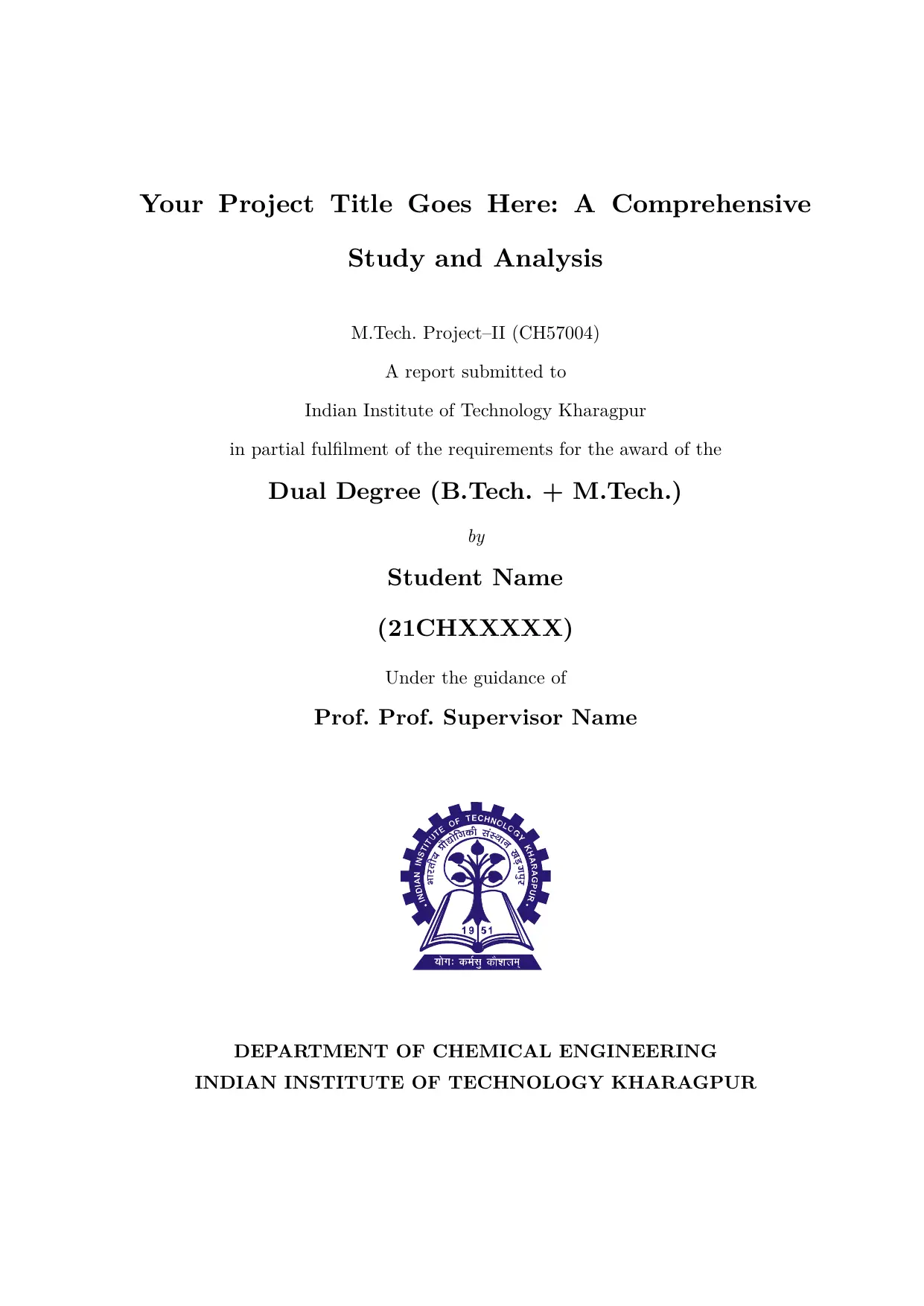
An unofficial IIT Kharagpur thesis and project report template written in Typst. It produces a complete, print-ready document with a title page, certificate, declaration, acknowledgements, abstract, table of contents, lists of figures/tables, an abbreviations list, and numbered chapter content — all formatted to match the conventions expected by IIT Kharagpur’s departments.
Running chapter headers are provided via the hydra package.
Usage
Import the template from the Typst Universe and apply it with #show:
#import "@preview/unofficial-iitkgp-thesis:0.1.0": iitkgp-thesis

#show: iitkgp-thesis.with(
  title: "Your Project Title Goes Here",
  author: "Student Name",
  rollno: "21CHXXXXX",
  supervisor: "Prof. Supervisor Name",
  department: "Chemical Engineering",
  degree: "Dual Degree (B.Tech. + M.Tech.)",

  report-type: "M.Tech. Project–II (CH57004)",
  date: "April 17, 2026",
  logo-path: "Images/logo.svg",
  logo-width: 80mm,

  certificate-text: [
    This is to certify that the thesis entitled *Your Project Title Goes Here*,
    submitted by *Student Name* (Roll No. _21CHXXXXX_) …
  ],

  declaration-text: [
    (a) The work contained in this report has been done by me under the
    guidance of my supervisor. …
  ],

  abstract: [
    A concise summary of your research, covering background, methodology,
    key findings, and conclusions. …
  ],

  acknowledgment: [
    I would like to express my sincere gratitude to …
  ],

  figures-outline: true,
  tables-outline: true,

  abbreviations: (
    ("IIT", "Indian Institute of Technology"),
    ("CFD", "Computational Fluid Dynamics"),
  ),
)

= Introduction

Your content begins here …
Everything before the first = heading is automatically rendered as front matter (title page, certificate, declaration, etc.). The body text starts after the #show rule.
Parameters
| Parameter | Type | Default | Description |
|---|---|---|---|
title |
str |
"" |
Full title of the thesis or project report. |
author |
str |
"" |
Author’s full name. |
rollno |
str |
"" |
Author’s roll number. |
supervisor |
str |
"" |
Supervisor’s name (the Prof. prefix is added automatically). |
department |
str |
"" |
Department name, e.g. "Chemical Engineering". |
degree |
str |
"" |
Degree being pursued, e.g. "Dual Degree (B.Tech. + M.Tech.)". |
institution |
str |
"Indian Institute of Technology Kharagpur" |
Institution name. |
location |
str |
"Kharagpur" |
City/location used on the certificate and declaration pages. |
pincode |
str |
"721302" |
PIN code used on the certificate page. |
report-type |
str |
"M.Tech. Project–II (CH57004)" |
Course/report type shown on the title page. |
date |
str |
"April 17, 2026" |
Date shown on the certificate and declaration pages. |
logo-path |
str or none |
none |
Path to the institute logo image. Pass none to omit the logo. |
logo-width |
length |
80mm |
Display width of the logo image. |
certificate-text |
content |
[] |
Body text of the Certificate page. |
declaration-text |
content |
[] |
Body text of the Declaration page. The heading and the opening line “I certify that” are rendered automatically. |
abstract |
content |
[] |
Content for the Abstract page. |
acknowledgment |
content or none |
none |
Content for the Acknowledgements page. Omitted entirely when set to none. |
figures-outline |
bool |
true |
Whether to include a List of Figures in the front matter. |
tables-outline |
bool |
false |
Whether to include a List of Tables in the front matter. |
abbreviations |
array of (str, str) pairs |
() |
List of (abbreviation, full-form) pairs rendered as the Abbreviations section. Pass an empty array () to omit. |
Disclaimer: This is an independent, community-made template and is not officially affiliated with, endorsed by, or maintained by the Indian Institute of Technology Kharagpur.
Logo Usage: The template includes a generic placeholder logo. The official IIT Kharagpur logo is copyrighted by the institute and cannot be legally distributed here. Users should download the official logo independently and replace the
Images/logo.svgfile in their project.