Officially affiliated
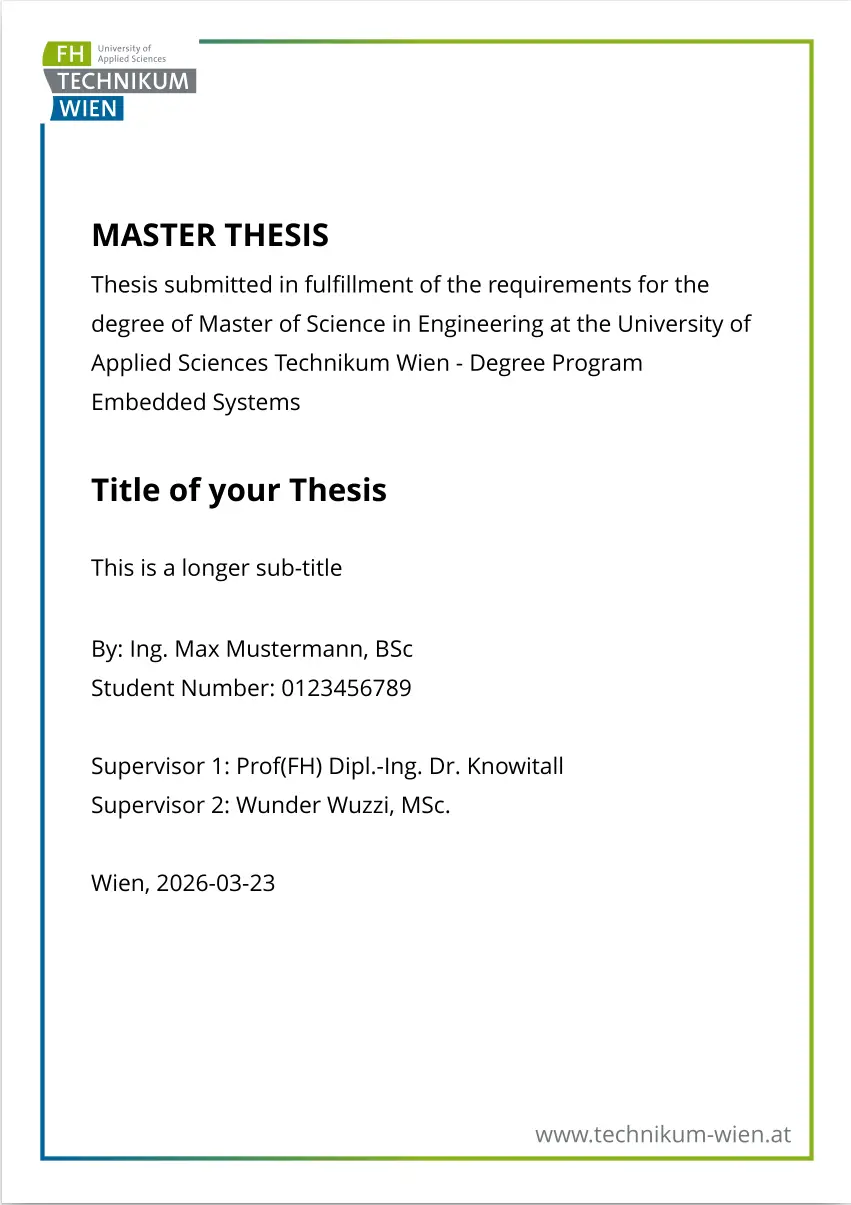
This is a thesis template made available to the students at UAS Technikum Wien via the Campus Information System.
The logo for the University of Applied Sciences Technikum Wien is a registered trademark, is, however, freely available for academic use and can be downloaded via the following link https://upload.wikimedia.org/wikipedia/commons/9/9a/FH_Technikum_Wien_logo.svg.
Getting Started
Install the Typst compiler by following the instructions at https://typst.app/open-source/.
Once installed, use the following commands.
typst init @preview/uastw-thesis:0.1.0
typst watch thesis.typ
Edit and configure the variables in the main file thesis.typ (see the comments therein). In particular, you should set the language [de|en], the degree type [Bachelor|Master], the degree program, your name and ID, the name of your advisor and the location. Furthermore, include/edit the contents for the individual sections that shall go to the sub-folder sections/.
Usage
Once rendered, the PDF contains usage examples as example content. More in-depth information is, of course, available via the Typst Documentation.
Bugs
In case you encounter issues with the template report them via the GitHub Repo.