Create project in app
Version 0.1.8
A twilight style template,offers numerous light and dark themes.
晨昏主题模板,提供许多浅色和深色主题.
Getting Started 入门
These instructions will get you a copy of the project up and running on the typst web app. Perhaps a short code example on importing the package and a very simple teaser usage.
这些说明将为您提供在typst网络应用程序上启动和运行的项目副本。也许是导入软件包的简短代码示例和非常简单的预告使用。
#import "@preview/twilight-book:0.1.8": *

#show: book.with(
  // 具体的各种设置,详情请见book.typ / Specific Settings
  title: "晨昏之书", // 文件名 / File name
  author: "跨越晨昏", // 作者 / Author
  theme: "abyss", // 主题名称 / Theme name
  // ...
)

// 正文内容
Installation 安装
A step by step guide that will tell you how to get the development environment up and running. This should explain how to clone the repo, along with any pre-requisite software and installation steps.
一份逐步指南,将指导您如何搭建并运行开发环境。包括将代码克隆到本地
MacOS
git clone https://github.com/CrossDark/TwilightBook.git "$HOME/Library/Application Support/typst/packages/local/twilight-book/0.1.8"
Windows
样式 Style
以深渊主题为例
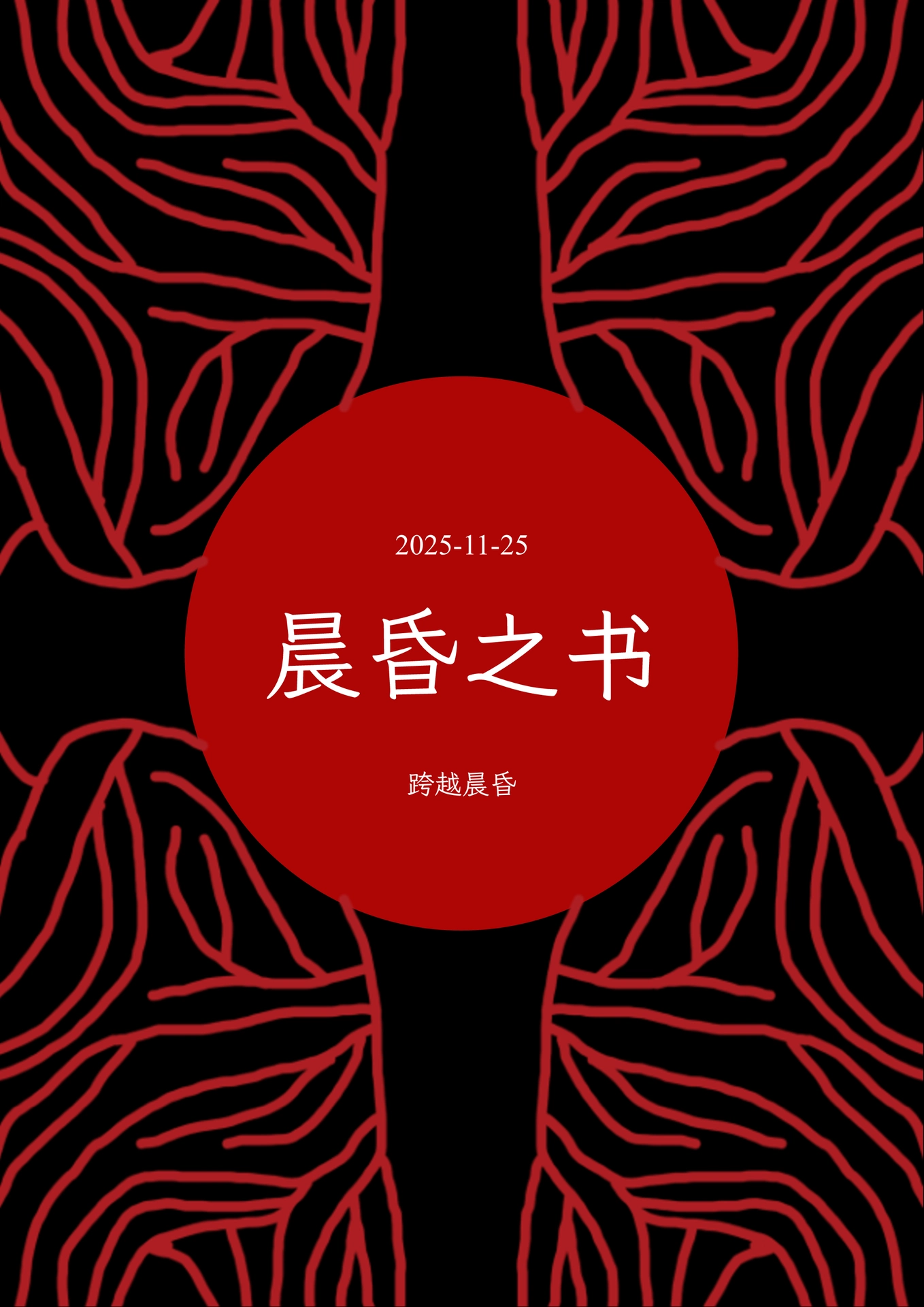
封面 Cover

正文 Main Text
Supports indenting content based on heading levels and adding reference lines.
支持根据标题的成绩对内容进行缩进并添加参考线

字体 Fonts
可以使用以下代码自定义字体
#let serif-family = {"字体名称"}
#let sans-family = {"字体名称"}
#let mono-family = {"字体名称"}
#let art-font = {"字体名称"}