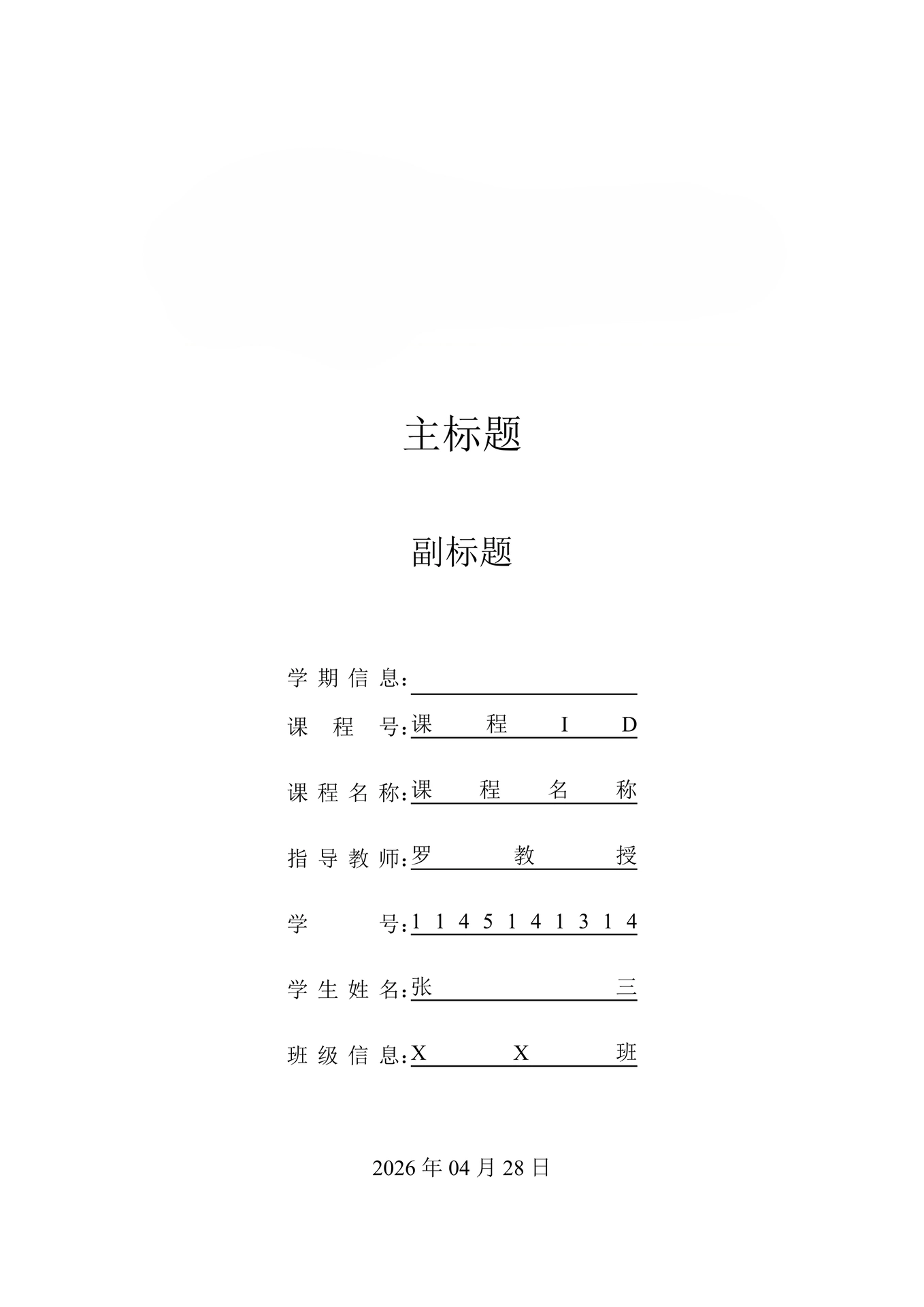

A professional Typst typesetting template specifically crafted for undergraduate dissertations. Designed around Chinese academic standards, this template handles the heavy lifting of covers, section formatting, and bibliography management so you can focus on what actually matters: your research.
Key Features
- Effortless Writing: Uses intuitive markup syntax—no more wrestling with complex LaTeX commands.
- Academic Rigor: Built-in compliance with Chinese thesis standards, including covers, hierarchical headings, and figure/table numbering.
- Blazing Fast: Powered by the Typst engine for real-time compilation and instant PDF previews.
- Ready-to-Go Structure: Comes with a complete document framework, from the Abstract to Acknowledgments.
- Citation Ready: Integrated support for the GB/T 7714 (numeric) national standard for bibliographies.
Getting Started
Environment Setup
You can use Typst locally or directly in your browser:
Local Installation:
- Windows: Download
typst-x86_64-pc-windows-msvc.zipfrom GitHub Releases and add the executable to your system PATH. - macOS/Linux: Install via package managers (Homebrew, APT, Pacman) or use Rust’s Cargo:
cargo install typst-cli. - Android: Install a Linux environment via Termux and follow the Linux instructions.
- Verification: Run
typst -Vin your terminal. If the version appears, you’re good to go.
VSCode (Recommended): Install the “Tinymit Typst” extension. It provides a real-time “write-as-you-see” experience similar to Typora.
Web-based Usage:
- Official Typst Web App: typst.app/play/
- GitHub Codespaces: Create a Codespace here
Obtain the Template
Choose your preferred method:
- Download ZIP: Download and extract the project source code.
- Clone Repository:
git clone https://github.com/strangelion/university-typst-template.git
Compiling Your Thesis
Navigate to the project directory and run:
‘’‘cmd typst compile main.typ paper.pdf ‘’’
If you encounter font issues, use the local font path:
‘’‘cmd typst compile --font-path ./fonts main.typ paper.pdf ‘’’
Pro Tip for VSCode Users: Pin your main.typ file to avoid generating unnecessary PDF fragments (Ctrl + Shift + P -> Typst: Pin the Main File to the Currently Open Document).
Configuration
All personal and thesis metadata is centralized in config.typ. Modify your information once (title, name, student ID, etc.), and it will automatically propagate across the cover page and all relevant information tables.
References
The template defaults to the GB/T 7714-2015 (numeric) style. Simply populate your references.bib (or references.yml) and use the #cite command within your text.
GitHub Actions
You can clone this repository and manually trigger the built-in GitHub Action to generate a ZIP file containing your compiled PDF.
Note: Avoid running actions directly on the upstream repository to prevent conflicts.
License
This project is licensed under the Apache-2.0 License.