Create project in app
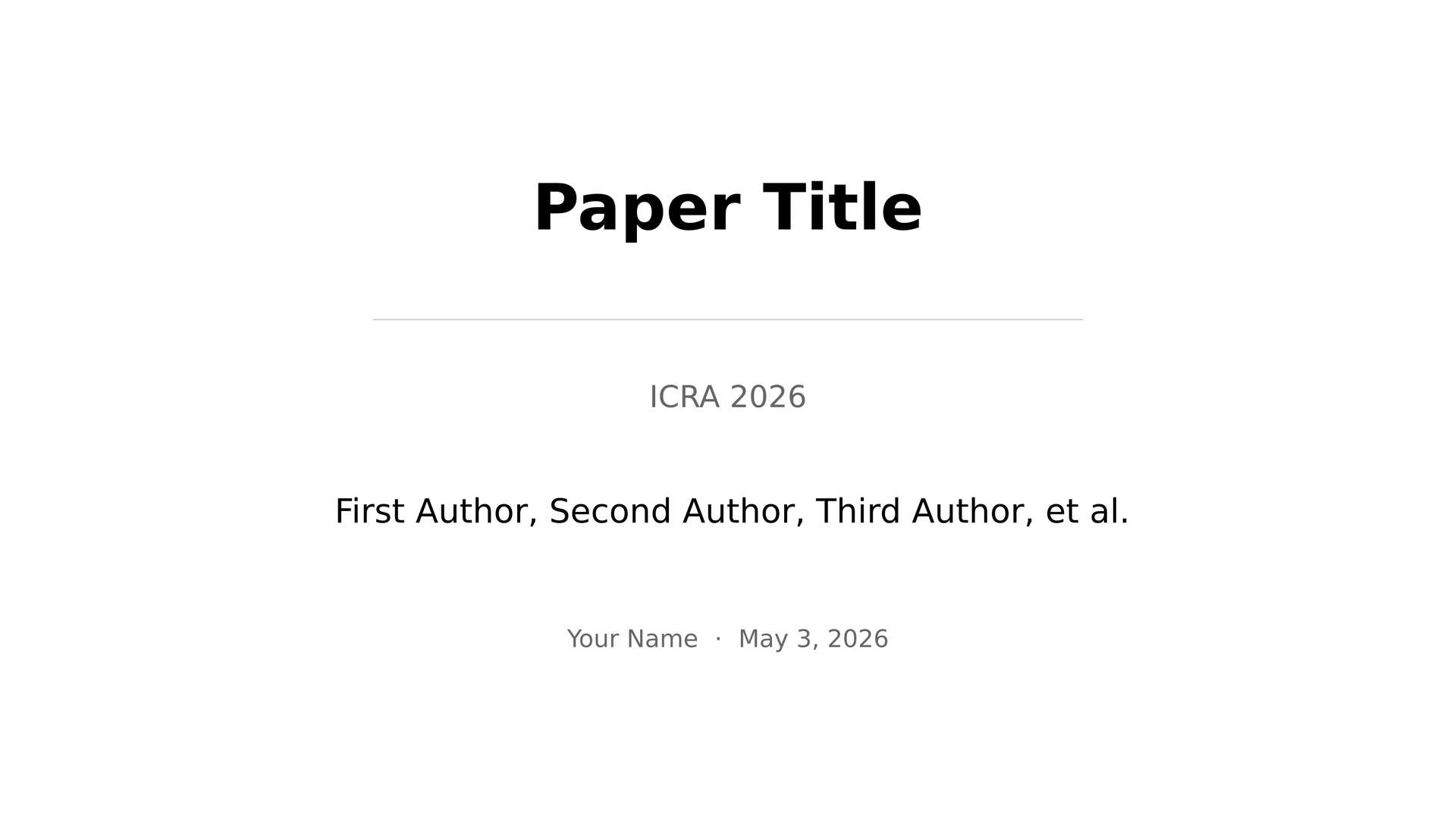
A Touying-based slide template for RVL group meetings.
Use as a package
Import the theme in an existing Typst project:
#import "@preview/steady-rvl-slides:0.1.0": *
Then apply the theme:
#show: rvl-theme.with(
  config-info(
    title: [Paper Title],
    presenter: [Your Name],
    paper_venue: [ICRA 2026],
    date: rvl-date("2026-05-03"),
  ),
)
Use the template package to start a new project:
typst init @preview/steady-rvl-slides:0.1.0
This creates a project with:
main.typassets/logo.png
Minimal example
#import "@preview/steady-rvl-slides:0.1.0": *

#show: rvl-theme.with(
  config-info(
    title: [Paper Title],
    presenter: [Your Name],
    paper_authors: [First Author, Second Author, Third Author, et al.],
    paper_venue: [ICRA 2026],
    date: rvl-date("2026-05-03"),
  ),
)

#rvl-title-slide()

#rvl-outline-slide(
  question: [What is the central research question?],
)[]

#rvl-slide(title: [Introduction])[
  - Motivation
  - Method
  - Results
]
Public API
rvl-themervl-title-slidervl-slidervl-outline-slidervl-stat-cardrvl-figure-placeholderspeaker-notealert
Template project
In the bundled starter template:
= Sectionis a logical section marker only.- Each
== Slide Titlebecomes a slide automatically. - For larger or more stable decks, prefer explicit
#rvl-slide(...)and#rvl-outline-slide(...).
Development repo
This repository also includes local development helpers:
Makefilefor repo-local PDF and PPTX buildsexamples/for real decks and regression checksskills/for repo-local slide authoring guidance
Repository layout
.
├── typst.toml
├── lib.typ
├── src/
│   └── rvl_theme.typ
├── template/
│   ├── assets/
│   │   └── logo.png
│   ├── main.typ
├── thumbnail.png
├── examples/
│   └── YYYY-MM-DD/
│       ├── main.typ
│       ├── paper.pdf
│       └── figs/
├── Makefile
├── skills/
│   └── rvl-group-meeting-typst/
│       └── SKILL.md
lib.typis the package entrypoint.src/rvl_theme.typis the single source of truth for the theme implementation.template/is the Universe-facing template copied bytypst init.Makefilescaffolds repo-local examples fromtemplate/main.typ.