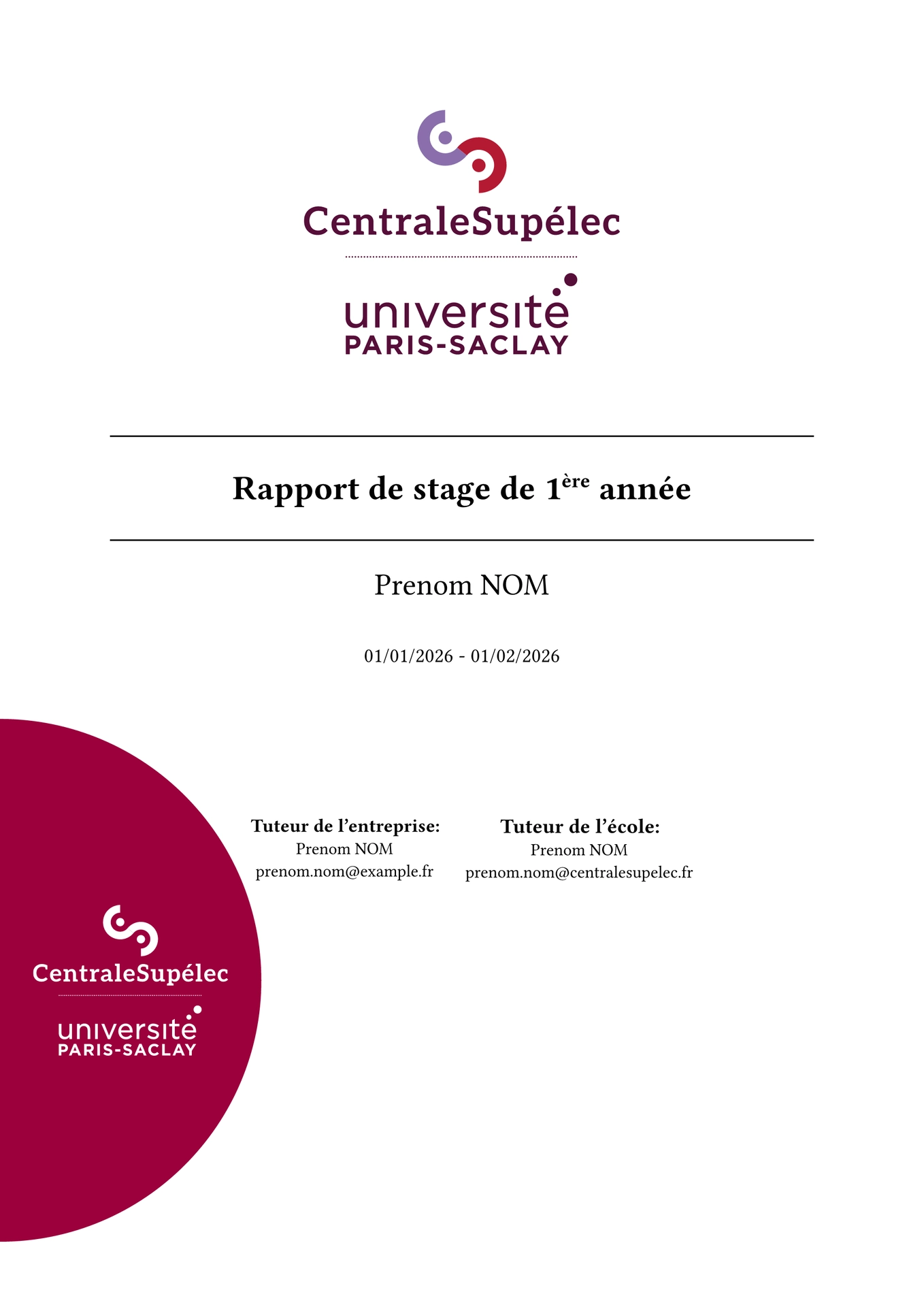
Repository available on codeberg.
CentraleSupelec report template
This package provide the basics to make a CentraleSupelec-themed report (e.g. for internships), although it could be used for other types of report.
It currently lacks many customization options, but it is planned to improve on that.
Contributions are welcomed !
Modèle de rapport pour CentraleSupelec
Ce modèle permet de créer des rapports (par exemple pour des stages) avec le thème de CentraleSupelec.
Actuellement, le modèle n’est pas très modifiable, mais il est prévu d’améliorer ça.
Les contributions sont les bienvenues !
Quick start
#import "@preview/simple-cs:1.0.1" : template, logo-list
#show: template.with(
  title: [Rapport],
  title-page-header: logo-list(),
  name: "Prenom NOM",
  dates: "01/01/2026",
)

// Content of the report
Credits
Inspired by:
- https://typst.app/universe/package/lion-ecl
- https://www.overleaf.com/latex/templates/template-centralesupelec-stage/pgszqnkdncxv
- later, https://www.overleaf.com/latex/templates/centrale-lyon-template/xsmzwcjypwvr
Convert .eps logo files to .svg
Logos taken from CentraleSupelec’s website, by converting the “.eps” files into “.svg” files.
Note: some logos are supposed to have a border but don’t, I have reported the issue to CS.
I used this script to convert eps files to svg (requires inkscape):
#!/bin/sh

find . -name '*.eps' -print0 |
	while IFS= read -d '' file; do
		# rm "${file%.*}.svg"
		inkscape --export-filename="${file%.*}.svg" "$file"
	done
Add the logos
Once you have converted the logos to svg, you can import them. The template provides two code snippets to put them in a dictionary, that is then passed to the library.
The first one uses the original (disorganised) structure used by CS, allowing to directly use the files without file renaming.
The second one uses a more organised folder structure:
images/
    avec-protection/
        vertical/
            noir.svg
            blanc.svg
            rvb.svg
        horizontal/
            ...
    sans-protection/
        ...