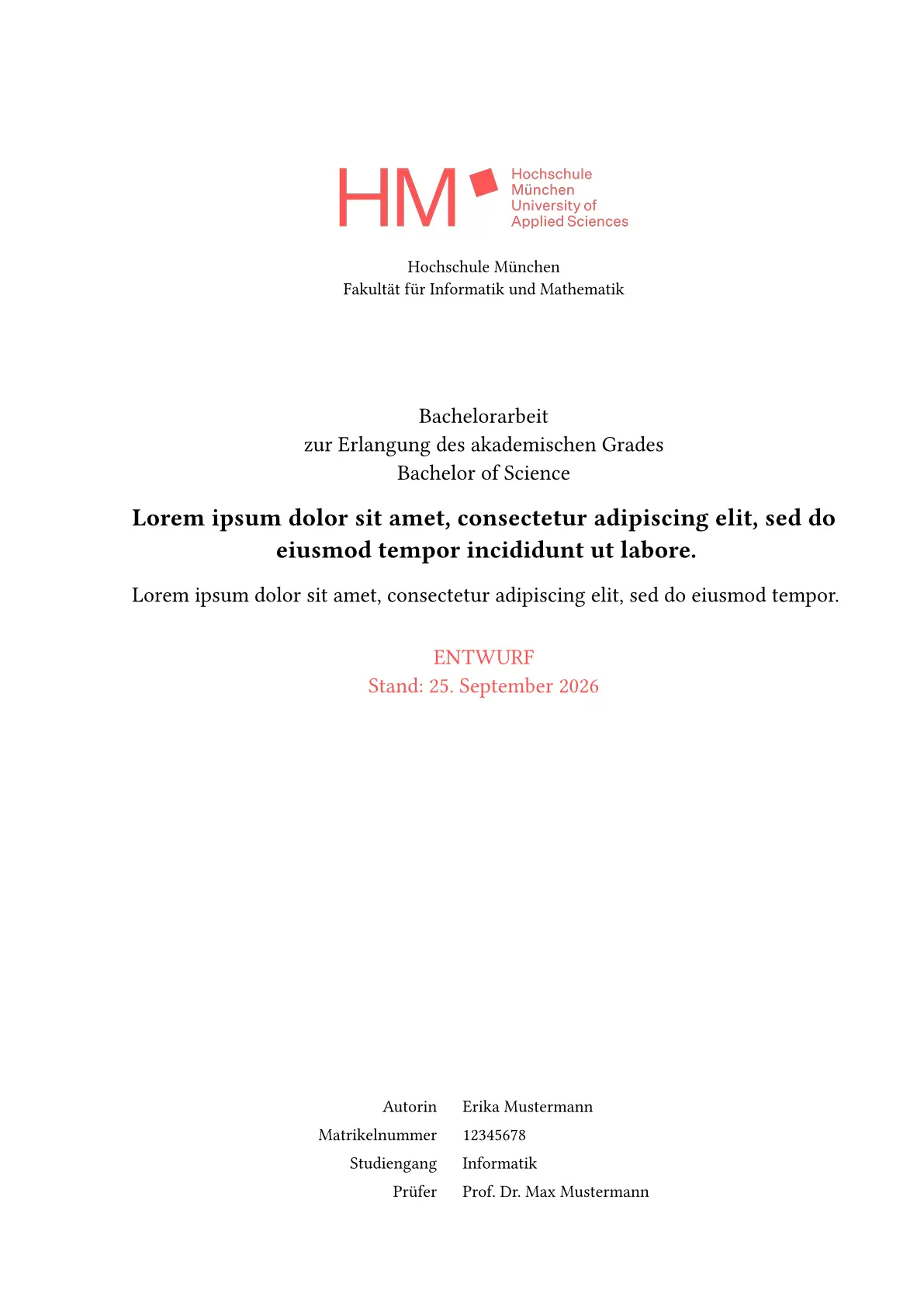


Unofficial thesis, report and paper template for Munich University of Applied Sciences (Hochschule München).
ℹ️ Currently supports FK07 and FK21 (MUC.DAI) theses, Modulararbeiten and Computer Science (IG) Hauptseminar papers.
Getting started
Initialize the project via the Typst CLI:
typst init @preview/scribbling-hm
Or search for scribbling-hm in the Typst web app under “Start from template”.
After initialization, open main.typ, fill in the properties below, and start writing.
Properties
| Property | Description |
|---|---|
title |
The title of your thesis |
title-translation |
English translation of the title |
language |
Document language ("de" or "en", default: "de") |
study-name |
Abbreviation of your course of study (default: study-name.IFB) |
major |
Area of study for Hauptseminar papers (e.g. major-name.AISE) |
author |
Your full name |
gender |
Your gender ("m", "w", "d", or none) |
student-id |
Your student ID number |
birth-date |
Your date of birth (optional) |
study-group |
Your study group |
semester |
Current semester |
supervisors |
Array of supervisor names or single supervisor name |
examiner-gender |
Gender of examiner ("m", "w", "d", or none) |
submission-date |
Date of thesis submission |
abstract |
Your thesis abstract |
abstract-translation |
Translation of abstract (shown based on language setting) |
appendix |
Optional appendix content with separate numbering (A, A.1, …) |
blocking |
Enable blocking notice (default: false) |
enable-header |
Show page headers (default: true) |
draft |
Enable draft mode (default: true) |
bib |
Bibliography file reference |
abbreviations-list |
Abbreviations for the glossary |
variables-list |
Pre-defined variables |
layout-mode |
Page layout mode ("screen", "duplex", or "bound", default: "screen") |
print-abbreviations-list |
Show the abbreviations list (default: true when an abbreviations list is provided) |
print-list-of-figures |
Show the list of figures (default: true) |
print-list-of-listings |
Show the list of listings (default: true) |
print-list-of-tables |
Show the list of tables (default: true) |
Draft mode
If you set draft to true, your thesis will have written “ENTWURF” all over the place. This will help you to keep track of whether you’re finished or not.
Additionally, if you’re in draft mode, you can use these helpers:
#todo[Something to do]
#done()
Variables
The variables-list is helpful if you want to pre-define frequently-used phrases, including their formatting. You can use them just like the abbreviations.
IMPORTANT:
Your keys must be unique across all files (abbreviations.typ and variables.typ)
Layout modes
Use layout-mode to choose how pages are laid out:
"screen"(default): single-sided layout with symmetric margins (2.5cm)"duplex": double-sided print layout with mirrored inner/outer margins (inside: 3cm,outside: 2cm) and mirrored headers/footers"bound": single-sided layout with a wider left margin on every page (left: 3cm,right: 2cm)
Example:
#show: thesis.with(
	// ...
	layout-mode: "duplex",
)
Modularbeit
The template also supports project documentation for a Modularbeit. Use modularbeit-documentation instead of thesis and provide a subject, the authors, and a project description:
#show: modularbeit-documentation.with(
	subject: "Graphentheorie",
	authors: ("Erika Mustermann", "Max Mustermann"),
	project-description: [Gruppe x - Thema x \\ Traveling Salesman Problem],
	study-name: study-name.IFB,
	draft: false,
)
Modularbeiten do not include the thesis declaration, abstract, or blocking notice. Lists of abbreviations, figures, listings, and tables can be disabled individually with the corresponding print-* parameters. A complete example is available in examples/modularbeit.typ.
Hauptseminar
The template also supports Hauptseminar papers. Use hauptseminar-paper and provide the course of study, authors, supervisors, and the seminar major via major:
#show: hauptseminar-paper.with(
	title: "Hauptseminar paper title",
	language: "de",
	study-name: study-name.IGM,
	author: "Erika Mustermann",
	supervisors: "Prof. Dr. Max Mustermann",
	submission-date: datetime.today(),
	major: major-name.AISE,
	draft: false,
)
The seminar layout includes a dedicated title page for the paper and a course/major label. A complete example is available in examples/hauptseminar.typ.
The repository contains complete examples for all supported document types. Compile them from the examples directory with:
make
Study name
The study-name property controls how your thesis is labeled. Based on the selected value, the following information is derived automatically:
- Thesis type: Bachelor’s or Master’s thesis
- Academic degree: “Bachelor of Science” or “Master of Science”
- Faculty: The faculty name
- Study program name: The full study program name
Abbreviations from: https://hm.edu/studium_1/im_studium/mein_studium/recht/stg_abkuerzungen.de.html