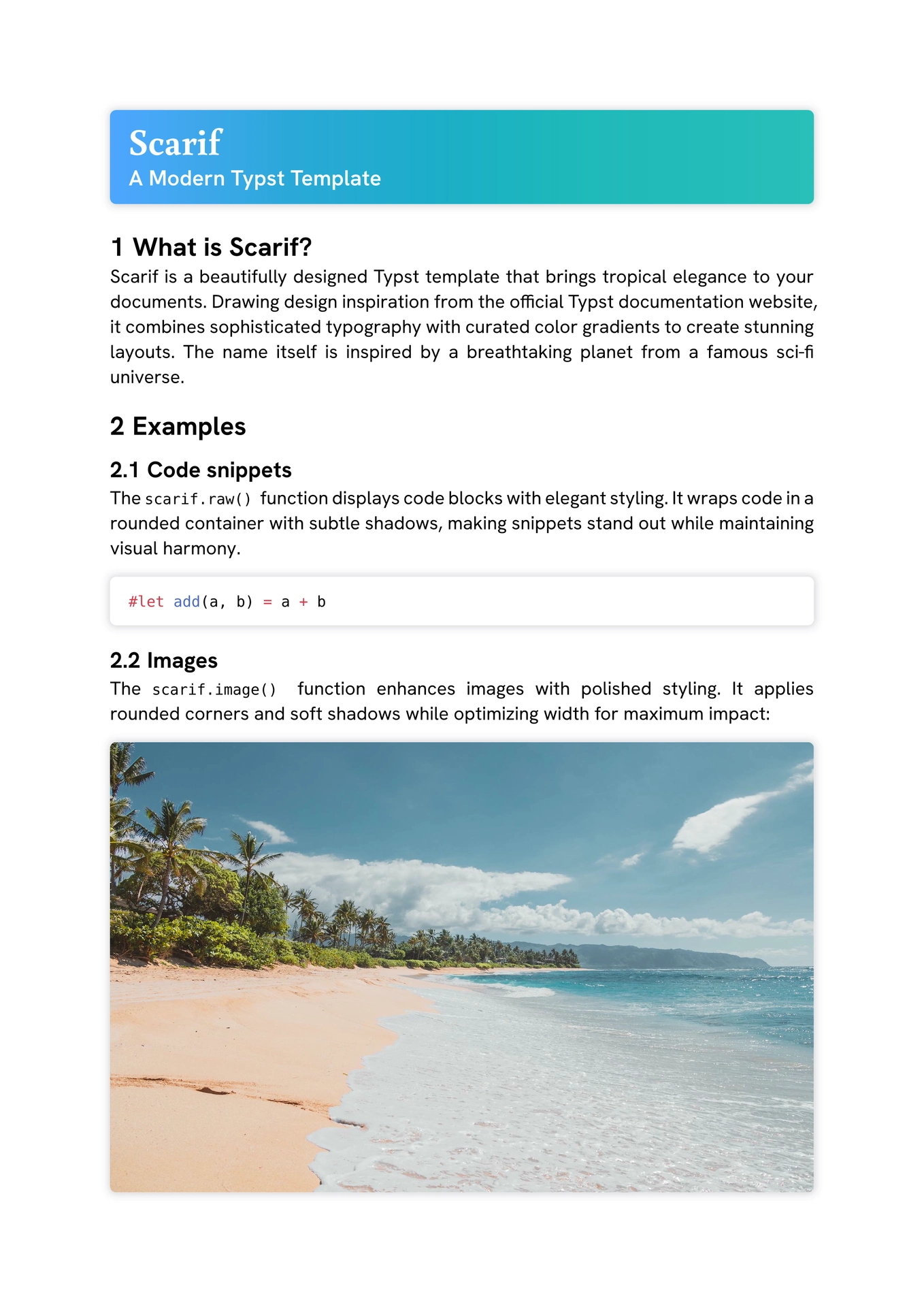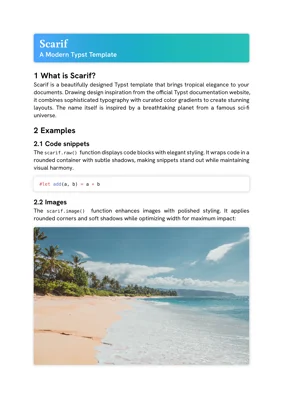
A beautifully designed Typst template that brings tropical elegance to your documents. Drawing design inspiration from the official Typst documentation website, Scarif combines sophisticated typography with curated color gradients to create stunning layouts.

Installation
Add the package to your Typst document:
#import "@preview/scarif:0.1.0" as s

#show: s.template
Or use it with Typst CLI:
typst init @preview/scarif:0.1.0
NOTICE: Scarif requires the following fonts to be installed:
Documentation
Template
Apply Scarifs basic show rules with template():
#show: scarif.template
To automaticly apply Scarifs show rules to raw() and image() enable them in the template() function:
#show: scarif.template.with(
  raw-show-rule: true,
  image-show-rule: true,
)
Title
Create stunning title sections with optional subtitles and a fill:
#scarif.title(
  "This is a title",
  sub-title: "This is a sub title",
  fill: scarif.gradients.ruby,
)

Parameters
/// A document title
/// -> content
#let title(
  /// The title.
  /// -> content
  title,
  /// The optional sub title.
  /// none | content
  sub-title: none,
  /// How to fill the title header.
  /// color | gradient
  fill: gradients.lagoon,
) = { /* ... */ }
Raw
Display code with elegant styling. You can either pass in the native arguments from raw() or a raw element.
#scarif.raw(```typ
#let add(a, b) = a + b
```)

Parameters
/// Raw text with optional syntax highlighting.
/// -> content
#let raw(
  /// The raw text or a raw element.
  ///
  /// If a raw element is supplied, its fields will override any fields set in
  /// this function.
  ///
  /// -> str | content
  text,
  /// Whether the raw text is displayed as a separate block.
  /// -> bool
  block: false,
  /// The language to syntax-highlight in.
  /// -> none | str
  lang: none,
  /// The horizontal alignment that each line in a raw block should have.
  /// -> alignment
  align: start,
  /// Additional syntax definitions to load.
  ///
  /// The syntax definitions should be in the sublime-syntax file format.
  ///
  /// -> str | bytes | array
  syntaxes: (),
  /// The theme to use for syntax highlighting.
  ///
  /// Themes should be in the tmTheme file format.
  ///
  /// -> none | auto | str | bytes
  theme: auto,
  /// The size for a tab stop in spaces.
  ///
  /// A tab is replaced with enough spaces to align with the next multiple of
  /// the size.
  ///
  /// -> int
  tab-size: 2,
) = { /* ... */ }
Images
Enhance images with polished styling.
NOTICE: Currently the image can only be passed as bytes. This will change as soon as Typst 0.15 is released.
#scarif.image(read("beach.jpg", encoding: none))

Parameters
/// A raster or vector graphic.
/// -> content
#let image(
  /// Raw bytes making up an image in one of the supported formats.
  ///
  /// -> bytes
  source,
  /// The image's format.
  /// -> auto | str | dictionary
  format: auto,
  /// The width of the image.
  /// -> auto | relative
  width: auto,
  /// The height of the image.
  /// -> auto | relative
  height: auto,
  /// An alternative description of the image.
  /// -> none | str
  alt: none,
  /// The page number that should be embedded as an image.
  ///
  /// This attribute only has an effect for PDF files.
  ///
  /// -> int
  page: 1,
  /// How the image should adjust itself to a given area.
  /// -> str
  fit: "cover",
) = { /* ... */ }
License
MIT License - see LICENSE-MIT for details.
Apache License 2.0 - see LICENSE-APACHE for details.
Credits
Inspired by the Typst documentation website design.
Beach image by Jess Loiterton on Pexels (photo), licensed under the Pexels License.