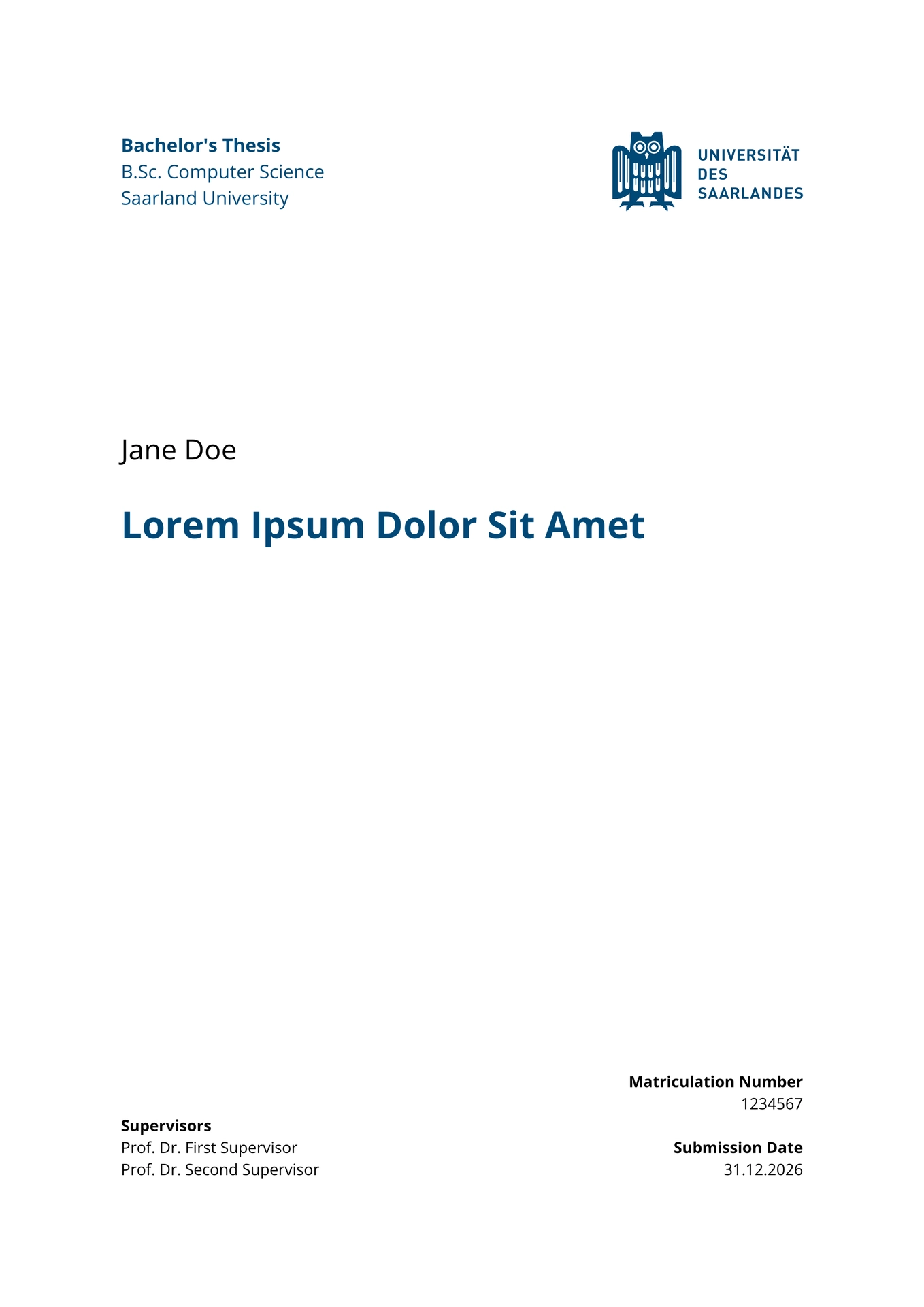
This is a Typst template for UdS theses, forked from the incredible template by Alexander Koller available at coli-saar/owl-lst-thesis, from the Department of Language Science and Technology at Saarland University. It has been adapted to be usable across Saarland University rather than for LST only: the LST branding was removed, and the built-in degree programs are now Computer Science and Cybersecurity.
You can use this for your Bachelor’s or Master’s Thesis or any other document you like. The fork is minimally maintained by Alan Chung Ma.
The template sets up the title page, declaration, abstract, acknowledgments,
table of contents, chapter styling, headers, page numbers, figure captions, and
bibliography formatting for a thesis.
The default screen mode uses equal left and right margins. The print mode is
intended for double-sided printing and binding, with a wider inner margin.
Quick start in the Typst web app
- Open the Typst web app.
- Create a new project from the
saar-thesistemplate. - Edit the metadata in the
#showblock. - Add BibTeX entries and import your BibTeX file with
add-bib-resource.
You can write the thesis below the #show: saar block and export the PDF from the web app.
Minimal thesis file
This is the smallest useful shape of a thesis file:
#import "@preview/saar-thesis:0.1.0": *
#import "@preview/pergamon:0.8.0": *

#set text(lang: "en")

#show: saar.with(
  title: "My Thesis Title",
  author: "Jane Student",
  matriculation-number: "1234567",
  degree-program: "b-cs-info",
  supervisors: (
    ("Supervisors", "Prof. Dr. First Supervisor", "Prof. Dr. Second Supervisor"),
    ("Additional advisor", "Dr. Helpful Advisor"),
  ),
  date: "31.12.2026",

  abstract: [
    Write a short summary of the thesis here.
  ],

  acknowledgments: [
    Optional acknowledgments go here.
  ])

#add-bib-resource(read("custom.bib"))

= Introduction

Start writing here. Cite papers with Pergamon like this #cite("doe-roe-2020-lorem").

#print-saar-bibliography()
Template arguments
The main function is saar. Use it in a #show rule around your document content.
title: Thesis title shown on the title page and stored in the PDF metadata. Can be any content.author: Your name, stored in the PDF metadata. Must be a string.matriculation-number: Your matriculation number. Must be a string.degree-program: Required degree program printed on the title page. Use one of the built-in abbreviations below, or pass free-form text for custom cases together withthesis-type.supervisors: A tuple of supervisor groups. Each group starts with a role label, followed by one or more names. Use strings for all labels and names.date: Submission date printed on the title page and declaration. Must be a string.thesis-type: Optional string. By default, the template chooses the localized bachelor’s or master’s thesis label from a built-in degree program. Set this by hand for custom cases such as"Seminar paper"; this manual value is not localized.city: Optional string. Defaults toSaarbrückenand is printed above the signature line in the declaration.mode: Optional string. Defaults to"screen", which makes the left and right margin equal size. Use"print"for a wider inner margin for binding.abstract: Optional content. If present, the template creates an abstract page.acknowledgments: Optional content. If present, the template creates an acknowledgments page.
Built-in degree programs:
| Abbreviation | English degree program | German degree program | English thesis type | German thesis type |
|---|---|---|---|---|
"b-cs-info" |
B.Sc. Computer Science |
B.Sc. Informatik |
Bachelor's Thesis |
Bachelorarbeit |
"b-cyber" |
B.Sc. Cybersecurity |
B.Sc. Cybersicherheit |
Bachelor's Thesis |
Bachelorarbeit |
"m-cs-info" |
M.Sc. Computer Science |
M.Sc. Informatik |
Master's Thesis |
Masterarbeit |
"m-cyber" |
M.Sc. Cybersecurity |
M.Sc. Cybersicherheit |
Master's Thesis |
Masterarbeit |
For these built-in abbreviations, both the degree program name and the thesis type are selected
from the document language: #set text(lang: "en") prints the English labels, and
#set text(lang: "de") prints the German labels.
The template automatically creates:
- title page with the Saarland University logo;
- declaration page;
- PDF metadata with the thesis title, author, and template preparation string;
- abstract and acknowledgments pages when provided;
- table of contents to section depth;
- main-matter page numbering;
- odd-page chapter starts with blank pages where needed;
- running headers with chapter and section information;
- chapter-based numbering for figures, tables, raw figures, and equations;
- LST-styled captions, links, references, and bibliography heading.
Language
The template localizes its built-in labels from Typst’s document language. It defaults to English. Use German with:
#set text(lang: "de")
This translates template chrome such as chapter labels, front-matter headings, title-page fields, and the declaration. User-provided thesis text and supervisor role labels are not translated automatically, so write those labels yourself:
supervisors: (
  ("Gutachter", "Prof. Dr. First Supervisor", "Prof. Dr. External Reviewer"),
  ("Betreuerin", "Dr. Helpful Advisor"),
)
Writing structure
Use normal Typst headings:
= Chapter
== Section
=== Subsection
==== Paragraph-style heading
The table of contents includes chapters and sections. Subsections and lower heading levels are not shown in the table of contents.
Use labels for cross-references:
= Introduction <sec:introduction>

As discussed in @sec:introduction, this chapter introduces the topic.
Use figures and tables with labels:
#figure(caption: [Example figure.])[
  #image("figure.pdf", width: 80%)
] <fig:example>

See @fig:example.
Citations and bibliography with Pergamon
This template uses Pergamon for author-year citations and bibliography formatting. Keep these three pieces in your thesis file:
#import "@preview/pergamon:0.8.0": *

#add-bib-resource(read("custom.bib"))

#print-saar-bibliography()
Add references to custom.bib in normal BibTeX format. Of course you can also use Bibtex files with different names.
Cite a source in parentheses with #cite and as a noun phrase with #citet.
Pass the BibTeX key as a string (not as a label like in the default Typst cite command):
#citet("doe-roe-2020-lorem") argued that sed do eiusmod tempor incididunt ut labore.
Finally, print the bibliography at the end of the document:
#print-saar-bibliography()
print-saar-bibliography is provided by this template. It creates the UdS-styled bibliography
heading and then asks Pergamon to print the bibliography.
Fonts
The template uses Caladea for the main text and Noto Sans for headings, captions, headers, and title-page elements. Neither font ships with Typst or this package.
Compiling locally: download both fonts and install them on your system, or put the font files
in a folder and pass it to Typst with --font-path:
typst compile --font-path fonts/ main.typ
Run typst fonts to check that both show up. If a font is missing, Typst prints an
unknown font family warning and falls back to a default font, so the PDF still compiles but
looks wrong.
Typst web app: both fonts should be available without extra setup.
Common metadata patterns
To select another degree program, set degree-program:
#show: saar.with(
  degree-program: "m-cs-info",
  title: "My Thesis Title",
  // add the remaining arguments as in the minimal example
)
To override the thesis type that is chosen from the degree program, set thesis-type:
#show: saar.with(
  degree-program: "b-cs-info",
  thesis-type: "Seminar paper",
  title: "My Seminar Paper",
  // add the remaining arguments as in the minimal example
)
Free-form degree programs are also possible, but then thesis-type is required:
#show: saar.with(
  degree-program: "Certificate Program in Example Studies",
  thesis-type: "Project report",
  title: "My Report",
  // add the remaining arguments as in the minimal example
)
If degree-program is omitted, the template stops with an error message. If degree-program is
free-form and thesis-type is omitted, it also stops with an error message. In these free-form
cases, neither the degree program nor the manually supplied thesis type is localized by the
template.
To omit acknowledgments, remove the acknowledgments argument. To omit the abstract, remove
the abstract argument.
To use German labels throughout the template, set the document language before the #show
rule:
#set text(lang: "de")
Licenses
The Typst source files are released under an MIT-0 license.
The template uses two fonts, neither of which is bundled with this package:
- Caladea is Copyright 2012 by The Caladea Project Authors and distributed under the SIL Open Font License 1.1.
- Noto Sans is Copyright 2022 by The Noto Project Authors and distributed under the SIL Open Font License 1.1.
The Saarland University logo in logos/ is a trademark of its owner, used with permission,
and is not covered by the package license. Permission for the logo was requested separately
for this fork; it does not come from the upstream
coli-saar/owl-lst-thesis repository.