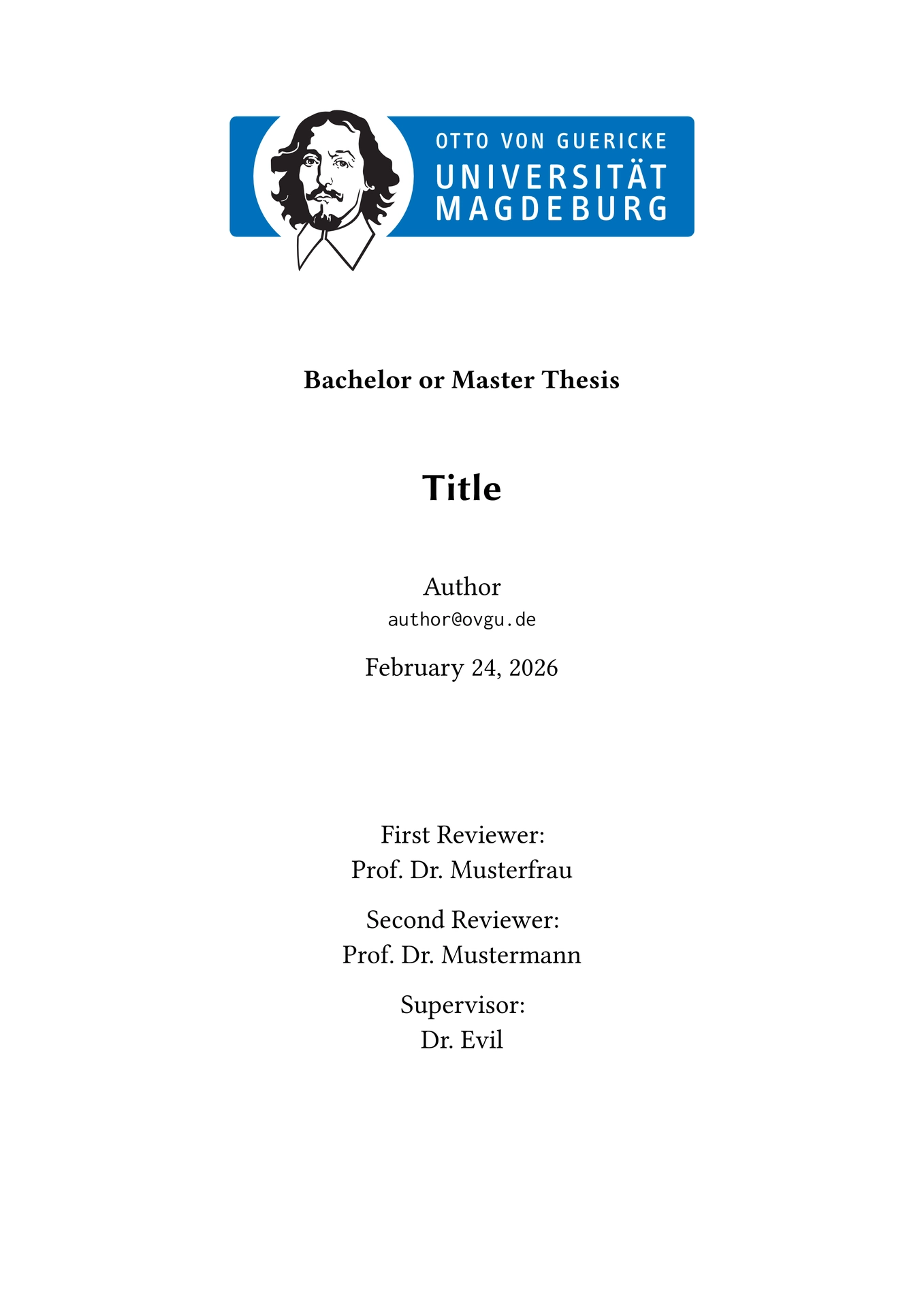


A simple thesis template based on the ParCIO working group at Otto-von-Guericke University Magdeburg.
Getting Started
To use this template, simply import it as shown below (more options under Usage):
#import "@preview/parcio-thesis:0.3.0": *

#show: parcio.with(
  title: "My great thesis",
  author: (
    name: "Author",
    mail: "author@ovgu.de"
  ),
  abstract: [My abstract begins here.],
)
Local Installation
Following these steps will make the template available locally under the @local namespace. Requires “Just - A Command Runner”.
git clone git@github.com:xkevio/parcio-typst.git
cd parcio-typst/parcio-thesis/
just install
Usage
See here for all possible arguments (and their default values) as well as utility functions:
#import "@preview/parcio-thesis:0.3.0": *

#show: parcio.with(
  /// The title of your thesis.
  /// -> content
  title: [Title],
  /// The author data (your name and student mail).
  /// -> dictionary
  author: (name: "Author", mail: "author@ovgu.de"),
  /// The optional abstract of your thesis.
  /// -> content | none
  abstract: [],
  /// The thesis type (bachelor, master, PhD, etc...).
  /// -> string
  thesis-type: "Bachelor or Master",
  /// The reviewers and supervisors of your thesis.
  /// -> array
  reviewers: (),
  /// The submission date.
  /// -> datetime
  date: datetime.today(),
  /// The way your headings should be numbered.
  /// -> numbering | string
  heading-numbering: "1.1.",
  /// Whether to start a new chapter at an even or odd page (can be `"even"`, `"odd"` or `none`).
  /// -> str | none
  chapter-start-at: none,
  /// The language of your thesis for automatic hyphenation and spellcheck.
  /// -> string
  lang: "en",
  /// The logo(s) of your faculty or institution.
  /// -> content
  header-logo: image("logos/OVGU-INF.pdf", width: 66%),
  /// Custom translations for certain keywords in TOML format.
  /// -> dictionary
  translations: toml("translations.toml")
)

// Use these to *enable* or *change* page numbering for your frontmatter and mainmatter respectively.
// (By default, this template hides the page numbering!)
#show: roman-numbering.with(reset: true, alternate: true)
#show: arabic-numbering.with(reset: true, alternate: true)
Utility Functions
These could be useful while writing your thesis!
// A TODO marker. (inline: false -> margin note, inline: true -> box).
#let todo(inline: false, body) = { /* ... */ }

// Like \section* in LaTeX. (unnumbered level 2 heading, not in ToC).
#let section = heading.with(level: 2, outlined: false, numbering: none)

// A neat inline-section in smallcaps and sans font.
#let inline-section(title) = smallcaps[*#text(font: "Libertinus Sans", title)*]

// Fully empty page, no page numbering.
#let empty-page = page([], footer: [])

// Subfigures (see chapters/introduction for syntax).
#let subfigure(..) = { /* ... */ }

// A ParCIO-like table with a design taken from the LaTeX template.
#let parcio-table(..args) = { /* ... */ }

// Nicer handling of (multiple) appendices. Specify `reset: true` with your first appendix to reset the heading counter!
#let appendix(reset: false, label: none, body) = { /* ... */ }
Translations
If you wish, you can provide custom translations for things like “Section”, “Contents”, etc. by providing a custom translations.toml (this template already comes with translations for English and German) with the following schema:
# Top-level dict name should follow ISO 639 language codes!
default-lang = "en"

[de]
contents = "Inhaltsverzeichnis"
chapter = "Kapitel"
section = "Abschnitt"
thesis = { value = "Arbeit", compound = true }

[de.title-page]
first-reviewer = "Erstgutachter"
second-reviewer = "Zweitgutachter"
supervisor = "Betreuer"

[de.bibliography]
bibliography = "Quellenverzeichnis"
cited-on-page = "Zitiert auf Seite"
cited-on-pages = "Zitiert auf Seiten"
join = "und"

[de.date]
date-format = "[day]. [month repr:long] [year]"
months = ["Januar", "Februar", "März", "April", "Mai", "Juni", "Juli", "August", "September", "Oktober", "November", "Dezember"]
Fonts and OvGU Corporate Design
This template requires these three fonts to be installed on your system[1]:
- Libertinus Serif (https://github.com/alerque/libertinus)
- Libertinus Sans (https://github.com/alerque/libertinus)
- Inconsolata (https://github.com/googlefonts/Inconsolata)
We bundle the default “Faculty of Computer Science” head banner and use it as the header-logo (the 0-BSD license does not apply to this file). You can find yours at: https://www.cd.ovgu.de/Fakultäten.html. These might include additional layers (optional content groups) which should be removed with tools such as Inkscape.
Typst should already provide the Libertinus font family by default as it is their standard font. ↩︎