Create project in app
臺灣科技大學論文模板。Thesis template for National Taiwan University of Science and Technology.
Usage
Create a new project using this template:
typst init @preview/ntust-thesis-unofficial:1.3.0 my-thesis
Move into the project directory:
cd my-thesis
Download NTUST logo or run the following command to download it directly into the project:
curl -L -o logo.png "https://www.secretariat.ntust.edu.tw/app/index.php?Action=downloadfile&file=WVhSMFlXTm9Mekl3TDNCMFlWOHpPRE13TkY4M09UTXhPVFUzWHpNMU16YzJMbkJ1Wnc9PQ==&fname=LOGGYSOKRKDCOOYXEDLKIG24FC30TWLK50FGXSMKGG25WWRKDCMKYSTWSSOKCDFCNOWWUT0520FGNK24KOOKQL00"
Change the logo and fonts in main.typ if needed.
#show: ntust-thesis.with(
  // ...
  // logo: image("logo.png"), // 放入校徽圖片
  // fonts: ("Times New Roman", "DFKai-SB"), // 使用 Window 自帶的字體
  // ...
)
And then compile:
typst compile main.typ
Fonts
Default fonts used in this template:
Logo
There are no clear terms regarding the distribution of the logo, so it’s not included in the repository. You can download it from NTUST official website.
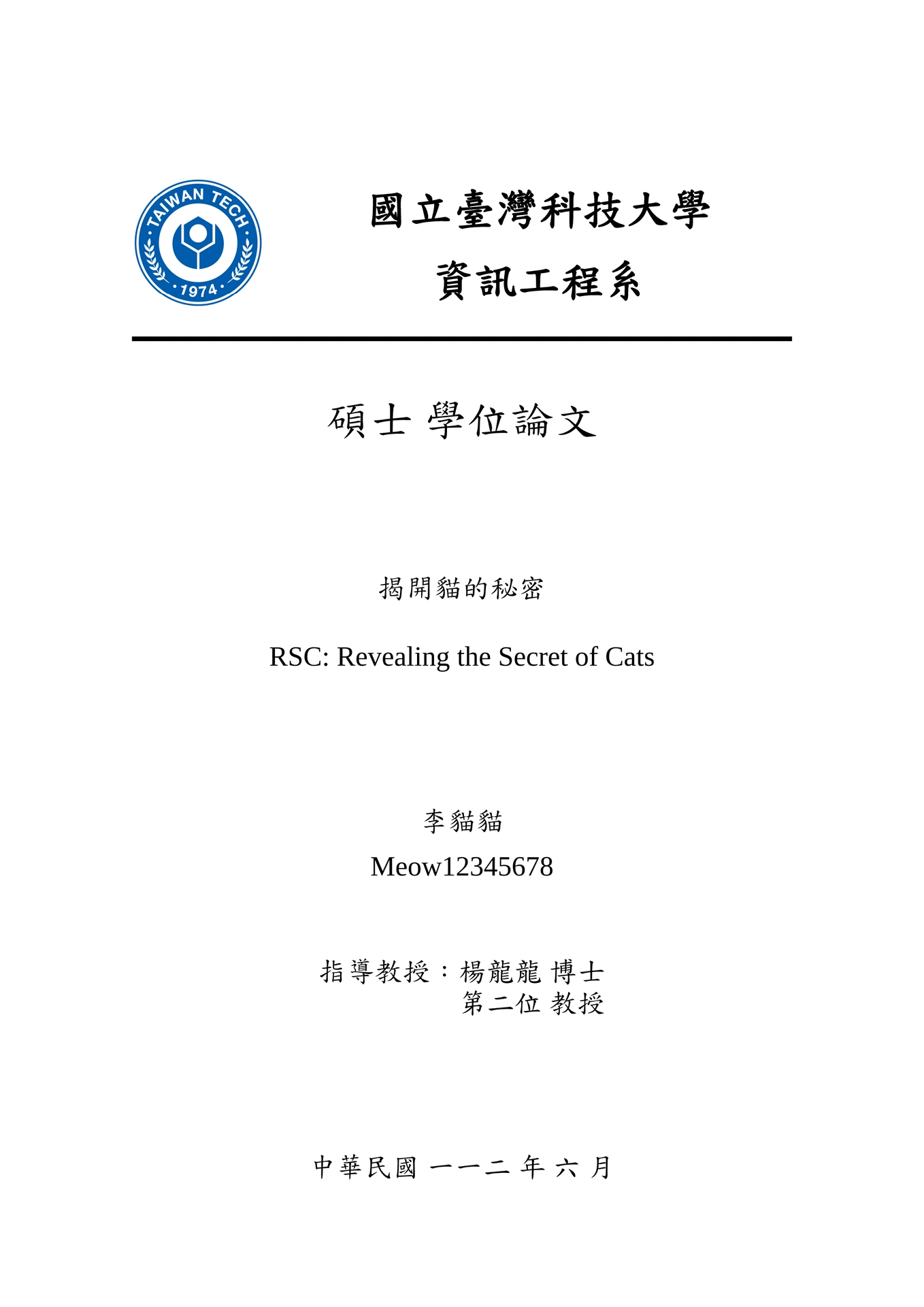
Preview
Official NTUST Thesis Format
Notice
Placeholder text and structure adapted from
Both licensed under Apache 2.0.