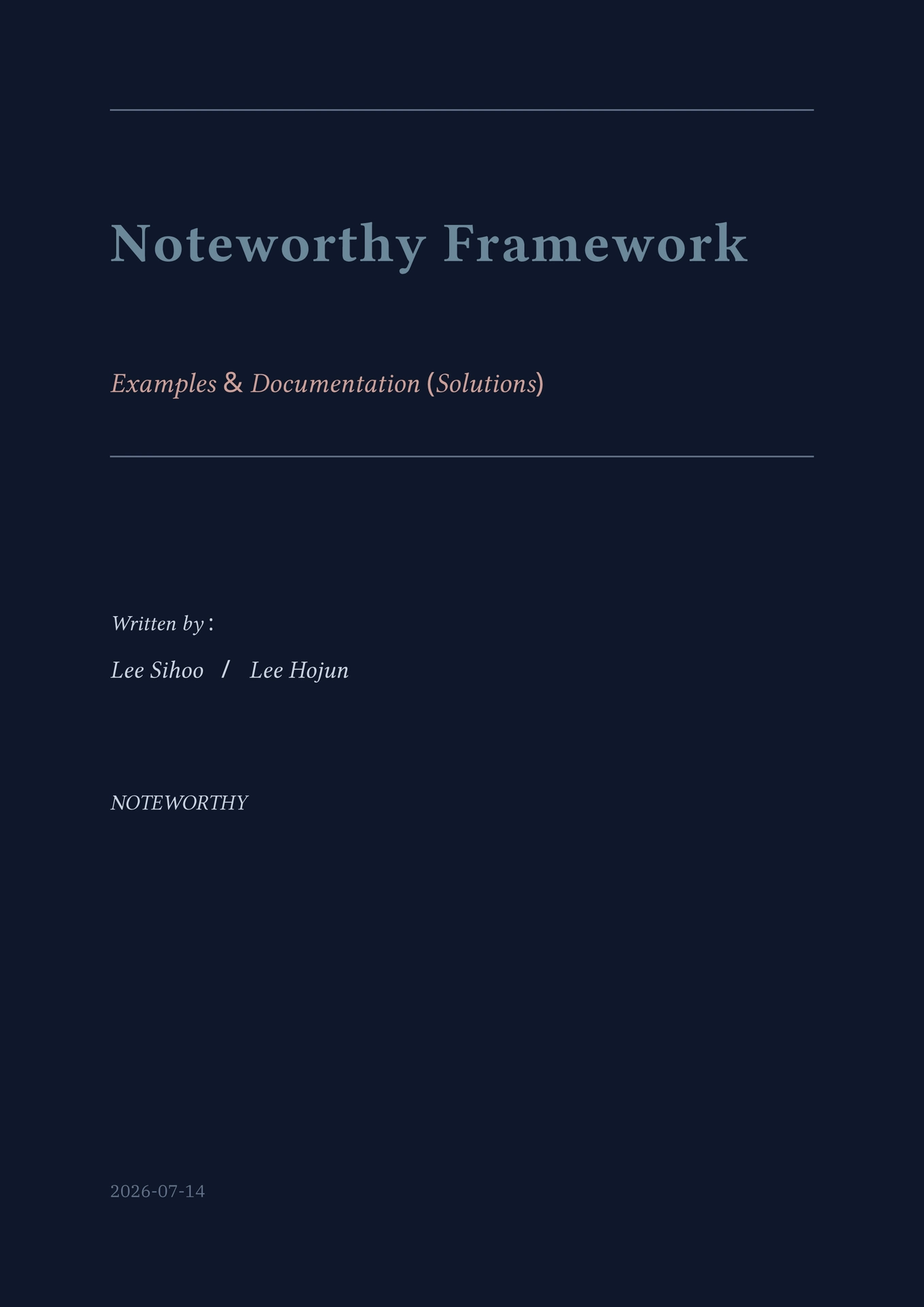
The Noteworthy framework as a Typst package: modular educational documents with structured chapters, themed content blocks (definitions, theorems, examples, problems), and 2D/3D plotting built on CeTZ.
A Noteworks project is a single file — main.typ holds the
configuration, the structure, and (if you like) the pages themselves.
As your notes grow, split pages out into one file per page and
#include them:
my-notes/
├── main.typ      # your book: configuration + structure
└── content/      # optional: one file per page
Usage
Scaffold a project (Typst downloads the package automatically):
typst init @preview/noteworks:0.2.0 my-notes
cd my-notes
typst compile main.typ
The scaffolded project is the demo book — 12 chapters that double as
the module reference, all in one main.typ. Strip it down and make it
yours.
Local development
To test unpublished changes, link this repo into your local preview package cache — Typst prefers it over the registry download:
# macOS data dir; use ~/.local/share/typst/packages on Linux
mkdir -p ~/Library/Application\ Support/typst/packages/preview/noteworks
ln -s /path/to/this/repo ~/Library/Application\ Support/typst/packages/preview/noteworks/0.2.0
Authoring
main.typ configures the document and declares the whole book:
#import "@preview/noteworks:0.2.0": *

#show: noteworthy.with(
  title: "My Notes",
  subtitle: "An Example",
  authors: ("Me",),
  affiliation: "My School",
  theme: "aether", // 15 built-in schemes
)

#cover()
#preface[Welcome to my notes.]
#toc()

#chapter("My First Chapter", summary: "What this chapter covers.")
#page("Some Page")[
  #definition("Inline")[Page bodies can live right here...]
]
#page("Another Page")[#include "content/0/2.typ"]
Chapter and page numbers — and the table of contents — follow document
order automatically: insert, remove, or reorder entries and everything
renumbers on the next compile. Leave out #cover(), #preface[..], or
#toc() if you don’t want them. Every noteworthy option has a default;
pass only what you change (fonts, numbering padding, block design,
solution visibility, …).
If you split pages into separate files, start each file with the same import:
#import "@preview/noteworks:0.2.0": *
That single import provides the themed blocks (definition, theorem,
example, note, proof, solution, …) and the qualified modules
(canvas, graph, shape, data, combi, dsa, trees, timeline).
Notes
- The package exports
page,toc, andoutline, which shadow the Typst builtins for wildcard importers — usestd.page/std.outlinein content files if you need the builtins. - Plotting uses
@preview/cetzand@preview/cetz-plot; Typst downloads them automatically on first compile. - Default fonts are IBM Plex Serif and Noto Sans Adlam; install them
or pass
font:/title-font:to thenoteworthyshow rule.
License
MIT — see LICENSE.