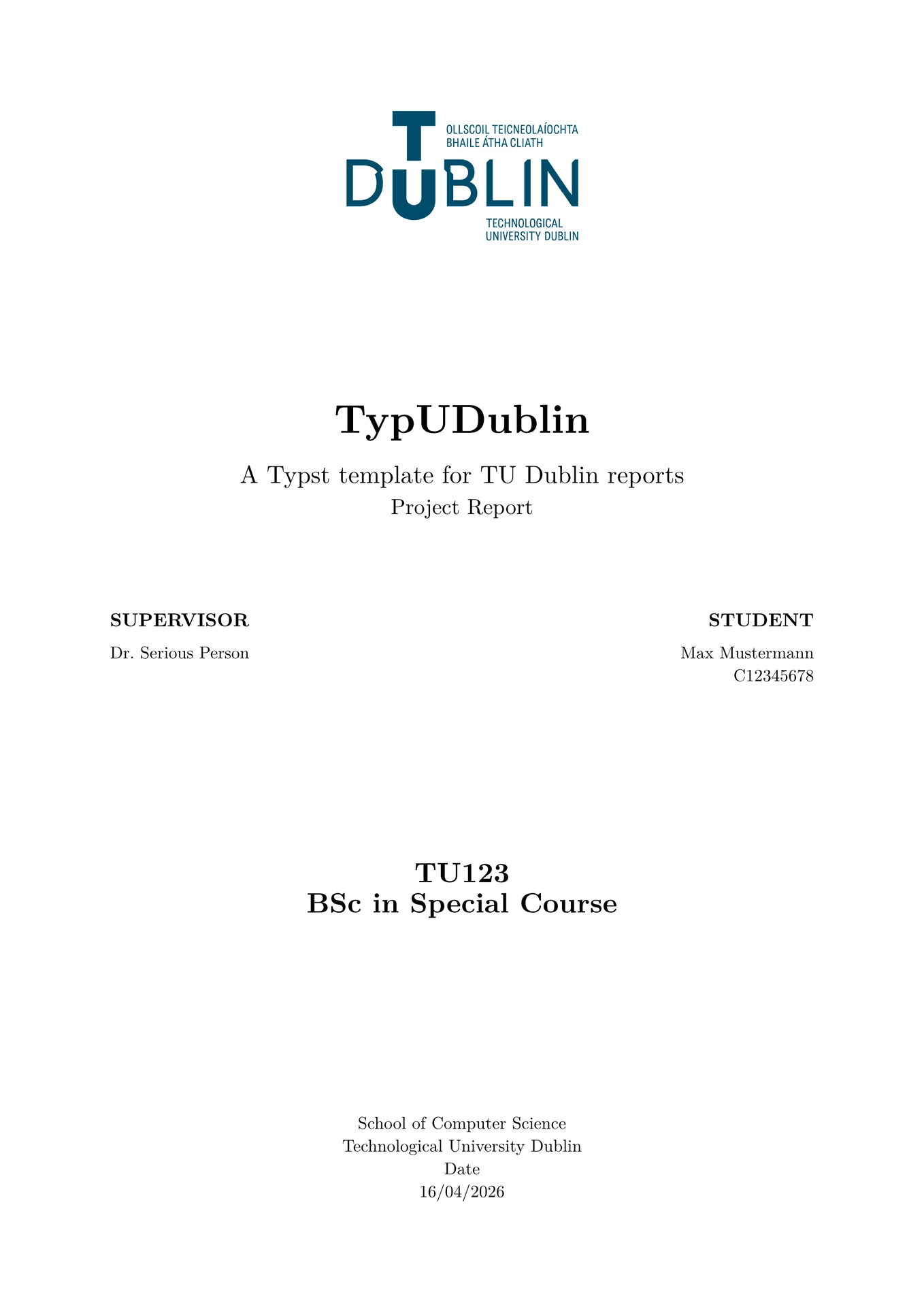
Neat-TU-Dublin is a fork of Angelo Nazzaro’s Typxidian that has been modified to fit closer to TU Dublin’s report format.
The primary difference between this template and that of Nazzaro’s Typxidian is additional support for code blocks, TU Dublin colours, and an improved table. Typxidian was based on the functionality of Obsidian and “Alice in a Differentiable Wonderland” by Simone Scardapane.
Features
The template comes with a structured title page that can include a wide range of academic metadata: title, subtitle, authors, supervisors, university, faculty, department, degree, academic year, a quote and an abstract.
Citations, references and links are configurable with custom colors.
To improve readability, Neat-TU-Dublin includes styled environments for notes, tips, and warnings. These callouts are inspired by Obsidian. Mathematical writing is also supported, with environments for definitions, theorems, and proofs.
|
|
|
| Callouts | Math environments |
Finally, the template allows you to select fonts, paper sizes, and languages so that the document feels tailored to your academic context.
Usage
To use Neat-TU-Dublin, start a new .typ document and import the template.
To use the template locally, run the following command in your terminal:
typst init @preview/neat-tu-dublin:1.0.0
Here is a minimal example showing how to set up the template with metadata for a thesis:
#import "@preview/neat-tu-dublin:1.0.0": *

#show: template.with(
  title: [Neat-TU-Dublin],
  subtitle: [A Typst template for TU Dublin reports],
  department: [School of Computer Science],
  course-code: [TU123],
  course: [BSc in Special Course],
  university: [Technological University Dublin],
  authors: (
    (
      name: "Max Mustermann",
      num: "C12345678",
    ),
  ),
  // This comma at the end is vital or it will not compile as it does not stay as an array
  supervisors: ("Dr. Serious Person",),
  declaration-signature: "./figures/signature.png",
  is-thesis: true,
  thesis-type: [Project Report],
  abbreviations: abbreviations,
  abstract-alignment: left,
  chapter-alignment: right,
  bib: bibliography("bibliography.bib"),
  abstract: lorem(200),
  acknowledgments: [#lorem(50)],
  appendix-ai: (
    report-writing: (
      "Create an image of a duck"
    ),
    research: (),
    design: (),
    coding: (),
    other: ()
  )
)
Once the metadata is in place, you can start writing your chapters and sections immediately below. The template will handle the layout of the title page, abstract, and other structural elements automatically.
Working with Chapters
Typst does not currently support textual inclusion, meaning that you can use only dependencies directly imported in the current file. For this reason, if you plan to split your document into standalone chapters, you must include the package in each file to access its functions.
Requirements
To work with Neat-TU-Dublin you will need:
- Typst version 0.13.1 or newer
- Optionally, a
.bibfile if you want to manage your bibliography. This can be exported by Zotero and other reference managers. - Optionally, an
abbreviations.typfile if your document uses acronyms - The template also makes use of Font Awesome icons via the fontawesome package. For these to display correctly, you should install the Font Awesome 7 Desktop fonts on your computer, or upload them to your project folder if you are working on the Typst web app.
License
Neat-TU-Dublin is distributed under the MIT License and is derived from Nazzaro’s Typxidian.
Please note that the cat and dog photographs included in the example document (main.typ) are licensed under the Unsplash terms.