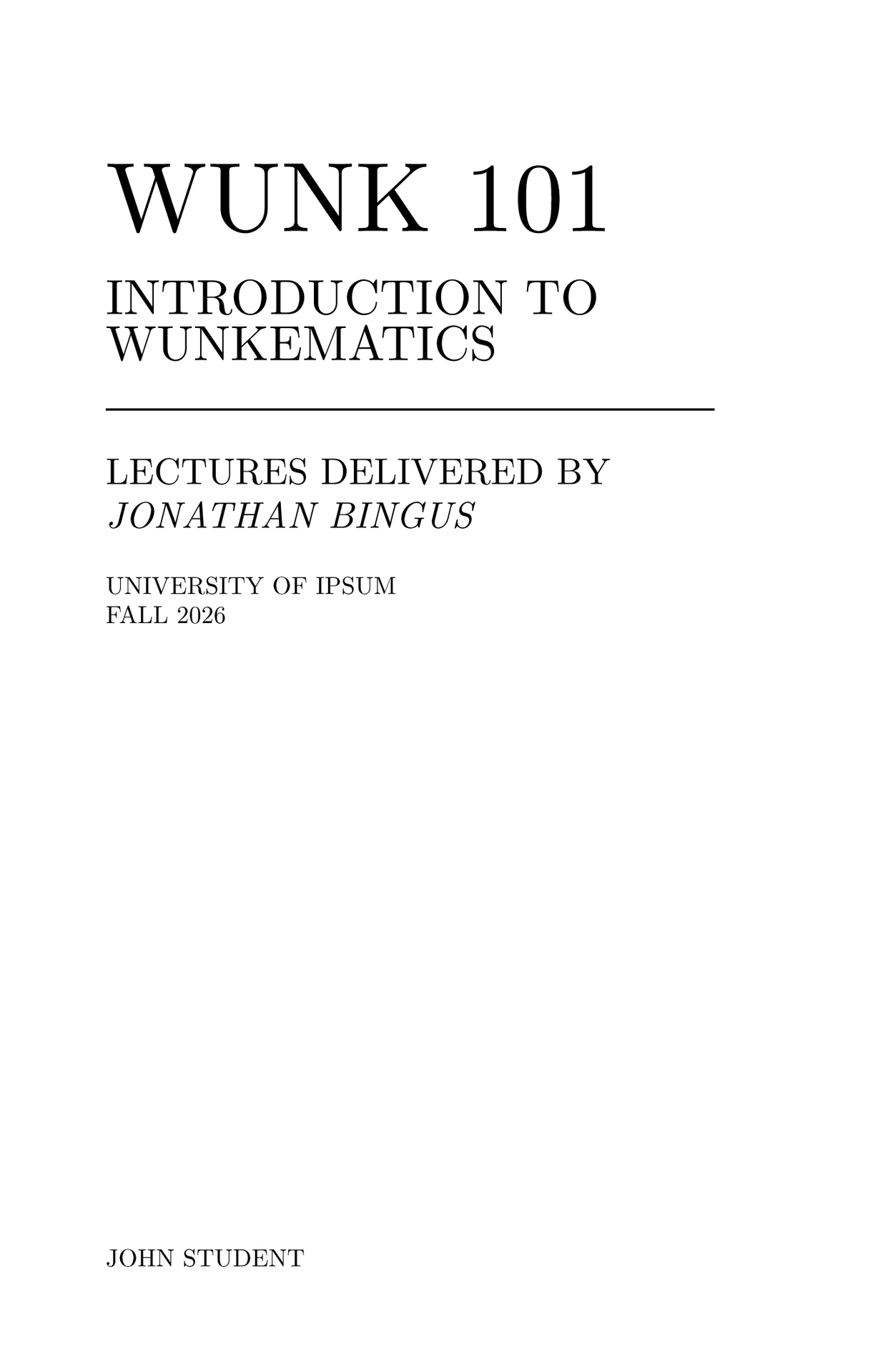
Featured Template
Mousse notes is a Typst template for taking course notes, inspired by old-ish math books.

Getting Started
On the Typst web app, use “Start from template” and select this template to create a new file with Mousse. For the Typst CLI, run
typst init @preview/mousse-notes dir
to create a Mousse notes directory.
Documentation
The documentation for this package is included directly in the template. See
template/main.typ, or instantiate the template to see how to use this
package.
Development
To install this package for development, install Typst,
Just, optipng, and ImageMagick.
Clone this git repository, then use just install to install the
package to the @local namespace.
Alternatively, use git worktree add to create a worktree at
~/.local/share/typst/packages/local/mousse-notes.
Run just thumbnail to generate thumbnails for the docs. To make a
release, make a vx.x.x version tag and push it to GitHub. Regenerate
the fine-grained personal access token (under Credentials on GitHub)