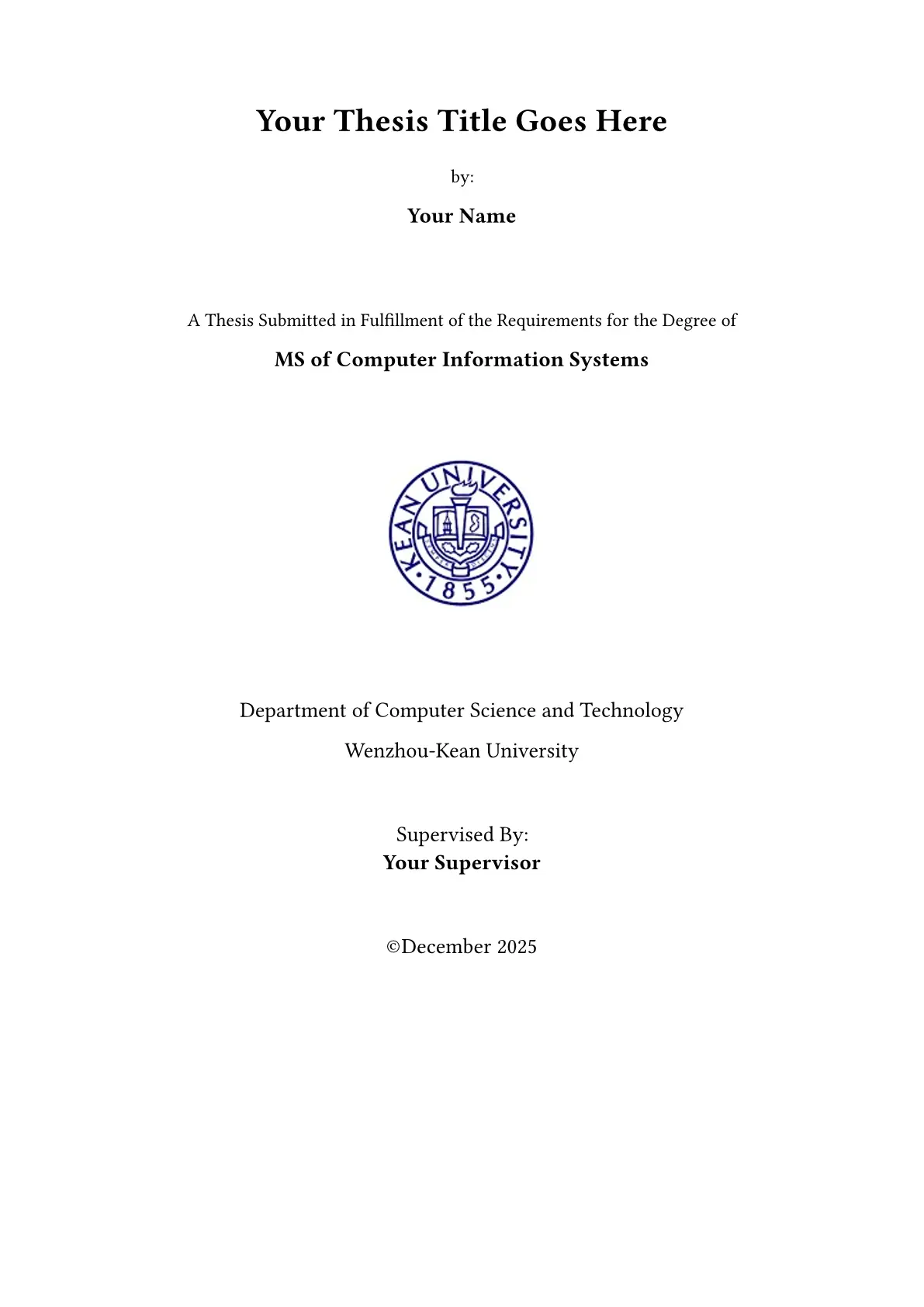
A Typst template for graduate thesis at Wenzhou-Kean University (WKU) College of Science, Mathematics and Technology.

Usage
You can use this template in the Typst web app by clicking “Start from template” on the dashboard and searching for modern-wku-thesis.
Alternatively, you can use the CLI to kick this project off using the command:
typst init @preview/modern-wku-thesis
Typst will create a new directory with all the files needed to get you started.
Local development (this repository)
git clone https://github.com/timmycheng/modern-wku-thesis
cd modern-wku-thesis
typst compile --root . template/main.typ   # one-shot build
typst watch --root . template/main.typ     # live preview while editing
template/main.typimports../src/lib.typfor local development. The publish workflow automatically rewrites it to the package import (@preview/modern-wku-thesis:x.y.z) when cutting a release.
Configuration
This template exports the graduate-thesis function with the following named arguments:
- title: The title of the thesis
- author: Author name (e.g., “John Doe” or “John Doe, Jane Smith” for multiple authors)
- degree: Degree type (default:
MS of Computer Information Systems) - department: Department name (default:
College of Science, Mathematics and Technology) - university: University name (default:
Wenzhou-Kean University) - supervisor: Supervisor name (e.g., “Dr. John Doe” or “Dr. John Doe, Dr. Jane Smith” for multiple supervisors)
- month: Graduation month (default:
December) - year: Graduation year (default:
2025) - degree-year: Year of degree completion (default:
2025) - program-type: Program type (default:
Master of Computer Information Systems) - degree-type: Degree type (default:
Master) - degree-department: Department for the degree (default:
College of Science, Mathematics and Technology) - abstract: The abstract content (use empty lines for paragraph breaks)
- keywords: Keywords separated by semicolons (e.g.,
keyword1; keyword2; keyword3) - acknowledgments: Acknowledgments content (use empty lines for paragraph breaks)
- acronyms: Dictionary of acronyms (e.g.,
("TMS": "Traceability Management System")) - bibliography: Bibliography using IEEE style (e.g.,
bibliography("refs.bib"))
The function also accepts a single, positional argument for the body of the thesis.
Example
#import "@preview/modern-wku-thesis:0.1.3": graduate-thesis

#show: graduate-thesis.with(
  title: [Automatic Visualization of Traceability Information],
  author: "Timmycheng",
  degree: [MS of Computer Information Systems],
  department: [College of Science, Mathematics and Technology],
  university: [Wenzhou-Kean University],
  supervisor: [Dr. Nasser Mustafa],
  month: [December],
  year: [2025],
  degree-year: [2025],
  program-type: [Master of Computer Information Systems],
  abstract: [
    Classical Traceability Management Systems (TMS) help track links between software parts like requirements, designs, code, and test cases.

    This study proposes an improved Traceability Management System for software engineering processes.
  ],
  keywords: [Traceability; Automatic; Regular Expression; Visualization; TMS.],
  acknowledgments: [
    I would like to express my sincere gratitude to my supervisor for their invaluable guidance.

    Special thanks to my family and friends for their unwavering support.
  ],
  bibliography: bibliography("refs.bib"),
  acronyms: (
    "TMS": "Traceability Management System",
    "RE": "Regular Expression",
    "CSV": "Comma-Separated Values",
  ),
)

= Introduction

Your thesis content goes here...

= Literature Review

More content...

= Methodology

Even more content...
Features
- Compliant with WKU (Wenzhou-Kean University) CSMT graduate thesis formatting requirements
- Automatic generation of cover page, abstract, acknowledgments, and acronyms list
- IEEE bibliography style
- Proper heading numbering (
Chapter N,N.M,A.,•) and formatting - Chapters start on a new page; table/figure caption styling
- Professional thesis layout and typography
Repository layout
src/          Template implementation (lib.typ + modules)
template/     Starter project for `typst init` / local compilation
ref/          Reference documents (formatting examples)
Release workflow
- Update the version in
typst.tomland add aChangelogentry. - Tag and push:
git tag v0.1.2 && git push origin v0.1.2. - The
push-to-forkworkflow copies the package into yourtypst/packagesfork (with the template import rewritten to@preview/...) and opens the PR to typst/packages from there.
Contributing
Contributions are welcome! Please feel free to submit issues or pull requests to improve this template.
License
This template is licensed under the MIT License. See the LICENSE file for details.