This is not an official TU Dresden template! / Dies ist keine offizielle Vorlage der TU Dresden!
Before using this template for an academic thesis or paper, approval should be obtained from the responsible supervisor.
To use the template locally, run the following command in your terminal:
typst init @preview/modern-tud-thesis:1.0.0
Start example
#import "@preview/modern-tud-thesis:1.0.0": *

#show: modern-tud-thesis.with(
  target: "print", // alternative values: "digital" or "print-alternating"
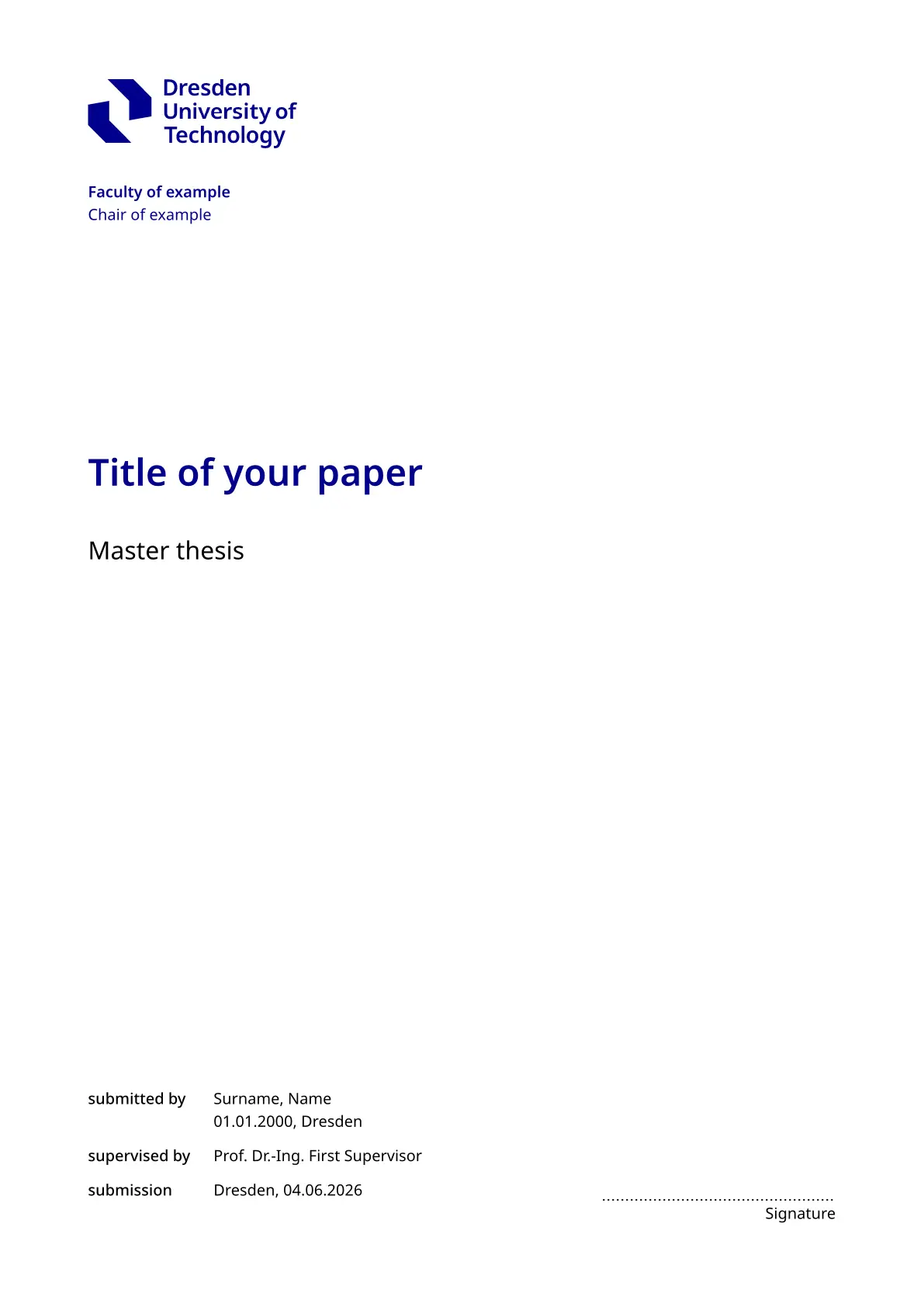
  title: "Title of your paper",
  thesis-type: "Master thesis",
  faculty: "Faculty of example",
  chair: "Chair of example",
  authors: (
    (
      name: "Surname, Name",
      birthdate: datetime(year: 2000, month: 1, day: 1),
      birthplace: "Dresden",
      course: "Example Course"
    ),
    // ...
  ),
  supervisors: (
    "Prof. Dr.-Ing. First Supervisor ",
    // ...
  ),
  submissionplace: "Dresden",
  abstract: "Abstract",
  number-of-attachments: 1, // optional
  // optional:
  // appearance: (
  //   titlepage: "shape-1",
  //   ...
  // )
)

// main content

#show: backmatter
// backmatter content

#show: appendix
// Appendix
Arguments
Required arguments are marked with an asterisk (*). All other arguments are optional.
| Name | Description | Example Value |
|---|---|---|
target |
Sets page margins and position of page numbers. Defaults is print |
print, print-alternating or digital |
title* |
"Title of thesis" |
|
thesis-type |
"Master thesis" |
|
faculty |
"\"Friedrich List\" Faculty of Transport and Traffic Sciences" |
|
chair |
"Chair of Traffic Flow Science" |
|
authors* |
List of authors. See definition of author for arguments | ((name: "Max Muster"),) |
supervisors |
List of supervisors | "(Prof. Dr.-Ing. First Supervisor ",) |
submissionplace |
"Dresden" |
|
submissiondate |
Default is today | datetime(year: 2020, month: 10, day: 4,) |
abstract |
[Short abstract.] |
|
number-of-attachments |
Hidden if none |
10 |
appearance |
Dictionary for customizing the appearance. See definition of appearance for arguments |
Author
Each author entry may contain the following attributes.
| Name | Example Value |
|---|---|
name* |
"Max Muster" |
birthdate |
datetime(year: 2020, month: 10, day: 4,) |
birthplace |
"Dresden" |
course |
"Traffic Engineering" |
Appearance
The following attributes can be used to customize the appearance.
| Name | Default Value | Possible Values |
|---|---|---|
primary-color |
colors.brilliantblue |
TUD color |
secondary-color |
colors.blue-1 |
TUD color |
tertiary-color |
colors.blue-2 |
TUD color |
black-headlines |
false |
true or false |
bibliography |
auto |
|
outlines |
auto |
|
titlepage |
"simple" |
|
 |
 |
 |
|---|---|---|
titlepage: "simple" |
titlepage: "plain-1" |
titlepage: "shape-1" |
Language
To set the document language, add the following line before the template configuration:
#set text(lang: "de")

// #show: modern-tud-thesis.with(
//   ...
Elements and functions
Sections
Use the following commands to switch between the different document sections. The sections change the appearance, such as the numbering style (Roman, Arabic, etc.), and other features.
#show: frontmatter // Additional frontmatter content

#show: maincontent // Only needed when #show: frontmatter was used before

#show: backmatter // backmatter content

#show: appendix // Appendix
Figure with additional note
note-figure extends Typst’s built-in figure element with an additional note field.
It is recommended to use note-figure for figure source attribution.
// Example using note-figure with an image
#note-figure(
    image("image.svg"),
    caption: "Caption",
    note: "Source: …"
)
Declaration of Originality
Use the declaration-of-originality element to insert a declaration of originality.
#declaration-of-originality[
  ...
]
Colors
All colors defined in the TU Dresden corporate design are available through the colors variable. For example colors.brilliantblue.
Possible values are:

To change the primary, secondary, and tertiary colors in the document, use set-colors.
Changing the colors affects various elements in the layout, such as the color of headings.
#set-colors(
  primary: appearance.primary-color,
  secondary: appearance.secondary-color,
  tertiary: appearance.tertiary-color
)
This template uses the TU Dresden logo. Use of the TU Dresden logo is subject to TU Dresden’s branding and licensing policies. The template in template folder is licensed under Zero-Clause BSD. All other package files are distributed under the ISC License.
This package includes the iso690-author-date-de.csl of Jan Drees (jdrees@mail.uni-paderborn.de) which is provided with Creative Commons Attribution-ShareAlike 3.0 License