Create project in app
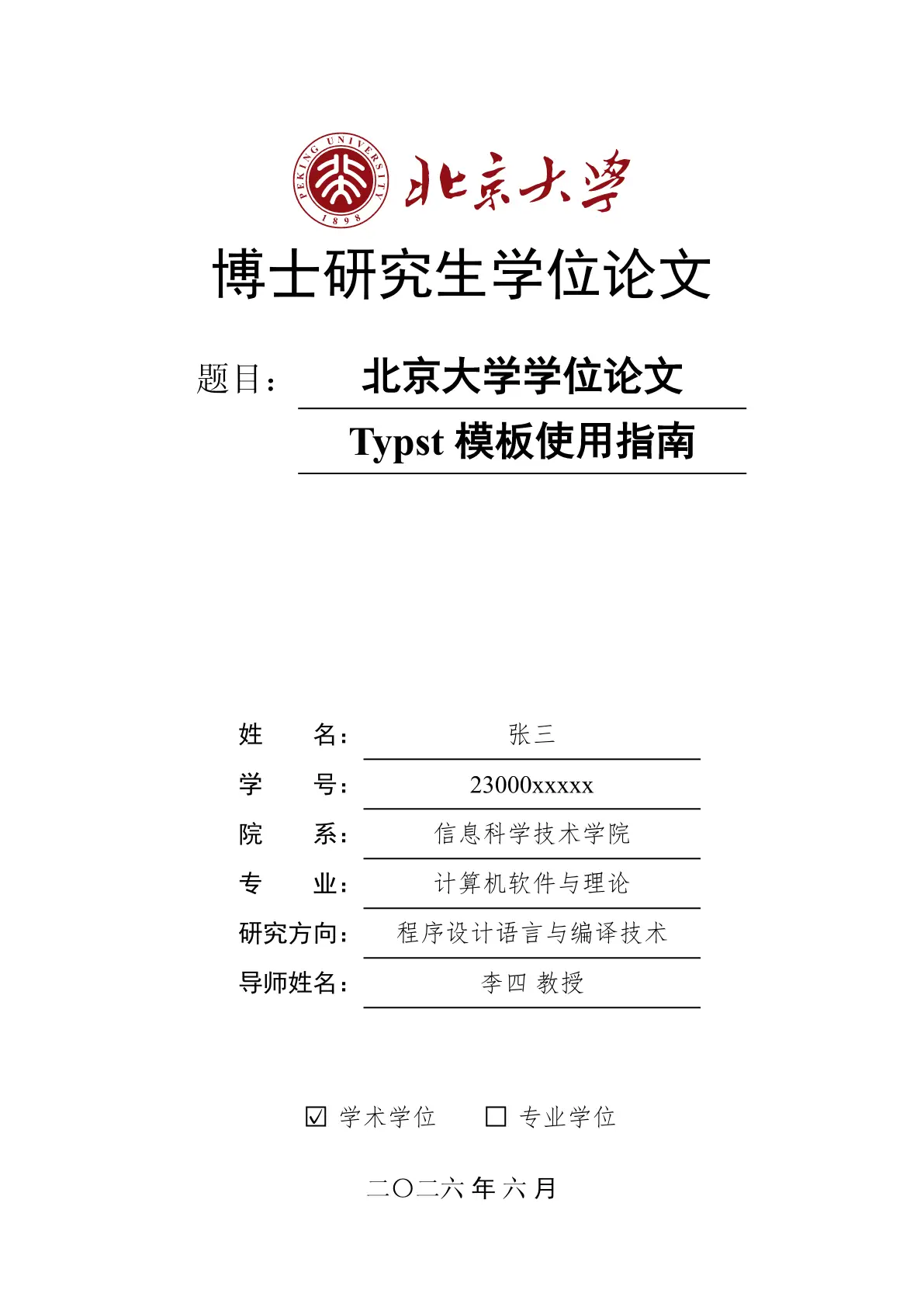
北京大学学位论文 Typst 模板 / Typst template for dissertations in Peking University (PKU).

安装方式
方式一:通过 Typst Universe(推荐)
typst init @preview/modern-pku-thesis:0.2.3 my-thesis
cd my-thesis
这会创建一个包含 main.typ 和 ref.bib 的新项目,直接编辑即可开始写作。
方式二:克隆仓库
git clone https://github.com/pku-typst/pkuthss-typst.git
cd pkuthss-typst
编辑 thesis.typ,参考其中的示例和文档。
两种方式的区别:
| Typst Universe | 克隆仓库 | |
|---|---|---|
| 模板更新 | 修改版本号即可升级 | 需要手动拉取更新 |
| 项目结构 | 干净的初始模板 | 包含完整示例和文档 |
| 适合场景 | 直接开始写论文 | 学习模板用法、参与开发 |
字体配置
模板使用以下字体,需要在系统中安装或通过 --font-path 指定:
| 用途 | 字体名称 | 备选方案 |
|---|---|---|
| 中文正文 | 宋体 (SimSun) | 思源宋体 (Source Han Serif) |
| 中文标题 | 黑体 (SimHei) | 思源黑体 (Source Han Sans) |
| 中文强调 | 楷体 (SimKai/KaiTi) | - |
| 中文仿宋 | 仿宋 (FangSong) | - |
| 英文正文 | Times New Roman | TeX Gyre Termes |
| 代码 | New Computer Modern Mono | - |
获取字体:
- Windows/macOS:系统通常已预装宋体、黑体等中文字体
- Linux:安装
fonts-noto-cjk或下载 思源字体 - 仓库用户:
fonts/目录包含所需字体,使用--font-path fonts编译
编译
# 基本编译
typst compile main.typ

# 指定字体路径(如果字体未安装到系统)
typst compile main.typ --font-path /path/to/fonts

# 生成盲审版本
typst compile main.typ --input blind=true

# 生成打印版(链接不着色)
typst compile main.typ --input preview=false

# 章节不强制从奇数页开始
typst compile main.typ --input alwaysstartodd=false
文档
克隆仓库后,thesis.typ 本身即为完整的使用文档,包含:
- 模板配置选项说明
- Typst 基本语法教程
- 常见问题解答
- 进阶使用技巧
许可
MIT License