Create project in app
This template is a modified version of klaro-ifsc-sj by gabrielluizep
A minimalyst template for clean and organized academic reports.
Feel free to open issues in the repository!
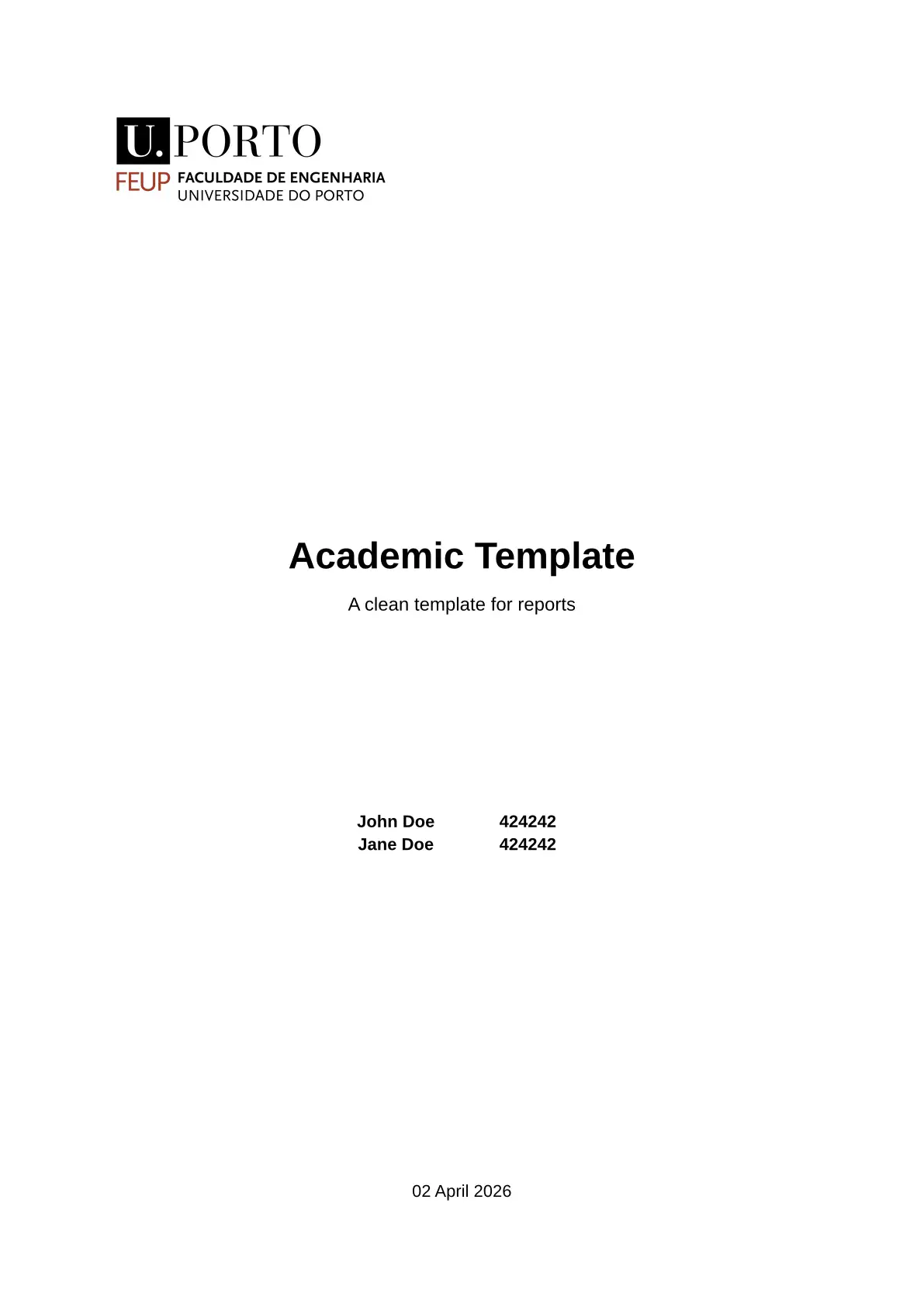
What does it look like?
| Cover | Table of Contents | Table of Figures | Content |
|---|---|---|---|
 |
 |
 |
 |
Usage
You can use this template in the Typst web app by clicking “Start from template”
on the dashboard and searching for minimalyst-academic-report.
Alternatively, you can use the CLI to pull this project using the command
typst init @preview/minimalyst-academic-report
Typst will create a new directory with all the files needed to get you started and the template will be in its newest version.
Configuration
This template exports the report function with the following named arguments:
title: The report’s title as string. This is displayed at the center of the cover page.subtitle: The report’s subtitle as string. This is displayed below the title at the cover page. It is an optional parameter.authors: The array of pairs (name, number) of authors. Each author is displayed on a separate line at the cover page. It is mandatory to have at least 1 author and only name is mandatory. The number parameter can be useful to show your student number.font: Font to be used in the report. Since it is an optional parameter, if none is passed it fallsback to Liberation Sans or Libertinus Serif, depending onsansflagfont-size: Font size to be used in the report text (headings are not included in this). Default is 11pt.lang: Languague in which the document is written. Default is en.date: The date of the last revision of the report as a string. This is displayed at the bottom of the cover page. It is an optional parameter.sans: A flag that determines if you want to use a sans-serif font or a serif font. Only applicable if no preferred font is passed. Default is true.cover-image: An image() object to determine the image that will be showcased in the cover. Useful for putting your university logo. You most likely will need to use the width parameter to fix the image size. It is an optional parameter.paper: Paper format to output the document. Default is a4.line-spacing: Determine the space between lines. Default is 1.table-of-contents: A Flag to determine whether the author wants a Table of Contents or not. Default is true.table-of-figures: A Flag to determine whether the author wants a Table of Figures or not. Default is false.