Create project in app
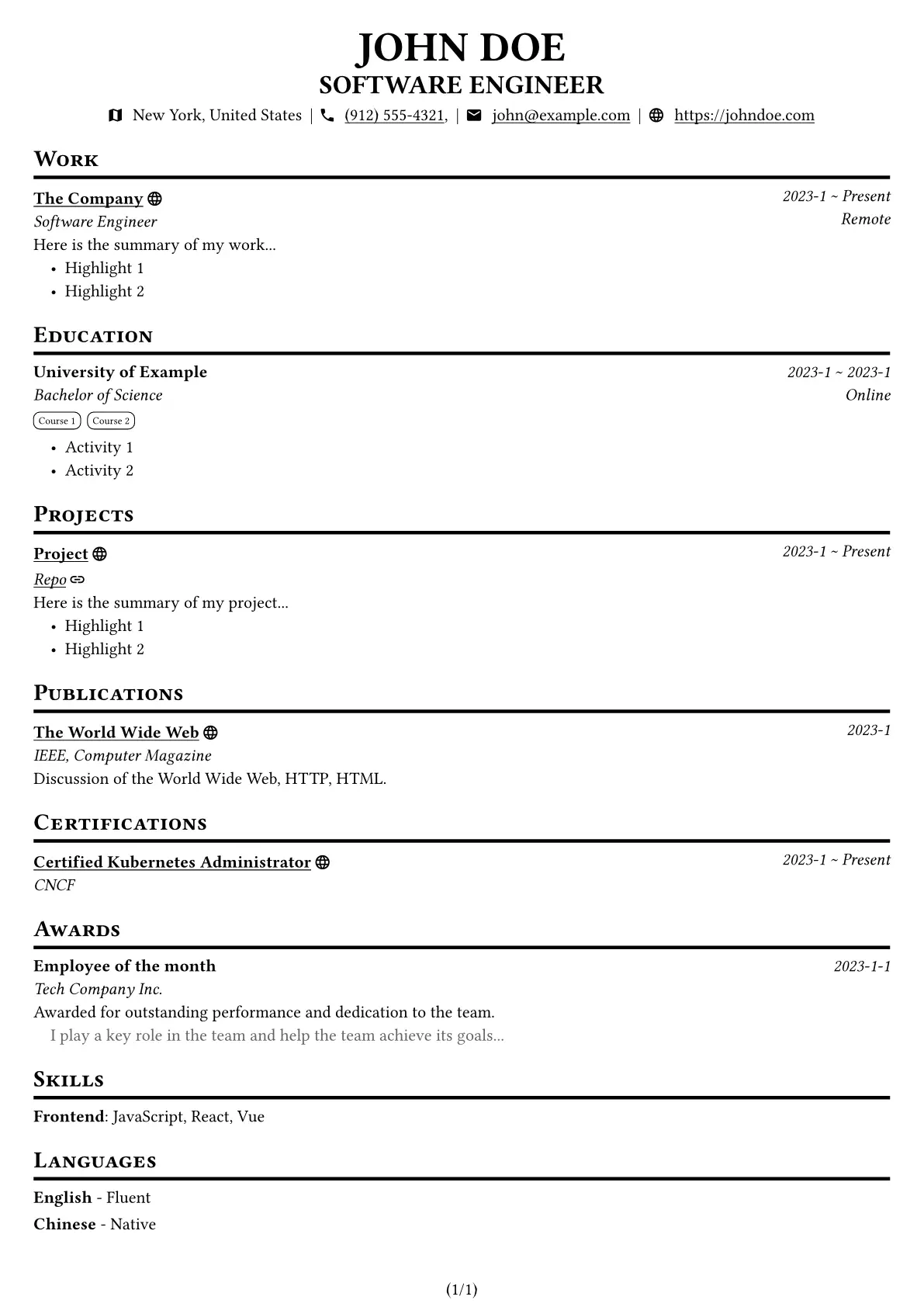
An easy to use resume template. Just provide your jsume JSON file and generate a beautiful resume PDF.
Sample Resume

Quick Start
First, create your own jsume JSON file (e.g. en-US.jsume.json) by using the jsume CLI. And make sure validate your JSON file with jsume CLI jsume validate jsume-en.json after editing.
Then, create a Typst file (e.g. resume.typ) and add the following code:
#import "@preview/jsume:0.1.0": *

#show: jsume.with(
  lang: "en-US",
  jsume-data: json("en-US.jsume.json"),
)
There are some options with default values you can customize:
#let jsume(
  paper: "a4",
  numbering: "(1/1)",
  top-margin: 0.3in,
  bottom-margin: 0.3in,
  left-margin: 0.3in,
  right-margin: 0.3in,
  font: "Libertinus Serif",
  nerd-font: "Symbols Nerd Font",
  font-size: 11pt,
  lang: "en-US",
  jsume-data: (),
  doc,
) = { /*...*/ }
I18n
This template supports:
- [x] English (
en-US) - [x] 简体中文 (
zh-CN) - [x] 繁體中文 (
zh-HK) - [x] 繁體中文 (
zh-TW) - [x] 日本語 (
ja-JP) - [x] Español (
es-ES) - [x] Français (
fr-FR) - [x] Deutsch (
de-DE) - [x] Русский (
ru-RU) - [x] 한국어 (
ko-KR)
[!NOTE] Translations are done by AI, please open an issue or PR for any mistakes or new languages.