Officially affiliated



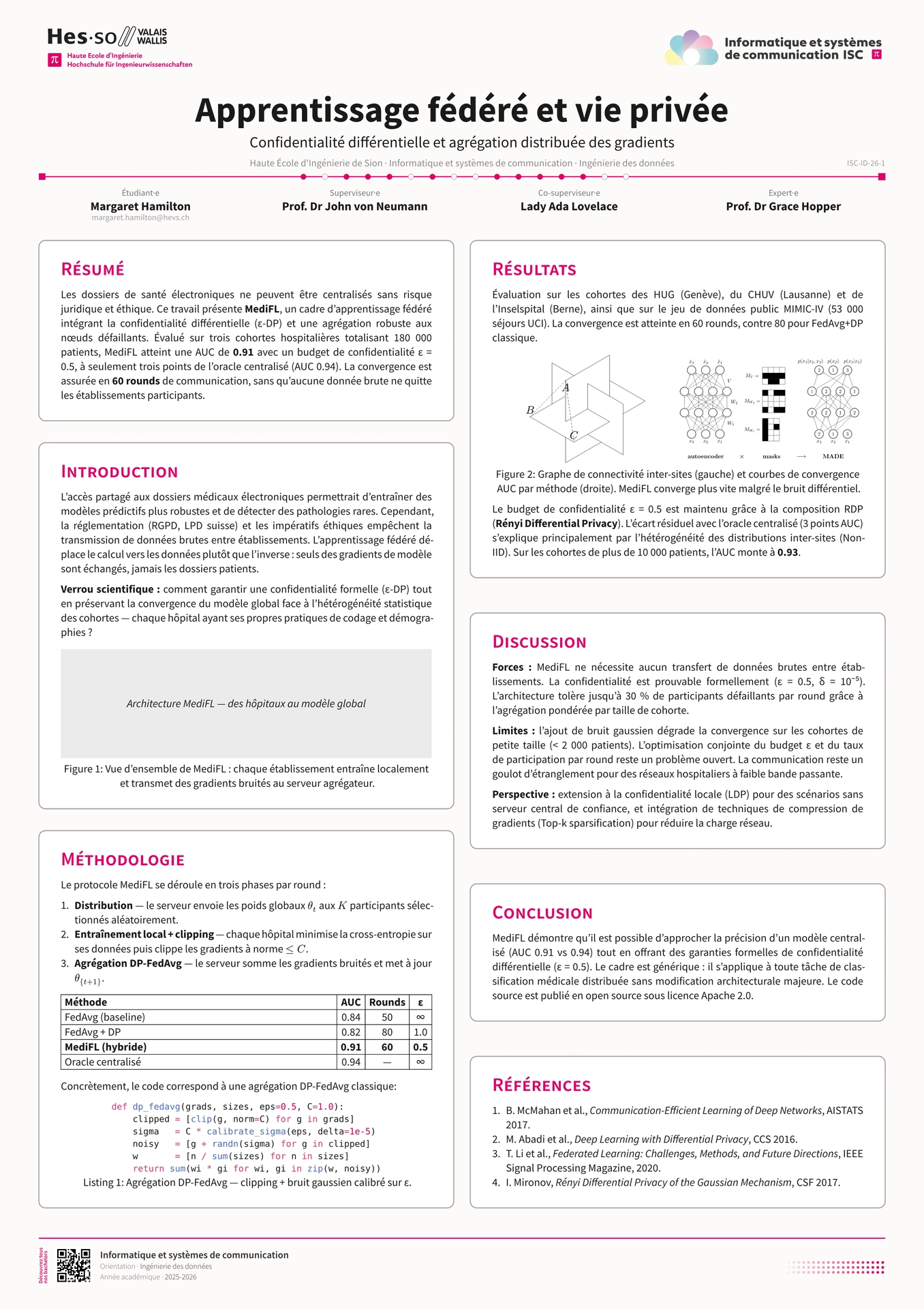
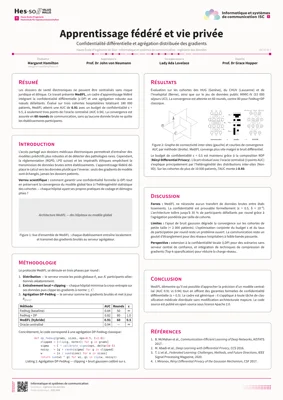
This is the official A1 poster template for the ISC degree programme at the School of Engineering in Sion. It is part of the official templates repository, which also includes templates for the bachelor thesis (isc-hei-bthesis), reports (isc-hei-report) and executive summaries (isc-hei-exec-summary).

Using the Template on the Web
In the Typst web application, start a new project with the isc-hei-poster template and voilà!
Using the Template in Your Shell
First, install Typst on your machine by following the official instructions.
Installing Fonts Locally
If you are running typst locally, you might be missing some required fonts. For your convenience, a font download script is included in the repository. All fonts are released under the SIL Open Font License, so there are no file inclusion issues.
To install the fonts locally on a Linux environment, simply type:
source install_fonts.sh
from within the fonts directory.
Project Initialization and Compilation
You can initialize the project with the command:
typst init @preview/isc-hei-poster
If you need a specific template version, use:
typst init @preview/isc-hei-poster:0.7.2
Layout Options
The poster is configured through the isc-poster show rule. The most commonly adjusted parameters are:
orientation—"portrait"(default) or"landscape"for the A1 sheet.num-columns— number of card columns (2by default,3is also supported).distribute-columns— whentrue(default), cards are spaced vertically to fill each column top-to-bottom.language—"fr","en"or"de"; controls all label strings.subtitle,co-supervisor,expert— optional; omit (or passnone) to hide them.
Content is placed with #isc-card(title: "...")[...] blocks, and #isc-colbreak() starts a new column.
Tip: A poster lives on a single A1 page. Portrait comfortably holds nine or more cards; landscape is much tighter (around six cards) because the sheet is shorter. If your content spills onto a second page, reduce the amount of text per card or the number of cards.
Including PDF Images
Unfortunately, typst does not support PDF file inclusion at the time of writing this documentation. As a temporary workaround, PDF files can be converted to SVG using pdf2svg.
When used locally, creating a PDF is straightforward with the command:
typst compile poster.typ
Even better, the following command compiles the poster every time the file is modified:
typst watch poster.typ
You can also use VSCode or VSCodium with the Typst LSP plugin, which enables direct compilation.
If you need any help installing or running these tools, do not hesitate to contact the maintainer pmudry.
You can also propose changes using pull requests or raise issues if something is unclear. Have fun making your poster!