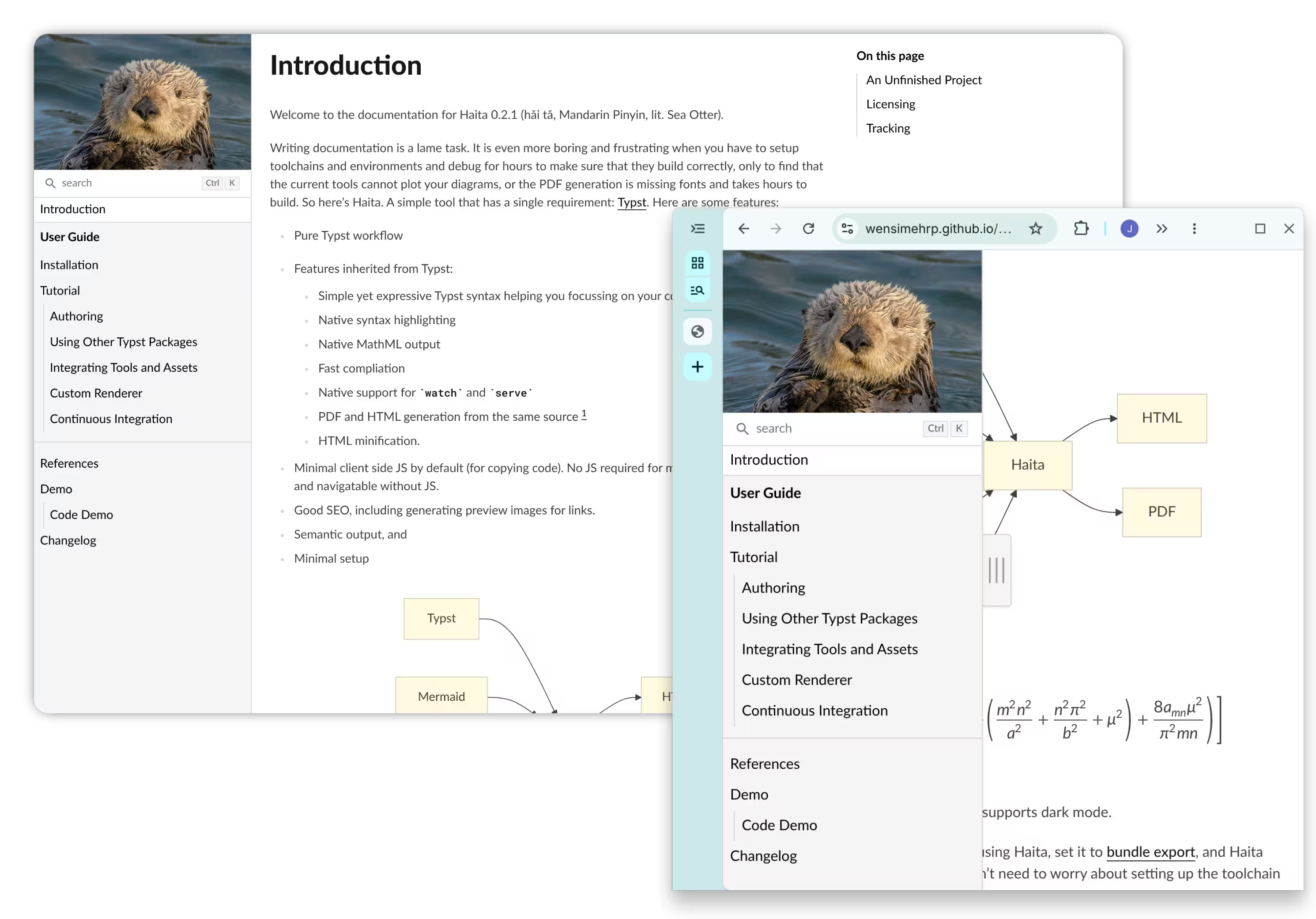
Checkout the online user guide to start using Haita! The guide also uses Haita.
Writing documentation is a lame task. It is even more boring and frustrating when you have to setup toolchains and environments and debug for hours to make sure that they build correctly, only to find that the current tools cannot plot your diagrams, or the PDF generation is missing fonts and takes hours to build. So here’s Haita. A simple tool that has a single requirement: Typst. Here are some features:
-
Pure Typst workflow
-
Features inherited from Typst:
-
Simple yet expressive Typst syntax helping you focussing on your content
-
Native syntax highlighting
-
Native MathML output
-
Fast compliation
-
Native support for
watchandserve -
PDF and HTML generation from the same source [1]
-
HTML minification.
-
-
Minimal client side JS by default (for copying code). No JS required for math blocks. Site fully usable and navigatable without JS.
-
Good SEO, including generating preview images for links.
-
Semantic output, and
-
Minimal setup
Installation
Installing Haita’s dependencies is incredibly simple! You only need the Typst compiler. Typst will automatically fetch the required packages when compiling the documents.
Example
#import "@preview/haita:0.3.0": * // Always remember to import the package
#book(
  // The routing root. Useful when you are deploying to a folder
  // under your root (e.g. when deployed to GitHub Pages)
  // root: "haita",
  // Your document's contents
  tree: (
    // You can add arbitrary content. The content will be displayed
    // in the summary, but will not generate html pages.
    [= Introduction],
    // This will create haita/index.html. The content of the
    // chapter will be from `doc/intro.typ`
    chapter("index", content: include "doc/intro.typ"),
    // This will create haita/doc/tutorial.html. In this case,
    // the content of the chapter is not explicitly stated, so it
    // looks into ./doc/tutorial.typ in the current workspace.
    chapter("doc/tutorial"),
    // You can add dividers, which will separate content in the summary.
    divider(),
    // you can also add arbitrary content
    [Made with Haita],
    // Alternatively, if you would like to directly include the content
    // without creating a new file, you can write it like this:
    chapter("my-page", content: [
      #title[My Page]
      = Heading 1
      = Heading 2
      foo bar baz
    ]),
    // you can add more chapters afterwards.
  )
)
Licensing
The source and the documentation are available under Apache License v2.0.
PDF generation is currently suspended. See https://github.com/typst/typst/issues/8309 for details. ↩︎