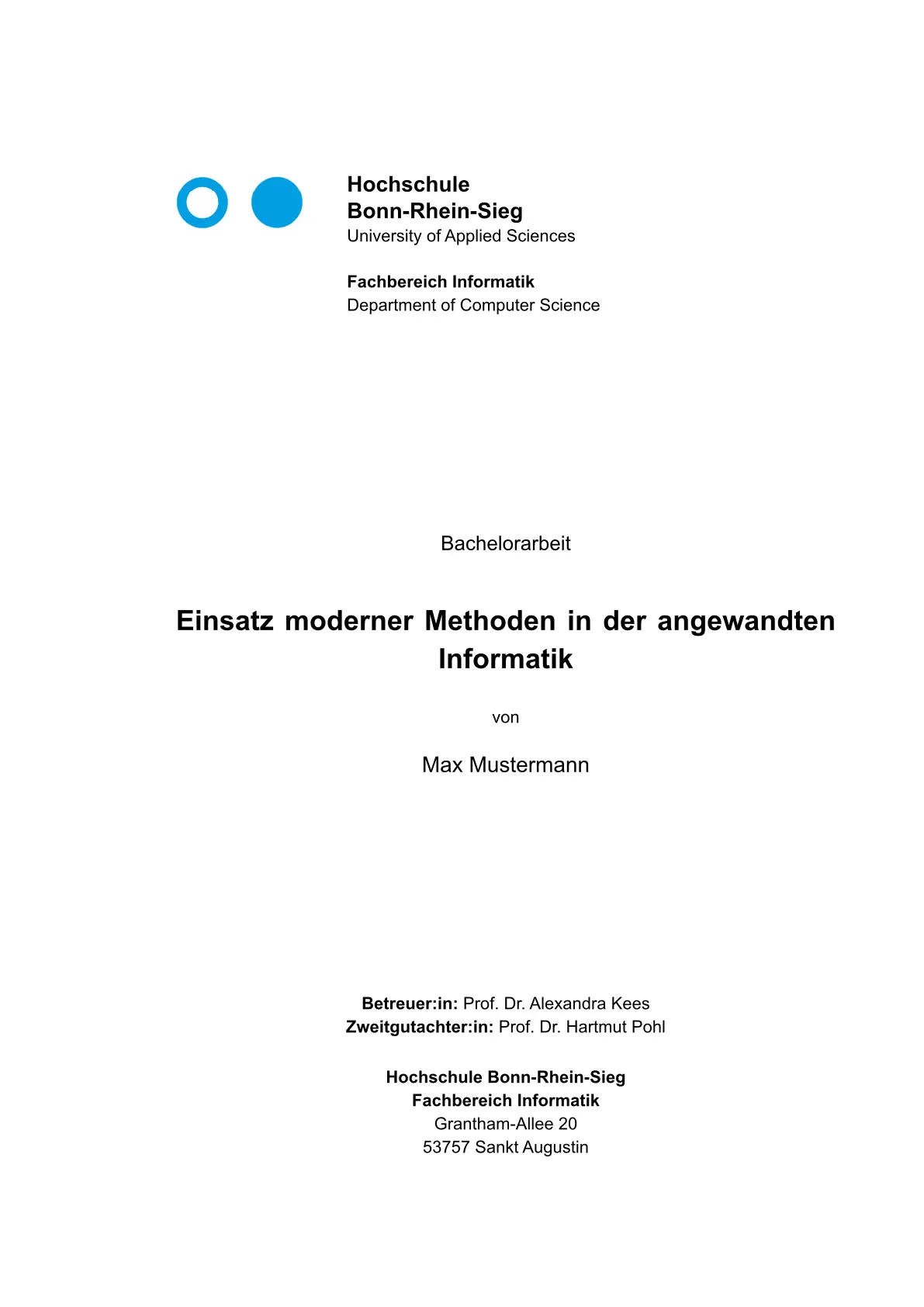
Thesis template for Hochschule Bonn-Rhein-Sieg, based on Regeln für wissenschaftliche Arbeiten v9.2.1.
Minimal Example
#import "@preview/h-brs-thesis-unofficial:0.1.2": template

#show: template.with(
  title: "Titel der Arbeit",
  authors: "Max Mustermann",
  type-of-work: "Bachelorarbeit",
  date: "01. Januar 2026",
)

= Einleitung

Text...
Authors
A single author is passed as a string:
authors: "Max Mustermann",
Multiple authors are passed as an array:
authors: ("Max Mustermann", "Erika Musterfrau"),
Info
info accepts an array of (label, value) pairs and is rendered on the title page below the author list.
info: (
  ("Betreuer:in", "Prof. Dr. Erika Musterfrau"),
  ("Zweitgutachter:in", "Prof. Dr. Max Mustermann"),
),
Other Departments
The template is primarily aimed at the computer science department (Fachbereich Informatik), but works for any department by overriding the department and department-en parameters.
#show: template.with(
  // ...
  department: "Fachbereich Wirtschaftswissenschaften",
  department-en: "Department of Business Administration and Economics",
)
Language
The template defaults to German (lang: "de"). Set lang: "en" for an English thesis — all front matter labels (table of contents, list of figures, list of abbreviations, bibliography, statutory declaration) switch to English automatically, and hyphenation is adjusted accordingly.
#show: template.with(
  title: "My Thesis",
  authors: "Jane Doe",
  type-of-work: "Bachelor Thesis",
  date: "March 1, 2026",
  lang: "en",
)
Declaration
Set show-declaration: true to include a statutory declaration (Eidesstattliche Erklärung) in the front matter:
#show: template.with(
  // ...
  show-declaration: true,
)
List of Figures
Set print-list-of-figures: true to include the Abbildungsverzeichnis in the front matter. Use figure with kind: image (the default when wrapping an image()) and a caption:
#figure(
  image("diagram.png"),
  caption: [System architecture overview],
) <fig-architecture>
Header Title
By default, the page header displays the document title. Use header-title to override this behavior.
Short title — useful when the full title is too long for the header:
#show: template.with(
  title: "A Very Long and Descriptive Title That Does Not Fit in the Header",
  header-title: "Short Title",
  // ...
)
Hide the header — pass none or an empty string:
header-title: none,
Abbreviations
Abbreviations are managed by the abbr package.
Create an abbr.csv file
Each row defines one abbreviation:
API,Application Programming Interface
CSV,Comma-Separated Values
HTTP,Hypertext Transfer Protocol
REST,Representational State Transfer
Format per row:
short,long— singular only; plural defaults to appending “s”short,long,long-plural— explicit plural form
Pass the file contents to the template
#show: template.with(
  abbr-csv-content: read("abbr.csv"),
  // ...
)
The template loads all abbreviations and expands them on first use in the body. Set print-abbreviations: true to render the Abkürzungsverzeichnis in the front matter.
3. Use abbreviations in the document
The @API is the primary interface.   // → "Application Programming Interface (API)" on first use
                                      // → "API" on subsequent uses

@API:s    // short form: "API"
@API:l    // long form: "Application Programming Interface (API)"
See the abbr package documentation for the full reference.
Font
The Regeln für wissenschaftliche Arbeiten specify Arial as the font. Because Arial is a proprietary typeface not bundled with Typst, this template uses Liberation Sans by default — a metrically compatible open-source alternative.
If Arial (or any other font) is available in your Typst environment, you can set it explicitly via the font parameter:
#show: template.with(
  // ...
  font: "Arial",
)
Credits
H-BRS Logo
Derived from HochschuleB-R-S.svg by Hochschule Bonn-Rhein-Sieg, available on Wikimedia Commons.
DIN 1505-2 Citation Style
din-1505-2.csl is sourced from the Zotero Style Repository.
- Author: Sven Rothe (mmoole@googlemail.com)
- Contributor: Julian Onions (julian.onions@gmail.com)
- License: Creative Commons Attribution-ShareAlike 3.0