Officially affiliated
GIBZ Template Package
A template package providing reusable components for teaching and learning material at GIBZ.
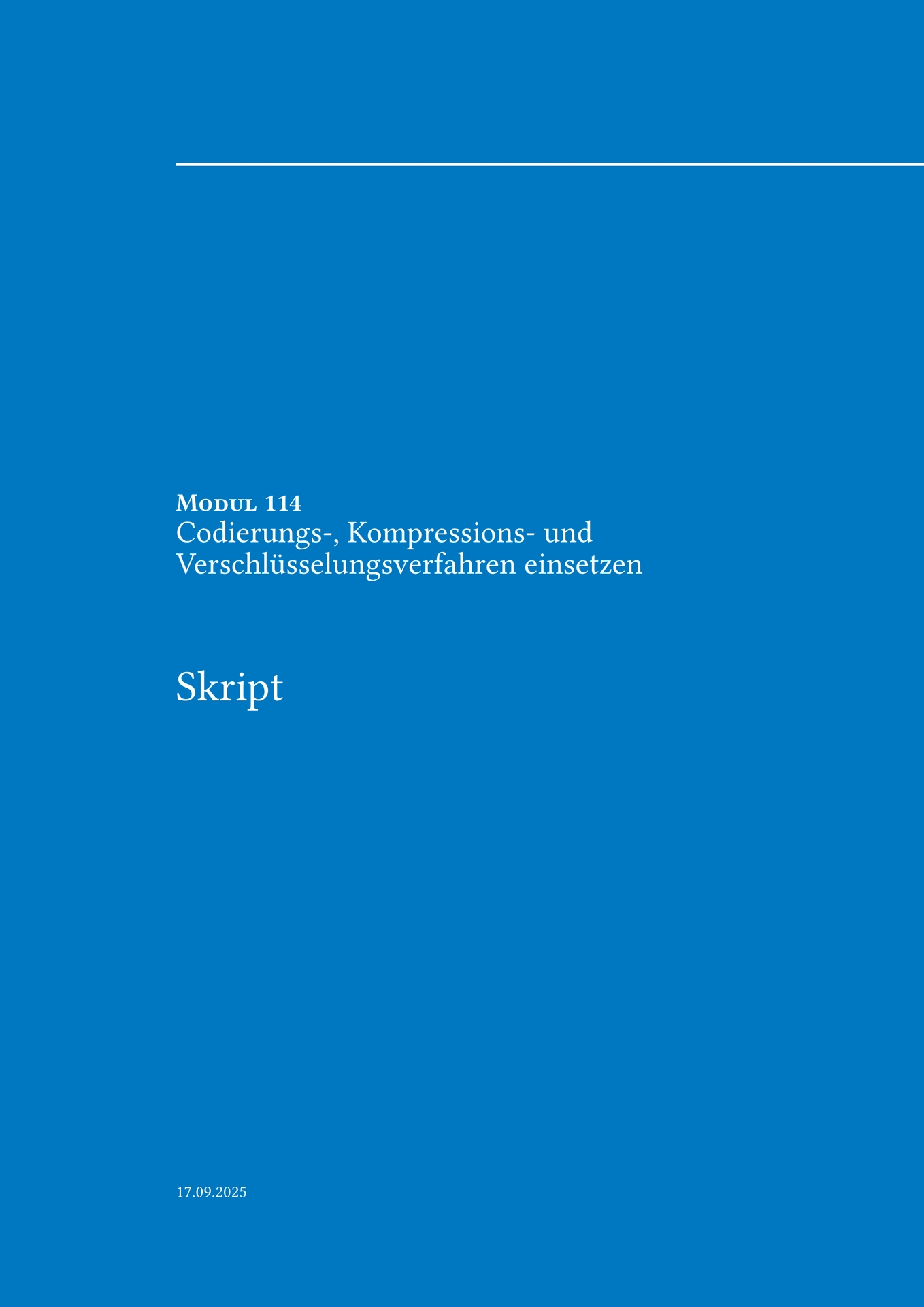
It comes with a configurable document setup (gibz-script) and a collection of styled components such as tasks, hints, supplementary material, and more.
Features
- 📄 Configurable document layout with title page, table of contents, and headers/footers.
- 📝 Compact sheet layout (
gibz-sheet) for exercise sheets and handouts — same styling, no title page or table of contents. - 🎨 Consistent styling through a
base_boxandicon_boxsystem. - ✏️ Task component with badges for time, social form, results recording, and evaluation.
- 💡 Hint, ❓ Question, 🎬 Video, 📖 Supplementary Material boxes.
- 🔳 Black code box for highlighting code snippets.
- 🌍 Built-in i18n (currently German and English).
- 🧩 Exposed via a flat prefixed API (
gibz-task,gibz-hint, …) and an optionalGIBZnamespace.
Quick Start
Create a new project from this template in the Typst CLI:
typst init @preview/gibz-script:0.2.0
Or in the Typst web app:
New → From Template → GIBZ.
Usage
Import the flat API (recommended)
#import "@preview/gibz-script:0.2.0": *

#show: gibz-script.with(
  moduleNumber: 114,
  moduleTitle: "Codierungs-, Kompressions- und Verschlüsselungsverfahren einsetzen",
  documentTitle: "Skript",
  language: "de",
)

#gibz-hint("Dieses Skript wurde mit Typst geschrieben :-)")
#gibz-supplementary([Cheat Sheet])
Or use the namespaced API
#import "@preview/gibz-script:0.2.0": GIBZ

#show: GIBZ.script.with(
  moduleNumber: 114,
  moduleTitle: "Codierungs-, Kompressions- und Verschlüsselungsverfahren einsetzen",
  documentTitle: "Skript",
  language: "de",
)

#GIBZ.hint("Dieses Skript wurde mit Typst geschrieben :-)")
#GIBZ.supplementary([Cheat Sheet])
Short documents (gibz-sheet)
For exercise sheets, handouts, or anything too short to need a title page and table of contents, use gibz-sheet instead of gibz-script. It shares the exact same typography, page header/footer, and components — it just starts directly with the content on page 1 with a compact inline title, and section headings no longer force a page break between them.
#import "@preview/gibz-script:0.2.0": *

#show: gibz-sheet.with(
  moduleNumber: 114,
  moduleTitle: "Codierungs-, Kompressions- und Verschlüsselungsverfahren einsetzen",
  documentTitle: "Übungsblatt 3",
  language: "de",
)

= Aufgabe 1

#gibz-task("Kleine Aufgabe", minutes: 10, social: 1)[
  Schreibe eine Funktion, die zwei Zahlen addiert.
]
Or via the namespaced API: #show: GIBZ.sheet.with(...).
API Reference
Configuration
gibz-script(moduleNumber, moduleTitle, documentTitle, language, doc)
Wraps your document with title page, table of contents, headers/footers, and base styles.gibz-sheet(moduleNumber, moduleTitle, documentTitle, language, doc)
Same styling asgibz-script, but without the title page or table of contents — content starts immediately on page 1. Intended for short documents like exercise sheets.
Components
gibz-task(...)– exercise/task box with time, social form, recording, evaluation.gibz-hint(content)– hint box with 💡 icon.gibz-question(question, task: none)– question box with ❓ icon, optional task description.gibz-video(url, title, description: none)– video reference with 🎬 icon.gibz-supplementary(body, title: none)– supplementary material box with 📖 icon.gibz-warning(content)– warning box.gibz-black-code-box(body, codly-opts: (:), box-opts: (:))– code box with dark background.gibz-ipa-criterion(...)– IPA grading criterion box.
Utilities
gibz-base-box(body, style: (:))– low-level styled container.gibz-icon-box(icon, content, style: (:))– container with icon + content layout.gibz-icon-moodle,gibz-icon-script,gibz-icon-exercise– bundled icons.gibz-colors.blue– standard accent color.gibz-t(key, lang: none)– translation lookup (DE/EN).
Fonts
Body text uses Libertinus Serif, which ships with the Typst compiler itself and needs no setup.
Headings, table headers, and page furniture use a sans-serif with an automatic fallback chain, in order: Inter → Helvetica Neue → Helvetica → Arial → Liberation Sans → DejaVu Sans → Noto Sans. Whichever of these is installed first wins — nothing needs to be configured.
Recommended: install Inter system-wide for the best result — packages can’t bundle font files, so grab it yourself and point your tool at it (e.g. --font-path <path-to-inter> on the CLI, or the tinymist.fontPaths setting in VS Code). Without Inter installed or configured, headings automatically fall back to the next available sans-serif on your system — still a clean sans/serif contrast with the body text, just a different typeface.
Localization
The package supports German (de) and English (en) for static labels (e.g., Exercise, Supplementary Material, Table of Contents).
The language is set via gibz-script(language: "de" | "en").
License
This package is licensed under the MIT-0 License, allowing reuse with minimal restrictions.
Contributing
Issues and pull requests are welcome!
The source is maintained on GitLab, with mirrored contributions published to Typst Universe.