Create project in app
English 简体中文
A Typst document template designed specifically for Chinese typography, suitable for quick start recording and providing highly customizable parameter settings.
Usage
Use this template with the following command:
typst init @preview/gakusyun-doc:1.0.0
Then open the generated project in Typst to start writing.
Quick Start
Basic Usage
The template is pre-configured with common settings. You only need to add the following content at the beginning of the document to start writing:
#import "@preview/gakusyun-doc:1.0.0": *
#show: docu.with(
  title: "Your Document Title",
  author: "Your Name",
)
Parameter Explanation
title: Titlesubtitle: Subtitleauthor: Author, supports using an array("author1", "author2")to set multiple authors
Font Settings
cjk-font: CJK font nameemph-cjk-font: CJK emphasis font (italic, etc.), defaults to “楷体”latin-font: Latin font namemono-font: Monospace font namedefault-size: Default font size, supports CJK font sizes (small four, five, etc.)
Page Settings
paper: Paper size (a4, a5, letter, etc.)column: Number of columns in the main text (1 or 2)margin: Page margins
Document Structure
title-page: Whether to create an independent title pageblank-page: Whether to add a blank page after the title pageshow-index: Whether to display the table of contentsindex-page: Whether the table of contents starts on a new pagecolumn-of-index: Number of columns in the table of contents
English Typography
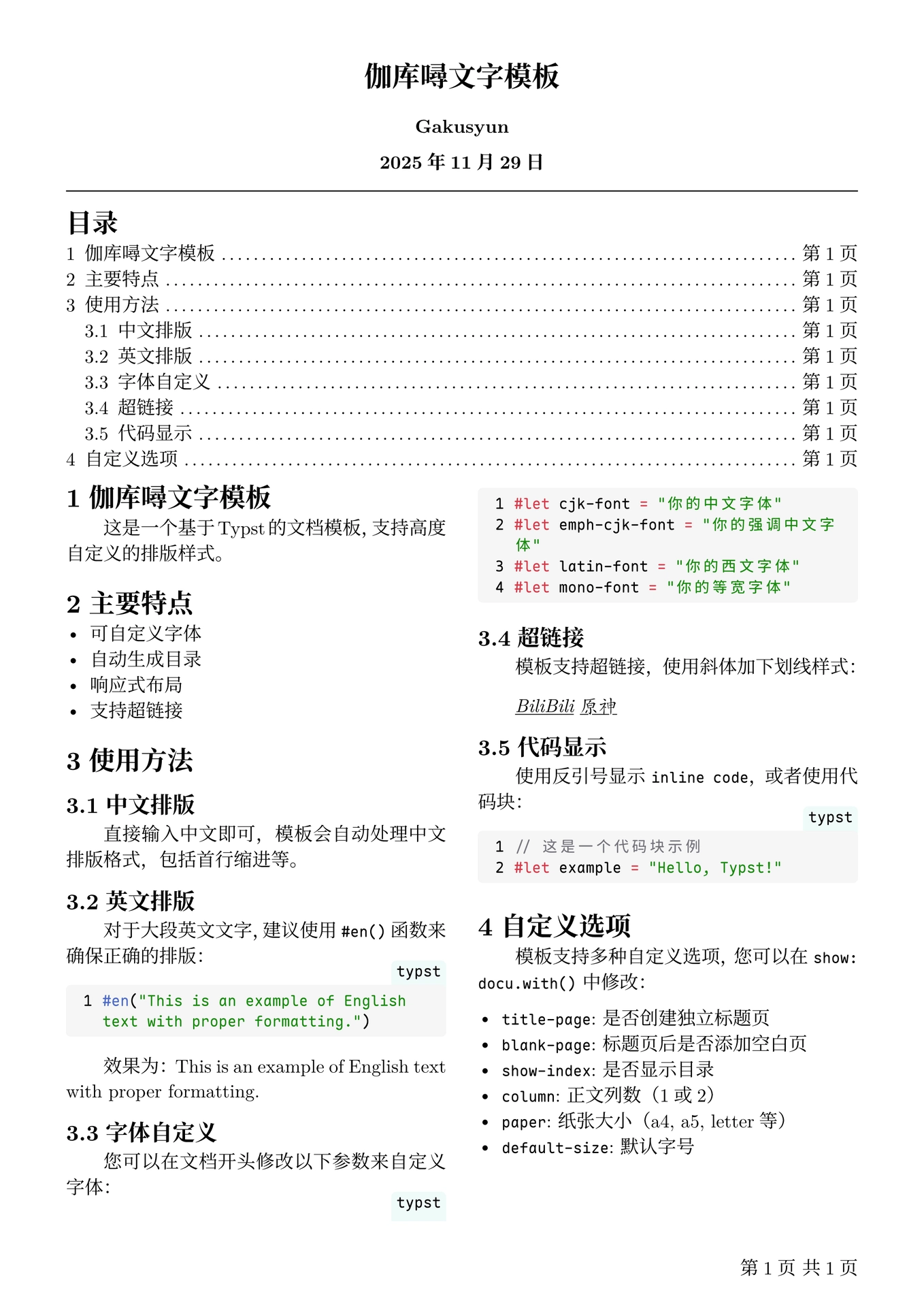
For English content, it is recommended to use the #en() function:
#en("This is English text with proper formatting.")
This ensures proper formatting of English content.
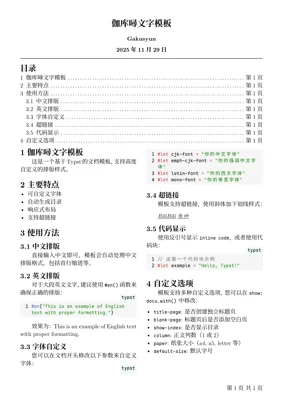
Example Effect

License
This project is licensed under the MIT license.
Contribution
Feel free to submit bug reports and feature suggestions. If you want to contribute code, please:
- Fork this project
- Create a feature branch
- Commit your changes
- Create a Pull Request