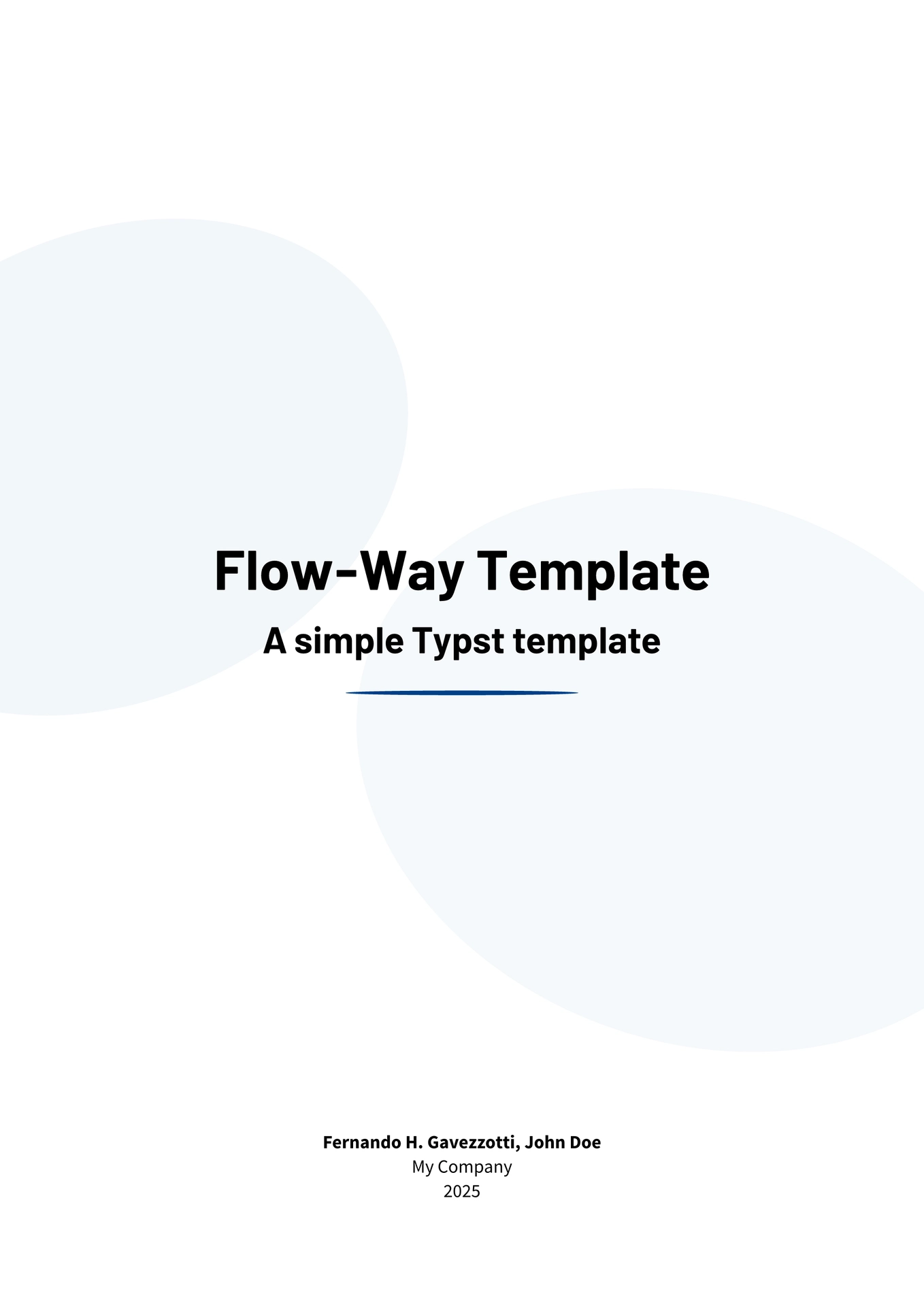
Flow-Way is a simple Typst template for creating modern documents, reports and notes with a clean design.
Getting Started
You can start using this template using the Typst CLI command:
typst init @preview/flow-way:0.2.0
This will create a new Typst project with the Flow-Way template. You can then edit the main.typ file to customize your document.
Alternatively, you can create a new Typst file and import Flow-Way manually:
#import "@preview/flow-way:0.2.0": *

#show: flow.with(
  title: "My Document Title",
  subtitle: "An optional subtitle",
  authors: ("Author One", "Author Two"),
  affiliation: "My Company",
  year: 2025,
  logo: image("path/to/logo.png"),
  toc: true,
  toc-depth: 3
)
You can view a compiled pdf example of the template here.
Fonts
This template uses the following open-source fonts:
- Source Sans Pro for the body text.
- Barlow for headings.
- CMU Typewriter Text for inline code and code blocks.
You can download them from here.
Documentation
For detailed instructions on how to use and customize this template, please refer to the official documentation.
Contributing
Contributions are welcome. If you find any issues or have suggestions for improvements, please open an issue or submit a pull request on the GitHub repository.
Local Installation
If you want to install the template locally or contribute to the project, here are some steps to get you started:
- Clone the repository.
- Install
typst(if you haven’t already),tytanicandjust. - Install the required fonts. If you are using Linux, you can run
just install-fontsto install them automatically. - Run
just installto install the template in the@localnamespace andjust install-previewto install it in the@previewone.