Create project in app
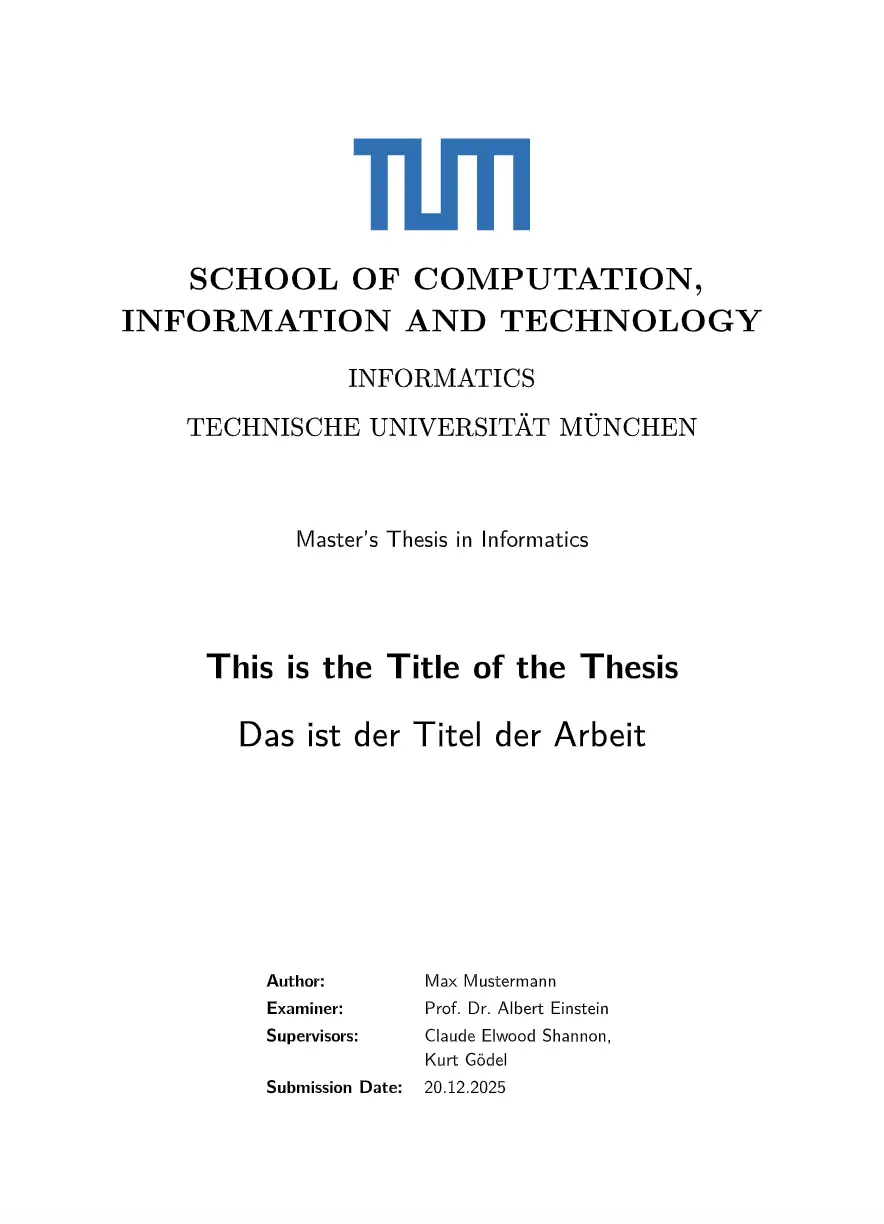
This is a Typst template for a thesis at TU Munich. I made it for my thesis in the School CIT, but I think it can be adapted to other schools as well.
Usage
You can use this template in the Typst web app by clicking “Start from template”
on the dashboard and searching for exzellenz-tum-thesis.
Alternatively, you can use the CLI to kick this project off using the command
typst init @preview/exzellenz-tum-thesis
Typst will create a new directory with all the files needed to get you started.
Configuration
This template exports the exzellenz-tum-thesis function with the following named arguments:
degree: String - e.g. Bachelor, Masterprogram: String - e.g. Informatics, Electrical Engineeringschool: String - e.g. School of Computation, Information and Technologyexaminer: String - Your TUM professorsupervisors: Array of Strings - The official advisors and supervisorsauthor: Stringtitle-en: Stringtitle-de: Stringabstract-text: Content blockacknowledgements: Content block - optional, if you have thanks to givesubmission-date: Stringshow-title-in-header: Boolean - Should author and title appear in the header of each content page?draft: Boolean - Set to false when finalizing the thesis
The template will initialize your package with a sample call to the exzellenz-tum-thesis function.