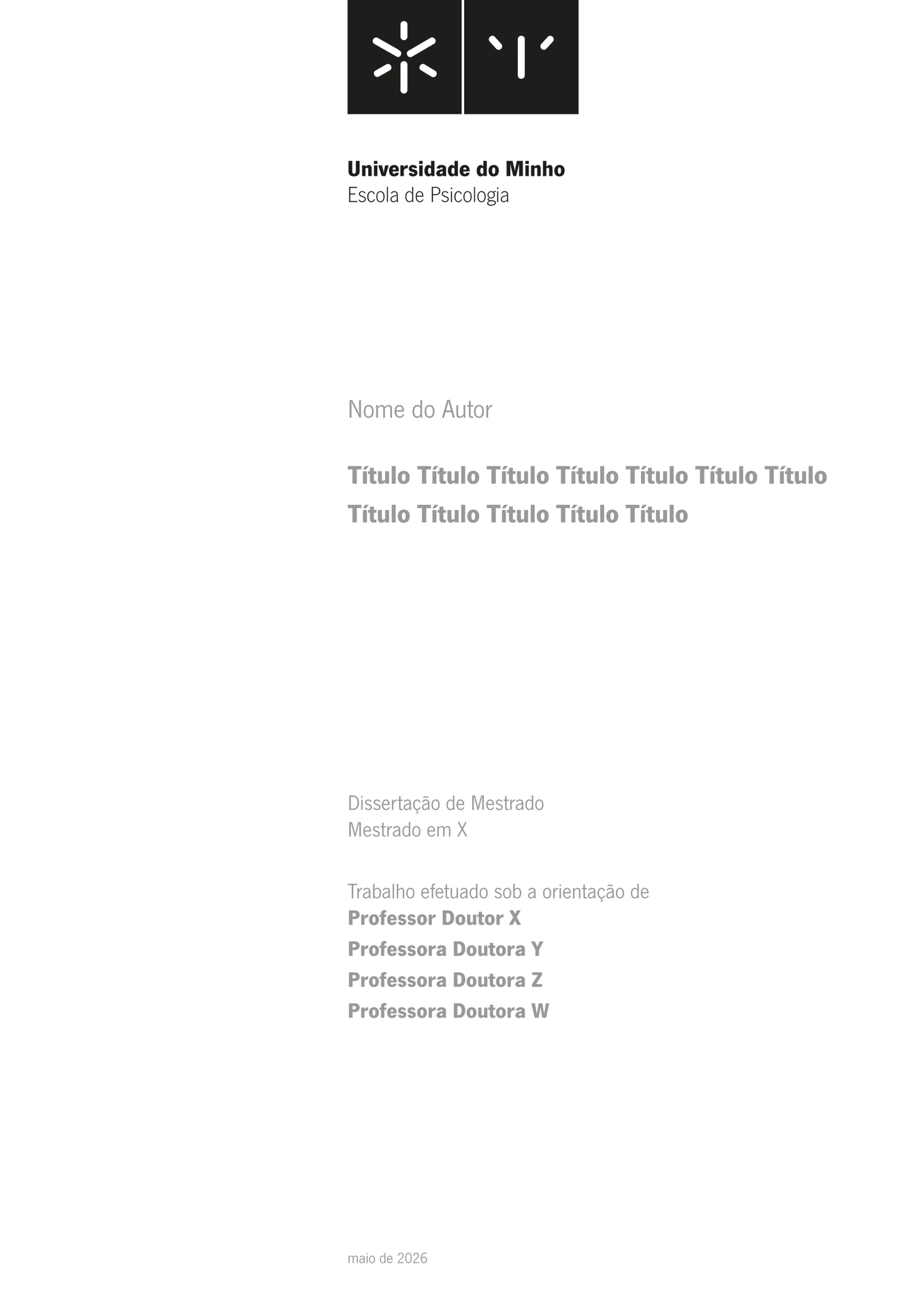
Officially affiliated
Thesis template for the University of Minho (UMinho), originally developed for Escola de Psicologia; suitable for Master’s and PhD theses in Portuguese or English and supports all 12 schools of UMinho.
Quick Start
Typst Web App — click Start from template and search for epsi-thesis.
CLI:
typst init @preview/epsi-thesis:0.1.0 my-thesis
cd my-thesis
typst compile --font-path assets/fonts main.typ
Configuration
The file main.typ contains all options with explanatory comments. The main parameters are:
| Parameter | Description |
|---|---|
title |
Thesis title |
author |
Author name |
degree_type |
"msc" or "phd" |
school_id |
School identifier (see table below) |
supervisors |
List of supervisors |
language |
"PT" or "EN" |
Schools (school_id)
| ID | School |
|---|---|
EAAD |
Escola de Arquitetura, Arte e Design |
EC |
Escola de Ciências |
ED |
Escola de Direito |
EE |
Escola de Engenharia |
EEG |
Escola de Economia e Gestão |
ELACH |
Escola de Letras, Artes e Ciências Humanas |
EM |
Escola de Medicina |
EP |
Escola de Psicologia |
ESE |
Escola Superior de Enfermagem |
I3Bs |
Instituto de Investigação em Biomateriais, Biodegradáveis e Biomiméticos |
ICS |
Instituto de Ciências Sociais |
IE |
Instituto de Educação |
Font
This template uses the NewsGotT font. Due to licensing and Typst Universe rules, the font files are not included in the package.
For Typst Web App:
- Download the
.ttffont files (https://www.ics.uminho.pt/pt/Comunicacao/Documents/NewsGotT.zip). - Create a
fontsfolder. - Upload the files directly to your project’s
fontsfolder in Typst. - Typst will detect the font automatically.
For CLI:
Install the font on your system or use the --font-path parameter pointing to the folder where you saved the files.
License
MIT — Luís Cunha
The logos in assets/UMinho are the property of Universidade do Minho and are not covered by the MIT license. These logos are subject to the university copyright; consult Universidade do Minho for permissions.