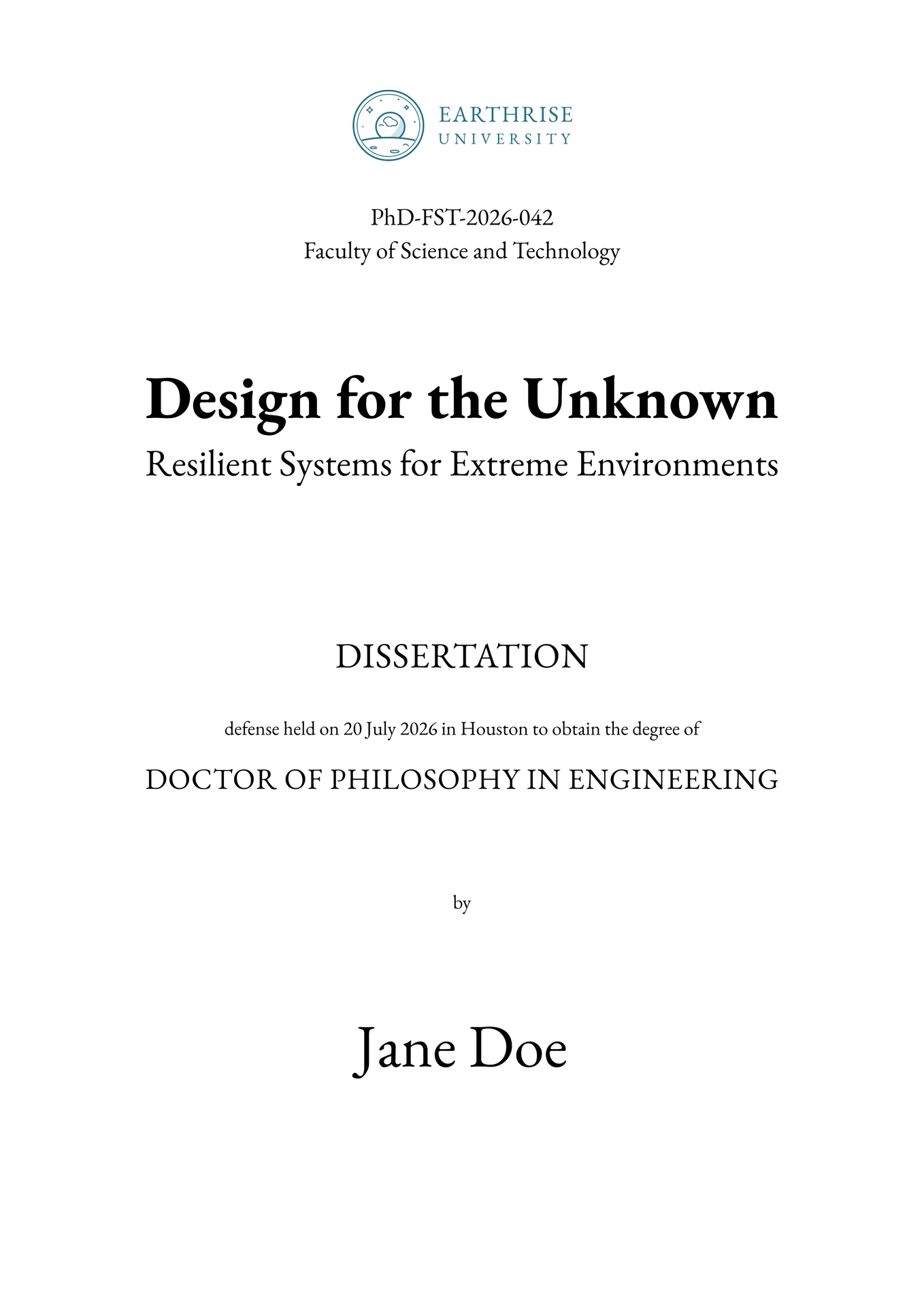
A Typst template for doctoral theses. It builds two editions of the same A4 document: one to print and bind, one to read on screen. It was made for the thesis Robot Learning Beyond Earth: Enabling Adaptive Autonomy in Space.
The template is not affiliated with any university. Before you submit, confirm with your doctoral school that it meets their requirements.
Start a thesis
In the Typst web app: create a project from the earthrise-thesis template. It compiles as you type.
On the command line:
-
Install Typst 0.15.0 or newer.
-
Create the project:
typst init @preview/earthrise-thesis:0.1.0 my-thesis -
Optionally, add the fonts to
my-thesis/fonts/. Without them, Typst warns and falls back to its own fonts. -
Compile both editions:
cd my-thesis
typst compile --font-path fonts thesis.typ
typst compile --font-path fonts --input edition=print thesis.typ thesis_print.pdf
Next: replace the example data in thesis.typ, such as the title, the names and the logo on the cover. The parameters below explain every argument.
What it provides
- Two editions of the same document:
- print: mirrored margins, wider on the outer edge, every chapter opens on a right-hand page, and the empty left-hand pages this leaves stay blank
- digital: symmetric margins and no blank pages, for reading on screen
- Title matter: cover and back cover, affidavit, preface with the supervisors and the defense committee, epigraph
- Front matter: abstract and acknowledgements, lists of contents, figures, tables and listings, glossary, list of publications; running headers throughout
- Writing aids: theorem environments, CSV tables, code listings, subfigures, TODO notes, advisor feedback, signature fields
--input edition=print selects the print edition: thesis.typ reads it from sys.inputs and sets physical-copy.
Fonts
The template is set in EB Garamond with Monaspace Argon for code, both under the SIL Open Font License.
- Command line: put the font files in
fonts/and pass--font-path fonts - Web app: upload the font files to the project
- Other fonts: pass
body-font,heading-fontandraw-fonttothesis
Parameters
Apply thesis with a show rule, then write the chapters below it:
#import "@preview/earthrise-thesis:0.1.0": *

#show: thesis.with(
  title: "Design for the Unknown",
  author: "Jane Doe",
  degree: "DOCTOR OF PHILOSOPHY",
  degree-subject: "IN ENGINEERING",
  physical-copy: sys.inputs.at("edition", default: "digital") == "print",
)

= Introduction
Every argument is optional. A default in angle brackets, such as "<title>", is a placeholder printed as is; none leaves the element out.
Cover:
| Parameter | Default | Content |
|---|---|---|
title, subtitle |
"<title>", none |
Title and subtitle, also written to the PDF metadata |
author, cover-author |
"<author>", none |
Author; cover-author replaces the name on the cover only |
degree, degree-subject |
"<degree>", none |
Degree and subject, such as "DOCTOR OF PHILOSOPHY" and "IN PHYSICS" |
department |
"<department>" |
Printed in place of degree-subject when that is none |
doc-id, faculty |
"<document ID>", "<faculty>" |
Document number and faculty, at the top of the cover |
Dates and people:
| Parameter | Default | Content |
|---|---|---|
date, date-format |
today, "[day padding:none] [month repr:long] [year]" |
Date of the document, and the format of every date |
defense-date, defense-location |
date, "" |
Defense date and place, on the cover |
supervisors, cosupervisors |
one placeholder, none |
Arrays of (title: ..., name: ...), listed on the preface page |
committee |
one placeholder | Defense committee, in the same form |
preface |
none |
Text of the preface page, above the names |
Front matter:
| Parameter | Default | Content |
|---|---|---|
affidavit |
none |
Declaration of authorship, in the words your university requires |
epigraph |
none |
Quotation on a page of its own |
abstract, acknowledgements |
none |
Text of each section |
figure-index, table-index, listing-index |
true |
Whether to list the figures, tables and listings; a list without entries is left out |
References:
| Parameter | Default | Content |
|---|---|---|
bibliography |
none |
A bibliography(...) call; printed after the last chapter |
publications |
none |
Array of (key: ..., text: [...]), each with an optional group and status; cite one as @pub:<key> |
glossary |
none |
Array of (key: ..., short: ..., long: ...), each with an optional group; cite one as @<key>; only cited entries are listed |
glossary-group-order |
none |
Order of the glossary groups; alphabetical when none |
appendix |
[] |
Appendix chapters, printed after the bibliography |
Layout:
| Parameter | Default | Content |
|---|---|---|
physical-copy |
false |
true for the print edition |
accent |
accent-color, a dark teal |
Color of the running headers and chapter markers |
chapter-opener |
none |
Function that takes a chapter number and returns a graphic to show beside it; without it, or where it returns none, and on appendix chapters, an Earth rising over a horizon shows instead |
body-font, heading-font, raw-font |
EB Garamond, EB Garamond, Monaspace Argon | Fonts of the text, the headings and the code |
Page backgrounds, each drawn behind its whole page, such as a logo placed with place:
| Parameter | Default | Page |
|---|---|---|
front-img |
none |
Cover |
affidavit-img |
none |
Affidavit |
back-img |
none |
Back cover; the digital edition has a back cover only with this image |
The package also exports the theorem environments theorem, corollary, definition, lemma, example and proof, the helpers csv-table and code-block, the states in-appendix and in-outline, which tell whether content is in the appendix or in a list such as the list of figures, and the palette accent-color, secondary-color and muted-color with their tints accent-light, secondary-light and muted-light. It also re-exports everything from the packages it builds on, codly, ctheorems and physica, as well as subpar, format-table from zero, and gls and glspl for abbreviations. Its upper and smallcaps add letter spacing to the built-in functions of the same name.